
Gemini AI Review: Google's Best AI Assistant
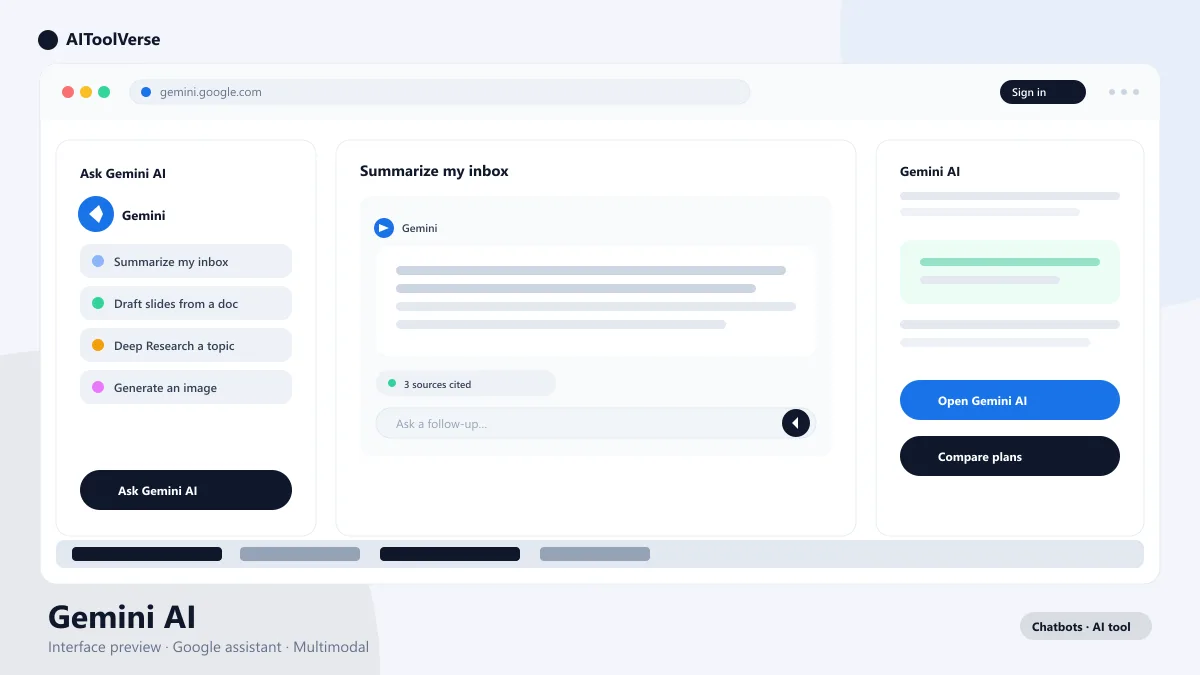
ChatbotsFreemiumGoogle's Gemini AI assistant is built into Gmail, Docs, Search, and Android, with real-time answers, a 1M-token context, and Deep Research features.
What Is Gemini AI?
How to Use Gemini AI
- Sign in with a Google account and start asking
- Pick Flash for speed or Pro for deep reasoning
- Use it inside Gmail, Docs, and Drive for grounded answers
- Upload images, PDFs, and audio for multimodal analysis
Why Use Gemini AI for Research & Productivity?
Best Gemini AI Prompts for Research & Writing
- Ask for cited sources and links
- Set a word count and structure up front
- Name the audience to control tone
- Use Deep Research for multi-source reports
Gemini AI for Coding and Analysis
- Paste large files thanks to the 1M-token window
- Ask for architecture explanations before edits
- Upload spreadsheets for grounded analysis
- Request tests and refactors in the same thread
Tips to Get Better Gemini AI Answers
- Mention your Drive, Gmail, or a specific site to ground answers
- Switch models from Flash to Pro for hard problems
- Use Deep Think on AI Ultra for multi-step reasoning
- Correct mistakes in-thread to keep context
Gemini AI Pricing — Free vs AI Pro vs AI Ultra
Compare Plans & Pricing
Free tier; Google AI Pro $19.99/mo; Google AI Ultra from $99.99/mo
Free
The everyday Gemini assistant with standard usage limits.
- Gemini 3 Flash access
- Real-time Google Search
- Web & mobile apps
- Image and voice input
Google AI Pro
Advanced models and higher usage limits.
- 4x higher usage limits
- 1M-token context window
- Gemini 3.1 Pro & Deep Research
- Gemini in Gmail, Docs & Sheets
Google AI Ultra
Google's most advanced AI for power users.
- 5x higher limits than AI Pro
- Deep Think reasoning mode
- Video generation with Omni
- Priority access to new features
Gemini AI vs ChatGPT vs Claude
Pros and Cons
Pros
- Native integration with Gmail, Docs & Android
- Real-time answers backed by Google Search
- 1M-token context on AI Pro & Ultra
- Multimodal: text, image, video, audio, code
Cons
- Free tier context limited to 32K tokens
- Data shared across Google services
- Some features region-locked or US-only
- Answers don't always cite sources
Best For
Recommended use cases and scenarios where Gemini shines.
Frequently Asked Questions
Common questions about Gemini, answered.
Is Gemini AI free to use?
Yes. Gemini has a free tier with standard usage limits and a 32K-token context window. Google AI Pro costs $19.99 per month for 4x limits and a 1M-token window, and Google AI Ultra starts at $99.99 per month.
How big is the Gemini context window?
Free users get 32K tokens per conversation, and Google AI Pro and Ultra unlock a 1 million-token context window — enough to analyze entire documents or codebases in a single chat.
Is Gemini available on Android and iPhone?
Yes. It is a standalone app on both platforms and can be set as the default assistant on Android, replacing Google Assistant.
How does Gemini compare to ChatGPT?
Gemini stands out for its integration with Google apps, real-time search, and 1M-token context. ChatGPT counters with a larger ecosystem of custom GPTs and plugins. The best pick usually comes down to which apps you already live in.
Can Gemini generate images and videos?
Yes. Paid plans include image generation and editing with the Nano Banana models and video generation through Omni and Veo, all available in the mobile app.
Reviews & Ratings
Loading reviews...
Explore More Chatbots Tools
Browse the full AI Tools Vault directory to compare Gemini with every chatbots tool, or line up your shortlist side by side.
Similar Tools
More Chatbots tools you might like

ChatGPT
OpenAI's flagship conversational AI for writing, coding, analysis, and creative tasks. ChatGPT answers questions, writes content, and analyzes files in one place.

Microsoft Copilot
Microsoft's AI assistant built into Windows 11, Edge, and Microsoft 365 for chat, writing, research, and everyday productivity.

Guides & Articles about Gemini
Read our detailed reviews and comparisons covering Gemini
 Guides & How-To
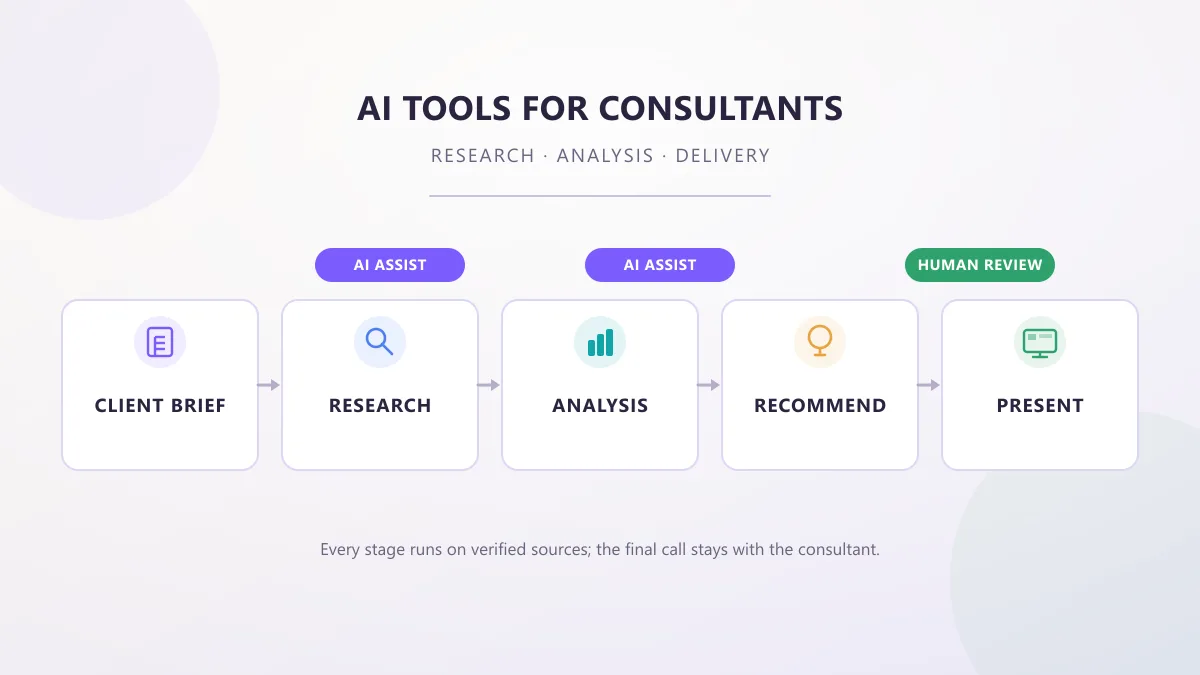
AI Tools for Consultants: Research, Analysis & Delivery
AI tools for consultants in 2026, organized by the work a consultant actually does — research, analysis, proposals, meetings, and decks — with practical prompts, workflows, and client-data checks.
 AI Tools Vault Team
 Guides & How-To
Best Free AI Tools for Teachers in 2026
The best free AI tools for teachers in 2026, with verified free tiers, real limits, eligibility rules, and a classroom workflow you can actually follow.
AI Tools Vault Team Guides & How-To
AI Tools for Job Seekers: What Actually Helps in 2026
The AI tools for job seekers actually worth using in 2026 — practical steps for tailoring resumes, practicing interviews, and tracking applications.
AI Tools Vault Team