Skip to content
ChatGPT Chatbots AI tool logo

ChatGPT AI Review: Features, Pricing & Alternatives

ChatbotsFreemium
Best for: General conversations & writing

OpenAI's flagship conversational AI for writing, coding, analysis, and creative tasks. ChatGPT answers questions, writes content, and analyzes files in one place.
4.8(28.4k)
Founded 2022
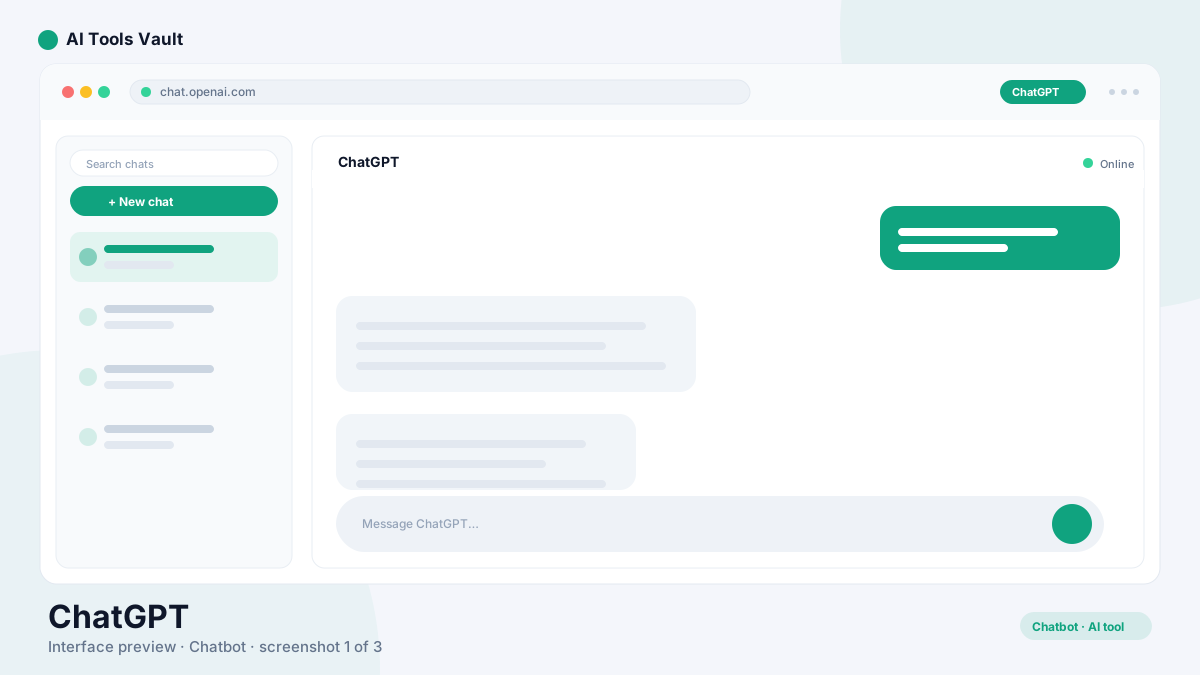
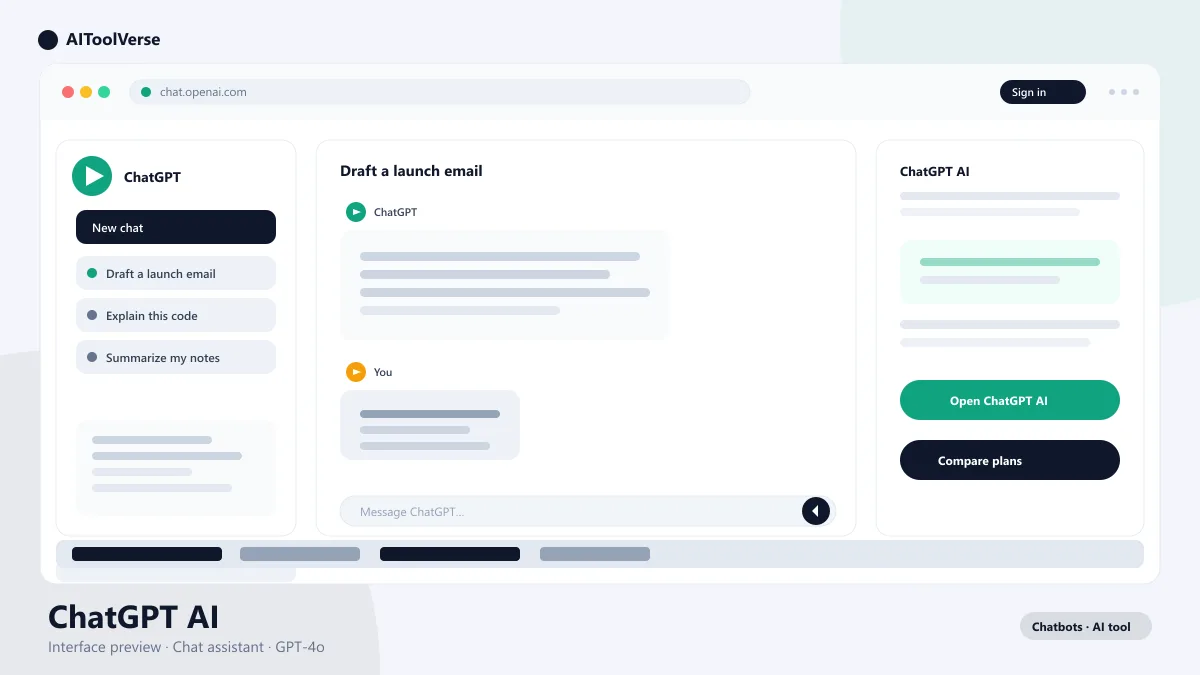
ChatGPT AI dashboard interface showing a chat conversation

What Is ChatGPT AI?

ChatGPT AI is OpenAI's flagship artificial intelligence assistant, launched in November 2022 and powered by the GPT family of large language models. It answers questions, writes content, writes and debugs code, analyzes uploaded files, and generates images through an intuitive chat interface. What started as a research demo has become the most widely used AI product on the internet.
Today, ChatGPT is embedded in OpenAI's consumer apps, Microsoft Copilot, and thousands of third-party tools. It handles everything from casual conversation and homework help to enterprise-grade document analysis and software development, making it the default choice for anyone who wants a single AI assistant for work and life.

How to Use ChatGPT AI

Getting started with ChatGPT takes seconds. Open the app or website, create a free account, and start typing a question. The chat interface keeps context across the whole conversation, so you can refine answers, ask follow-ups, and paste files without starting over.
The best workflow is iterative: ask a broad question, read the answer, then narrow it with specifics. For writing, paste your draft and ask for edits. For research, upload a document and ask for a summary. For code, describe the task and let it generate, then request tests and refactors in the same thread.
  • Start with a clear question, then refine with follow-ups
  • Upload files for analysis and summaries
  • Generate, then iterate in the same conversation
  • Use voice mode when you want hands-free answers

Why Use ChatGPT AI for Work & Creative Tasks?

The strength of ChatGPT is breadth: one subscription covers writing, coding, data analysis, image generation, and research. You never switch tools for a different task, and context carries between them. A developer can plan architecture, generate code, debug it, and write documentation in a single session.
It also learns your style as you correct it. The model adapts to your tone, your frameworks, and your preferences over a conversation, which makes the output steadily more useful the longer you work with it.

Best ChatGPT AI Prompts for Writing

The best ChatGPT writing prompts name the audience, the format, and the tone up front. Vague requests produce generic copy; specific ones produce work you can publish.
"Rewrite this introduction for a B2B SaaS audience in a confident, plain-English tone, under 100 words, with a clear hook." Adding constraints on length, tone, and audience is the single biggest quality lever in ChatGPT.
  • Name the audience and the desired tone
  • Set length limits to keep answers focused
  • Ask for a structure, then fill in each part
  • Request alternatives and pick the best one

ChatGPT AI for Coding and Analysis

ChatGPT is a genuine pair programmer. Paste the error, paste the function, and ask what is wrong; it explains the cause and shows the fix. For larger work, describe the feature and the constraints, and it will scaffold code you can then review and refine.
The data analysis skills are equally useful. Upload a spreadsheet or export, describe the question you want answered, and it will clean the data, run calculations, and explain the results in plain language — no spreadsheet formulas required.
  • Paste errors directly and ask for the fix with context
  • Describe features at the module level for better architecture
  • Upload CSVs for analysis and summaries
  • Ask for tests alongside generated code

Tips to Get Better ChatGPT AI Answers

The quality of the answer depends on the quality of the question. Give ChatGPT a role, a task, and a format: "You are a senior editor. Critique this draft for clarity and suggest three concrete edits." Role prompts reliably produce sharper, more focused responses.
Break big requests into steps instead of one giant prompt, and always ask for specific, checkable outputs. When an answer is wrong, tell it what is wrong rather than starting a new conversation.
  • Give it a role, a task, and an output format
  • Break large tasks into steps
  • Provide examples of the style you want
  • Correct mistakes in-thread instead of restarting

ChatGPT AI Pricing — Free vs Plus vs Pro

ChatGPT is free to use, but power users will want a paid plan. The Free tier provides access to GPT-4o mini with standard rate limits, while Plus at $20 per month unlocks the full GPT-4o model, advanced voice, image generation, and custom GPTs. For unlimited usage and the newest reasoning models, the $200 per month Pro plan is aimed at researchers and heavy users.
Most individuals find the Plus plan the best value, and a single subscription covers all OpenAI tools, including DALL-E and Sora.

Compare Plans & Pricing

Free tier with GPT-4o mini; Plus at $20/mo; Pro at $200/mo

Free

$0/mo

Access to GPT-4o mini with standard rate limits.

  • GPT-4o mini access
  • Web & mobile apps
  • Basic file uploads
  • Standard voice mode
Start Free
Most Popular

Plus

$20/mo

Best for everyday use with the full GPT-4o model.

  • GPT-4o with higher limits
  • Advanced voice & vision
  • Custom GPTs
  • Priority access
Upgrade to Plus

Pro

$200/mo

For power users and researchers.

  • Unlimited GPT-4o
  • o1 reasoning model
  • Sora video generation
  • Highest priority access
Go Pro

ChatGPT AI vs Claude vs Gemini

ChatGPT AI, Claude, and Gemini are the three chatbots most people choose between, and they suit different work. ChatGPT is the most versatile, with the largest ecosystem of plugins, custom GPTs, and third-party integrations. Claude is the strongest writer and coder for longer, nuance-heavy tasks. Gemini is the best choice when you live inside Google apps, with deep Gmail, Docs, and Android integration.
For most people, the deciding factor is ecosystem rather than raw capability: pick ChatGPT for breadth, Claude for writing quality, and Gemini for Google workflows. All three are strong enough that taste and price matter more than benchmark scores.

Pros and Cons

Here is an honest look at where ChatGPT excels and where it falls short.
The verdict: ChatGPT is the best all-round AI assistant for most people. Its breadth, ecosystem, and constant improvement make it the default choice, and the free tier is generous enough to test before you pay. If you write or code long-form content daily, Claude deserves a look; if you live in Google's apps, Gemini is worth comparing.

Pros

  • Most versatile AI assistant
  • Excellent reasoning capabilities
  • Large plugin ecosystem
  • Multimodal (text, image, voice)

Cons

  • Knowledge cutoff limitations
  • Can hallucinate facts
  • Plus subscription required for best models

Best For

Recommended use cases and scenarios where ChatGPT shines.

Frequently Asked Questions

Common questions about ChatGPT, answered.

Is ChatGPT AI free to use?

Yes, ChatGPT offers a free plan with access to GPT-4o mini. For the full GPT-4o model, advanced features, and higher limits, you need Plus at $20 per month.

Which ChatGPT plan should I choose?

The Free plan works well for light use, Plus at $20 per month is the best value for most people, and Pro at $200 per month suits researchers and heavy users.

Does ChatGPT support images and voice?

Yes. ChatGPT is multimodal: you can generate and analyze images, use advanced voice mode, and even talk via video in the mobile app.

What are the best ChatGPT AI alternatives?

Popular alternatives include Google Gemini, Anthropic Claude, Perplexity AI, Microsoft Copilot, and DeepSeek for coding tasks.

How do I get better answers from ChatGPT?

Give it a role, a task, and an output format, break big requests into steps, and provide examples of the style you want. Correcting mistakes in the same thread also sharpens later answers.

Reviews & Ratings

4.8

Based on 28,400 reviews

5
88%
4
7%
3
3%
2
2%
1
0%

Share your experience

Your rating

Loading reviews...

S

Sofia Rossi

I've tried most tools in this space and nothing comes close. Highly recommended.

D

Daniel Kim

The best investment I've made this year. Saves me hours every single week.

P

Priya Sharma

Fast, intuitive, and the results speak for themselves. Easily worth the subscription.

Explore More Chatbots Tools

Browse the full AI Tools Vault directory to compare ChatGPT with every chatbots tool, or line up your shortlist side by side.

Similar Tools

More Chatbots tools you might like

Microsoft Copilot AI tool logo

Microsoft Copilot

ChatbotsFreemium
Best for: Everyday AI assistant in Windows & Office

Microsoft's AI assistant built into Windows 11, Edge, and Microsoft 365 for chat, writing, research, and everyday productivity.

4.5(8.9k)
Visit Website
Grok AI tool logo

Grok

ChatbotsFreemium
Best for: Real-time AI chat with live X data

xAI's AI chatbot built for real-time information and deep X (Twitter) integration, known for candid answers.

4.4(6.1k)
Visit Website
Gemini AI tool logo

Gemini

ChatbotsFreemium
Best for: Google Apps productivity & multimodal research

Google's Gemini AI assistant is built into Gmail, Docs, Search, and Android, with real-time answers, a 1M-token context, and Deep Research features.

4.5(9.6k)
Visit Website

Guides & Articles about ChatGPT

Read our detailed reviews and comparisons covering ChatGPT