
Notion AI Review
ProductivityFreemiumAI-powered workspace assistant integrated into Notion for writing, summarizing, and organizing.
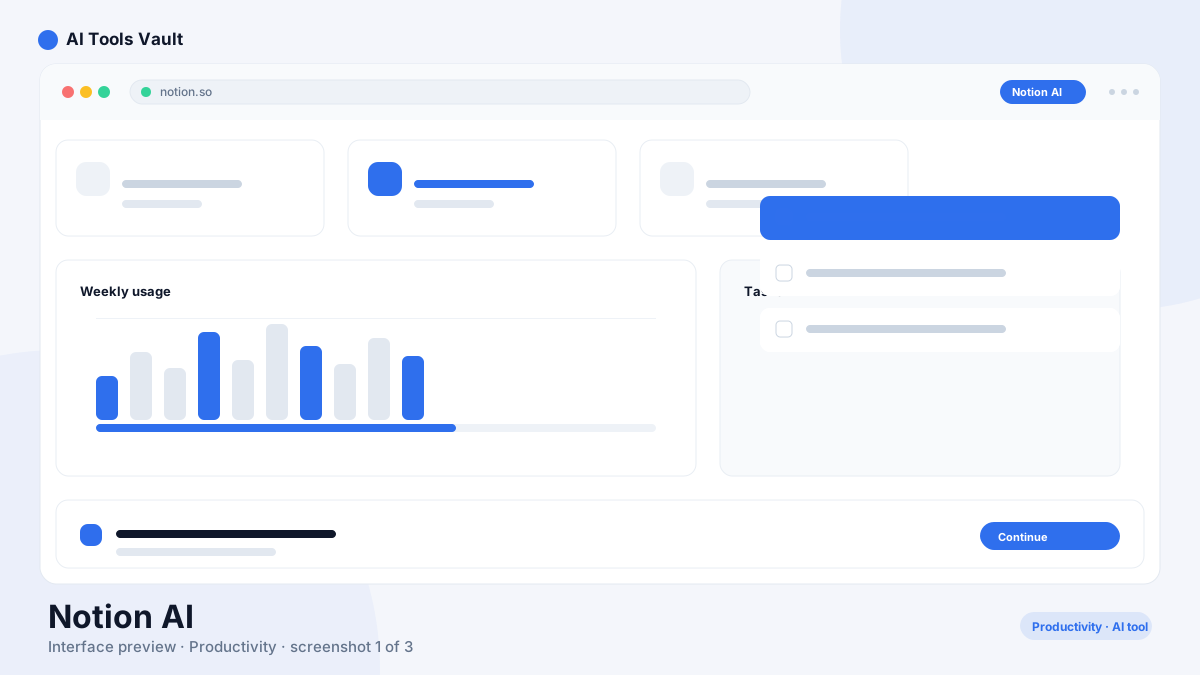
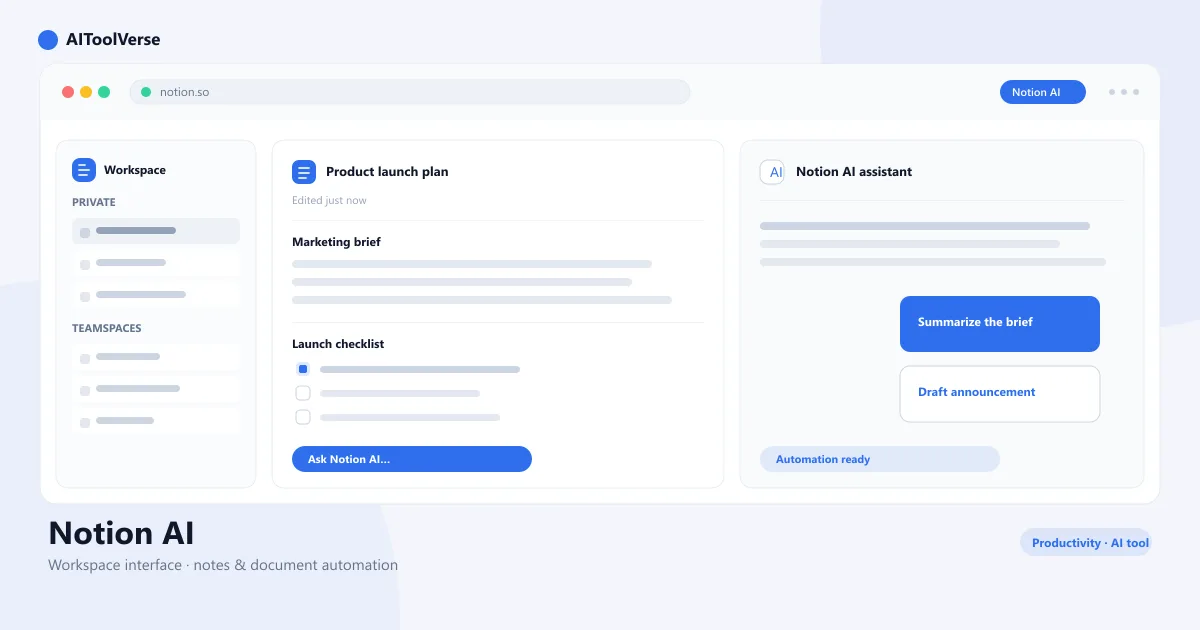
What Is Notion AI?
It is a set of AI features built directly into the Notion workspace. Instead of a separate app you open and switch to, it lives inside the pages, documents, and databases you already use — you press Space on any page and the assistant drafts, summarizes, rewrites, or answers questions about your own content.
That deep integration is the key difference from standalone chatbots. The assistant sees your notes and databases, so it can summarize a meeting transcript, turn rough notes into a clean document, or answer a question using only the information stored in your workspace — no copying and pasting between tabs.
How to Use Notion AI
Using the assistant takes seconds once you know the triggers. Here's the workflow most users follow.
- Open any Notion page and press Space to launch the AI menu
- Highlight text and choose AI options like Improve, Summarize, or Fix Spelling
- Type a prompt at the end of a line with /AI or ask a question about a database
- Use AI to autofill properties in a database view
- Answer questions about your workspace with Ask AI to search your notes
Notion AI Login & Getting Started
Getting started with the add-on is straightforward because there is no separate login. Sign in to Notion with your email, Google, or Apple account at notion.so, open any workspace, and the AI features are already available on every page.
If AI isn't enabled yet, check your workspace settings — admins can enable it for the whole team in one click. Once it's on, everyone gets the same AI menu inside their pages.
- Create or log in to your Notion account at notion.so
- Open a page or database to access the AI assistant
- Press Space or use /AI to trigger the assistant
- Admins enable AI for the team from workspace settings
- AI responses count against your plan's monthly limit
Notion AI Pricing — Free vs Paid Plans
The AI add-on uses a freemium model. Every Notion plan, including the free one, includes a limited number of AI responses so you can try writing, summarizing, and Q&A before paying. The paid AI add-on costs $10 per member per month on Plus and Business plans and unlocks unlimited AI responses plus full workspace Q&A.
For teams, the value is in the workspace-wide features: Ask AI can search every shared page and database, and AI autofill keeps database properties consistent across the whole team.
Compare Plans & Pricing
Free AI responses; Add-on $10/member/mo on Plus/Business plans
Free
Try AI responses within a free Notion workspace.
- Limited AI responses
- Writing & editing
- Summarize documents
- Q&A
AI Add-on
Unlimited AI for paid Notion workspaces.
- Unlimited AI responses
- Full workspace Q&A
- Autofill databases
- Slack & Docs import
Notion AI Templates
The assistant works with Notion's template gallery and with your own templates. AI-ready templates for meeting notes, project trackers, and documentation are one-click setup — and once the template is in your workspace, AI can draft the content inside it automatically.
You can also create custom templates that include AI blocks, like an automatic summary at the top of every meeting note. That's where the combination of templates and AI saves the most time.
- Browse the Notion template gallery for AI-ready pages
- Duplicate templates into your workspace to customize them
- Add a summary block to meeting note templates
- Use AI autofill on database template properties
- Save your own AI-assisted pages as reusable templates
Notion AI vs ChatGPT
ChatGPT is a general-purpose standalone chatbot that answers any question and generates content from scratch. It is a workspace assistant that operates on your own notes and documents. The right choice depends on what you're trying to do.
If you need open-ended research, code help, or brainstorming with the latest general knowledge, ChatGPT is the stronger tool. If you want to summarize your meeting notes, rewrite your documents, or ask questions about information already stored in your workspace, the assistant is faster because it doesn't require copying content between apps.
Many people use both — ChatGPT for standalone work and the AI assistant for everything inside the workspace. Compare them side by side in the AIToolVerse directory.
Notion AI for Teams and Business
The assistant scales to teams with workspace-wide features that individual users don't get. Ask AI can answer questions using every page a team has access to, database autofill keeps project data consistent, and meeting summary blocks save each teammate from writing the same notes twice.
For business use, the AI add-on is billed per member per month, so the cost grows predictably with headcount. Workspace admins control AI access and can monitor usage across the team from the settings panel.
- Ask AI searches all shared pages and databases
- Autofill keeps database properties consistent
- Meeting summaries shared across the whole team
- Admins control AI access per workspace
- Per-member billing scales predictably
Pros and Cons
With the basics covered, here is how Notion AI performs once you push past the demo.
Pros
- Seamless Notion integration
- Summarize long documents
- Q&A over your workspace
- Multi-language support
Cons
- Requires Notion subscription
- Limited outside Notion
- Not as powerful as standalone AI
Best For
Recommended use cases and scenarios where Notion AI shines.
Frequently Asked Questions
Common questions about Notion AI, answered.
Is Notion AI free to use?
It includes a limited number of free AI responses on every plan, including the free Notion plan, so you can try writing and summarizing. Unlimited AI responses require the $10 per member per month add-on on a paid Plus or Business plan.
How do I log in to Notion AI?
There's no separate login. Sign in to Notion at notion.so with your email, Google, or Apple account, and AI features are available on every page of your workspace. Admins may need to enable AI for the team in workspace settings.
How much does it cost per month?
It costs $10 per member per month as an add-on on Plus and Business plans. The free plan includes a limited number of AI responses for testing, but you need the add-on for unlimited use.
Does it have templates?
Yes. Notion's template gallery includes AI-ready templates for meeting notes, project trackers, and documentation, and you can add AI blocks like automatic summaries to your own custom templates.
How is Notion AI different from ChatGPT?
ChatGPT is a general-purpose standalone chatbot, while the add-on works inside your workspace — it summarizes, rewrites, and answers questions about your own notes and databases without copying content between apps.
Reviews & Ratings
Loading reviews...
Explore More AI Productivity Tools
Browse the full AI Tools Vault directory to compare Notion AI with every AI productivity tool, or line up your shortlist side by side.
Similar Tools
More Productivity tools you might like

Zapier
No-code automation platform that connects 9,000+ apps with Zaps, plus AI agents and chatbots that work across your tools.

Make
Visual no-code automation and integration platform with a drag-and-drop scenario builder, routers, and a generous free tier.

Guides & Articles about Notion AI
Read our detailed reviews and comparisons covering Notion AI
 Guides & How-To
I Tested AI Budget Tools. Here's What Actually Helps
I used several AI budget tools on ordinary budgeting jobs. Here is what saved time, what got filed in the wrong category, how much of the "AI" is really automation, and how to check a tool before you connect a bank.
 Jawad Fiaz
 Guides & How-To
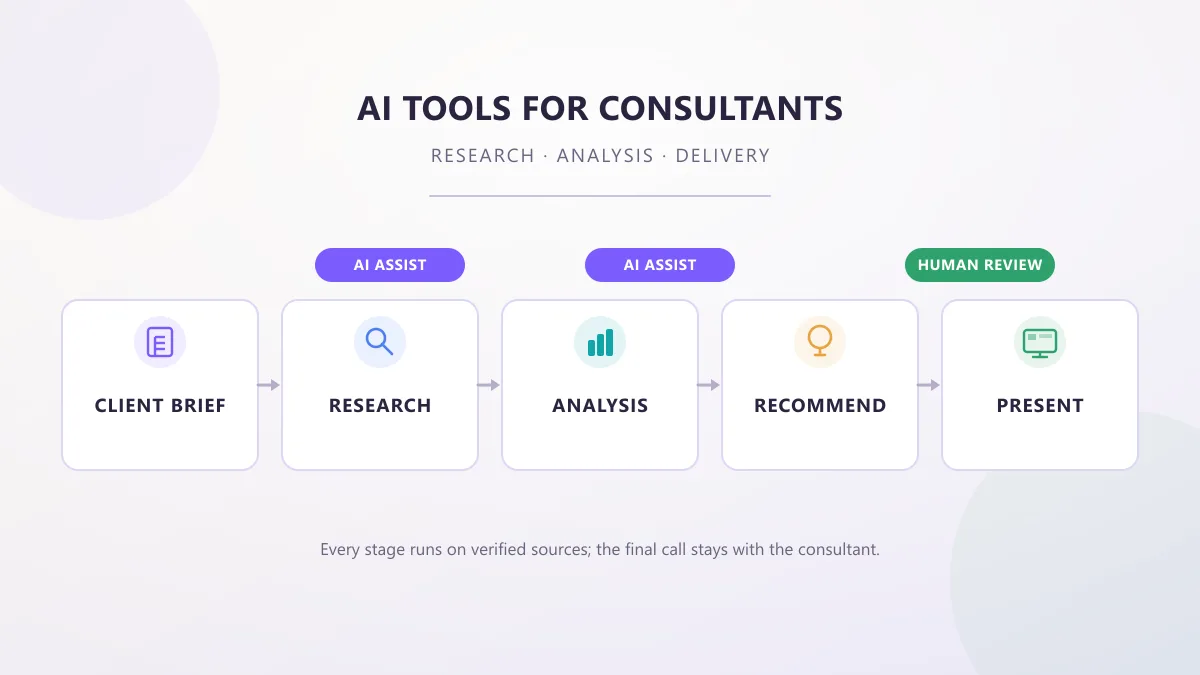
AI Tools for Consultants: Research, Analysis & Delivery
AI tools for consultants in 2026, organized by the work a consultant actually does — research, analysis, proposals, meetings, and decks — with practical prompts, workflows, and client-data checks.
AI Tools Vault Team Guides & How-To
AI Tools for Small Business: How to Actually Choose
Most small businesses already use AI — but few chose it strategically. Here is a decision framework for picking AI tools for small business without overpaying.
AI Tools Vault Team