
GitHub Copilot Review
CodingPaidAI coding assistant that suggests code completions and entire functions in VS Code, JetBrains, and Neovim.
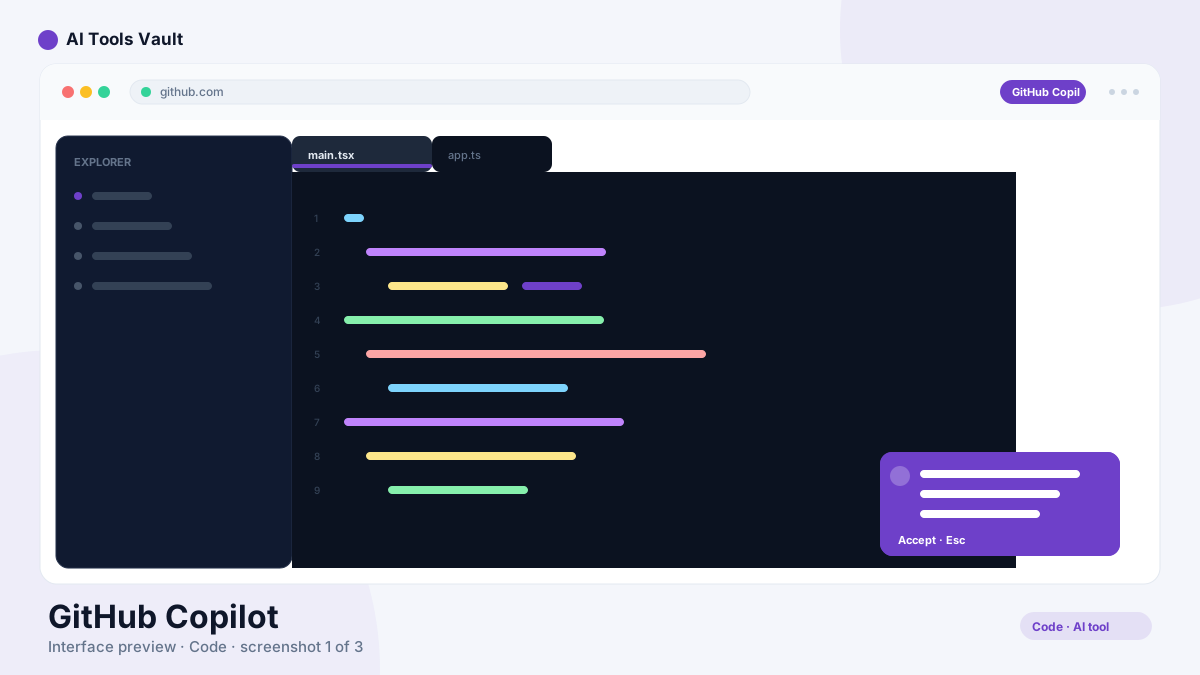
What Is GitHub Copilot and How Does the AI Coding Assistant Work?
It's the AI coding assistant used by millions of developers. Powered by OpenAI Codex and GPT-4, it integrates directly into VS Code, Visual Studio, JetBrains, and Neovim, suggesting whole lines and functions as you type.
Copilot does more than autocomplete: it generates functions from comments, writes tests, explains unfamiliar code, and includes Copilot Chat for conversational help and pull-request review.
Features: Completions, Chat & PR Review
- Real-time code autocompletion in the IDE
- Copilot Chat for asking questions about your codebase
- Function generation from natural-language comments
- Automated test writing and code explanations
- Pull-request review summaries on GitHub
- Support for 20+ languages and all major editors
GitHub Copilot in VS Code: The Full Workflow
It shines in VS Code, where the integration is deepest. Install the extension and Copilot suggests completions inline, answers questions in Copilot Chat, and can even generate tests or refactor across the current file. For many developers, VS Code plus Copilot is the fastest way to write code.
Copilot Pricing: Free, Pro & Business
Individual $10/mo; Business $19/user/mo; Enterprise $39/user/mo
Individual
For individual developers.
- Code completions
- Copilot Chat
- 20+ languages
- All major editors
Business
For organizations with policy controls.
- All Individual features
- IP indemnity
- Org policy management
- Audit logs
Enterprise
For large teams with advanced needs.
- All Business features
- SSO & SAML
- Advanced security
- Priority support
Best For
Recommended use cases and scenarios where GitHub Copilot shines.
What We Like and What We Don't
Copilot is the industry standard for AI code completion, with a few considerations.
Pros
- Deep IDE integration
- Supports 20+ languages
- Copilot Chat for debugging
- Enterprise security features
Cons
- Can suggest outdated patterns
- Privacy concerns for proprietary code
- Requires subscription
Frequently Asked Questions
Common questions about GitHub Copilot, answered.
Is there a free plan?
The tool offers a free plan for verified students, teachers, and maintainers of popular open-source projects. For everyone else, paid plans start at $10/month for Individuals.
How much does Copilot cost?
It is $10/month for Individuals, $19/user/month for Business, and $39/user/month for Enterprise. All plans include code completions and Copilot Chat, with higher tiers adding IP indemnity and advanced security.
Which IDEs does it support?
Copilot works with VS Code, Visual Studio, JetBrains IDEs (IntelliJ, PyCharm, WebStorm, and more), Neovim, and GitHub Codespaces.
Is GitHub Copilot safe for proprietary code?
It offers code-scanning, secret protection, and IP indemnification on Business and Enterprise plans, and you can exclude selected repositories from Copilot suggestions to protect proprietary work.
How does it compare to Cursor?
Copilot integrates deeply with your existing editor and GitHub workflows, while Cursor is a standalone AI-first editor. If you want to keep your current IDE, Copilot is the natural fit; if you want AI built into the editor itself, try Cursor.
Reviews & Ratings
Loading reviews...
Similar Tools
More Coding tools you might like

Claude Code
Anthropic's agentic coding tool that lives in your terminal — plan, build, test, and ship software by describing tasks in plain English.

Amazon Q Developer
Amazon Q Developer is AWS's AI coding assistant for code completion, agents, and security scans across your IDE.

Guides & Articles about GitHub Copilot
Read our detailed reviews and comparisons covering GitHub Copilot
 Tool Reviews
OpenCode Review: The Open-Source AI Coding Agent
OpenCode is an open-source AI coding agent that connects to 75+ model providers and runs in your terminal, desktop, or IDE. This review covers features, pricing, and security.
 AI Tools Vault Team
 Guides & How-To
AI Powered Coding Assistant: How AI Helps Developers
What an AI powered coding assistant actually does, where it helps most, where it can fail, and how developers at every level should evaluate and use these tools.
AI Tools Vault Team Comparisons
Claude Code vs Cursor vs GitHub Copilot: The 2026 Verdict
Claude Code, Cursor, and GitHub Copilot compared in 2026 — terminal agent vs agentic IDE vs enterprise copilot, with pricing, free tiers, and which developer should pick what.
AI Tools Vault Team