
Microsoft Copilot Review
ChatbotsFreemiumMicrosoft's AI assistant built into Windows 11, Edge, and Microsoft 365 for chat, writing, research, and everyday productivity.
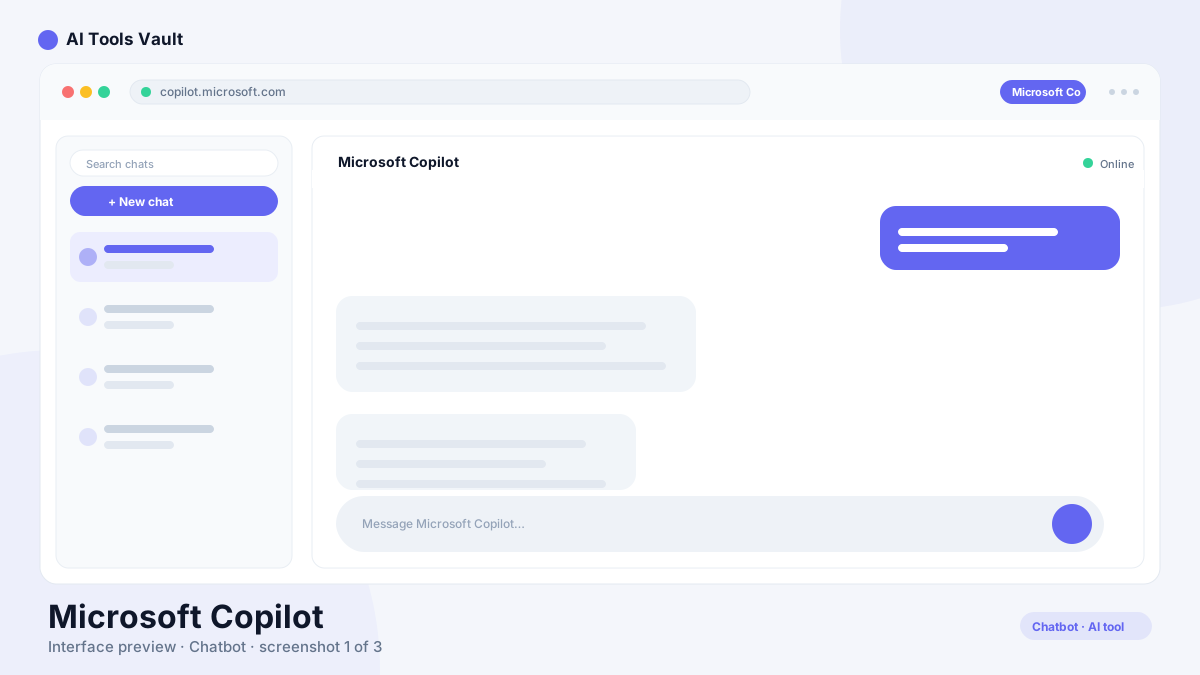
What Is Microsoft Copilot?
Microsoft Copilot is an AI assistant from Microsoft, powered by OpenAI models and built directly into Windows 11, Edge, Bing, and the Microsoft 365 apps. It answers questions, drafts text, summarizes documents, generates images, and helps you complete tasks without leaving the app you are already working in.
It replaced the old Cortana assistant and the earlier Bing Chat experience, turning AI help into a first-class part of the Windows operating system and the world's most widely used office software.
How to Use It
You do not need to install anything to start using the assistant. Open it from the Windows 11 taskbar, the dedicated button in Edge, or visit the official site and sign in with a free Microsoft account.
Once signed in, type a question or paste a document to summarize. In Word, Excel, PowerPoint, and Outlook, it appears as a pane or ribbon button so you can draft, analyze, and rewrite without leaving the file you are working on.
- Open the assistant from the Windows 11 taskbar, Edge, or the official site
- Type questions, upload files, or paste text for AI summaries
- Use it in Word, Excel, PowerPoint, and Outlook on paid plans
- Generate images with Designer right inside the chat
Login & Sign In
Signing in is free and takes seconds. Visit the official site or open the dedicated app, then sign in with a Microsoft account, Outlook.com address, or work or school account.
A personal Microsoft account unlocks the chat and image generation for free. A work or school account brings the assistant into Microsoft 365 apps, where an administrator controls access and data usage.
- Personal Microsoft account: free chat, search, and image generation
- Work or school account: the assistant in Word, Excel, PowerPoint, Teams, and Outlook
- One sign-in syncs everything across Windows 11, Edge, mobile, and the web
Microsoft Copilot Free vs Pro
Microsoft Copilot is free for everyday use, but power users will want the paid Pro plan. The free plan includes GPT-4o powered chat, Bing search, image generation, and built-in Windows and Edge access at standard limits.
The Pro plan costs around $20 per month and adds the assistant across Word, Excel, PowerPoint, and Outlook, priority access to the latest models, custom agents, and higher usage limits.
Compare Plans & Pricing
Free tier in Windows 11 & Edge; Pro $20/mo; Microsoft 365 Copilot for business $30/user/mo
Free
Everyday AI chat in Windows, Edge, and mobile apps.
- GPT-4o powered chat
- Bing web search
- Copilot in Windows 11 & Edge
- Standard usage limits
Copilot Pro
Unlocks Copilot across Microsoft 365 apps and higher limits.
- In Word, Excel, PowerPoint & Outlook
- Priority GPT access
- Custom agents
- Higher usage limits
M365 Copilot (Business)
For organizations with admin controls and security.
- All Pro features
- In Teams & business apps
- Admin and policy controls
- Enterprise data protection
Windows 11 & Edge Integration
Microsoft Copilot lives right in Windows 11 — open it from the taskbar and it can change settings, summarize open documents, take notes, and answer questions with live web context. It also sits inside Edge, so you can summarize pages, draft replies, and compare products while you browse.
For most people this is its biggest advantage: you do not need to open a separate website because the assistant is already there in the operating system and browser.
Microsoft 365 Copilot Pricing (Word, Excel, PowerPoint)
The Microsoft 365 tier for business costs about $30 per user per month and brings AI help into Word, Excel, PowerPoint, Outlook, and Teams. In Word it drafts and rewrites documents, in Excel it explains formulas and analyzes tables, and in PowerPoint it turns outlines into full slide decks.
The consumer Pro tier at around $20 per month also unlocks the assistant in Word, Excel, and PowerPoint through a personal Microsoft 365 subscription, making it the cheaper option for individuals.
- Word — draft, summarize, and rewrite documents
- Excel — explain formulas, clean data, and build charts
- PowerPoint — turn prompts and outlines into slide decks
- Business $30/user/mo; consumer Pro ~$20/mo
App Download (Android, iOS, PC)
The assistant is available as a free app on Android, iOS, and Windows. On Windows it is already built into the taskbar, while the standalone app adds a dedicated home for chats, image generation, and voice input.
Download it from the Microsoft Store for PC, the Google Play Store for Android, or the App Store for iOS. Sign in once and your chats and history sync across every device.
- Windows — built-in taskbar experience plus the Microsoft Store app
- Android — the app on Google Play
- iOS — the app on the App Store
- Free download with cross-device chat sync
How It Compares to ChatGPT and Gemini
Its advantage is deep integration with Windows 11 and Microsoft 365, plus free GPT-4o access with Bing search built in. It is the best choice when your work already happens in Microsoft's ecosystem.
ChatGPT is more flexible for creative writing, complex analysis, and custom GPTs, while Gemini is tightly integrated with Google Workspace and Search. All three are excellent general assistants, so the right pick depends on which apps you use every day.
Pros and Cons
With the basics covered, here is how Microsoft Copilot performs once you push past the demo.
Pros
- Built into Windows 11 and Edge
- Deep Microsoft 365 integration (Word, Excel, PowerPoint)
- Generous free tier with GPT-4o access
- Real-time Bing web search with citations
Cons
- Advanced features locked behind the paid Pro tier
- Less flexible than standalone chatbots for creative work
- Consumer and business versions can feel fragmented
Best For
Recommended use cases and scenarios where Microsoft Copilot shines.
Frequently Asked Questions
Common questions about Microsoft Copilot, answered.
Is Microsoft Copilot free?
Yes. It has a free tier with GPT-4o powered chat, Bing search, image generation, and Windows 11 and Edge access. The Pro plan at about $20 per month adds the assistant across Microsoft 365 apps and higher usage limits.
What is the difference between the Free and Pro plans?
The free tier gives you everyday AI chat in Windows, Edge, and mobile apps. Pro at ~$20/month unlocks the assistant inside Word, Excel, PowerPoint, and Outlook, priority access to the latest models, and higher usage limits.
How much does the Microsoft 365 tier cost?
The Microsoft 365 tier for business costs about $30 per user per month and adds the assistant in Word, Excel, PowerPoint, Teams, and Outlook. Consumer Pro is around $20 per month.
How does Microsoft Copilot compare to ChatGPT and Gemini?
Its advantage is deep integration with Windows 11 and Microsoft 365, plus free GPT-4o access. ChatGPT is more flexible for creative and complex tasks, while Gemini is tightly integrated with Google services. All three are strong general assistants.
Where can I download the Microsoft Copilot app?
The app is free on the Microsoft Store for Windows, the Google Play Store for Android, and the App Store for iOS. It is also built into the Windows 11 taskbar and Microsoft Edge.
Reviews & Ratings
Loading reviews...
Explore More AI Chatbots
Browse the full AI Tools Vault directory to compare Microsoft Copilot with every AI chatbot, or line up your shortlist side by side.
Similar Tools
More Chatbots tools you might like

ChatGPT
OpenAI's flagship conversational AI for writing, coding, analysis, and creative tasks. ChatGPT answers questions, writes content, and analyzes files in one place.

Grok
xAI's AI chatbot built for real-time information and deep X (Twitter) integration, known for candid answers.

Guides & Articles about Microsoft Copilot
Read our detailed reviews and comparisons covering Microsoft Copilot
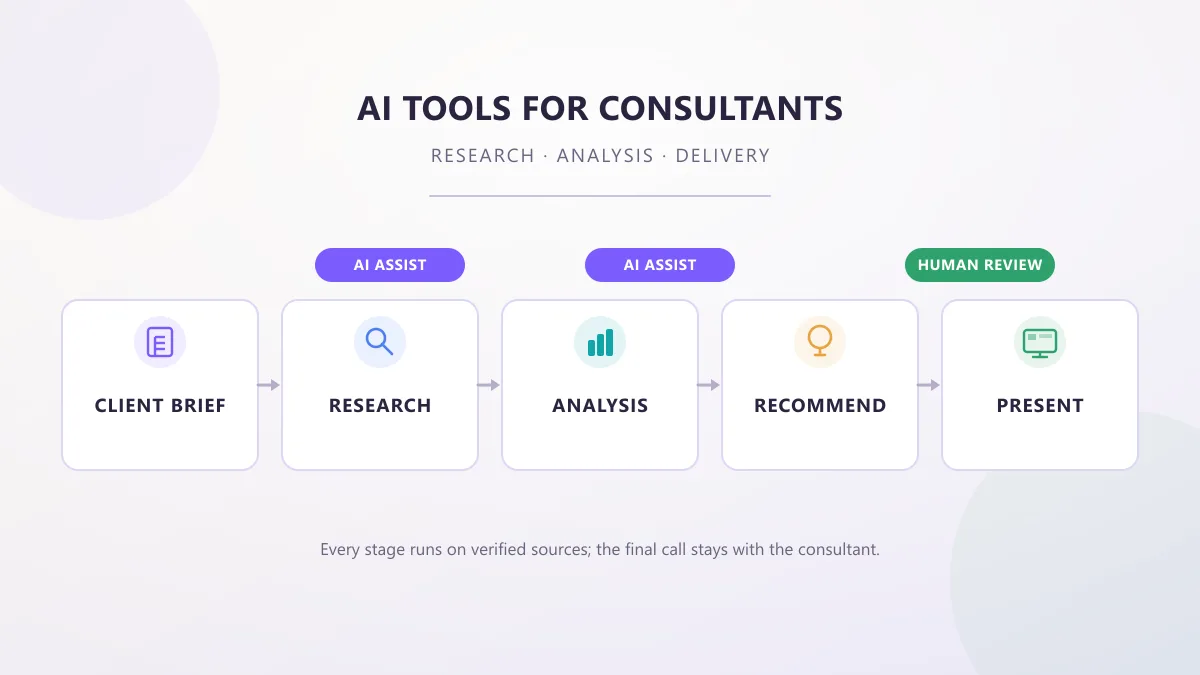 Guides & How-To
AI Tools for Consultants: Research, Analysis & Delivery
AI tools for consultants in 2026, organized by the work a consultant actually does — research, analysis, proposals, meetings, and decks — with practical prompts, workflows, and client-data checks.
 AI Tools Vault Team
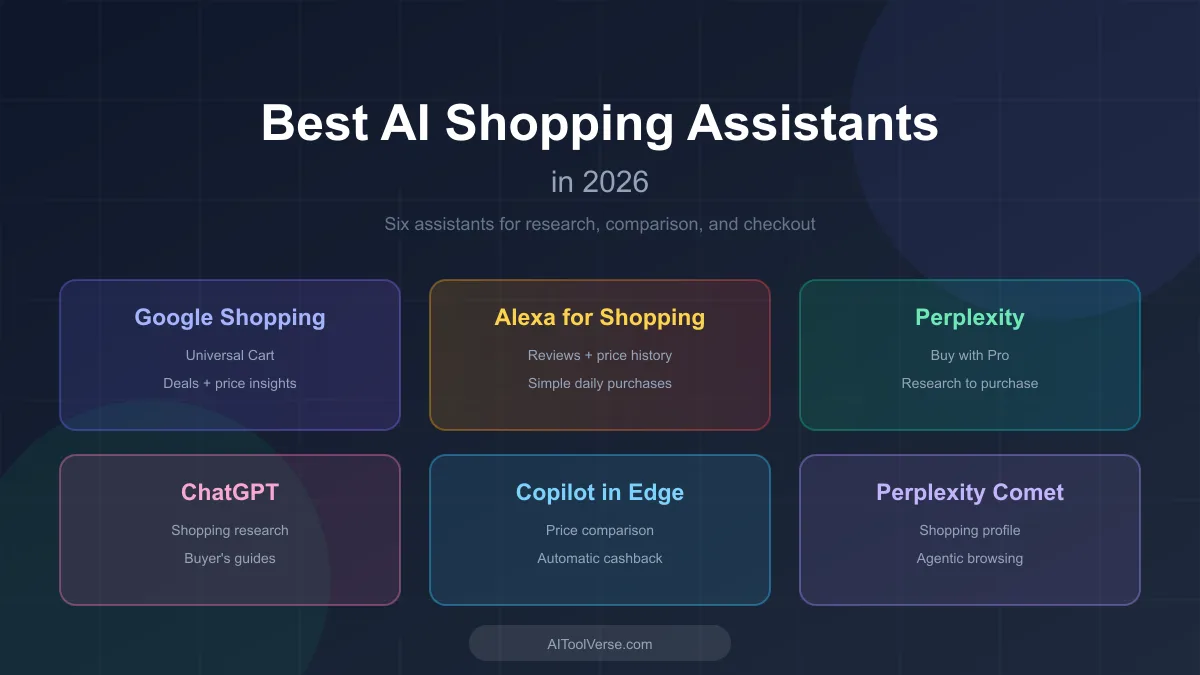 Comparisons
Best AI Shopping Assistants in 2026: Top 6 Compared
AI shopping assistants are reshaping how shoppers research products, compare prices, and check out. Here are the ones worth knowing in 2026.
AI Tools Vault Team Guides & How-To
10 Best Free AI Agents Like AutoGPT for 2026
The best free AI agents like AutoGPT for 2026 — autonomous agents that plan, browse, code, and ship tasks without expensive subscriptions, plus which is right for you.
AI Tools Vault Team