AI Budget Tool: What It Really Does and How to Choose
What separates a real AI budget tool from ordinary automation, what the features actually do, where they fail, and how to judge one before you connect an account.


What separates a real AI budget tool from ordinary automation, what the features actually do, where they fail, and how to judge one before you connect an account.
The phrase "AI budget tool" gets used for a lot of different products. One app means it labels your transactions. Another means it answers questions about your spending in plain language. A third watches your accounts and offers to cancel a subscription. A fourth puts "AI" on the box because it rounds up spare change.
That range matters, because the word AI is doing very different work in each case: genuine machine learning, a large language model, or an ordinary rule engine rebranded for a landing page.
This guide is research-based, drawing on each vendor's documentation, published pricing, and public privacy statements, plus material from the U.S. Government Accountability Office on AI in financial services. It is not a hands-on review. Where a company documents what its AI does, that is attributed; where it only says "AI," that is noted.
An AI budget tool is personal finance software that uses machine learning or a language model to handle part of the work of tracking and planning your money. The AI might sort transactions, explain why a month looked expensive, answer a question in plain language, or estimate next month's bills.
The defining feature is that a model, not a rule you typed in, does part of the job. A rule is predictable; a model makes judgment calls. That is why it can cope with messy bank descriptions a rule would skip over, and also why it can be confidently wrong.
Most budgeting apps have automated something for years. Separating the techniques helps, because vendors rarely do.
Rules-based categorization. A statement like "if the merchant name contains this string, use that category." It is deterministic, and nothing is learned. Calling that AI is a marketing choice, not a technical one.
Machine learning classification. A model trained on labeled examples or your past corrections estimates which category a new transaction most likely belongs to. It generalizes to merchants it has never seen and improves as you accept or override its guesses. That is real AI, but the output is a probability, not a fact.
Predictive forecasting. A model uses your history to estimate recurring bills, next month's spending, or how a change today affects your balance later. A forecast is a projection built on assumptions, not a promise.
Natural-language interfaces. A large language model lets you ask a question the way you would ask a person ("why did I spend so much in March?") and get a sentence back instead of a report. It translates your question into a lookup or summary; it does not understand your finances the way an accountant would.
Generative assistants and agents. The newest layer produces explanations, recommendations, and sometimes actions. An agent may offer to renegotiate a bill or cancel a subscription, usually waiting for your confirmation.
When a product's only claim is that it sorts transactions automatically, that is automation wearing an AI label.
Almost every AI budgeting feature performs one of five jobs. Knowing which one a product does tells you what to expect.
Used well, these features shorten the boring parts of budgeting: categories stay roughly in order, a forgotten recurring charge surfaces, and "can I afford this" gets answered against your real numbers.
What they cannot do is decide what your money is for. A model can tell you that dining is up 30% this month; it cannot tell you whether that is a problem, because it does not know you were hosting family or that you would rather cut something else. Budgeting is a set of choices about priorities, and the software handles only the bookkeeping around them.
If you would rather build the tracking layer yourself, a spreadsheet route still works: AI for Google Sheets and Excel Formula Bot cover formula writing and cleanup, while Zapier can move data between tools. A general assistant such as ChatGPT or Claude can explain a concept or help you draft a plan, and Notion AI can maintain a simple budget database. None of these categorizes transactions for you, so the manual work remains.
The steps below show how documented features across these products tend to fit together. This is a general example, not a walkthrough of one product or a record of testing.
Connect or import your data. Link accounts through a data aggregator, or import files manually if you prefer not to connect.
Let the AI sort, then check it. The model proposes categories. You review the uncertain ones and correct a few, and each correction helps it learn your habits.
Set spending limits on the categories you care about. Some tools help build a budget from your history; others ask you to assign the numbers. Either way, the limits are your decision.
Watch recurring bills. The tool detects subscriptions and regular charges, so it can warn you before a renewal rather than after.
Ask a question when something looks off. You notice utilities higher than usual and ask why. The assistant compares periods and points to the change in your data.
Review the insight, then decide. Suppose the assistant flags that a streaming service went up, or that a bill you thought had a promotional rate renewed at full price. The tool surfaced it; you decide whether to keep it.
Re-check the budget. Adjust the limits and move on. The next month starts with a better-trained model and a more accurate plan.
The pattern is that the AI handles detection and explanation, while the person handles the decision. Every product here is built around that division, even if the marketing blurs it.
Categorization drifts. A model that mislabels a merchant once may repeat the mistake. Left unchecked, the error compounds and your spending picture quietly stops matching reality.
Explanations can be confidently wrong. A language model produces fluent text whether or not it is correct. Treat the prose as a lead to verify, not a conclusion.
Connections break. Account sync fails, a bank changes its login flow, or a transaction arrives twice. The AI can only reason about the data it received, so a broken connection silently degrades every insight built on it.
Forecasts assume the past. A projection built on last year's habits misses a new job, a move, or a one-off expense. It is a starting point, not a verdict.
The word AI can be decorative. Some products described as AI budgeting apps have no documented AI assistant at all. That is not automatically bad, but it matters if you chose the tool specifically for AI features.
Your data has to go somewhere. An assistant that answers questions about your finances usually sends some of that data to a model, in-house or third-party. How much, for how long, and whether it trains anything are fair questions.
Run these questions against any product you are considering. The answers usually sit in the vendor's help center and privacy policy, not its homepage.
If a vendor will not answer questions 8, 9, and 12 clearly, that silence is itself useful information.
The products below appear often in "best AI budgeting app" coverage. They are not all the same kind of tool, and they do not all document AI in the same way. The table is a quick audit; the notes explain what each one says about itself.
| Product | Documented AI | Best fit |
|---|---|---|
| Monarch Money | AI Assistant, AI-powered insights, weekly recap, receipt scanning, enhanced categorization | Full-picture budgeting with a conversational assistant |
| Copilot Money | Copilot Intelligence categorization plus a beta Money Assistant | Automatic tracking and a chat interface over your own data |
| Quicken Simplifi | Quicken Assist in-product AI chat (beta) | Traditional budgeting with an AI helper inside the app |
| Rocket Money | Rowan, an AI assistant that can act | People who want the assistant to do the follow-up |
| Cleo | AI assistant with memory and optional advanced reasoning | Conversational coaching, especially for building habits |
| Origin | AI advisor plus an AI budget builder | Planning that mixes budgeting with investing |
| YNAB | Narrow documented AI use; manual budgeting method | People who want to run the method themselves |
| Empower Personal Dashboard | No AI assistant documented in its public support material | Free net-worth tracking and aggregation |
Monarch says it combines third-party language models with its own modeling for an AI Assistant, AI-powered insights, a weekly recap, receipt scanning, and enhanced categorization. Its help center says the Assistant sends only minimal, task-relevant data — never your name, email, or login credentials — and that the model's call history and data are erased after it returns an analysis. Monarch also says it does not allow third-party partners to train on your personal data and does not currently train its own models. Optional AI features can be turned off in settings, though categorization is integral. Its published pricing lists Core at $14.99 per month or $99.99 per year with a seven-day trial, and the Plus tier is billed annually. Accounts connect through Plaid, Mastercard (Finicity), and MX with read-only access.
Copilot documents two AI features in its FAQ. Copilot Intelligence handles automatic categorization and learns from your patterns. A beta Money Assistant answers questions about your own data rather than offering generic advice. Its privacy page states that data is encrypted at rest with 256-bit encryption and in transit with TLS, that it partners with Plaid and Mastercard Data Connect, and that it does not see or store your bank login credentials. Copilot is a paid subscription with a one-month free trial, listed at $13 per month or $95 billed yearly, and it is available only in the United States.
Simplifi includes Quicken Assist, an in-product AI chat that is currently in beta and available to Basic subscribers. It works with the data already in your account, can create or update items like savings goals and transaction rules when asked, and requires your approval before anything is finalized. Quicken notes that it does not have access to real-time data. Simplifi's advertised price is $3.99 per month billed annually.
Rocket Money's AI assistant, Rowan, works over text message and is included with the Premium+ tier at $15 per month. Rowan is built with Anthropic and can recategorize transactions, help build a budget, detect subscriptions, and negotiate or cancel a bill after you confirm. Rocket Money's own help material notes that Rowan may occasionally make mistakes, a rare piece of candor. The base app is free, and the mid-tier Premium plan uses a pay-what-you-think-is-fair model ranging from $7 to $14 per month.
Cleo is one of the earliest conversational finance apps. Its current product, Cleo 3.0, adds voice conversation, long-term memory, and advanced reasoning that the company says runs on OpenAI's latest model as an optional upgrade. It uses machine learning to analyze spending and build savings habits, and it states that its AI models cannot move money. Cleo connects to banks through Plaid, and its paid plans are listed at $5.99, $8.99, and $14.99 per month.
Origin describes itself as a personal AI financial advisor. Its published features include an AI budget builder and an assistant that answers questions using your own data, alongside investing and estate tools. Because it spans investing as well as budgeting, it is broader than a pure expense tracker. Origin lists an annual plan at $99 per year, with a $1 first-year promotion currently replacing the usual seven-day trial.
YNAB is worth including precisely because it does not fit the label. Its core method, zero-based budgeting, is manual by design and built around four rules the user applies. Its privacy policy does describe AI use, but narrowly: it says YNAB may use "artificial intelligence and algorithmic logic" to categorize transactions, improve merchant name clarity, generate spending insights, and assist customer support, and that these functions do not make automated decisions affecting your rights or account standing. It also states that its chatbot vendor will not train AI models on your personal or financial data. Accounts connect read-only through Plaid and MX, and YNAB says it never stores your bank credentials. Its pricing is $14.99 per month or $109 per year with a 34-day trial. If you want an AI assistant to talk to, this is not that.
Empower's free dashboard aggregates accounts and offers a budgeting widget, cash flow tracking, debt paydown, and retirement planning. Its public support documentation describes tracking and planning tools, not an AI assistant. It appears in AI-budgeting roundups anyway, which makes it a clear example of the gap between the category name and what a tool actually ships.
Budgeting software handles some of the most sensitive data you have. Before letting one read your accounts, understand three things.
How the connection works. Most apps do not talk to your bank directly. They use a data aggregator such as Plaid, MX, or Mastercard's Finicity. Monarch documents all three; YNAB and Copilot document Plaid and MX or Plaid and Mastercard Data Connect. The connection is normally read-only, so the app can see transactions but cannot move money. YNAB and Copilot both state that they do not store your bank login credentials because the aggregator holds them. If you would rather not connect at all, many tools also accept manual imports.
Whether your data trains a model. This is where vendors differ, and vague answers are common. Monarch says it does not allow third-party partners to train on your personal data, does not train its own models today, and sends only minimal task-relevant data, never your name, email, or credentials. YNAB says its chatbot vendor will not train AI models on your personal or financial data. Copilot says it does not sell your data or show ads. Where a vendor does not say, treat the question as unanswered.
What you can control. Look for the ability to export your data, delete it, disable optional AI features, and review any action before it happens. Some features are integral; Monarch says its categorization is one, while its assistant is optional. A tool that lets you turn the assistant off without breaking the app is giving you a real choice.
Oversight bodies have flagged the wider risks too. A 2025 U.S. Government Accountability Office report on AI in financial services notes concerns about inaccurate or biased outputs and limited explainability. Those apply to consumer finance tools as much as to banks, which is one more reason to verify any single AI insight rather than accept it.
An AI budget tool is personal finance software that uses machine learning or a language model to do part of the work of tracking and planning your money. That can include sorting transactions, explaining changes in your spending, answering questions in plain language, or forecasting future bills. The label fits only when a model is genuinely doing that work, not when ordinary rules have simply been renamed.
It reads the transaction data you connect or import, then runs it through a model. For categorization, the model estimates the most likely category and learns from your corrections. For questions and explanations, a language model summarizes your data or answers against it. For forecasts, a model projects your history forward. In most products the AI handles detection and explanation while you make the final decisions.
Some tools help you build one. Origin advertises an AI budget builder, and Rocket Money's Rowan can help set up a budget from scratch. Others, like YNAB, are built around you assigning the money yourself. Even where a tool proposes a budget, it is a starting draft based on your history. You still set the priorities, and you should review the numbers before relying on them.
Not always. The strongest AI features generally need real transaction data, which most people supply by connecting accounts through an aggregator. But many tools also accept manual file imports, and some let you try the app before connecting anything. Connecting is usually read-only, so the app can see your activity but cannot move money.
Yes, and vendors say so themselves. Rocket Money notes that Rowan may occasionally make mistakes and suggests double-checking important details. Categorization can drift, connections can break and corrupt the underlying data, and an explanation can sound confident while being wrong. Treat AI output as a lead to verify, especially before acting on it.
They can be, but safety depends on the provider rather than the category. Check how accounts connect, which aggregator is used, whether access is read-only, what data is stored and for how long, and whether your data is used to train models. Several vendors, including Monarch and YNAB, answer those questions specifically, which makes them easier to judge than a product that stays vague.
Some are. Cleo is free to download with paid tiers, Rocket Money's base app is free, and Empower's Personal Dashboard is free. Others are subscription-only: Monarch, Copilot, Origin, and YNAB all charge, and YNAB and Copilot do not offer a permanent free tier. Most paid tools offer a trial, from seven days to a month.
Start with what the AI actually does, since the word covers everything from automatic sorting to an assistant that renegotiates bills. Then check whether it needs a bank connection, how much data it stores, whether that data trains a model, and whether you can review or undo an action. Finally, confirm you can export and delete your data. If a provider cannot answer those clearly, wait before connecting your accounts.
Get our best AI tool reviews and guides delivered to your inbox each week. No spam, unsubscribe anytime.

Written by
Jawad Fiaz writes about AI tools and how to evaluate them, drawing on official product documentation, published pricing, and independent research rather than vendor marketing.
More reading on guides & how-to
 Guides & How-To
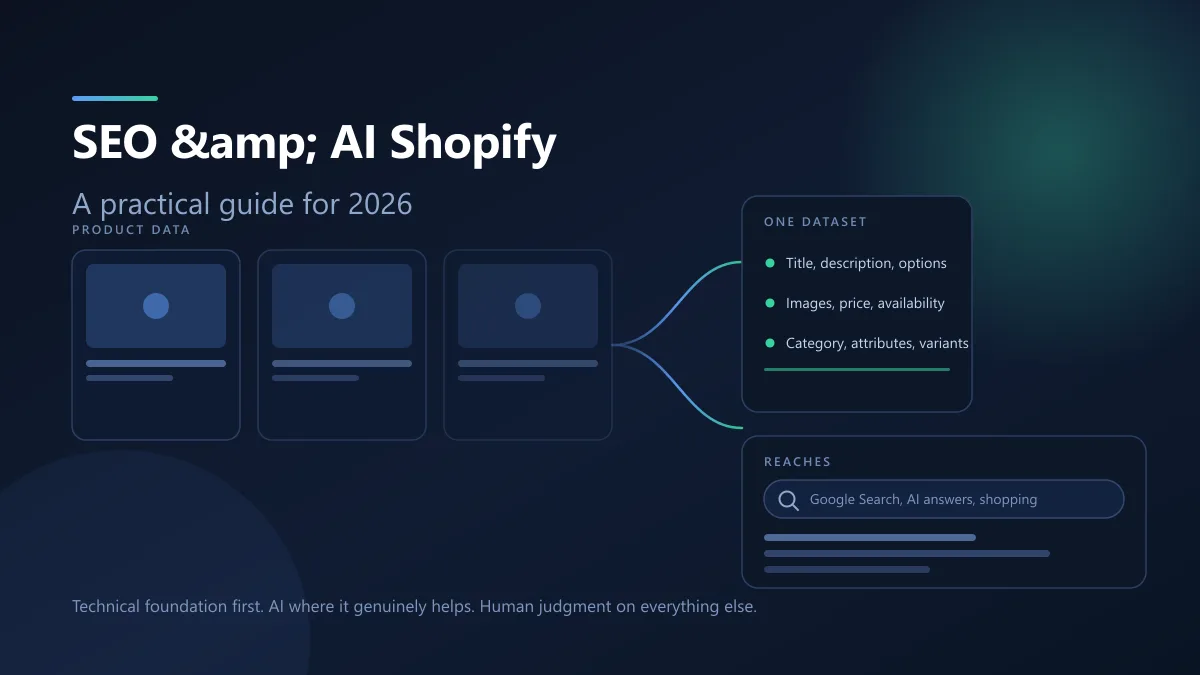
AI channels read the same product fields Google already crawls, so Shopify SEO and AI search are one job rather than two. Here is what the platform handles, what you still own, and where AI genuinely helps.
 Jawad Fiaz
 Guides & How-To
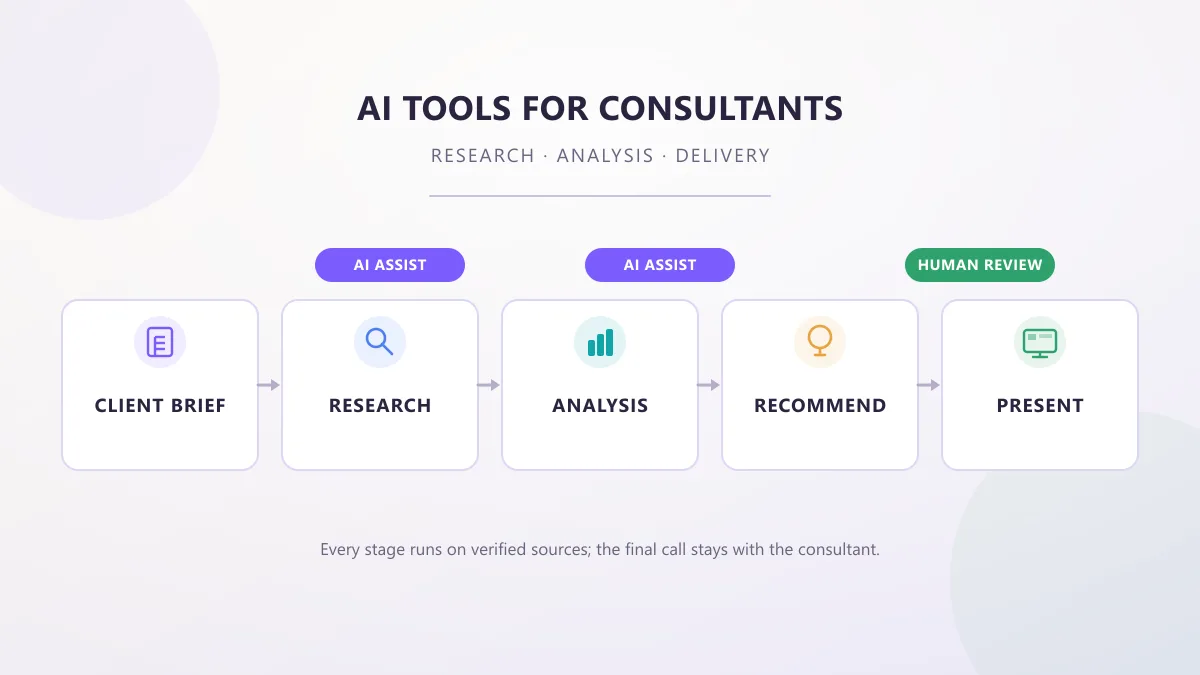
AI tools for consultants in 2026, organized by the work a consultant actually does — research, analysis, proposals, meetings, and decks — with practical prompts, workflows, and client-data checks.
AI Tools Vault Team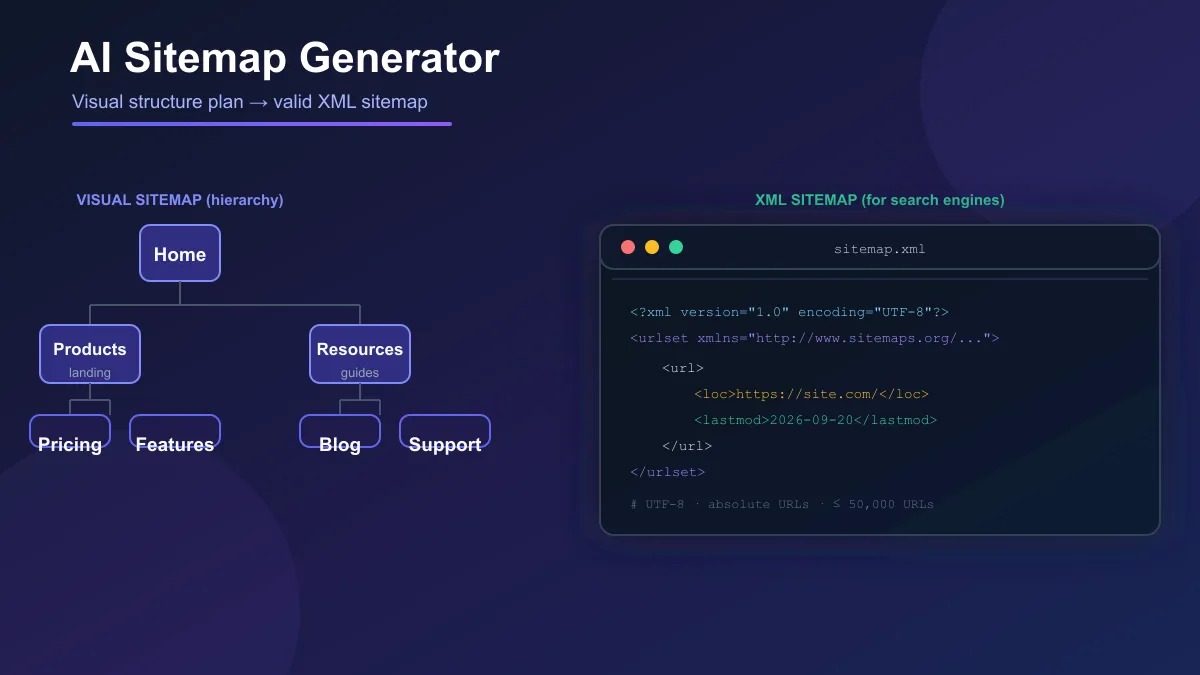 Guides & How-To
AI sitemap generators plan visual site structures or output XML sitemaps — and those are not the same thing. Here is what each type does, how to review AI output, and how to validate the XML before you submit it.
Jawad Fiaz