
Runway AI Review: Best AI Video Generator
VideoFreemiumRunway AI is a cloud-based AI video platform for filmmakers and creators, best known for the Gen-3 Alpha model that turns text prompts into hyper-realistic cinematic clips.
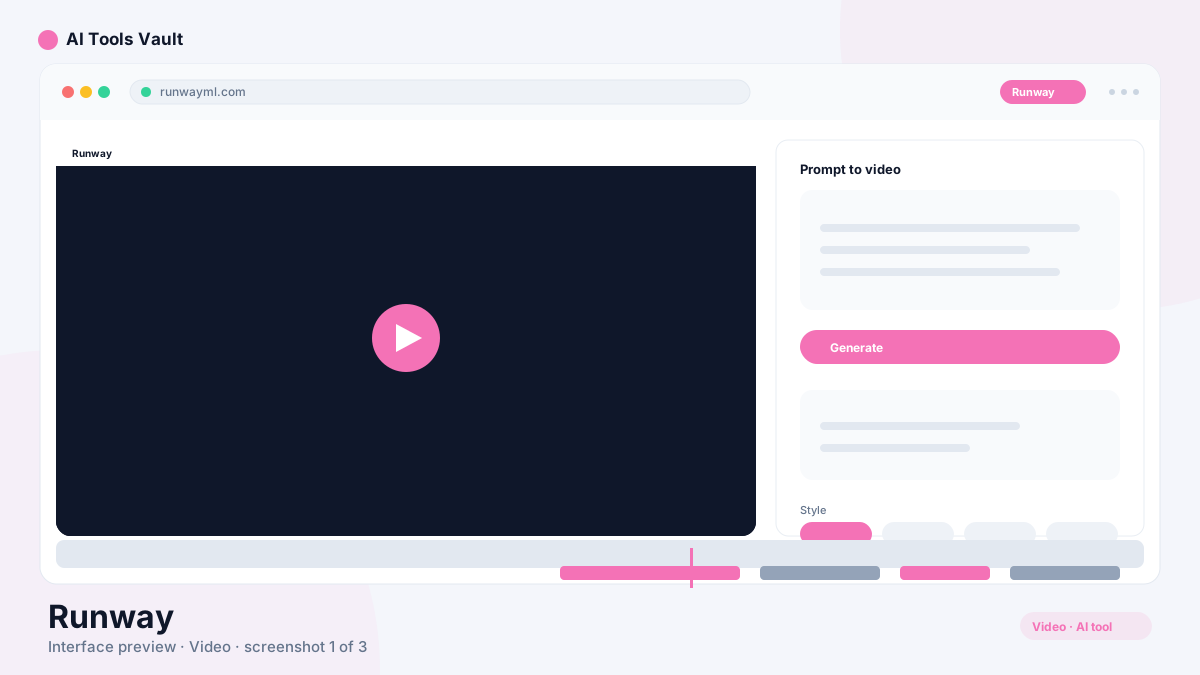
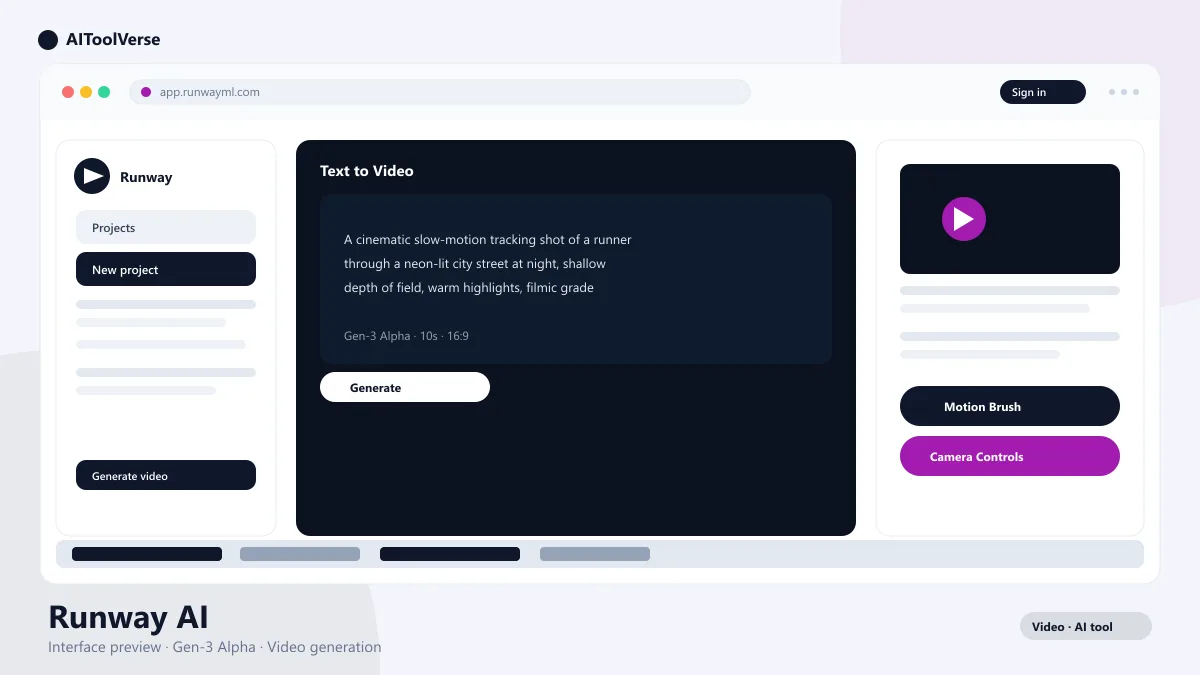
What Is Runway AI and How to Get Started?
- Create a free account on the platform
- Open the browser-based dashboard
- Start with Text-to-Video or Image-to-Video
- Use the built-in editor to refine your clip
How to Master Runway AI Gen-3 Alpha for Cinematic Clips
- Specify lighting conditions: golden hour, neon, overcast
- Name the camera movement: tracking, dolly, orbit, handheld
- Describe the aesthetic style: filmic, hyper-realistic, stylized
- Keep the action simple for the most reliable results
Understanding Runway AI Motion Brush & Camera Controls
- Paint over water, hair, or clouds to animate them
- Combine Motion Brush with pan, tilt, zoom, and roll
- Animate stills without regenerating the full scene
- Layer camera moves for a more dynamic shot
Runway AI Pricing — Free vs Pro Plans
Compare Plans & Pricing
Free (limited Gen-2 credits); Standard $15/mo (Gen-3 Alpha, no watermark, 1080p); Pro $35/mo (faster generation, custom model training)
Free
Explore video generation with limited Gen-2 credits.
- Limited Gen-2 credits
- Text-to-video
- Image-to-video
- Watermark
Standard
For casual creators who want Gen-3 Alpha quality.
- Gen-3 Alpha access
- No watermark
- 1080p export
- Faster generation
Pro
Best value for serious creators and studios.
- Faster generation
- Custom model training
- 4K export
- Green screen
Runway AI vs OpenAI Sora
Runway AI vs Pika and Luma Dream Machine
Pros and Cons
Pros
- Gen-3 Alpha produces cinematic, hyper-realistic clips
- Motion Brush animates water, hair, and clouds in stills
- Pan, tilt, zoom, and roll camera controls
- Cloud-based — no powerful GPU needed
Cons
- Credits burn quickly
- Clip length is short (5-10s, extendable)
- High-end plans are costly
Best For
Recommended use cases and scenarios where Runway shines.
Frequently Asked Questions
Common questions about Runway, answered.
Does Runway AI have a free trial?
Yes. The free plan includes a limited number of Gen-2 credits so you can test text-to-video, image-to-video, and the editor without paying, with a watermark on exports.
What is the maximum clip length in Runway?
Individual clips are typically 5 to 10 seconds long. You can extend clips and connect multiple shots in the editor to build longer sequences.
Do I need a powerful GPU to use Runway?
No. Runway is cloud-based, so all generation and rendering happens on their servers. You only need a browser and an internet connection.
Can I use Runway videos commercially?
Yes. Videos created on paid plans can be used for commercial projects including marketing and client work, subject to the platform's terms of service.
What does the Motion Brush do?
The Motion Brush lets you paint over areas of a still image — such as water, hair, or clouds — and animate only those regions, while the rest of the frame stays still.
Reviews & Ratings
Loading reviews...
Explore More Video Tools
Browse the full AI Tools Vault directory to compare Runway with every video tool, or line up your shortlist side by side.
Similar Tools
More Video tools you might like

Loom AI
Async screen recording with built-in AI that writes titles, summaries, chapters, and action items from every recording.

CapCut
CapCut is ByteDance's free AI-powered video editor for short-form content, with auto captions, background removal, and a huge template library for TikTok and Reels.

Guides & Articles about Runway
Read our detailed reviews and comparisons covering Runway
 Guides & How-To
Adobe Premiere Pro AI: Features & Tools in 2026
Premiere Pro AI in 2026 explained for working editors: Media Intelligence, Object Mask, Generative Extend, text-based editing, and the new Generative Media Tool.
 AI Tools Vault Team
 Comparisons
Kling AI vs Sora vs Runway: Best in 2026
Kling AI vs Sora vs Runway compared for 2026 — realistic motion, cinematic quality, and pricing tested and ranked so you can pick the right AI video generator.
AI Tools Vault Team Guides & How-To
Best AI Video Generators in 2026 (Tested)
The best AI video generators of 2026 tested — Veo 3, Runway, Sora and Pika for text-to-video, plus Colossyan and HeyGen for avatar video with real editing workflows.
AI Tools Vault Team