
Loom AI Review: Async Video With Automatic Summaries
VideoFreemiumAsync screen recording with built-in AI that writes titles, summaries, chapters, and action items from every recording.
What Is Loom AI and How Does It Work?
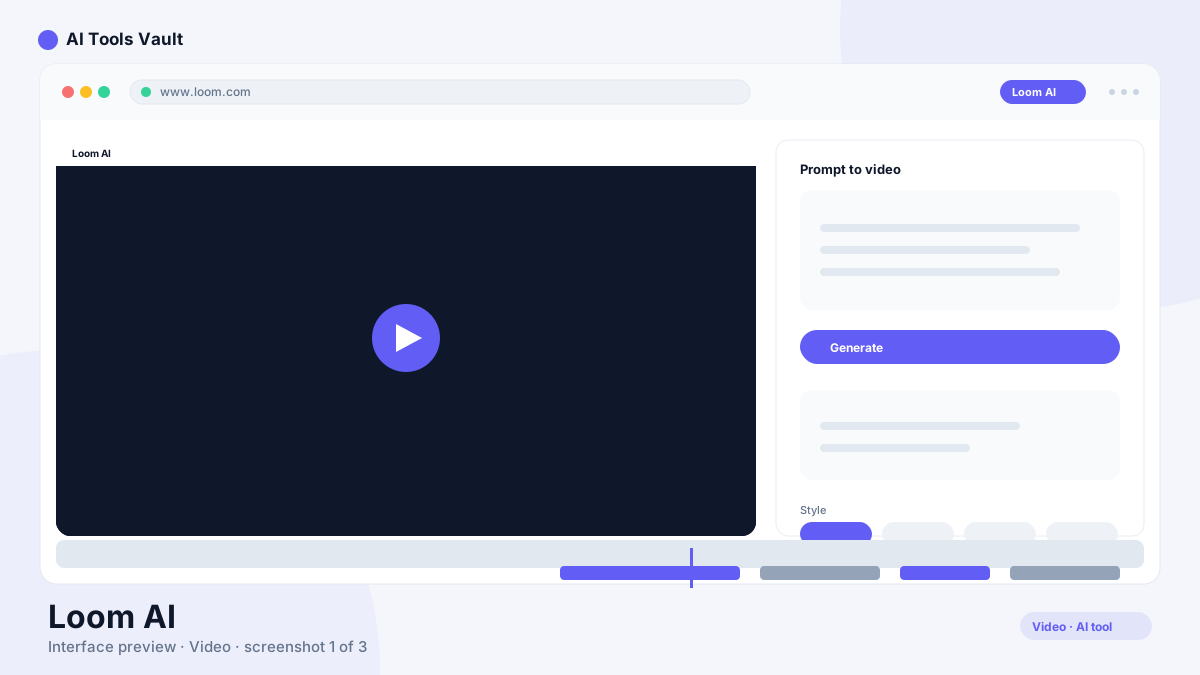
Loom AI is the async video messaging tool teams use to record their screen, webcam, or both and share a link instead of scheduling another meeting. Its 2025–2026 AI layer turns every recording into a searchable, professional asset.
It writes the title, generates a summary and chapters, lists action items, and can auto-remove filler words, silence, and retakes when you record. Videos are searchable by content, and viewers get reactions, comments, and timestamps.
Key Features: AI Titles, Chapters & Action Items
Loom's edge is turning a raw screen recording into a structured, searchable video without extra editing.
- AI titles, summaries, and chapters
- Action items extracted from every video
- Filler word and silence removal
- Searchable video content
- Reactions, comments, and timestamps
Loom AI vs Descript
Descript is a full video and podcast editor with transcription-based editing. Loom is a lightweight recorder with a smart AI layer for async communication. If you need a polished edit of a finished video, use Descript. If you want to record, share, and instantly summarize, Loom is faster.
Pricing: Plans & AI Features
Starter free (25 recordings, 5-min limit); Business $18/user/mo; Business + AI $24/user/mo (annual); Enterprise custom
Starter
Record and share instantly.
- 25 videos/person
- 5-minute recordings
- Unlimited members
- Comments & reactions
Business
Billed annually (17% off).
- Unlimited recordings
- 4K recording
- Custom branding
- Advanced privacy
Business + AI
Billed annually with AI features included.
- Everything in Business
- AI titles & summaries
- AI chapters & action items
- Filler word removal
Best For
Recommended use cases and scenarios where Loom AI shines.
Pros and Cons
Loom is the most convenient way to record, share, and summarize async video — just budget for the AI plan.
Pros
- 4K screen + webcam recording
- AI titles, summaries & chapters
- Filler word & silence removal
- Searchable video content
- Unlimited recordings & members
Cons
- AI features need the Business + AI plan
- Free tier capped at 5-min videos
- Per-seat pricing adds up
- 720p quality on free plan
Frequently Asked Questions
Common questions about Loom AI, answered.
Is Loom free?
Yes, the Starter plan is free with 25 recordings of up to 5 minutes each per person. Paid plans start at $18 per user per month.
What does Loom AI do?
It writes titles, generates summaries and chapters, extracts action items, and removes filler words and silence from your recordings.
Is Loom good for async teams?
Yes. Distributed product, engineering, support, and sales teams use it to explain bugs, walk through designs, demo features, and answer customers without live calls.
Can I edit videos in Loom?
It offers lightweight trim and the AI-powered clean-up features. For deep editing you would export to a tool like Descript.
Does Loom support 4K recording?
Yes, 4K screen and webcam recording is available on Business plans and above.
Reviews & Ratings
Loading reviews...
Similar Tools
More Video tools you might like

CapCut
CapCut is ByteDance's free AI-powered video editor for short-form content, with auto captions, background removal, and a huge template library for TikTok and Reels.

Pictory
AI video generator that turns blog posts, scripts, and URLs into narrated videos with stock clips, captions, and AI voices.
