
Runway Aleph Review
VideoFreemiumRunway Aleph is Runway's in-context video editing model — edit generated footage by describing the change, with no masks, keyframes or retakes.
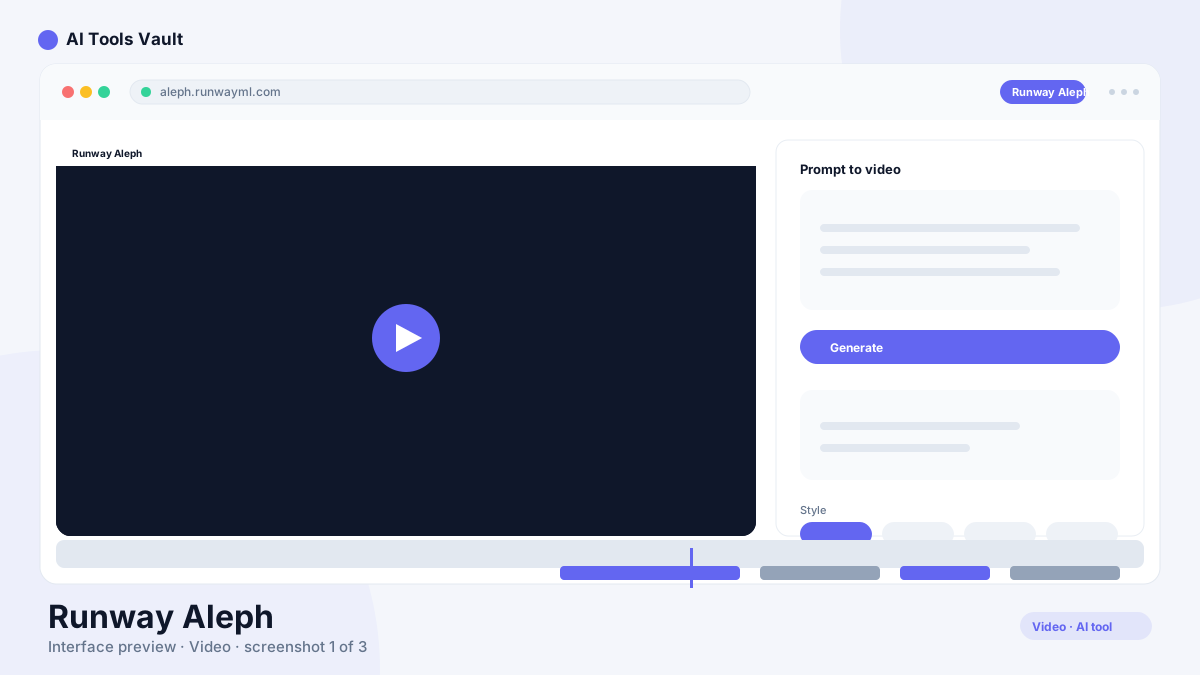
What Is Runway Aleph and How Does In-Context Editing Work?
It is a video editing model that takes footage and edits it according to a text instruction. You select a clip — generated by any AI tool or otherwise — and describe the change: change the lighting, swap the sky, alter a character's action. Aleph regenerates the shot with the change applied, in context, without masks or keyframes.
It's the model behind Runway's push to make AI video editable, and it's positioned as the opposite of the generate-and-retry loop.
Instruction-Based Editing
The core workflow is simple: pick a clip, type what should change, and review the result.
- Text instructions applied to existing footage
- Relighting, background and object changes
- Edits other AI-generated video, not just Runway's
- Iterate on a single shot without new seeds
Editing Instead of Regenerating
Traditional AI video workflows mean regenerating a full shot when a detail is wrong. Aleph changes the loop: generate once, then edit the specific element that needs fixing. That preserves everything you like about a shot while changing only what you ask.
Runway Aleph Pricing & Access
Free trial credits; included with Runway Standard $15/mo and Pro $35/mo
Free
Try Aleph with trial credits.
- Limited editing credits
- Core in-context edits
- 720p export
- Community support
Standard
For editors editing regularly.
- Monthly credits
- 1080p export
- Aleph access
- All core Runway tools
Pro
For professional creators.
- More monthly credits
- 4K export
- Priority processing
- Advanced Runway tools
Best For
Recommended use cases and scenarios where Runway Aleph shines.
Runway Aleph: Pros and Cons
Aleph is a genuinely new way to edit AI video — described changes instead of retakes — though the model is still young and heavy use consumes credits quickly.
Pros
- Edits existing video by description
- No masks, keyframes or retakes needed
- Works with footage from other AI tools
- Fast iteration on a single shot
Cons
- Young model with occasional artifacts
- Heavy editing consumes credits
- Best results on paid Runway plans
Frequently Asked Questions
Common questions about Runway Aleph, answered.
What is Runway Aleph?
It is Runway's in-context video editing model. It edits existing footage from a text instruction — relight, swap, change an action — without masks, keyframes or regenerating the whole shot.
Can Aleph edit video from other AI tools?
Yes. Aleph works on footage you already have, including video generated by other AI tools, and applies changes in context.
How much does it cost?
Aleph is accessed through Runway plans. Trial credits are free; Standard is $15/month and Pro is $35/month with more credits and higher export quality.
How is Aleph different from text-to-video?
Text-to-video generates a shot from scratch. Aleph edits an existing shot based on a description, so you keep what works and change only what you ask.
What are the best alternatives?
Runway's own suite plus Pika, Luma Dream Machine and Krea AI offer adjacent editing and generation workflows.
Reviews & Ratings
Loading reviews...
Similar Tools
More Video tools you might like

Loom AI
Async screen recording with built-in AI that writes titles, summaries, chapters, and action items from every recording.

CapCut
CapCut is ByteDance's free AI-powered video editor for short-form content, with auto captions, background removal, and a huge template library for TikTok and Reels.
