Luma Dream Machine Review: Cinematic AI Video Generation
VideoFreemiumLuma's Dream Machine turns text and images into cinematic, physically accurate AI videos.
What Is Luma Dream Machine and How Does It Work?
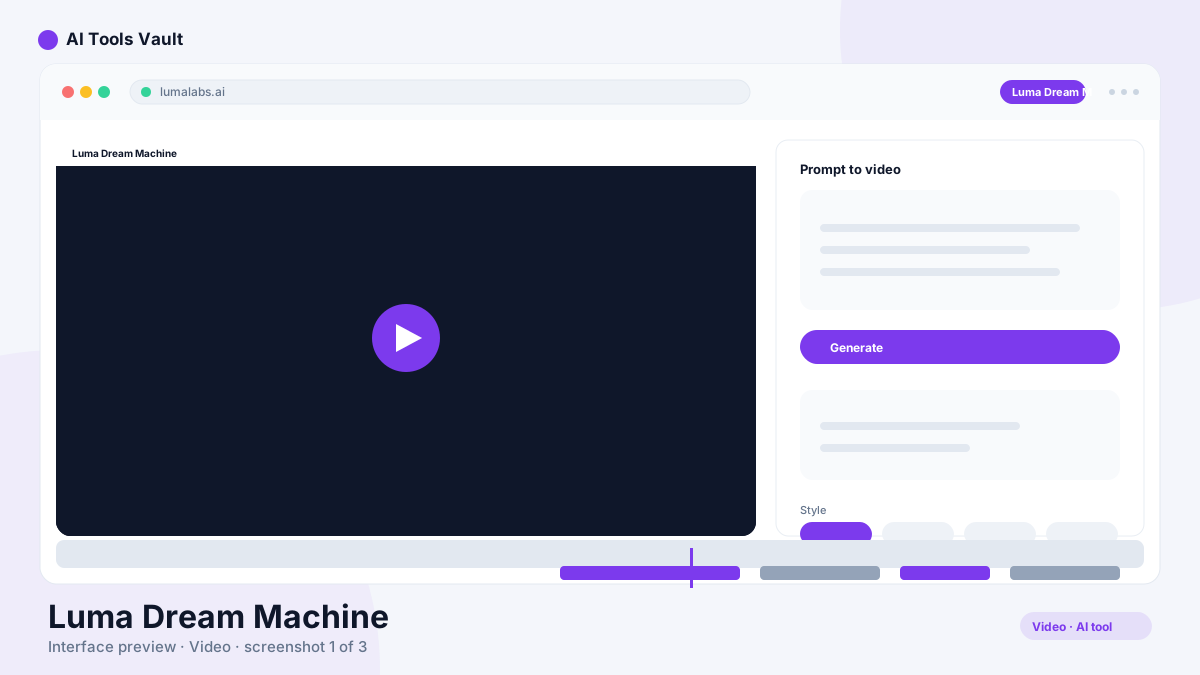
Luma Dream Machine is an AI video generation platform that creates realistic, physically accurate clips from text prompts or images. It supports text-to-video, image-to-video, extended generations, and a growing library of camera and motion controls.
Backed by Luma's Ray model line, it is known for smooth object motion, natural physics, and cinematic framing — making it a favorite among filmmakers, game developers, and social creators.
Key Features: Ray Model, Physics & Camera Controls
The appeal here is physical accuracy and film-like camera work in every clip.
- Text-to-video and image-to-video generation
- Realistic physics and smooth object motion
- Cinematic camera and motion controls
- Extended generations for longer clips
- 4K output with HDR on paid plans
Luma Dream Machine vs Runway
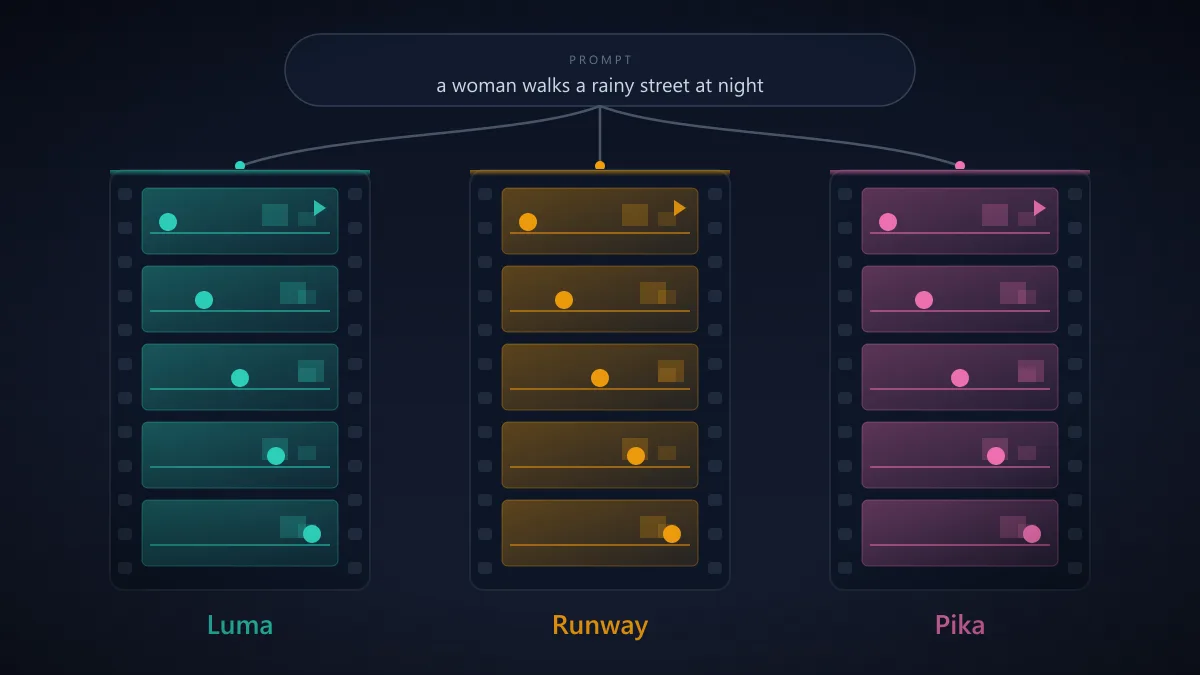
Runway is the older, broader platform with editing tools and a strong creative suite. Dream Machine concentrates on generation quality, especially natural physics and cinematic framing. Both are leading video generators; the latter often wins on realism, Runway on the surrounding toolkit.
Pricing: Credits & Plans
Free trial credits on signup; paid plans from $9.99/mo (Lite) with commercial use starting on Plus at $29.99/mo
Free
Trial credits to test Dream Machine.
- Free trial credits
- Draft resolution
- Watermarks
- Non-commercial use
Lite
For hobbyists exploring AI video.
- 3,200 credits/mo
- Full Ray model access
- 4K with up-res
- Watermarks
Plus
Best value for professional creators.
- 10,000 credits/mo
- 4K with HDR
- Commercial use
- No watermarks
Unlimited
For high-volume studios.
- 10K fast credits + unlimited relaxed
- Priority processing
- Commercial use
- No watermarks
Best For
Recommended use cases and scenarios where Luma Dream Machine shines.
Pros and Cons
Dream Machine offers some of the most realistic AI video in 2026, though credits burn fast at higher resolutions and busy-day queues are real.
Pros
- Realistic physics and smooth motion
- Text-to-video and image-to-video
- Cinematic camera and motion controls
- High-resolution 4K output with HDR
Cons
- Credits burn quickly at higher resolutions
- Generation queues on busy days
- Complex scenes can still glitch
Frequently Asked Questions
Common questions about Luma Dream Machine, answered.
Is Luma Dream Machine free?
There are free trial credits on signup. Paid plans start at $9.99 per month for 3,200 monthly credits.
What is the Ray model?
Ray is Luma's model line powering Dream Machine, focused on realistic motion, physics, and cinematic framing.
Does it support image-to-video?
Yes, you can animate a still image as well as generate video from text prompts.
Can I use the videos commercially?
Commercial use starts on the Plus plan at $29.99 per month. Lower tiers and free credits are for personal projects.
Which is better, Dream Machine or Sora?
Dream Machine excels at realistic physics and camera control; Sora is stronger on long-scene coherence and prompt understanding. Many creators use both.
Reviews & Ratings
Loading reviews...
Similar Tools
More Video tools you might like

Loom AI
Async screen recording with built-in AI that writes titles, summaries, chapters, and action items from every recording.

CapCut
CapCut is ByteDance's free AI-powered video editor for short-form content, with auto captions, background removal, and a huge template library for TikTok and Reels.

Guides & Articles about Luma Dream Machine
Read our detailed reviews and comparisons covering Luma Dream Machine