
HeyGen Review
VideoFreemiumAI avatar video platform for creating photorealistic presenter videos, dubbing into 40+ languages, and running interactive Video Agents.
What Is HeyGen?
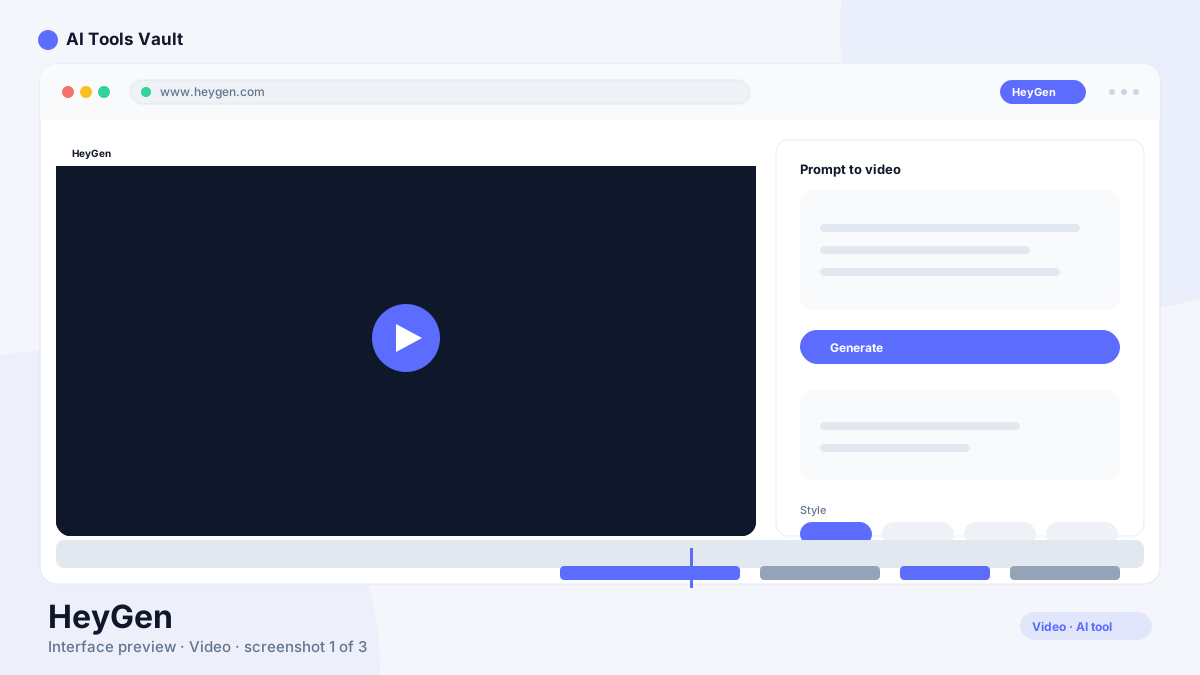
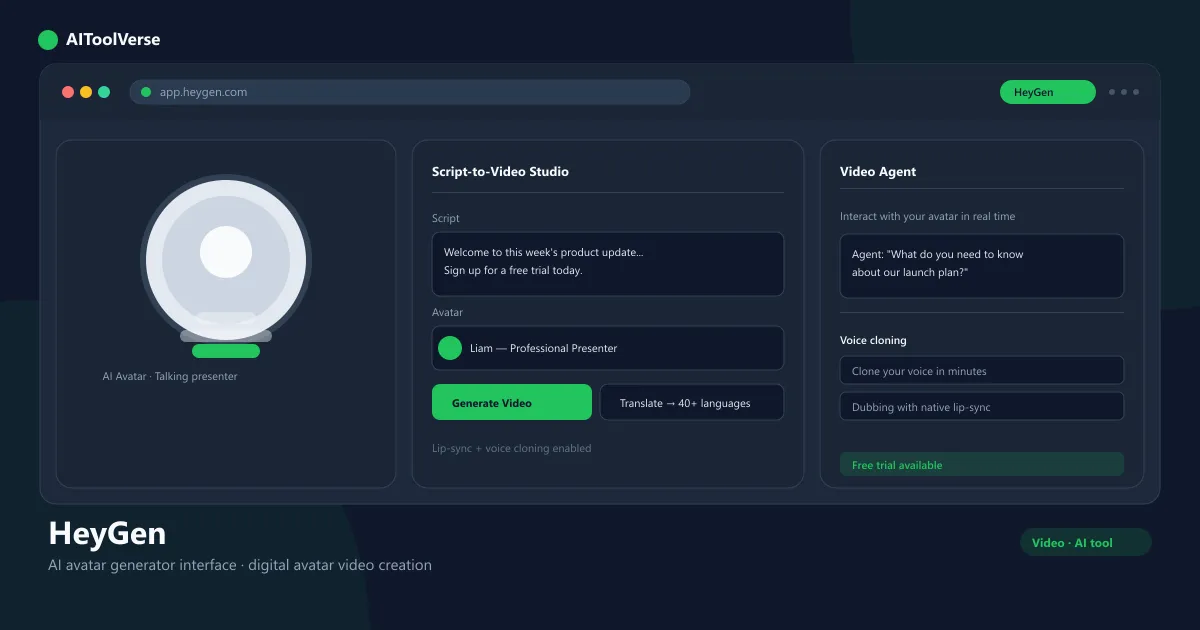
It is a generative video platform that turns a typed script into a finished presenter video. You pick an avatar, choose a voice, and the platform renders the avatar speaking your words with realistic lip-sync — no camera, microphone, or acting required. It launched in 2020 and quickly became one of the most popular AI avatar tools for marketing teams, course creators, and social media channels.
What sets it apart from a basic text-to-video generator is the production workflow around it: hundreds of photorealistic avatars, voice cloning, one-click dubbing into 40+ languages, and an interactive Video Agent mode. That combination makes it a practical pick for teams that need localized video at scale without a studio.
HeyGen AI Avatar Generator
The avatar generator is the core of the platform. You write or paste a script, select a presenter from the avatar library, and the tool renders a video of that avatar delivering your lines. Avatars are generated from real actors and offer a range of tones, ages, and styles, so you can match the presenter to your brand.
For teams that want their own spokesperson, the platform also supports custom avatars created from your own recorded footage. The rendering pipeline handles gestures, expressions, and lip movement automatically, which is why the output is often mistaken for a real presenter on a camera.
- Turn scripts into presenter videos in minutes
- Hundreds of photorealistic avatar options
- Custom avatars from your own footage
- Realistic lip-sync and natural gestures
HeyGen Video Translation & Dubbing
Translation and dubbing is one of the platform's standout features. Instead of translating a script and re-recording, you upload a finished video, pick the target languages, and the platform regenerates the speaker's voice in each language while keeping the lip movements synced. Supported languages include Spanish, French, German, Japanese, and dozens more.
The result is a native-feeling localized video for every market — one upload can generate a full set of translated versions. For companies distributing the same explainer or product video internationally, this removes most of the cost and turnaround time of traditional dubbing.
- Dub videos into 40+ languages with lip-sync
- Preserve the original speaker's voice
- Generate all language versions from one upload
- Localize explainers, ads, and training videos
HeyGen Video Agent
Video Agent is the platform's real-time interactive mode. Instead of a pre-rendered clip, the avatar can respond live to a viewer: it listens, understands the question, and answers while staying in character. That makes it useful for sales reps, support pages, onboarding, and interactive storefronts.
Agents are built on a knowledge base you supply — product docs, FAQs, or a script — so the responses stay on-brand and accurate. Because it renders on the fly, a single agent can handle thousands of unique conversations without filming new video.
- Real-time conversational avatar responses
- Train the agent on your own content
- Embed agents on websites or run them live
- Consistent on-brand presenter every time
HeyGen Voice Cloning
Voice cloning lets you record your own voice once and reuse it across avatars and languages. The platform captures the tone and delivery of a few minutes of audio, then that cloned voice can narrate any script — and it carries through the dubbing feature, so translations still sound like you.
This matters for creators and executives who want a personal, recognizable voice without recording every video. As with any voice cloning tool, it requires consent to clone someone's voice, and the cloned voice stays tied to your workspace.
- Clone a voice from a short recording
- Reuse your voice across every avatar and script
- Translations keep your original voice
- Consent-based cloning built in
HeyGen Pricing — Plans & Free Trial
The platform uses a freemium model with a free plan that lets you create three videos per month with a watermark — a good way to test the platform before paying. Paid plans start at $29 per month for Creator, which bumps the limit to ten videos, removes the watermark, and adds HD export and voice cloning.
Team plans at $39 per user per month add more videos, a brand kit, and priority support, while Enterprise plans add custom avatars, SSO, and volume pricing. Annual billing lowers the effective monthly cost, and every paid tier can be tested with a free trial.
Compare Plans & Pricing
Free plan (3 videos/mo); Creator $29/mo; Team $39/user/mo; Enterprise custom
Free
Create your first avatar videos with a watermark.
- 3 videos/mo
- 100+ avatars
- Text-to-video
- Watermark
Creator
For individual creators and marketers.
- 10 videos/mo
- HD export, no watermark
- Voice cloning
- 1 seat
Team
For teams creating avatar video at scale.
- 40 videos/mo
- 3 seats
- Brand kit
- Priority support
HeyGen vs Synthesia
Synthesia is the closest mainstream competitor. Both turn scripts into photorealistic presenter videos with avatars and multilingual support, and both target business and creator use. The difference is in the extras: the platform leans on video translation, voice cloning, and interactive Video Agents, while Synthesia is known for a large corporate template library and team-focused workflows.
For ad-hoc localization and short-form content, it is often the better fit. For organizations that standardize on branded, on-premise-style corporate video production with strict governance, Synthesia holds the edge. Most teams can decide by testing the free trial of each.
HeyGen for YouTube Shorts & TikTok
It is a practical fit for short-form video channels. You can turn a talking-point script into a vertical presenter clip for YouTube Shorts or TikTok in a few minutes, then export it in the right aspect ratio ready to post. The avatar keeps the on-camera look without the setup.
The same script can be dubbed into multiple languages, letting a creator publish one Short across several markets — or reuse the avatar across an entire content calendar. For channels that post daily, that consistency at volume is where the subscription pays for itself.
- Create vertical presenter videos for Shorts and TikTok
- Post the same content across multiple languages
- Keep a consistent on-screen presenter
- Batch scripts into a content calendar
Pros and Cons
The platform is one of the most complete avatar video platforms available — but its best features sit on paid plans, and the free tier's watermark means serious creators will subscribe quickly.
Pros
- Photorealistic AI avatars
- Video translation with lip-sync
- Voice cloning built in
- Fast script-to-video workflow
Cons
- Avatars can look uncanny up close
- Watermark on the free tier
- Advanced features on higher plans
Best For
Recommended use cases and scenarios where HeyGen shines.
Frequently Asked Questions
Common questions about HeyGen, answered.
Is there a free plan?
It has a free plan that lets you create up to three videos per month with a watermark. Paid plans start at $29 per month on the Creator tier, which removes the watermark and adds HD export and voice cloning.
What can you build with it?
It is used to create presenter videos from scripts, dub existing videos into 40+ languages, clone voices, and run interactive Video Agents for sales, support, and marketing.
Does HeyGen have a free trial?
Yes. The free plan itself acts as a trial, and paid plans are available on a free trial so you can test Creator or Team before committing.
Is HeyGen better than Synthesia?
Both are leading AI avatar platforms. It stands out for video translation, voice cloning, and interactive agents, while Synthesia is stronger for large corporate template libraries and strict team governance. Choose based on your workflow.
What are the best HeyGen AI alternatives?
Descript is a strong alternative for combining AI avatars with full video editing, ElevenLabs excels at AI voices and dubbing, and Character.AI is a good option if you want conversational AI characters rather than avatar video.
Reviews & Ratings
Loading reviews...
Explore More AI Video Tools
Browse the full AI Tools Vault directory to compare HeyGen with every AI video tool, or line up your shortlist side by side.
Similar Tools
More Video tools you might like

Loom AI
Async screen recording with built-in AI that writes titles, summaries, chapters, and action items from every recording.

CapCut
CapCut is ByteDance's free AI-powered video editor for short-form content, with auto captions, background removal, and a huge template library for TikTok and Reels.

Guides & Articles about HeyGen
Read our detailed reviews and comparisons covering HeyGen
 Comparisons
Compare Top AI Avatar Tools for Podcast Video Snippets (2026)
A practical comparison of the top AI avatar tools for podcast video snippets — HeyGen, Synthesia, D-ID, Colossyan, Captions, Descript, OpusClip and quso.ai, with 2026 pricing and workflows.
 AI Tools Vault Team
 Comparisons
Hour One vs InVideo AI: What Changed in 2026?
Wix bought Hour One in 2025, and its old site now points to Wixel. InVideo AI is still here with credits, avatars and 200+ models. What the “vs” means now.
 Sam Carter
 Guides & How-To
Best AI Video Generators in 2026 (Tested)
The best AI video generators of 2026 tested — Veo 3, Runway, Sora and Pika for text-to-video, plus Colossyan and HeyGen for avatar video with real editing workflows.
AI Tools Vault Team