
Descript Review
VideoFreemiumAI video and podcast editor that lets you edit video by editing the transcript like a doc.
What Is Descript?
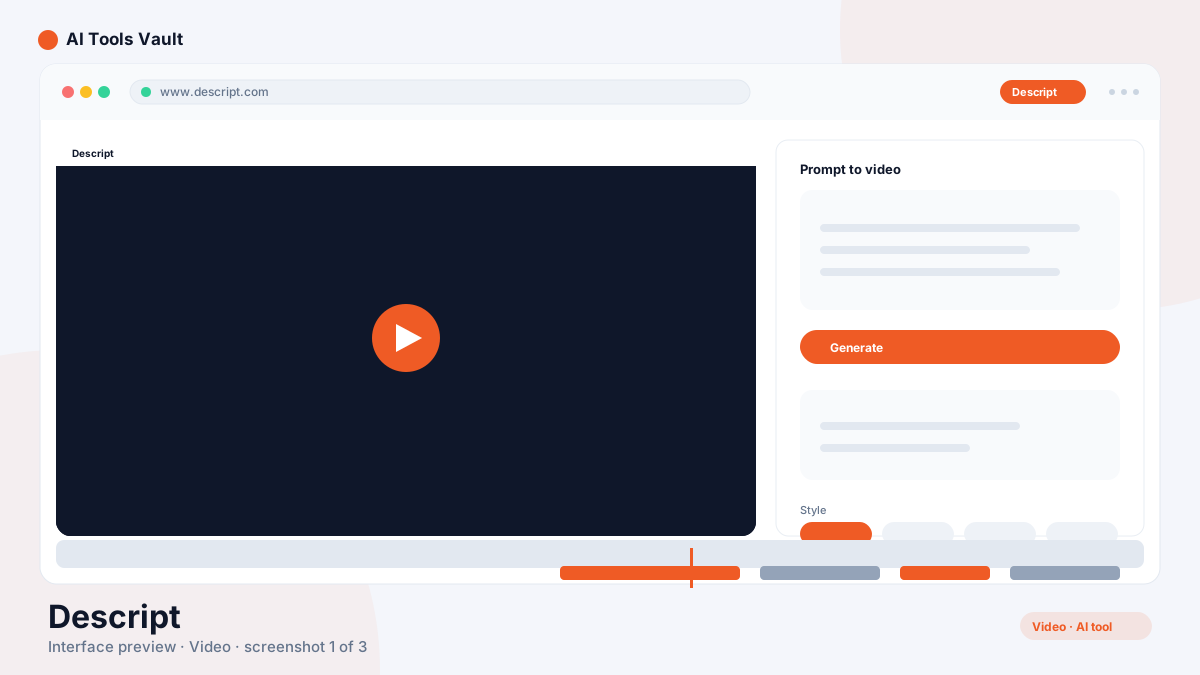
It's a video and podcast editor built around the transcript. Every word you speak becomes editable text, and editing that text edits the video underneath it — delete a sentence and the clip shortens, retype a phrase and the audio is re-recorded for you. There is no timeline-first learning curve because the transcript is the timeline.
The platform launched in 2017 and has become the default editor for podcasters, YouTubers, and content teams who want studio-quality output without a traditional NLE. Because it runs in the browser, a team can record, edit, caption, and publish from one shared workspace.
Text-Based Video Editing
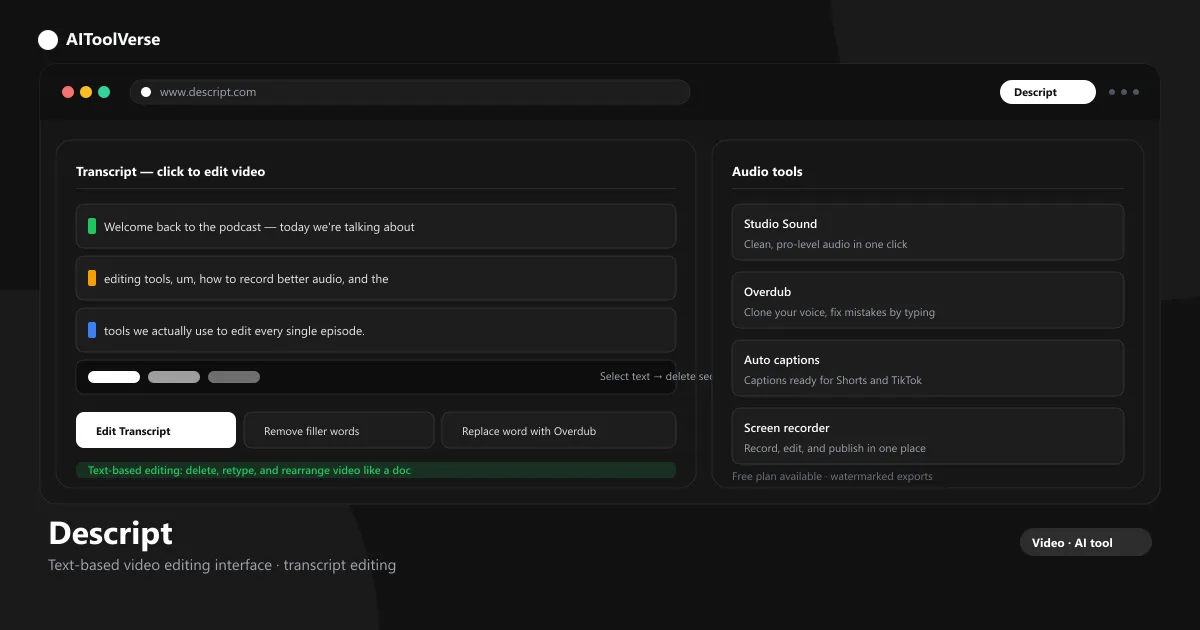
Text-based editing is the core workflow. The tool transcribes your footage, then you edit the words: highlight a section and delete it, drag a paragraph to move that clip, or type a correction to replace the audio. Everything stays in sync, so you never hunt for a cut point on a timeline.
For interviews and long recordings, this removes most of the tedious work. You skim the transcript instead of scrubbing frames, and the video assembles itself as you clean up the text. It is the fastest way to cut a rough edit into a publishable episode.
- Delete, retype, and rearrange video through the transcript
- Keep audio and video perfectly in sync
- Edit interviews and long recordings quickly
- Traditional timeline view still available when needed
Descript Overdub — AI Voice Cloning
Overdub is the AI voice cloning feature. After a short training recording, the tool can generate new speech in your voice — so you can fix a flubbed word by retyping it, or insert a sentence that was never recorded. The clone lives in your workspace and is tied to your account for consent and safety.
The practical payoff is huge for podcasts and tutorials. Instead of re-recording a whole take for one mistake, you type the correction and move on. Voice quality varies with your training audio, so a clean recording produces the most convincing results.
- Clone your voice from a short training clip
- Fix mistakes by typing instead of re-recording
- Insert new sentences into existing recordings
- Consent-based voice ownership built in
Filler Word Removal
Filler word removal is one of the platform's most-loved one-click tools. It scans the transcript for ums, uhs, and repeated words like 'you know' and removes them from the audio and video — not just the text. The cuts are smoothed so the result sounds natural rather than choppy.
Podcasters use it to tighten every episode without manually slicing each pause. You control how aggressive the cleanup is, and anything the tool removes stays in the transcript so you can restore it if needed.
- Remove ums, uhs, and repeated words in one click
- Cuts both audio and video, not just text
- Adjustable cleanup sensitivity
- Restore any removed word from the transcript
Studio Sound
Studio Sound is the platform's audio enhancement tool. It cleans up noisy recordings, reduces echo, and levels the audio so even a recording made on a laptop sounds closer to a studio take. Apply it to a track and the difference is usually immediate.
The value is that you don't need audio engineering skills. A single toggle handles noise reduction and equalization, and you can dial it in with a couple of sliders. For remote interviews recorded on different devices, Studio Sound is the difference between a messy mix and a polished one.
- One-click noise and echo reduction
- Automatic leveling for consistent volume
- Fix laptop and room-tone recordings
- Fine-tune with simple sliders
Descript Auto Captions & Screen Recorder
Auto captions turn your transcript into styled, animated captions in a click. They're formatted for YouTube Shorts, TikTok, and Reels, with word-level highlighting that follows the speaker. This has become a must-have for short-form distribution, and the tool makes it part of the normal edit rather than an export step.
The screen recorder captures your screen, camera, and mic simultaneously, so tutorials and demos are recorded and edited in the same project. Teams use the pair together: record a demo, let the transcript build, then trim and caption it for publishing.
- Animated captions with word-level highlighting
- Formats ready for Shorts, TikTok, and Reels
- Record screen, camera, and mic together
- Edit and caption in the same project
Descript Pricing — Free vs Paid Plans
The platform has a free plan with one hour of transcription per month, basic editing, and screen recording — exports carry a watermark, but it's enough to test the transcript workflow before paying. Paid plans start at $16 per month on Hobbyist, which raises the transcription allowance to ten hours, removes the watermark, and adds filler-word removal and AI voice tools.
Creator at $35 per month adds 30 hours of transcription, Studio Sound, multitrack editing, and 4K export. Business plans are priced per user at $50 per month and add collaboration features, with annual billing lowering the monthly cost on every tier.
Compare Plans & Pricing
Free plan with watermark; Hobbyist $16/mo; Creator $35/mo; Business $50/user/mo
Free
Try transcript-based editing with exports.
- 1 hr transcription/mo
- Basic editing
- Screen recording
- Watermark
Hobbyist
For individual creators and podcasters.
- 10 hrs transcription/mo
- Filler-word removal
- No watermark
- AI voice tools
Creator
For serious creators producing weekly content.
- 30 hrs transcription/mo
- Studio sound
- Multitrack editing
- 4K export
Descript vs Riverside
Riverside is a recording studio first and an editor second: it captures high-quality local audio and video for remote guests, then offers editing and AI features on top. The platform here is an editor first: it records too, but its strength is the transcript-based workflow that turns any footage into a clean edit.
Choose Riverside when the priority is flawless remote recording with separate local tracks. Choose the tool when you want to record, edit, caption, and publish in one place and you prefer editing by text over a timeline.
Descript vs Premiere Pro
Adobe Premiere Pro is a professional NLE with full timeline control, advanced color grading, and unlimited scope for complex productions. It is a faster, simpler tool built around the transcript for podcasts and short-form video — trading deep editing power for speed.
Post-production professionals who need frame-perfect control will still reach for Premiere Pro. For podcasters, YouTubers, and teams that publish weekly, the text-based workflow is dramatically faster, and you can export to hand off to Premiere Pro when a project needs more.
Pros and Cons
The platform is one of the fastest ways to edit speech-driven video — but it's built for that kind of content, and heavy NLE users will hit its limits on complex projects.
Pros
- Edit video by editing text
- Filler-word removal
- AI voice cloning & overdub
- Screen recording built in
Cons
- Browser-based editor can be heavy
- Transcript edits have quirks
- Cloned voice quality varies
Best For
Recommended use cases and scenarios where Descript shines.
Frequently Asked Questions
Common questions about Descript, answered.
Is Descript free to use?
Yes. The platform has a free plan with one hour of transcription per month, basic editing, and screen recording, though exports carry a watermark. Paid plans start at $16 per month on the Hobbyist tier.
What is Descript used for?
It is used to edit videos and podcasts by editing the transcript, remove filler words, clone voices with Overdub, clean up audio with Studio Sound, and add auto captions for short-form platforms.
Is Descript good for podcast editing?
Yes. It is one of the best podcast editing tools because the transcript workflow makes it fast to cut interviews, remove filler words, and fix mistakes by retyping instead of re-recording.
Is Descript better than Riverside?
It depends. Riverside is stronger for high-quality remote recording with local tracks, while the platform is stronger for transcript-based editing and publishing in one place. Many teams use Riverside to record and the tool to edit.
What are the best Descript alternatives?
ElevenLabs is the best choice for AI voice cloning and dubbing, HeyGen is strong for AI avatar video, and Fireflies.ai is a good alternative for meeting transcription and notes.
Reviews & Ratings
Loading reviews...
Explore More AI Video Tools
Browse the full AI Tools Vault directory to compare Descript with every AI video tool, or line up your shortlist side by side.
Similar Tools
More Video tools you might like

Loom AI
Async screen recording with built-in AI that writes titles, summaries, chapters, and action items from every recording.

CapCut
CapCut is ByteDance's free AI-powered video editor for short-form content, with auto captions, background removal, and a huge template library for TikTok and Reels.

Guides & Articles about Descript
Read our detailed reviews and comparisons covering Descript
 Guides & How-To
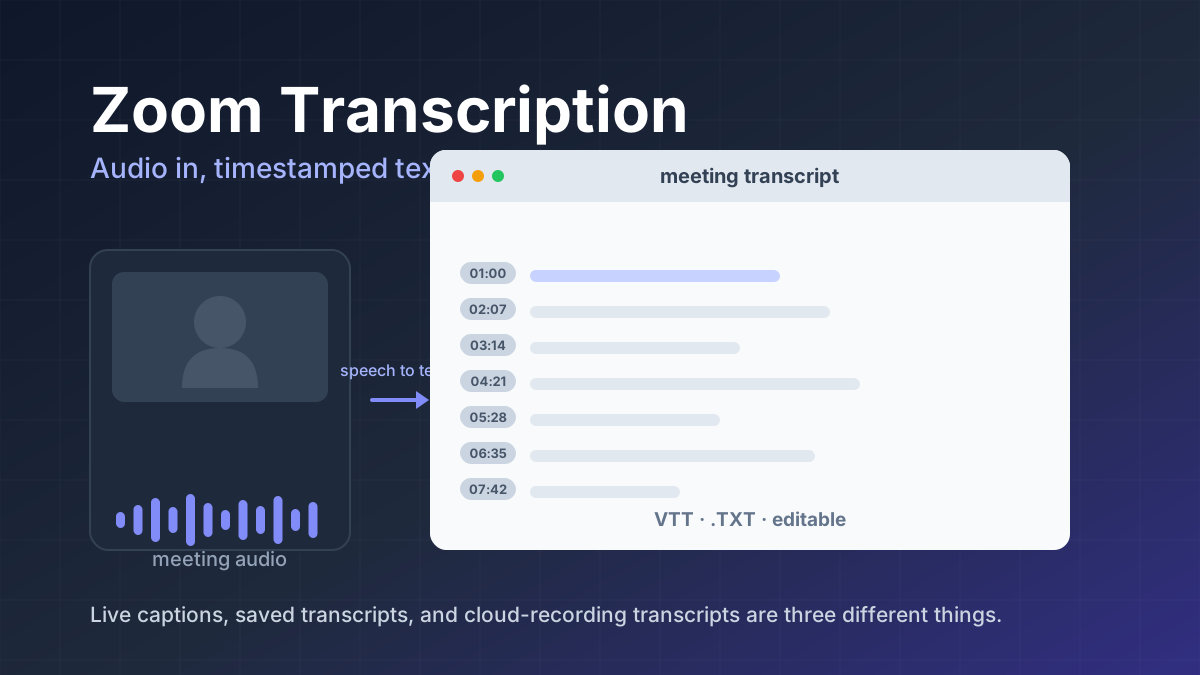
Zoom Transcription: How It Works and What It Captures
Zoom transcription turns meeting audio into text. Learn the difference between transcripts, captions, and AI summaries, how to enable them, and when to use third-party tools.
 Jawad Fiaz
 Comparisons
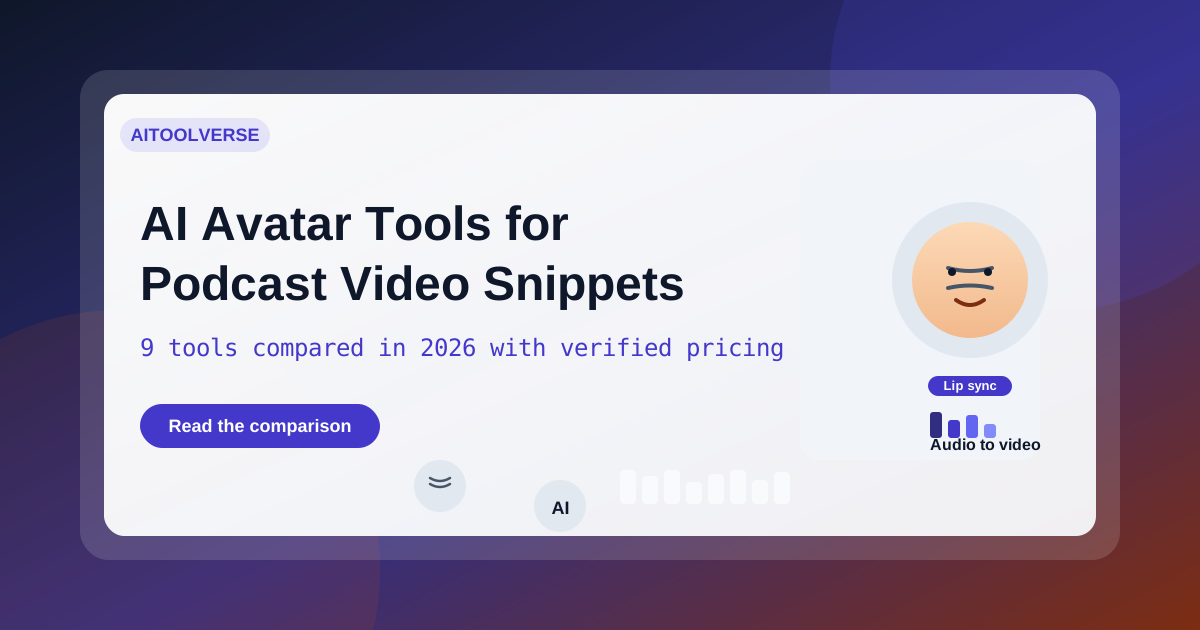
Compare Top AI Avatar Tools for Podcast Video Snippets (2026)
A practical comparison of the top AI avatar tools for podcast video snippets — HeyGen, Synthesia, D-ID, Colossyan, Captions, Descript, OpusClip and quso.ai, with 2026 pricing and workflows.
AI Tools Vault Team AI News
5 New AI Tools You Probably Haven't Heard About Yet
Five emerging AI tools from the September 2026 launch cycle, each changing a different working system: agent-native CRM, on-device models, AI observability, computer vision, and AI customer support.
AI Tools Vault Team