
Pika Review: Viral AI Video Effects for Creators
VideoFreemiumCreative AI video generation known for viral effects, Pikaffects, and animation from text, images, and video.
What Is Pika and How Does It Work?
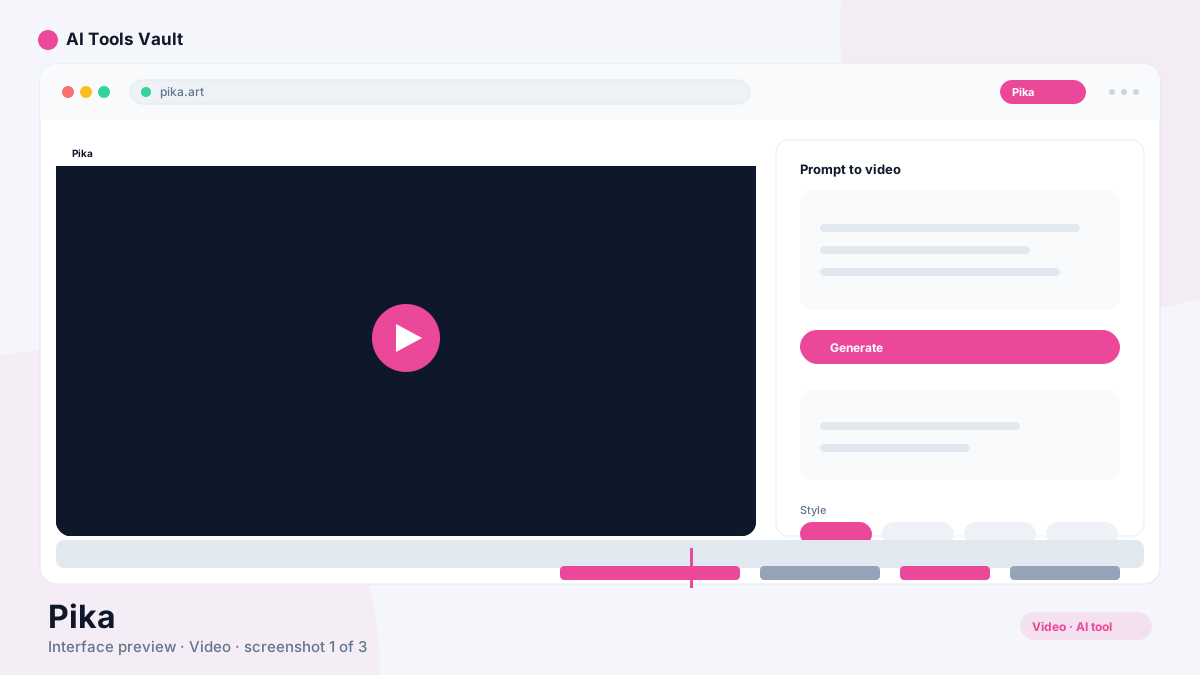
It is the AI video tool that made creative video effects go viral. Built on its 2.5 model, it turns text prompts, still images, or existing clips into short animated videos.
It is especially famous for its effects: Pikadditions drops new elements into an existing video, Pikascenes animates a single image into a whole scene, Pikaswaps swaps objects in clips, and Pikaffects adds physics-style effects like explosions, melting, or inflation to any shot.
Key Features: Pikaffects, Pikascenes & Pikadditions
Its signature is playful, shareable effects that other video tools cannot match.
- Pikaffects physics-style effects
- Pikadditions to drop objects into existing video
- Pikascenes to animate a still image
- Pikaswaps to replace objects in clips
- Browser and iOS app
Pika vs Runway
Runway is a professional video generation and editing suite aimed at filmmakers. This one is a fast, playful tool for creators making Reels, Shorts, and TikToks. If you need controlled, cinematic production, choose Runway. If you want viral effects in minutes, it is the better fit.
Pricing: Credits & Plans
Free 80 credits/mo (480p); Standard $10/mo; Pro $35/mo; Fancy $76/mo
Free
Try AI video with 80 monthly credits.
- 80 credits/mo
- 2.5 model at 480p
- Image-to-video
- Basic features
Standard
For casual creators.
- 700 credits/mo
- All resolutions up to 1080p
- Pikaframes included
- No watermark
Pro
Best value for serious creators.
- 2,300 credits/mo
- All features & effects
- Faster generation
- Commercial use
Fancy
For studios and heavy output.
- 6,000 credits/mo
- Fastest generation
- Priority processing
- All features
Best For
Recommended use cases and scenarios where Pika shines.
Pros and Cons
It is the easiest way to create viral AI video effects, but credits burn fast at higher resolutions and clips default to 5 seconds.
Pros
- Incredibly easy to use
- Viral creative effects (Pikadditions, Pikaffects)
- Generous 80-credit free tier
- Great for short-form social video
- Works on web and iOS
Cons
- Free tier capped at 480p
- Credits burn fast at 1080p
- 5-second default clips
- Longer scenes can lose consistency
Frequently Asked Questions
Common questions about Pika, answered.
Is Pika free?
Yes, the free plan includes 80 credits per month with 480p output. Paid plans start at $10 per month.
What are Pikaffects?
Pikaffects are physics-style effects like explosions, melting, and inflation that you can apply to any video shot — its signature feature.
How long are the clips?
Clips default to around 5 seconds, with longer scenes possible on higher tiers and at higher credit costs.
Is it good for social media?
Yes. Fast generation and viral effects make it the default choice for creators producing Reels, Shorts, and TikToks.
Does it support image-to-video?
Yes, you can animate still images and add elements to existing footage with Pikascenes and Pikadditions.
Reviews & Ratings
Loading reviews...
Similar Tools
More Video tools you might like

Loom AI
Async screen recording with built-in AI that writes titles, summaries, chapters, and action items from every recording.

CapCut
CapCut is ByteDance's free AI-powered video editor for short-form content, with auto captions, background removal, and a huge template library for TikTok and Reels.

Guides & Articles about Pika
Read our detailed reviews and comparisons covering Pika
 Guides & How-To
Adobe Premiere Pro AI: Features & Tools in 2026
Premiere Pro AI in 2026 explained for working editors: Media Intelligence, Object Mask, Generative Extend, text-based editing, and the new Generative Media Tool.
 AI Tools Vault Team
 Guides & How-To
Best AI Video Generators in 2026 (Tested)
The best AI video generators of 2026 tested — Veo 3, Runway, Sora and Pika for text-to-video, plus Colossyan and HeyGen for avatar video with real editing workflows.
AI Tools Vault Team Comparisons
Leonardo AI vs Krea AI vs Pika: Best AI Image & Video Tools in 2026
Leonardo AI vs Krea AI vs Pika compared for 2026 — image generation, real-time editing, and AI video effects, priced, tested, and ranked for creators.
AI Tools Vault Team