Pictory Review: Turn Articles Into Videos Automatically
VideoPaidAI video generator that turns blog posts, scripts, and URLs into narrated videos with stock clips, captions, and AI voices.
What Is Pictory and How Does It Work?
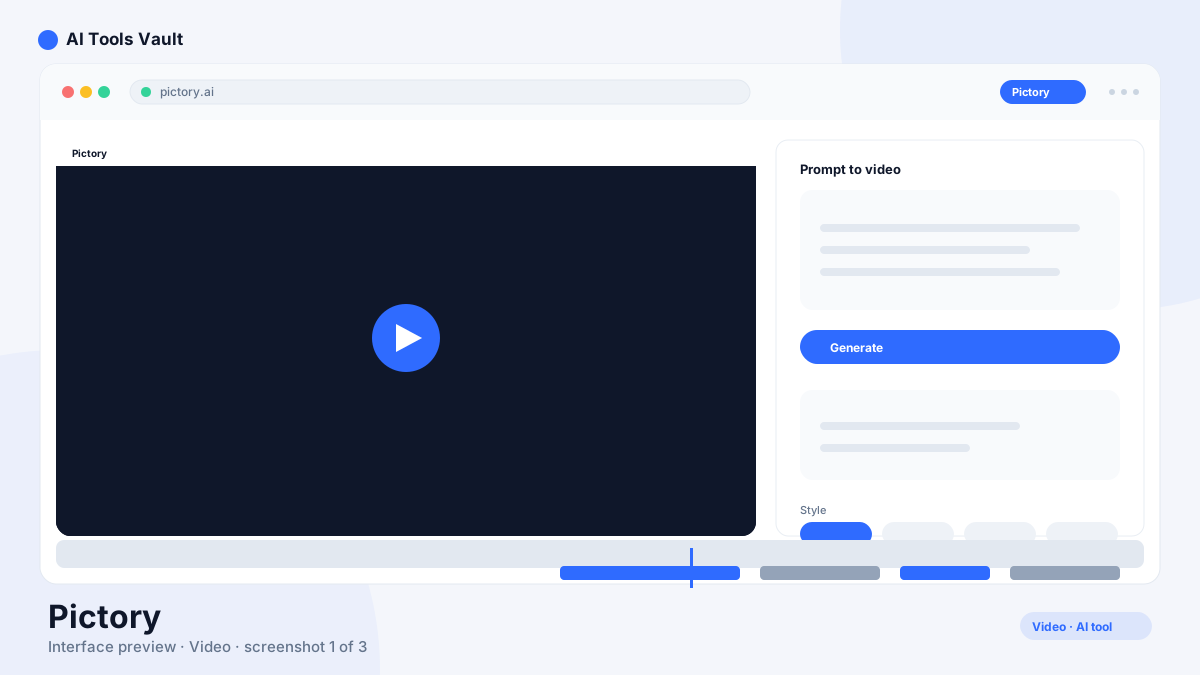
Pictory is an AI video platform that repurposes long-form content into short videos. Paste a blog post URL, script, or video, and it extracts the key points, pairs them with stock footage from its library of 5M+ Getty and Storyblocks clips, and adds AI voiceover, background music, and auto-captions.
Because it starts from text, it is especially popular with YouTubers and marketers who turn articles into faceless YouTube videos and social clips.
Key Features: URL-to-Video, Voiceovers & Captions
It automates the whole text-to-video pipeline in minutes.
- URL or script to video in minutes
- 5M+ stock footage library
- AI voiceovers and auto-captions
- Text-based editing of the transcript
- Brand fonts, colors, and logos
Pictory vs Descript
Descript is a full editor for footage you record or import, with transcription-based editing and multitrack. This one is a generator: it creates a video from text or a URL using stock media. Choose it for faceless, script-driven videos; choose Descript when you need to edit your own footage.
Pricing: Plans & Video Minutes
14-day free trial; Starter $25/mo annual ($29 monthly); Professional $35/mo annual ($59 monthly); Teams $119/mo annual ($199 monthly); Enterprise custom
Starter
Billed annually ($29 month-to-month).
- 15 video minutes/mo
- 720p exports
- 1 user
- Standard footage library
Professional
Billed annually ($59 month-to-month).
- 60 video minutes/mo
- 1080p exports
- AI voiceovers
- Branding & templates
Teams
Billed annually ($199 month-to-month).
- 240 video minutes/mo
- 3 users
- Advanced footage library
- Priority rendering
Best For
Recommended use cases and scenarios where Pictory shines.
Pros and Cons
It is one of the fastest ways to turn text into videos, though output can feel formulaic and there is no free-forever plan.
Pros
- URL or script to video in minutes
- 5M+ stock footage library
- AI voiceovers & auto-captions
- Text-based editing
- Built for faceless YouTube videos
Cons
- No free forever plan
- Output can feel formulaic
- Minutes + AI credits metering
- Limited creative control
Frequently Asked Questions
Common questions about Pictory, answered.
Is Pictory free?
There is a 14-day free trial with watermarked output. There is no free-forever plan; paid plans start at $25 per month billed annually.
Can it make videos from blog posts?
Yes. Paste a blog post URL and it extracts the key points, pairs them with stock clips, and adds AI voiceover and captions.
Is it good for faceless YouTube channels?
Yes, it is one of the most popular tools for faceless YouTube videos because it turns scripts and articles into narrated videos automatically.
Does it have its own footage library?
Yes, it draws on a 5M+ library of Getty and Storyblocks stock clips.
What resolution can it export?
Starter exports at 720p; Professional and Teams export at 1080p with faster rendering.
Reviews & Ratings
Loading reviews...
Similar Tools
More Video tools you might like

Loom AI
Async screen recording with built-in AI that writes titles, summaries, chapters, and action items from every recording.

CapCut
CapCut is ByteDance's free AI-powered video editor for short-form content, with auto captions, background removal, and a huge template library for TikTok and Reels.

Guides & Articles about Pictory
Read our detailed reviews and comparisons covering Pictory