Skip to content
Sora Video AI tool logo

Free Sora AI Prompt Generator Tool Online

VideoFreemium
Best for: Realistic text-to-video

OpenAI's Sora video generator turns text prompts into realistic clips, and this free Sora AI prompt generator helps you write prompts that produce better footage.
4.4(7.2k)
Founded 2024
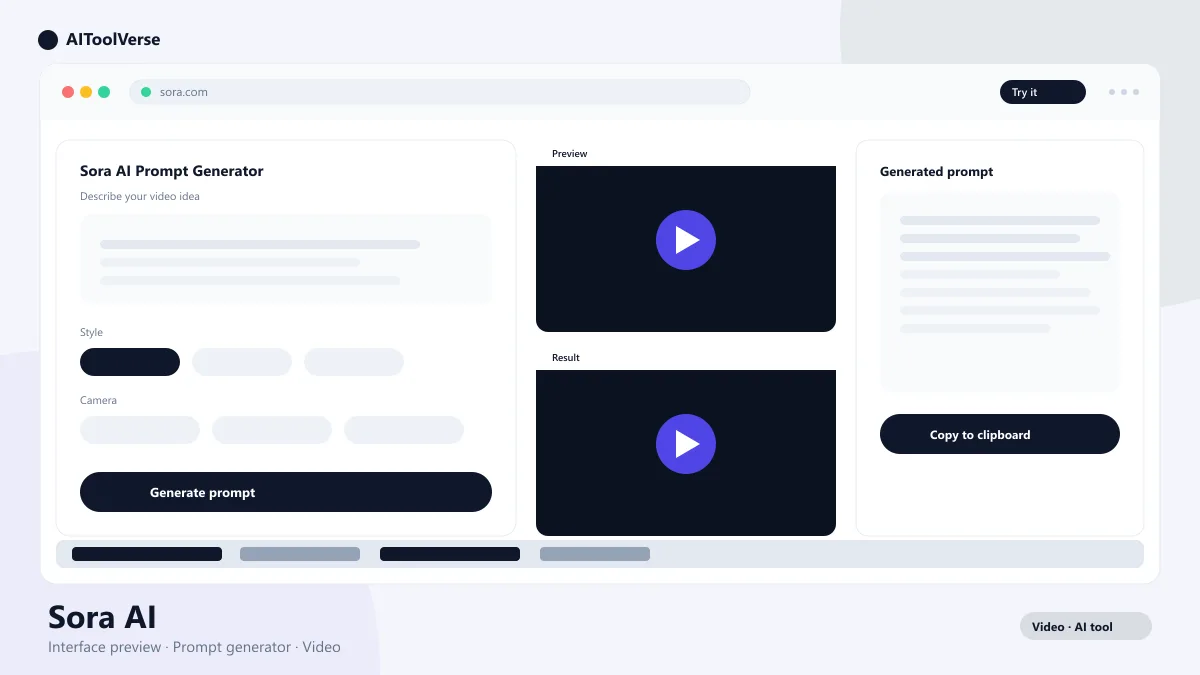
Online Sora AI prompt generator tool interface

What Is Sora AI?

Sora AI is OpenAI's text-to-video model that generates realistic footage from a written description. Type a scene — a drone shot over a misty forest, a close-up of a chef plating a dish, a city street at night in the rain — and it renders a clip that matches. It understands motion, lighting, and camera language well enough that the output often looks shot rather than generated.
Sora also remixes existing clips, blends two videos, and animates still images. Because it sits inside the ChatGPT ecosystem, you can refine your request in a conversation before generating. The catch is that output quality depends heavily on the prompt — which is where a prompt generator becomes essential.

How to Use the Sora AI Video Prompt Generator?

Using the Sora AI video prompt generator takes seconds. Start with a simple idea — the subject, the setting, and the action — and the generator expands it into a detailed, structured prompt that includes camera movement, lighting, and style. You can then paste that prompt straight into Sora and generate.
The pattern that works best has five parts: subject, action, setting, camera, and style. The generator fills all five from a sentence, and you can tweak any part. Keep prompts specific but not overstuffed: one clear subject and one clear action beat a paragraph of adjectives every time.
  • Describe the subject and the action in one sentence
  • Let the generator add camera, lighting, and style
  • Paste the finished prompt directly into Sora
  • Adjust one element at a time and regenerate

Why Use an Online Prompt Generator for OpenAI Sora?

Writing a great prompt by hand is harder than it looks. Vague descriptions produce generic clips, and details like lens length, camera angle, and lighting are easy to forget when you are in a hurry. An online prompt generator for OpenAI Sora removes that guesswork by structuring your idea into the exact format the model responds to.
It also helps with variety. When you are stuck, the generator can produce several different angles on the same idea — a wide establishing shot, a slow push-in, a handheld close-up — so you can test more footage in less time.

Best Prompts for Photorealistic AI Videos

For photorealistic results, describe the scene like a cinematographer would: film stock, lens, lighting, and motion all change the outcome.
"A photorealistic shot of a fox walking through a snow-covered forest at dawn, shallow depth of field, soft golden light through the trees, slow dolly follow, shot on 35mm film, cinematic color grade."
  • Name a real camera reference: 35mm, anamorphic, drone
  • Specify natural lighting conditions: golden hour, overcast, neon
  • Describe camera motion: dolly, pan, tracking, handheld
  • Keep one clear subject to avoid morphing between characters

Cyberpunk and 3D Animation Video Prompts

Stylized genres respond to world-building details. For cyberpunk, describe the setting's mood, palette, and technology; for 3D animation, name the animation style and character design.
"A cyberpunk street market at night, neon signs reflecting on wet pavement, rain, crowds of pedestrians, a lone figure in a glowing coat walking toward the camera, cinematic wide shot, teal and magenta palette."
"A stylized 3D animation of a robot gardener watering glowing flowers in a futuristic greenhouse, Pixar-style character design, soft global illumination, smooth camera orbit."
  • Lock a palette: teal and magenta for cyberpunk, pastel for soft 3D
  • Add environmental mood: rain, fog, neon reflections, floating dust
  • Name the animation style: Pixar-style, claymation, anime, voxel
  • Give the scene a focal character to keep motion coherent

Tips to Write Perfect Sora Prompts

The same rules apply whether you use a generator or write by hand. Lead with the subject and action, then layer in camera, light, and style. Keep the scene physically plausible, because the model is most reliable with real-world physics.
Avoid instructions it cannot see, like "make it exciting" or "add emotion". Instead, translate feelings into visuals: fast cuts for energy, low light for tension, close-ups for intimacy. When a clip misses, change one variable and regenerate rather than rewriting everything.
  • Start with subject + action, then add camera, light, and style
  • Describe what the viewer sees, not how it should feel
  • Keep scenes physically plausible for the best results
  • Change one variable at a time when you iterate

Sora AI Pricing — Plans & Access

Sora is bundled with ChatGPT rather than sold as a standalone subscription. ChatGPT Plus at $20 per month includes a limited monthly amount of video generation, while ChatGPT Pro at $200 per month unlocks the highest limits and the best quality.
A standalone option is also available for around $10 per month if you only want video generation. For most creators, Plus is the sensible entry point, and the free tier of the model gives you a real chance to test prompts before paying.

Compare Plans & Pricing

Limited free credits on ChatGPT Plus ($20/mo); highest limits on ChatGPT Pro ($200/mo)

Most Popular

ChatGPT Plus

$20/mo

Includes AI video generation with monthly credits.

  • Video generation
  • Priority access
  • GPT-4o and reasoning models
  • Higher limits
Get ChatGPT Plus

ChatGPT Pro

$200/mo

Maximum generation limits plus the most advanced models.

  • Highest generation limits
  • Unlimited reasoning
  • Extended video length
  • API credits
Get ChatGPT Pro

Standalone

$10/mo

Standalone access for people who only need video.

  • Video generation
  • Text-to-video
  • No ChatGPT features
  • Monthly credits
Get Sora

Sora AI vs Runway vs Pika

Sora AI, Runway, and Pika are the three most talked-about text-to-video tools, and they suit different jobs. Sora leads on realism, storyboard storytelling, and integration with ChatGPT. Runway is the filmmaker's tool with the deepest editing stack — timeline, motion brushes, and camera controls. Pika is the fastest and most beginner-friendly option, with a genuinely usable free tier.
For clip length, Sora generates around 20 seconds and Runway around 10, while Pika clips are shorter still. If you want to build multi-shot narratives, Sora is the strongest pick. If you want to edit and refine inside the same platform, choose Runway. If you want to experiment free and fast, start with Pika.

Pros and Cons

A quick summary of where the tool excels and where it has limits.
The verdict: Sora is the best realistic text-to-video generator most people can access, especially if they already pay for ChatGPT. Prompt quality makes or breaks the output, and that is exactly why this prompt generator is worth using before every generation. If you need deep editing tools, pair it with Runway; if you want a free place to experiment, try Pika first.

Pros

  • Generates realistic videos from text
  • Scene remixing and blending
  • Storyboard and timeline tools
  • Built into the ChatGPT ecosystem

Cons

  • Not available in all regions
  • Quota limits on the Plus plan
  • Physics still imperfect for complex scenes

Best For

Recommended use cases and scenarios where Sora shines.

Frequently Asked Questions

Common questions about Sora, answered.

What is the best free Sora AI prompt generator?

A good prompt generator expands your idea into a structured prompt with subject, action, setting, camera, and style. Any generator that outputs this five-part format works well with Sora, and you can use one right here on this page before pasting the result into your account.

How do I get access to Sora?

Sora is bundled with ChatGPT. ChatGPT Plus at $20 per month includes a limited amount of video generation, ChatGPT Pro at $200 per month unlocks the highest limits, and a standalone plan around $10 per month is available if you only want video.

How long are Sora videos?

Sora generates clips up to around 20 seconds. Longer videos are built by linking multiple clips in a storyboard or timeline, which is how most creators assemble multi-scene sequences.

Why does my Sora video look generic?

Generic output usually comes from generic prompts. Add camera movement, lighting, and a specific setting, and describe what the viewer should see rather than how it should feel. A prompt generator handles this structure automatically.

Can Sora AI replace Runway or Pika?

Not entirely. Sora wins on realism and narrative storyboards, but Runway has stronger editing tools and Pika is faster and friendlier for quick tests. Many creators generate in Sora and edit in Runway.

Reviews & Ratings

4.4

Based on 7,200 reviews

5
66%
4
19%
3
9%
2
4%
1
2%

Share your experience

Your rating

Loading reviews...

S

Sofia Rossi

I've tried most tools in this space and nothing comes close. Highly recommended.

D

Daniel Kim

The best investment I've made this year. Saves me hours every single week.

P

Priya Sharma

Fast, intuitive, and the results speak for themselves. Easily worth the subscription.

Explore More Video Tools

Browse the full AI Tools Vault directory to compare Sora with every video tool, or line up your shortlist side by side.

Similar Tools

More Video tools you might like

Loom AI AI tool logo

Loom AI

VideoFreemium
Best for: Async screen recordings with AI summaries

Async screen recording with built-in AI that writes titles, summaries, chapters, and action items from every recording.

CapCut AI tool logo

CapCut

VideoFreemium
Best for: Free short-form video editing

CapCut is ByteDance's free AI-powered video editor for short-form content, with auto captions, background removal, and a huge template library for TikTok and Reels.

4.6(23.8k)
Visit Website
Pictory AI tool logo

Pictory

VideoPaid
Best for: Turning blog posts & scripts into videos

AI video generator that turns blog posts, scripts, and URLs into narrated videos with stock clips, captions, and AI voices.

4.5(5.5k)
Visit Website

Guides & Articles about Sora

Read our detailed reviews and comparisons covering Sora