
Canva AI Review
Design & 3DFreemiumMagic Studio AI design suite for creating graphics, presentations, and social posts in minutes.
What Is Canva AI?
Canva AI is the set of generative AI features built into Canva, the design platform used by hundreds of millions of people. Together these tools are called Magic Studio: Magic Design generates complete editable templates from a text prompt, Magic Write drafts copy, Dream Lab acts as the AI image generator, and Magic Background removes or replaces the background behind any subject.
The key difference from a pure AI image generator is that everything stays inside the Canva canvas. Every AI output is an editable layer you can resize, recolor, and combine with templates, brand kits, and your own uploads — which makes it a complete design workflow rather than just a generator.
Canva Magic Design — AI Template Generator
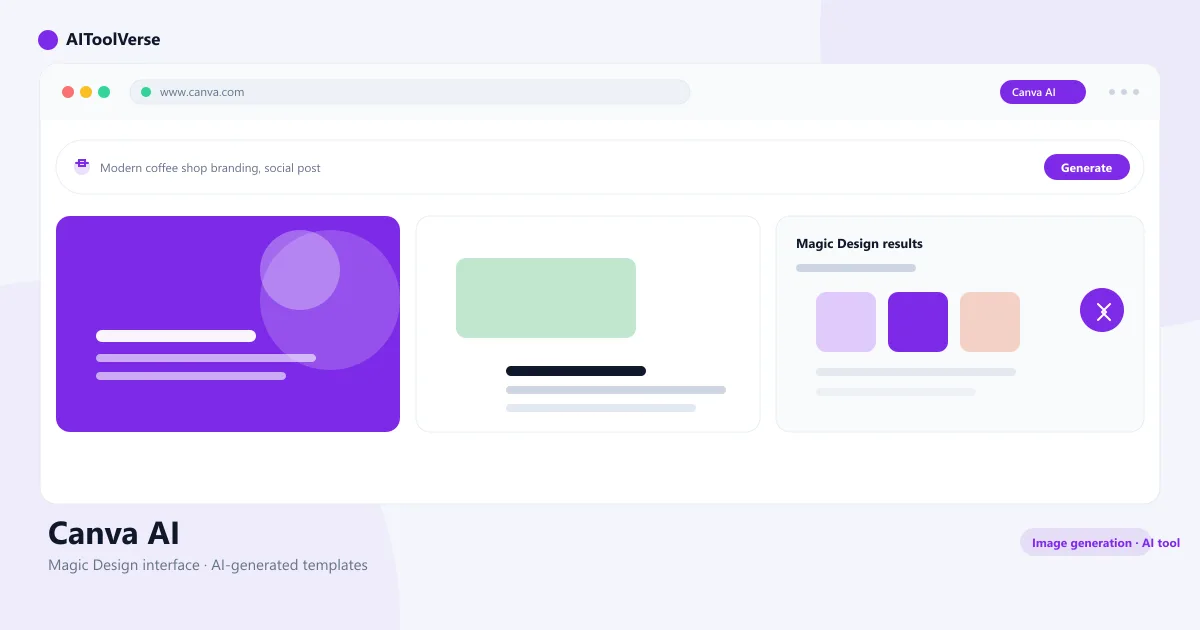
Canva Magic Design is an AI template generator. Describe what you need — "Instagram post for a coffee launch" — and it produces a set of fully editable, on-brand designs you can pick from and customize in seconds.
Unlike static template libraries, Magic Design generates variations around your brand kit. Choose a style, refine the prompt, and every option comes back already formatted for the platform size you selected, with the text, colors, and images ready to edit.
- Prompt-to-template generation for posts, docs, and presentations
- Multiple design variations from a single prompt
- Auto-applies brand colors, fonts, and logos
- Every result is fully editable on the canvas
Canva Magic Write — AI Text Generator
Canva Magic Write is Canva's AI writing assistant. Type a prompt inside the editor and it drafts headlines, social captions, blog intros, ad copy, and presentation scripts — then drops the text straight onto your design where you can restyle it like any other text box.
Magic Write also rewrites and summarizes. You can expand a thin draft, shorten a long paragraph, change the tone to match your brand voice, or translate copy into another language, all without leaving the canvas.
- Draft captions, headlines, blogs, and ad copy from a prompt
- Rewrite, expand, summarize, and change tone
- Translate copy across languages
- Applies your brand voice automatically
Canva Dream Lab — AI Image Generator
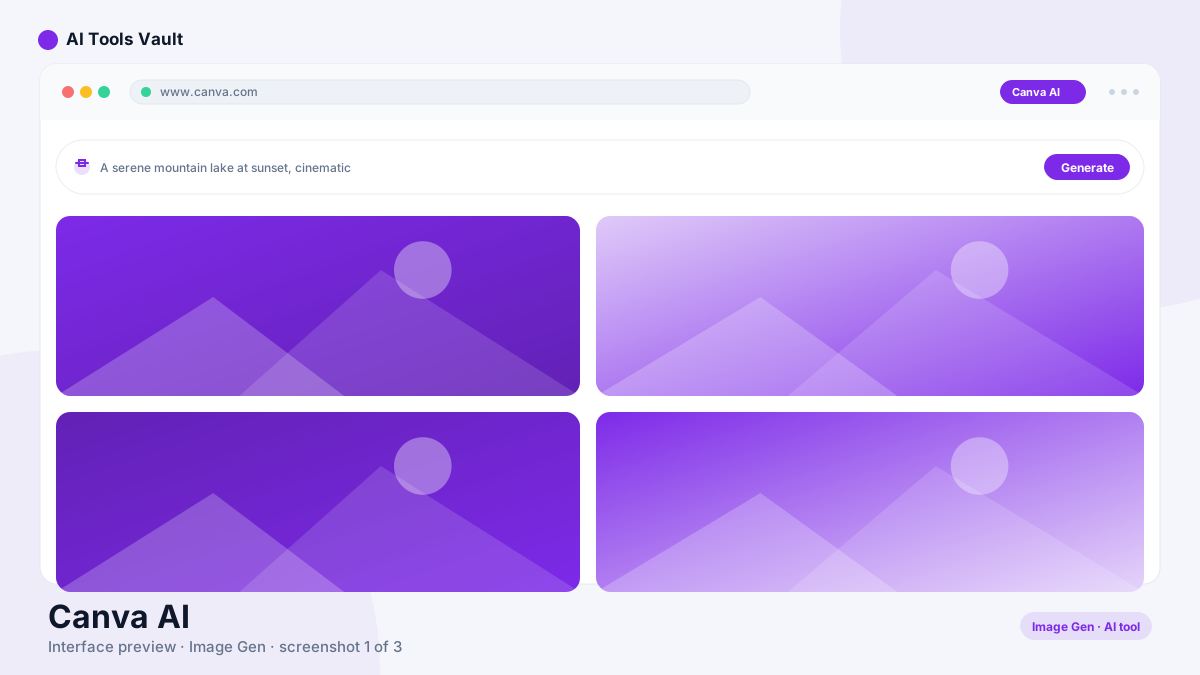
Canva Dream Lab is the AI image generator. Describe an image — "a fox in a spacesuit, studio lighting, photorealistic" — and Dream Lab returns photorealistic results with several style presets including illustration, cinematic, and 3D.
Because it runs inside Canva, the AI image generator turns generated images into editable elements immediately. You can drop them into a template, apply a background to them, or combine several generations on one canvas, so the image is a starting point rather than a final file.
- Generate images from detailed text prompts
- Style presets: cinematic, illustration, 3D, and more
- Adjustable aspect ratios for any platform
- Results land on the canvas as editable layers
- Pair with Canva Magic Media for AI video generation
Canva Magic Background Remover
Canva Magic Background is a one-click background remover. Upload any photo and it strips the background instantly, leaving a clean cutout you can place on a solid color, a brand background, or a new generated scene.
The tool also works as an AI image editor for backdrops: if you want a new background instead of transparency, Canva generates a matching scene so the cutout looks naturally composed — great for product shots, portraits, and social graphics.
- One-click background removal on any photo
- Swap in solid colors or on-brand backdrops
- Generate a new AI background for the cutout
- Batch tools for product and portrait editing
Pricing — Free vs Pro
Canva AI pricing follows Canva's freemium model. The free plan includes a limited number of AI credits across Magic Design, Magic Write, and background removal so you can test the tools. Canva Pro costs $15/month per person (billed annually) and unlocks the full Magic Studio suite with a much higher monthly AI credit allowance, brand kits, and premium assets.
For teams, Canva Teams is $10/person/month billed annually and adds real-time collaboration, shared brand kits, and admin controls. AI credits refresh monthly on every paid plan, so the practical limit is volume, not access.
Compare Plans & Pricing
Free tier; Pro $15/mo per person; Teams $10/person/mo (annual)
Free
Design with 250k+ free templates and core tools.
- 250k+ templates
- Basic AI tools
- 1GB storage
- 5GB cloud storage
Pro
For creators who design regularly.
- Magic Studio AI suite
- Brand kits
- Background remover
- 100GB storage
Teams
For teams that design together.
- All Pro features
- Real-time collaboration
- Shared brand kits
- Admin controls
How It Compares to Other Design Tools
Canva AI competes with both pure AI image generators and full design platforms. Image generators like Midjourney and Leonardo AI produce higher-fidelity art from a prompt, but they don't give you an editable canvas, templates, or publishing tools. Canva AI trades some raw generation quality for a complete design workflow inside one app.
Adobe Firefly is the closest feature-set rival, embedding generative AI inside Adobe's professional tools. If you already live in the Adobe ecosystem, Firefly fits better; if you want the fastest path from idea to finished graphic, the Canva AI image generator and the rest of Magic Studio win on speed and simplicity.
Pros and Cons
Here's a quick summary of where Canva AI shines and where it falls short.
Pros
- Magic Design & Magic Edit
- Huge template library
- Brand kits & collaboration
- Beginner friendly
Cons
- AI features gated to Pro
- Occasional slow exports
- Designs can feel generic
Best For
Recommended use cases and scenarios where Canva AI shines.
Frequently Asked Questions
Common questions about Canva AI, answered.
Is Canva AI free to use?
Yes, with limits. Canva's free plan includes a small number of AI credits for Magic Design, Magic Write, and background removal. Canva Pro, at $15/month per person, unlocks the full Magic Studio suite with a much higher monthly AI credit allowance.
How do I use Canva Magic Design?
Open Canva, type a description of the design you need into the Magic Design prompt bar, and choose from the generated templates. Each result is fully editable, and Magic Design auto-applies your brand kit if you have one set up.
What is Canva Dream Lab?
Canva Dream Lab is Canva's AI image generator. Describe an image with a text prompt and it produces photorealistic results in several styles, which land on the canvas as editable layers you can combine with templates and other design elements.
How much does Canva Pro cost?
Canva Pro is $15/month per person billed annually (or $19.99 billed monthly). The Teams plan is $10/person/month billed annually and adds collaboration, shared brand kits, and admin controls.
How is Canva AI different from Midjourney?
Midjourney generates high-fidelity art from prompts but has no editable canvas or template library. Canva AI combines AI generation with drag-and-drop editing, templates, brand kits, and publishing — a full design workflow rather than just a generator.
Reviews & Ratings
Loading reviews...
Explore More AI Image Generation Tools
Browse the full AI Tools Vault directory to compare Canva AI with every AI design and image tool, or line up your shortlist side by side.
Similar Tools
More Design & 3D tools you might like

Figma AI
Figma AI generator turns text prompts into editable UI designs, wireframes, and prototypes inside Figma — plus AI search, smart editing, and design-to-code tools.

Beautiful.ai
Beautiful.ai is the AI presentation design tool that auto-formats smart slides so anyone can build polished, on-brand decks.
Guides & Articles about Canva AI
Read our detailed reviews and comparisons covering Canva AI
 Guides & How-To
Best Free AI Tools for Teachers in 2026
The best free AI tools for teachers in 2026, with verified free tiers, real limits, eligibility rules, and a classroom workflow you can actually follow.
 AI Tools Vault Team
 Guides & How-To
AI Tools for Small Business: How to Actually Choose
Most small businesses already use AI — but few chose it strategically. Here is a decision framework for picking AI tools for small business without overpaying.
AI Tools Vault Team Guides & How-To
7 Best AI Tools for Pakistani Freelancers in 2026 (Affordable & Easy to Use)
Pakistan mein freelancing karne wale in 7 best AI tools se apna kaam fast, professional aur affordable bana sakte hain — writing, design, aur client management ke liye.
AI Tools Vault Team