
Gamma App Review
Design & 3DFreemiumAI-powered presentation, document, and website builder that turns a prompt into a polished deck in seconds.
What Is Gamma App?
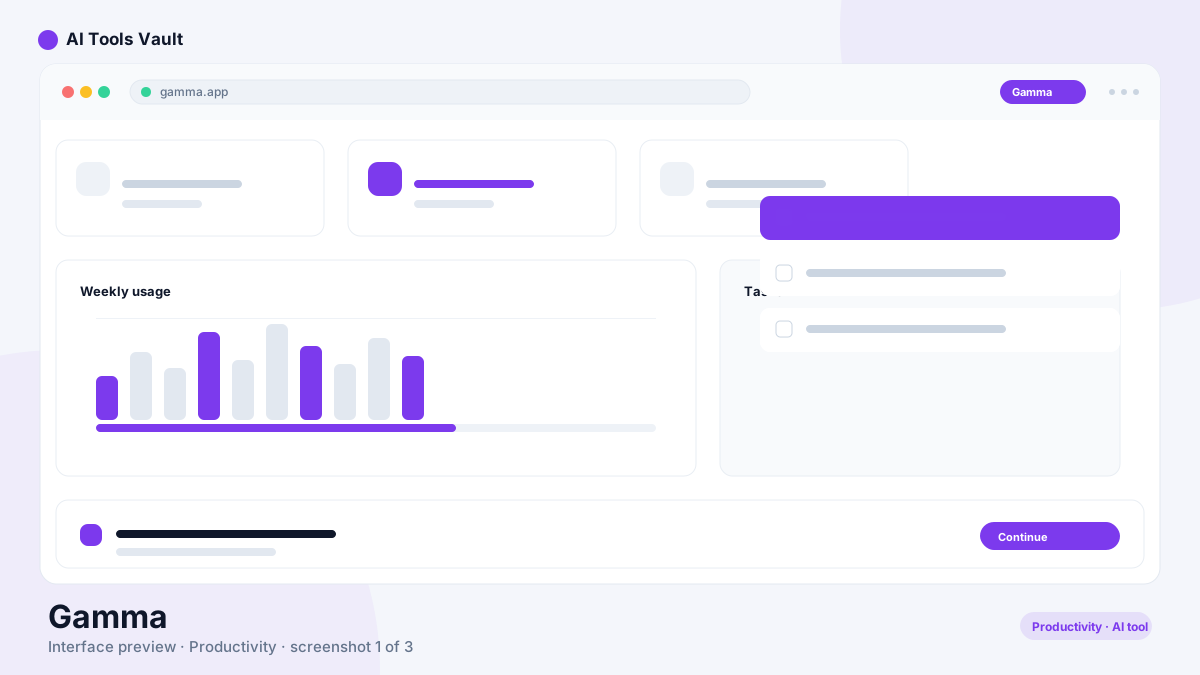
Gamma is an AI-powered workspace for creating presentations, documents, and webpages. Instead of dragging text boxes and resizing images, you describe what you need and it generates a complete, professionally designed deck you can edit in seconds. Founded in 2020, Gamma has grown into a widely used way to turn ideas into visual content without touching a design tool.
The tool replaces the blank-slide struggle with a fast, template-driven workflow. Write a prompt, pick a style, and let Gamma handle the layout, images, and typography. If you are a marketer, educator, or creator looking for a faster way to produce decks, it is worth a close look.
Gamma AI Presentation Generator
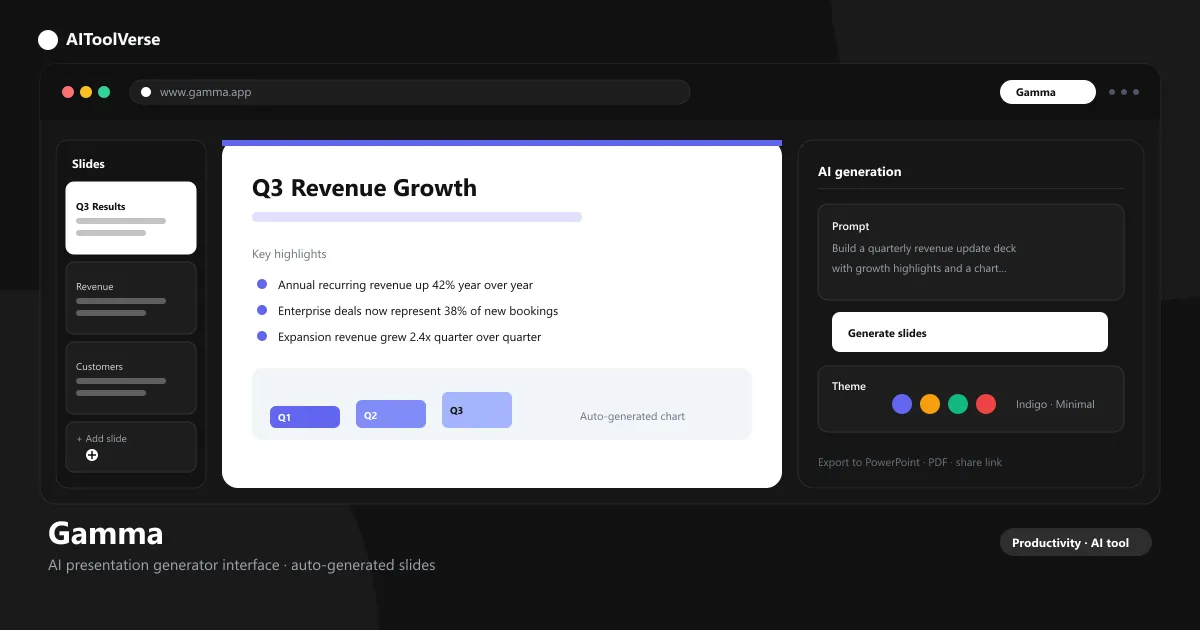
The core of the Gamma app is its AI presentation generator. Type a topic or paste an outline, choose a theme, and Gamma builds a multi-slide presentation in under a minute. Every slide comes with coherent layouts, relevant imagery, and readable type — so your first draft looks finished rather than skeletal.
You stay in control after generation: reorder slides, swap images, and tweak wording without the design overhead. The generator is the fastest route from a rough idea to a deck that is ready to present.
- Prompt-to-deck generation in seconds
- Auto-generated layouts, images, and typography
- Adjustable themes and color schemes
- Real-time collaborative editing
Gamma Text to PPT
With the Gamma app, converting text into a PowerPoint-ready presentation is a single step. Feed the AI an article, notes, or a rough outline and it restructures your content into clean, digestible slides. The gamma text to ppt workflow keeps your wording intact while improving the visual hierarchy.
The result is a deck that reads like a designer built it, not a wall of bullet points. When you are happy with the result, one click exports it to the formats your audience expects.
- Paste any text or outline to create slides
- Content restructured into logical sections
- Balanced text-to-visual ratio on every slide
- Reuse prompts for consistent formatting
Gamma AI Webpage Builder
Beyond decks, the Gamma app builds single-page websites from the same prompt-based flow. The gamma AI webpage builder is ideal for landing pages, portfolios, pitch pages, and internal wikis that need to look designed without a web designer.
Publishing feels like sharing a presentation: pick a layout, generate the copy and sections, and push a public link. It is not a replacement for a full site builder, but it is unbeatable for fast, beautiful pages.
- Publish one-page sites instantly
- Responsive layouts that work on any device
- Built-in analytics and lead capture
- Share with a public link or embed
Gamma Templates
It ships with a large library of gamma templates covering sales decks, pitch decks, reports, resumes, lesson plans, and product launches. Each template is a starting point — the AI fills in the structure, and you refine the details.
Templates keep your output consistent, so decks from the same team share the same look without anyone copying formatting by hand.
- Hundreds of professionally designed templates
- Templates for sales, marketing, and education
- Customize colors, fonts, and branding
- Save your own decks as reusable templates
Gamma Export to PowerPoint & PDF
When it is time to share, Gamma makes exporting simple. Gamma export to PowerPoint & PDF keeps your designs crisp, so decks made in Gamma slide cleanly into PowerPoint, Keynote, or Google Slides workflows.
Every export renders at high fidelity, meaning what you designed in Gamma is exactly what your audience opens — no missing fonts, no broken layouts.
- Export to PowerPoint and PDF in one click
- High-fidelity rendering of every design
- Shareable links with optional password protection
- Download for offline editing
Gamma Pricing — Free vs Paid Plans
The Gamma app pricing model is freemium. The free tier gives you 400 AI credits and 8 AI slides to test the workflow, while paid plans unlock unlimited credits, custom branding, and advanced exports. For most teams, the Plus plan offers the best balance of features and price, while Pro adds analytics for publishing at scale.
Compare Plans & Pricing
Free plan; Plus $8/mo; Pro $15/mo; Team $20/user/mo
Free
Create and share presentations with limited credits.
- 400 AI credits
- 8 AI slides
- Basic templates
- Gamma branding
Plus
For individuals creating regularly.
- Unlimited AI credits
- Unlimited AI slides
- Custom branding
- No Gamma watermark
Pro
For professionals who present and publish a lot.
- Everything in Plus
- Advanced exports
- Analytics
- Priority support
Gamma App vs Tome AI
Gamma and Tome are both AI storytellers, but they aim at different jobs. Gamma is built for structured presentations, documents, and webpages with granular design controls, while Tome leans into narrative, story-style decks with a card-based canvas. If you need polished, repeatable decks and rich templates, the Gamma app generally comes out ahead.
Tome still shines for product narratives and interactive story pages, so the right pick depends on whether you want structure or storytelling.
Gamma App vs Beautiful.ai
Beautiful.ai is an auto-design tool that resizes and reflows your content as you edit, which is great for live, iterative deck-building. The Gamma app, by contrast, generates whole decks from a prompt and then lets you edit. If you want speed from a blank idea, it wins; if you prefer to design slide-by-slide with AI-assisted layouts, Beautiful.ai might suit you better.
Both produce polished output without a designer, and each has loyal users — the difference is workflow, not quality.
Pros and Cons
Here is a quick summary of where it shines and where it falls short, based on the documented feature set and user reviews.
Pros
- Polished decks from a single prompt
- Beautiful templates and layouts
- Presents like a native app
- No design skills needed
Cons
- Free plan credits run out fast
- Fine-grained design control is limited
- Advanced analytics are paid
Best For
Recommended use cases and scenarios where Gamma shines.
Frequently Asked Questions
Common questions about Gamma, answered.
Is the Gamma app free?
Yes, it offers a free plan with 400 AI credits and 8 AI slides. If you need unlimited AI slides and custom branding, paid plans start at $8 per month on the Plus plan.
What is the Gamma app used for?
The Gamma app is used to create presentations, documents, and webpages. You can generate a complete deck from a prompt, convert text to PPT, publish single-page websites, and export to PowerPoint or PDF.
Can Gamma convert text to PowerPoint?
Yes. The gamma text to ppt workflow lets you paste an outline or article and generate a presentation you can export to PowerPoint with one click.
How does Gamma compare to Tome AI?
Gamma focuses on structured presentations and documents with rich templates, while Tome is oriented toward narrative, card-based storytelling decks. For repeatable, polished business decks, most users prefer the Gamma app.
What are the Gamma pricing plans?
Gamma uses a freemium model: a free plan with 400 credits, Plus at $8/month, Pro at $15/month, and Team at $20/user/month. Paid plans add unlimited AI slides, custom branding, and analytics.
Reviews & Ratings
Loading reviews...
Explore More AI Productivity Tools
Browse the full AI Tools Vault directory to compare Gamma with every AI productivity tool, or line up your shortlist side by side.
Similar Tools
More Design & 3D tools you might like

Canva AI
Magic Studio AI design suite for creating graphics, presentations, and social posts in minutes.

Figma AI
Figma AI generator turns text prompts into editable UI designs, wireframes, and prototypes inside Figma — plus AI search, smart editing, and design-to-code tools.

Guides & Articles about Gamma
Read our detailed reviews and comparisons covering Gamma
 Guides & How-To
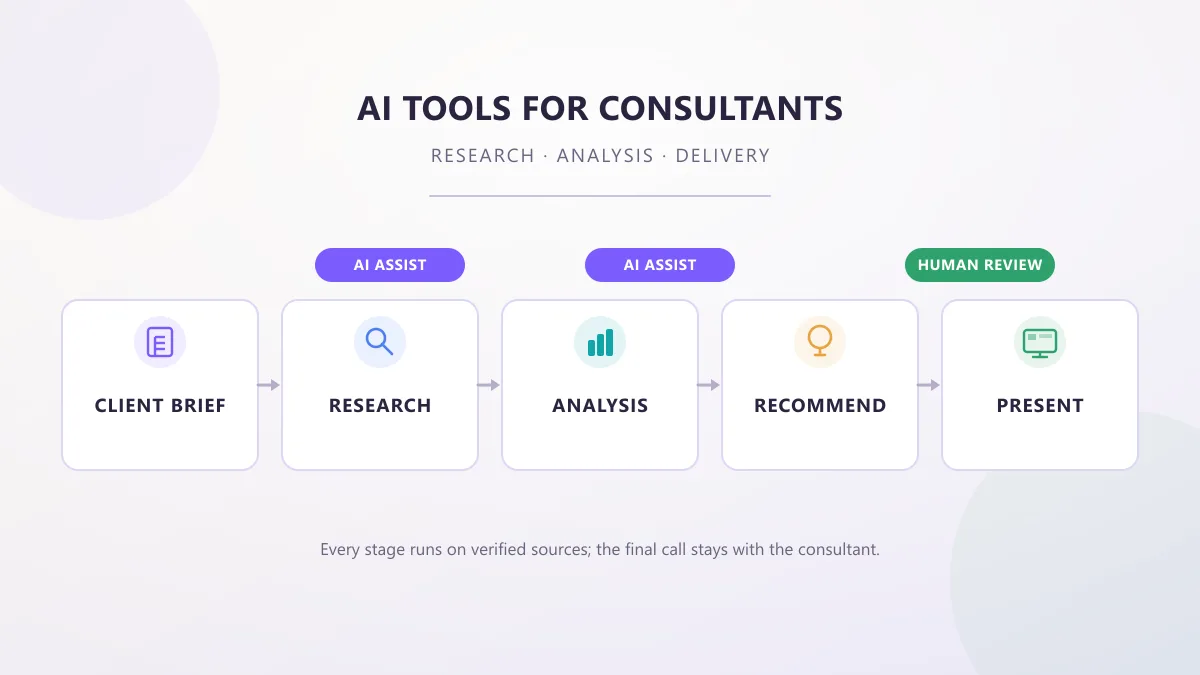
AI Tools for Consultants: Research, Analysis & Delivery
AI tools for consultants in 2026, organized by the work a consultant actually does — research, analysis, proposals, meetings, and decks — with practical prompts, workflows, and client-data checks.
 AI Tools Vault Team
 AI News
Claude Docs & Claude Slides: Anthropic's New AI Update
Anthropic's September 16, 2026 update folds Claude Cowork and chat into one Claude and adds Claude Docs and Claude Slides in beta. What each tool does, who has them, exports, sharing, and the limits still in place.
AI Tools Vault Team Guides & How-To
AI Presentation Generator: A Simpler Way to Create Better Slides
An AI presentation generator turns a topic or prompt into a full slide deck. See how these tools work, when to use them, and how to get better results.
 Alex Rivera