Best AI Tools for Freelancers in 2026: A Workflow Guide
Proposals, client email, meetings, design and invoices — where AI actually cuts work from a freelance week, with honest limits and caveats.

Proposals, client email, meetings, design and invoices — where AI actually cuts work from a freelance week, with honest limits and caveats.
AI has become the default answer to a question freelancers were already asking: which part of my week is repetitive enough to hand over?
That is more useful than asking which AI tool is best, because most of the work that eats a freelance week is not the thinking. It is the typing, reformatting, summarising and chasing around it.
So this is not another "best AI tools for freelancers" ranking. It follows a project from brief to invoice instead.
Two things to be clear about first.
I have not run a controlled test of every tool here. There is no scoreboard, no ranking formula, and no claim that any of these makes you faster or richer. What I can offer is narrower: a working setup, prices and limits checked against official pages on 2 October 2026, and the reasoning behind each pick.
I also separate two kinds of statement. Where I write "in my own work", that is first-hand client work. Where I describe a plan allowance or a training-data policy, I am quoting the vendor's documentation and linking it, because those details change often.
A freelance project runs roughly like this: brief or lead, research, proposal, client communication, delivery, review, invoice, follow-up. At each stage the pattern is the same. The hard part is a few decisions. The bulky part is the text around them.
| Stage | What AI can genuinely help with | What you still own |
|---|---|---|
| Research | Reducing a long brief or spec to a checklist | Deciding what is worth building and what to push back on |
| Proposal | A first draft of structure, scope and wording | Pricing, scope limits, tone, and any promise you have to keep |
| Client communication | Summarising a long message, drafting a reply, translating it | Whether the reply is honest, warm and specific to this client |
| Delivery | Breaking a task into steps, drafting copy, generating layout options | The creative judgement, the brand rules, the final call |
| Meetings | Transcription and action-item extraction | Consent, and confirming the decisions are correct |
| Review | Turning scattered feedback into a change list | Working out what ambiguous feedback actually means |
| Invoice and admin | Reminder sequences, scheduled follow-ups | Watching for exceptions and protecting the relationship |
Almost every tool below earns its place in one or two rows of that table, not across all seven. A product claiming your entire workflow is making a marketing claim, not listing features.
Most "best AI tools for freelancers" pages rank by category or by a star rating nobody can audit. These were filtered with six questions instead — no scores, no weighting.
I dropped most of what this guide used to carry. Jasper and Quillbot do broadly what a general chat assistant already does. Midjourney, Freepik and HeyGen are strong, but only worth a subscription if your income depends on generating those specific assets. Cluely overlapped with the meeting tools; Loom is one specific workflow rather than a general one.
In our day-to-day freelance work, ChatGPT helps us draft client emails and proposals more quickly. A proposal that once took about an hour can take around 20 minutes to get into shape, depending on the project. We still need to check the details, adjust the tone, and make sure the proposal matches the client's requirements.
Canva AI is useful for exploring design ideas, but its layouts often need manual changes to fit a client's brand. Notion AI helps summarize project notes, although we review the summaries to make sure important details haven't been missed. Gemini can help translate follow-up emails for international clients, while Zapier can automate repetitive tasks such as invoice reminders once the workflow is set up.
Overall, these tools save time on routine tasks, but they don't replace careful checking, creative decisions, or clear communication with clients. We treat AI as a starting point, not a substitute for our own judgment.
That last sentence is the whole argument. The time saved is real, and it is also small compared to the time lost when a wrong assumption ships.
For turning a brief into something a client can read, this is the tool I use most. The hour-to-twenty-minutes change above is the honest measure of what it does: the blank page stops being the problem.
What it does not do is decide the price. A draft will happily invent scope you did not agree to, and it will write in a tone that may not be yours. Read it as a colleague's rough version, not a final copy. For a fuller look at where it sits against the other general assistants, I compared ChatGPT and Claude head to head.
I have not used this one in my own client work, so treat the following as documented behaviour rather than experience. Where it earns a place is long input: a full spec, a contract, a stack of meeting notes pasted in at once, and an answer that has to hold together across all of it.
Give it the source material and ask for questions rather than an answer. The questions are the valuable output, because they are the part you would have had to think of yourself.
Again, documented rather than personal. Otter transcribes calls, files them with speaker labels, action items and summaries, and can join Zoom, Teams and Google Meet automatically.
Deal with the non-technical part first. Recording a client call usually needs consent, and some clients refuse flatly, so ask beforehand rather than afterwards. If they decline, the honest fallback is a shared notes doc.
This one I do use, and the limitation is the point. It summarises notes well enough to be useful and badly enough to be dangerous if you skim it — we have caught summaries that dropped a constraint we spent ten minutes negotiating with a client.
Its limits are documented and a little involved: AI usage runs on an allowance measured across both a six-hour and a monthly window, and premium models spend Notion credits on top. Notion's help documentation sets out which features count against that allowance, and notes that AI Meeting Notes has its own separate daily cap.
In our work it is good at producing several plausible directions in the time it takes to sketch one. It is also consistently wrong about brand systems: the layouts come back with their own spacing, type hierarchy and opinion on where the logo goes, and fitting those to an existing client brand is manual work every time.
The saving is in options, not in output. If a client brief has to produce twelve finished assets, AI is not the constraint.
Adobe states that Firefly models are trained on licensed content from Adobe Stock and public domain content where copyright has expired, and that Adobe does not train on users' personal or generated content. That is a concrete, checkable statement, and it is the only tool here that answers the training-data question at all — which is why Firefly comes up when a client or their legal team asks.
It is still not a guarantee about your output, and it is not legal advice. Your client's contract may impose warranty, indemnity or originality obligations that no vendor statement overrides.
Adobe sells paid plans on monthly generative credits: Adobe's documentation describes 2,000 premium credits a month on Standard rising to 50,000 on Premium, with unlimited standard generations on paid plans. Check the plans page for current prices before subscribing.
Invoice reminders are the clearest example of work automation genuinely removes. Once a Zap sends a nudge when an invoice goes unpaid, it keeps doing that whether or not you remember.
The catch is in the phrase "once the workflow is set up". Building it costs real time, and a misconfigured Zap can send the wrong thing to the wrong client. Our rule is to build it once, test it against a fake record, then check exceptions by hand each week rather than assuming it worked.
If Zapier is the wrong fit, Make covers similar ground.
If you freelance to clients outside your own working hours, translation and summarisation stop being conveniences.
In our work, Gemini handles translating follow-up emails for international clients. It is genuinely quicker than translating by hand, and it is also the step most likely to lose nuance in a polite phrase or a complaint. Translate, then rewrite in your own voice before sending. A translated email that still sounds translated undermines the relationship you are trying to protect. The free tier is usable for this.
One regional note: Google One prices in local currency, so the same plan showed as PKR 5,600 a month when accessed from Pakistan, and in INR in India. That is the same subscription converted at your local rate, not a regional discount — worth checking before you subscribe from outside the US.
The tools above are good at drafts, summaries, ideas, formatting, first-pass research and repetitive workflows. The tools above are good at drafts, summaries, ideas, formatting, first-pass research and repetitive workflows. None of them can hold the following.
Accuracy. A confident wrong sentence costs you more time than a slow right one.
Client context. The assistant does not know that this client is sensitive about scope changes, or that the last invoice was late, or that the stakeholder who liked the idea has left.
Strategy. Knowing what to build, and what to decline, is the job.
Creative decisions. A generated layout gives you options. Choosing is yours.
Confidentiality. Whatever you paste, you have handed to a third party.
Accountability. When the deliverable is wrong, it is your name on it, not the tool's.
Anyone promising you these tools will win you more projects, raise your rates or guarantee faster delivery is selling something. They reduce friction on tasks you were already doing. They do not change what clients are buying.
This gets the least attention in freelancer-focused roundups, and it is the part that can end a client relationship. Freelancers paste more than they realise: client briefs, contracts and NDAs, meeting notes, unreleased designs, source code, customer lists and pricing. Once pasted, it has left your machine.
Five things to check before you do.
What is actually being sent. Read the limits. Some tools exclude uploads on free tiers; others compress or truncate what you paste, which can quietly change meaning.
Whether it may be used for training. This differs sharply between consumer and business tiers, and it changes when a vendor updates their terms. OpenAI gives users a control for this — see its data controls FAQ. Notion states that it and its AI subprocessors do not use customer data to train models by default, and that its LLM providers use zero data retention for Enterprise workspaces while non-Enterprise workspaces have data retained for 30 days or fewer before deletion; the full detail is in Notion's AI security documentation.
Who can see it. Personal accounts are usually just you. Shared workspaces are only as private as their permissions, which are often set once and never reviewed.
How long it is kept. Retention periods are published, and they are not the same across plans.
Whether your client agreed. This is the one vendors cannot answer for you. If an NDA covers the material, uploading it may breach the NDA regardless of how good the vendor's security is.
The practical habit that solves most of this: redact before you paste. Swap real names, company names, contract numbers, prices and personal data for placeholders, and keep the real values on your side. You lose very little and remove most of the exposure.
| Tool | Free tier | Paid entry point | What the money actually buys |
|---|---|---|---|
| ChatGPT | Yes | Plus $20/mo; Go $8/mo in the US | Higher usage caps and access to more capable models, not unlocking drafting |
| Claude | Yes | Pro $20/mo, or $17/mo annually; Max tiers at $100 and $200 | Usage limits, and much larger context on higher tiers |
| Gemini | Yes, with daily limits | Google AI Pro $19.99/mo | Four times the Gemini app's free usage limits, plus 5 TB storage |
| Notion AI | Trial AI capabilities on Free | Plus $10/member/mo | AI usage is metered, with Notion credits on top for premium models |
| Canva AI | Yes | Pro US$144/year for one person; Business US$250/year per person | Premium assets, brand kits, scheduling, higher AI allowances |
| Adobe Firefly | Yes | Standard through Premium | 2,000 premium credits a month on Standard, up to 50,000 on Premium |
| Zapier | 100 tasks/mo, two-step Zaps | Professional from $19.99/mo annually, $29.99 monthly | Multi-step Zaps, premium apps, filters, pay-per-task |
| Otter | Basic, 300 transcription minutes/mo | Pro $16.99/user/mo monthly, less annually | 1,200 minutes, longer meetings, exports and integrations |
The pattern is consistent across that table: paid tiers buy capacity, not capability. Drafting, summarising and translating are available on the free tier of nearly everything here, which is why the sensible order is free first. Run a tool's free tier for a full billing cycle against a real stage of your work, and if you cannot name what it replaced, cancel rather than renew.
| If the bottleneck is... | Start with | Then check |
|---|---|---|
| A blank page before a proposal | ChatGPT | Claude for very long briefs |
| Replies in another language | Gemini | Rewrite in your own voice before sending |
| Notes nobody reads after the call | Otter, with consent | Notion AI for where the notes live |
| Designing from scratch each time | Canva AI | Adobe Firefly if image rights come up |
| Invoices nobody chases | Zapier | Make if the workflow is unusual |
| Code-heavy delivery | Cursor | Our AI coding assistants roundup |
If you are still deciding what is worth installing at all, start with the free tiers in our free AI chatbots guide, and add a subscription only once a specific stage of your work is genuinely slower than it should be.
A paid plan is worth it when a specific task is blocked, not when you hope it will help. Drafting, summarising and translating are free-tier work almost everywhere, so pay only when you hit a limit you can name: a document too long to paste, a daily cap you keep hitting, or a client folder that needs real permissions. Test the free tier for one full billing cycle, then check for an annual discount before committing.
General chat assistants do this best, because the work is rewriting a brief into something a client can read. ChatGPT and Claude are the two I reach for. The part that does not automate is the last mile: scope, pricing, tone, and whether the promise in the document is one you can keep. Treat the output as a well-structured first draft rather than a finished proposal.
For drafting, summarising and translating, frequently yes. The limits that bite on free tiers are usually volume and document size rather than capability. Paid tiers tend to add higher daily caps, file uploads, very long context and account-level controls, which matters once you are working from real client documents several times a day rather than testing prompts.
Redact before you paste: swap real names, company names, contract numbers and prices for placeholders, and keep the real values on your side. Then check the vendor's own data controls, because consumer and business tiers differ sharply. Notion, for one, states that it and its AI subprocessors do not use customer data to train models by default, and that non-Enterprise workspaces have LLM providers retain data for 30 days or fewer. The part no vendor can answer is whether your client agreed to it, which is a conversation rather than a setting.
It depends on the product, the plan, the model behind the feature and your client's contract, so treat any blanket promise of safety as marketing. Adobe publishes the most concrete position of the tools here, stating that Firefly models are trained on licensed Adobe Stock and public domain content and that Adobe does not train on users' content. That is a fact about training data, not a warranty about your output. The practical step is to read your own contract's warranty and originality clauses, because those bind you and no vendor statement does.
Rarely, at the start. A single paid assistant plus free tiers elsewhere usually covers a solo practice, and the cost that actually hurts is the stack you pay for and forget. Before adding one, check whether something you already pay for covers the task, then test the free tier of the new tool for a full billing cycle. If you cannot name the stage it replaces, do not buy it — and revisit the ones you already pay for at the same time, since an unused annual renewal is the more common leak.
Get our best AI tool reviews and guides delivered to your inbox each week. No spam, unsubscribe anytime.

Written by
Jawad Fiaz writes about AI tools and how to evaluate them, drawing on hands-on use, official product documentation, published pricing, and independent research rather than vendor marketing.
More reading on guides & how-to
 Guides & How-To
Six free AI photo enhancers, six different deals. What each free tier really allows, what AI cannot recover, and how to check a result before trusting it.
 Jawad Fiaz
 Guides & How-To
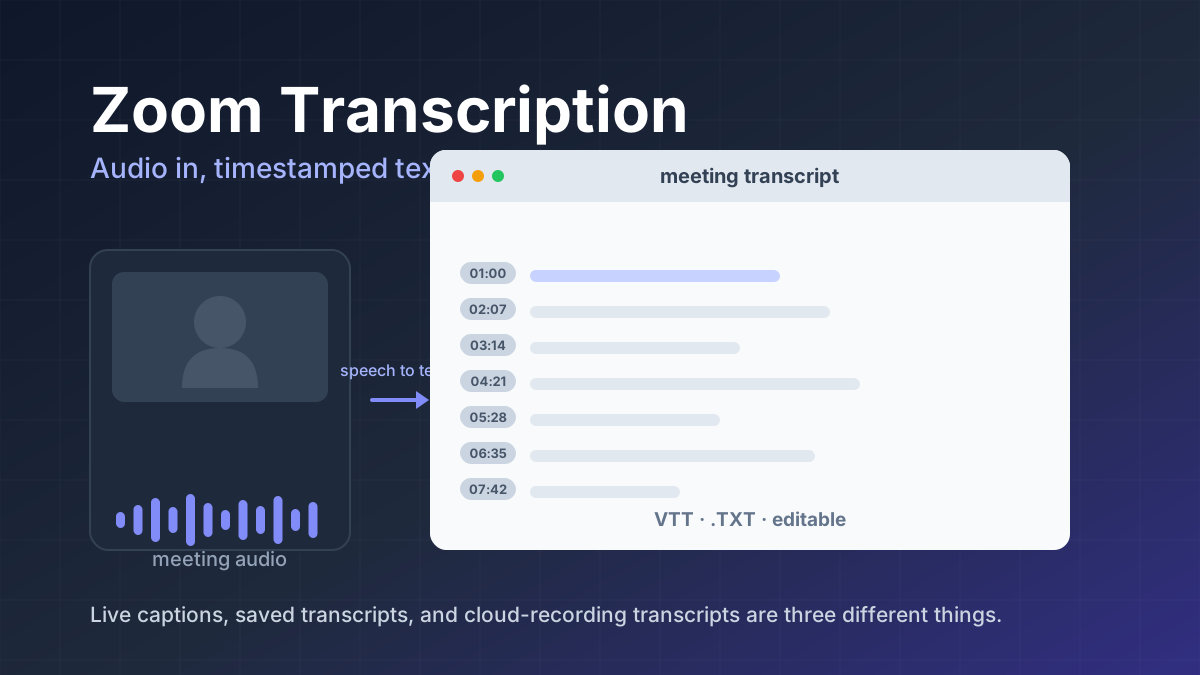
Zoom transcription turns meeting audio into text. Learn the difference between transcripts, captions, and AI summaries, how to enable them, and when to use third-party tools.
Jawad Fiaz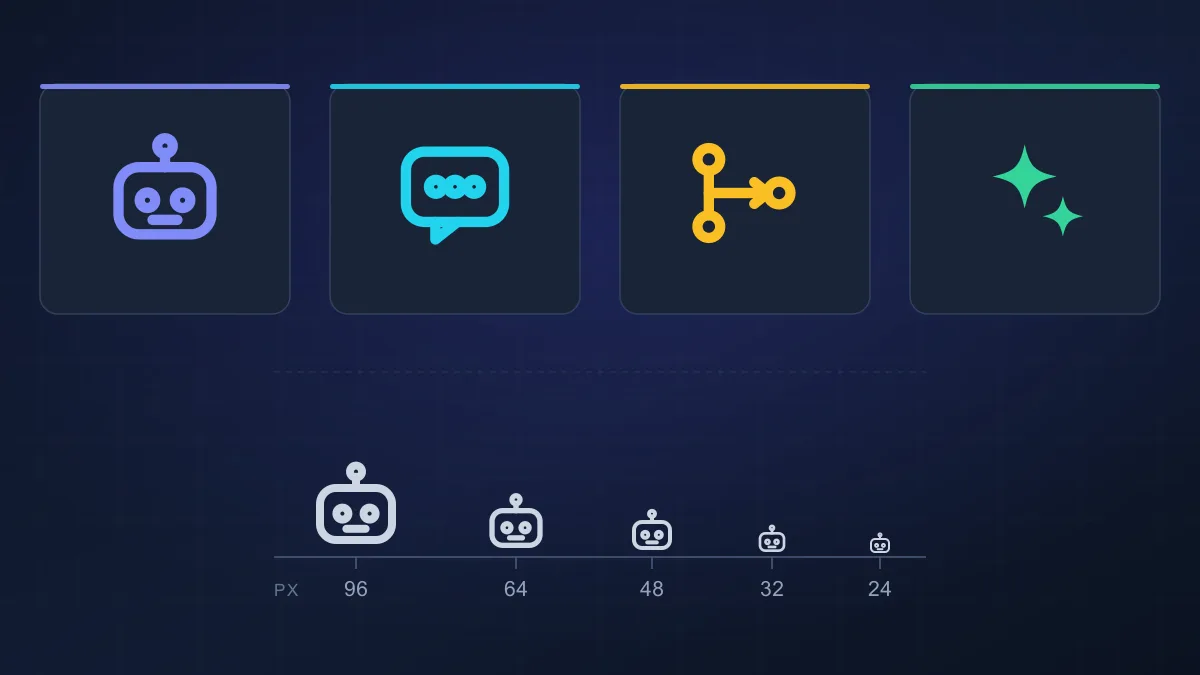 Guides & How-To
An AI agent icon can name an agent, mark an AI feature, show live status, or point at a tool. Here is what the common symbols mean, where to find one, and what to check before you ship it.
AI Tools Vault Team