ChatGPT vs Claude: Which AI Assistant Is Better in 2026?
Both sell a $20 monthly plan. The differences that matter in 2026 sit in files, images, coding agents, context limits and how usage is counted.

Both sell a $20 monthly plan. The differences that matter in 2026 sit in files, images, coding agents, context limits and how usage is counted.
Most comparisons of ChatGPT and Claude are written like a scorecard. Someone runs a batch of prompts, counts the wins and announces a champion. The trouble is that the score rarely survives contact with real work, because the prompts were chosen by whoever ran the test, and the categories that matter shift depending on whether you are drafting a newsletter, fixing a failing build, or reading a long report before a meeting.
A useful ChatGPT vs Claude comparison has to answer a narrower question: for the task in front of you this week, which one is less friction?
I use both for writing, research and editing. For this update I went back through the current documentation for each and kept three things apart that usually get mixed together: what the vendors document, what I have seen in my own use, and where there is not enough evidence to say one is better.
The previous version of this ChatGPT vs Claude comparison described twenty scored test tasks and a speed advantage of roughly 30 percent for ChatGPT. I could not find the prompts, the outputs or the timings behind either claim, so both are gone, along with the screenshots.
Everything below was checked on 2 October 2026 against OpenAI's ChatGPT pricing page, the OpenAI Help Center, Claude's pricing page and Anthropic's help centre. Plans move often, so read it as a snapshot.
| ChatGPT | Claude | |
|---|---|---|
| Reasoning models on the entry paid plan | GPT-6.1 Sol, GPT-6 Astra, GPT-6 Sol and GPT-6 Luna in chat | Opus, Sonnet and Haiku; Fable is not on consumer plans |
| Free tier extras | Web search, image creation, Study mode and existing GPTs | Web search, code execution, file creation, memory, connectors, Artifacts |
| Dedicated research mode | Deep research limited on Free and Go, included from Plus | Research from Pro, Max or a team plan |
| Image generation | Yes, more of it from Go, a Thinking mode from Plus | None; charts and diagrams built from HTML and SVG |
| Coding agent | Codex from Plus, expanded on Pro | Claude Code in every paid plan, drawing on the same usage pool |
| Spreadsheet and data work | Data analysis and interactive charts from Plus, plus Office extensions | Files created and edited through code execution, with Excel and PowerPoint add-ins |
| Background and scheduled work | Scheduled tasks, sites, plugins and Dots on Plus and Pro | Hand off and schedule tasks on Pro and Max |
| Longest chat context | 400K reasoning window on Pro, 256K on Plus | 1M tokens on several current models, 200K to 500K on the rest |
| Memory | Expanded memory from Plus | Memory across conversations on every plan |
The pattern matters more than any single row. ChatGPT's ladder adds capabilities sideways, with images, voice and Office tooling arriving as separate line items. Claude's adds them around one core, with coding, documents and context growing together.
I have no controlled writing benchmark, so treat this section as experience rather than evidence. In practice both models write competent prose on the first attempt, and the difference I notice is default behaviour. ChatGPT tends to hand back a tidy, well-organised draft that already looks finished, which is fast when you want structure and tiring when you want your own voice. Claude tends to stay with tone and flow a little longer, which suits longer pieces.
The tools around the writing matter more than the sentences, and this is where the two clearly diverge. Claude can edit a draft in place beside the chat, so you highlight a sentence, say what is wrong, and the change appears where you marked it. Its Docs tool keeps a living document you return to. ChatGPT offers projects, custom GPTs, scheduled tasks and a beta developer mode, plus a slider that sets how much effort a reply gets, which is the nearest equivalent to Claude's thinking controls.
Neither vendor publishes a prose benchmark that settles this, and the rule that has held up better than any score for me is simple: the tool that survives the third pass is the one that suits the work.
I have not run a controlled coding comparison on a shared repository, so I am not going to score one. What can be verified is what each plan contains.
Claude Code ships with every paid Claude plan and draws from the same usage pool as your chats, so a long agentic session and a busy afternoon of editing compete for one allowance. It also runs on the web with code review built in, and paid plans can drive Claude in Chrome or through Microsoft 365. Codex is limited on Free and Go and included on ChatGPT Plus, with more room on Pro, while developer mode in beta is Plus and above. OpenAI's help centre is refreshingly blunt about the speed tiers: Fast mode and Astra Ultrafast consume included usage at 2.5x and 8x the standard rate, and are described as allowance consumption rates rather than guarantees of faster performance. Editors such as Cursor let you switch models inside the same interface, which settles the question faster than an argument.
Both products search the web on every plan, free included, so the useful question is what sits above search. ChatGPT's deep research mode is limited on Free and Go and included from Plus. Claude's Research mode is the equivalent and sits behind Pro, Max or a team plan.
Reasoning effort is adjustable on both. ChatGPT offers Think on Free and Go, currently in the mobile app and rolling out to the web, plus a thinking slider on Plus and Pro; Anthropic documents effort and thinking settings alongside model choice. Neither product publishes a training cut-off date you can rely on, so check the source before trusting anything date-sensitive, and when sources conflict ask for the citation rather than the conclusion.
Anthropic's file list is specific: PDF, DOCX, CSV, TXT, HTML, ODT, RTF, EPUB, JSON and XLSX, up to 20 files per chat, with spreadsheets requiring code execution and file creation to be enabled first. PDF handling has a catch worth knowing. Text and visual elements such as charts are analysed for PDFs of 100 pages or fewer, and from 101 pages up to the 1,000 page ceiling Claude reads text only, so a diagram on page 300 of a manual is invisible to it.
ChatGPT allows file uploads on every plan, though uploads are limited on Free. Data analysis and interactive tables and charts start at Plus, and the Excel, Word, PowerPoint and Google Sheets extensions arrive on Plus with more on Pro. Claude leans the other way, creating and editing files through code execution and shipping add-ins for Excel and PowerPoint.
For a spreadsheet question the honest summary is that ChatGPT answers inside the conversation and Claude hands you a file.
Understanding and generation are separate capabilities, and only one of these products has both.
Both read uploaded images. Anthropic states plainly that Claude does not generate photos or illustrations the way image tools do, and documents JPEG, PNG, GIF and WebP up to 8,000 by 8,000 pixels with a recommendation of at least 1,000 by 1,000 for reliable results. What Claude does produce is diagrams, charts and interactive visuals built from HTML and SVG inside the conversation, in beta on web and desktop, plus Claude Design for layouts, decks and prototypes assembled from code. ChatGPT generates images on every plan, more of them from Go upwards, and adds a mode that thinks through the request from Plus.
There is no reliable public evidence that one reads images more accurately than the other, so judge them on your own material.
I am not going to give you a percentage. Response time depends on the model, the effort setting, the length of the answer, server load and the network you happen to be on, and a stopwatch on one laptop cannot separate those.
What is documented is worth knowing. OpenAI describes response times as fast on Plus and ultrafast on eligible Pro tiers, and Anthropic's pricing page mentions a fast mode for Opus 5.5 at twice standard API pricing and up to 2.5 times the speed. Both are vendor statements, not measurements of your experience. You get shorter answers faster by asking for less, and being stopped mid-task is a usage limit rather than a speed problem, where the fix is a different plan.
Anthropic publishes a per-model table for paid chat plans: 1M tokens on Fable 5.1, Opus 5.5, Opus 5, Sonnet 5.5 and Sonnet 5; 500K on Fable 5, Opus 4.8, Opus 4.7, Opus 4.6 and Sonnet 4.6; and 200K for everything else, roughly 500 pages of text or more. Paid plans with code execution enabled also get automatic context management, where Claude summarises earlier messages as a conversation nears its limit.
OpenAI publishes a shared budget instead: a 27K instant window on Free, 54K on Plus and 128K on Pro, with a reasoning window of 256K on Plus and 400K on Pro. Its own footnote matters more than the headline, because system instructions, tools, memories and the answer itself all draw from the same pool, which is why the stated input maximum on Plus is about 320 pages of text.
A million tokens is not automatically better than 400K. The useful questions are whether your document fits in one pass, whether the tool keeps its place after page 200, and whether the answer survives contact with the source.
| Plan | ChatGPT | Claude |
|---|---|---|
| Free | $0 | $0 |
| Individual | Go $8 a month (US price), Plus $20 a month, Pro 100 $100, Pro 200 $200, Pro 500 $500 | Pro $20 monthly or $17 monthly on annual billing, Max from $100 a month |
| Team | Business $20 a user annual or $25 monthly, minimum 2 users | Team $20 a seat annual or $25 monthly, with premium seats at $100 and $125 |
| Enterprise | Custom pricing, billed annually | $20 a seat a month billed annually, plus usage at API rates |
ChatGPT Plus is $20 a month with no annual billing, and OpenAI's Pro line-up was reshaped in September 2026 into three tiers with Pro 500 arriving and Pro 200's included usage reduced for new subscribers, so a Pro price quoted from an older article may no longer describe what you get. Claude's annual Pro price is the only genuine consumer discount here, and neither price includes API usage, which is billed separately and is not comparable to a subscription. The $8 Go figure is a US price that is localised in some markets.
ChatGPT Free runs GPT-5.6 Luna with unlimited everyday text chats subject to the abuse guardrails OpenAI describes, and includes web search. Uploads, image creation, voice, data analysis, deep research, memory and Codex all carry separate limits that are not published as numbers.
Claude Free is a different shape: chat on web, desktop and mobile, web search, file creation and code execution, memory across conversations, connectors, Artifacts and up to five projects. What it leaves out is Claude Code, Claude Science, the Chrome and Microsoft 365 integrations, and Research.
Both free tiers are good enough to decide whether you want to pay. Neither will show you how you would use the product for a month of work, which is the test worth running first.
I have used both for writing, research and editing, and the thing I notice most is that they approach the same task in different ways. ChatGPT feels more flexible when I am brainstorming ideas, rewriting paragraphs or taking content through several rounds of edits. Claude has been useful when I am reviewing longer pieces and want the flow to stay consistent from the opening line to the end.
Working on an article, I will often use one to explore angles and tighten individual paragraphs, then look at how the other handles structure and clarity. Reading the actual responses has told me more than assuming one tool always produces better work. Sometimes the first answer is good enough, and sometimes a well-phrased follow-up makes an obvious difference.
The quality depends heavily on how clearly I explain what I want. Giving it enough context, naming the audience and describing the tone usually separates something usable from something generic. I still read the final output myself rather than accepting suggestions without checking them.
For everyday work I keep both open, and I decide by the job rather than by a rule I set once. My biggest takeaway is simple: running both on the same task and reading the answers is what tells me which one to keep using.
Mostly words: Claude, whose editing and document tools are built around staying with one piece of work. Many short requests across several topics: ChatGPT, where projects and custom GPTs make switching cheap.
Shipping code: start from what your plan already includes, then settle the rest in a third-party editor where switching models costs nothing.
Documents and spreadsheets: Claude for long PDFs and for producing files you keep. ChatGPT from Plus upwards for asking questions about a spreadsheet inside the chat.
Pictures, voice or scheduled work: ChatGPT. Native image generation, voice with video, scheduled tasks, sites and plugins are documented on paid plans, and Claude has no image generation equivalent.
ChatGPT:
Claude:
Anyone ranking ChatGPT vs Claude on a single benchmark is showing you a snapshot. Published scores for the same benchmark and model family disagree across sources, because leaderboards move weekly, harnesses differ, and older models keep getting quoted. Live trackers such as Artificial Analysis and the LM Arena leaderboard are worth watching, but always check the date on a number before you repeat it.
Half an hour of your own testing is worth more:
On individual plans, OpenAI may use conversations to improve its models unless you turn off Improve the model for everyone under Settings and Data controls, which also covers Codex tasks. Temporary chats are not used for training and may be retained for up to 30 days for safety. OpenAI states on its pricing page that data is encrypted in transit with TLS 1.2 and at rest with AES-256, which is its own description rather than an independent audit. By default, content from Business, Enterprise, Edu and healthcare workspaces is not used to train its models.
Anthropic lists model training as opt-out on Free, Pro and Max, and as none by default on Team and Enterprise, which also add audit logs, SCIM, role-based access, custom data retention controls, IP allowlisting and a HIPAA-ready option. If you handle client material, the useful question is which plan your data sits in and what the default setting on that plan is, not which vendor is safer in the abstract. The data controls documentation is worth reading first.
There is no answer that holds across tasks. The verifiable differences are narrower: ChatGPT bundles image generation, voice with video and Office extensions, while Claude bundles Claude Code and much larger context windows on several current models. Both write well, both are usable for free, and both change every few weeks.
In my own use the prose is close enough that I check whether it says what I meant rather than who wrote it. The documented differences sit around the sentences: Claude edits drafts in place and keeps living documents, while ChatGPT adds projects, custom GPTs, scheduled tasks and a control for how much effort a reply takes.
Claude Code is in every paid Claude plan and shares that plan's usage pool, while Codex comes with ChatGPT Plus and expands on Pro. Neither company publishes evidence for a general coding winner and online benchmark numbers disagree, so the useful test is your own repository on your own tickets.
Both search the web on every plan, free included. ChatGPT limits deep research on Free and Go and includes it from Plus, while Claude's Research mode needs Pro, Max or a team plan. Judge them on citation quality for your subject, because a confident summary with thin sourcing is the real risk.
Claude lists one million token context windows for several current models in chat and 200K to 500K for the rest. ChatGPT publishes a 256K reasoning window on Plus and 400K on Pro, shared across the conversation. Upload limits matter too: Claude reads PDFs past 100 pages as text only.
ChatGPT Plus is $20 a month with no annual option, Go is $8 at the US price, and the Pro tiers are $100, $200 and $500. Claude Pro is $20 monthly or $17 a month billed annually at $200 up front, and Max starts at $100. Both bill API usage separately. Checked 2 October 2026.
Yes. Claude takes PDF, DOCX, CSV, TXT, HTML, ODT, RTF, EPUB, JSON and XLSX, up to 20 files per chat, with spreadsheets needing code execution and file creation switched on. ChatGPT allows uploads on every plan, but its in-chat data analysis and interactive charts start at Plus.
Yes, both read uploaded images. The real difference is generation: ChatGPT produces images inside the chat, while Anthropic states plainly that Claude does not generate photos or illustrations, offering HTML and SVG charts, interactive visuals and Claude Design instead.
Close, in different ways. ChatGPT Free gives unlimited everyday text chats on GPT-5.6 Luna subject to guardrails, with separate limits on uploads, images, voice and data analysis. Claude Free includes web search, file creation with code execution, memory, connectors and Artifacts, but not Research or Claude Code.
Start with the task you repeat most and the billing page, not a leaderboard. Text and files point to Claude; images, voice, spreadsheets and scheduled tasks point to ChatGPT. Paying for both at $20 each is common, and either monthly plan can be cancelled whenever you like.
More ChatGPT vs Claude reading, depending on what decided it:
Get our best AI tool reviews and guides delivered to your inbox each week. No spam, unsubscribe anytime.

Written by
Jawad Fiaz writes about AI tools and how to evaluate them, drawing on hands-on use, official product documentation, published pricing, and independent research rather than vendor marketing.
More reading on comparisons
 Comparisons
A practical comparison of the top AI avatar tools for podcast video snippets — HeyGen, Synthesia, D-ID, Colossyan, Captions, Descript, OpusClip and quso.ai, with 2026 pricing and workflows.
 AI Tools Vault Team
 Comparisons
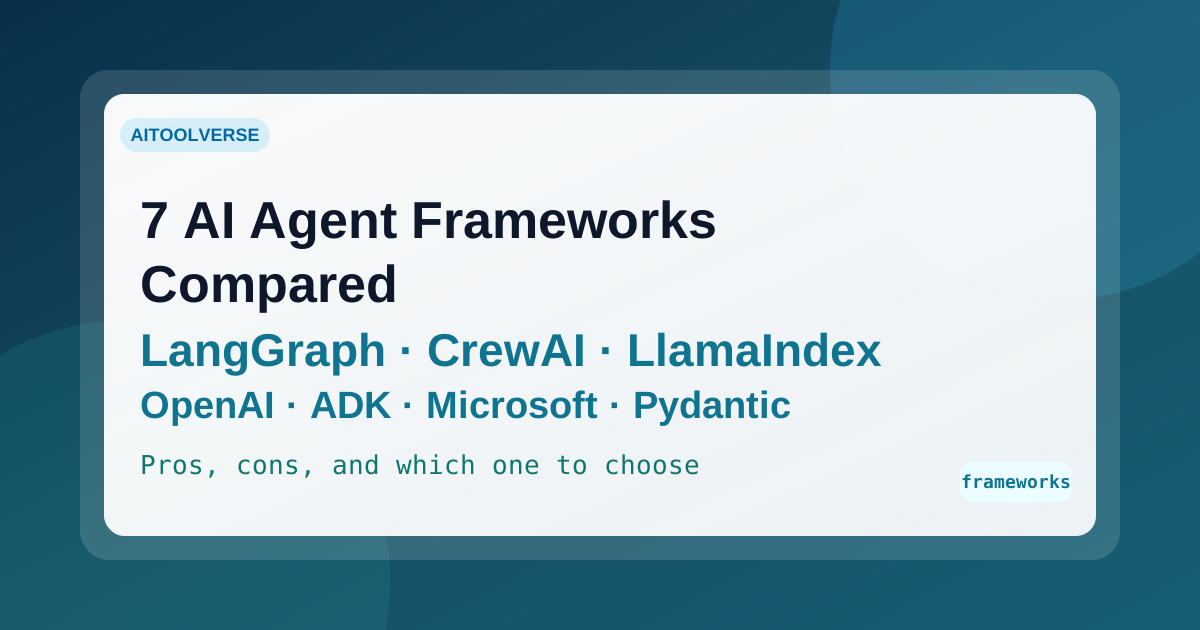
Seven AI agent frameworks compared for 2026 — LangGraph, CrewAI, LlamaIndex, OpenAI Agents SDK, Google ADK, Microsoft Agent Framework, and PydanticAI — with current status, real trade-offs, and how to choose.
AI Tools Vault Team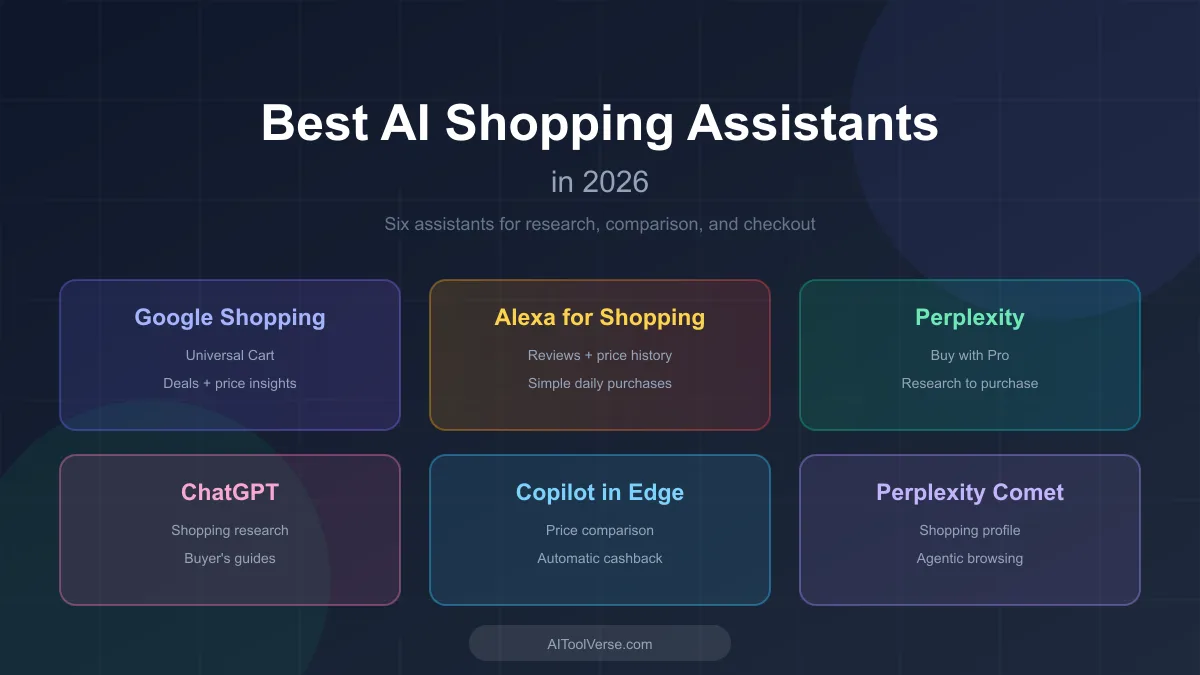 Comparisons
AI shopping assistants are reshaping how shoppers research products, compare prices, and check out. Here are the ones worth knowing in 2026.
AI Tools Vault Team