
Zapier Review: Connect 9,000+ Apps With AI Agents
ProductivityFreemiumNo-code automation platform that connects 9,000+ apps with Zaps, plus AI agents and chatbots that work across your tools.
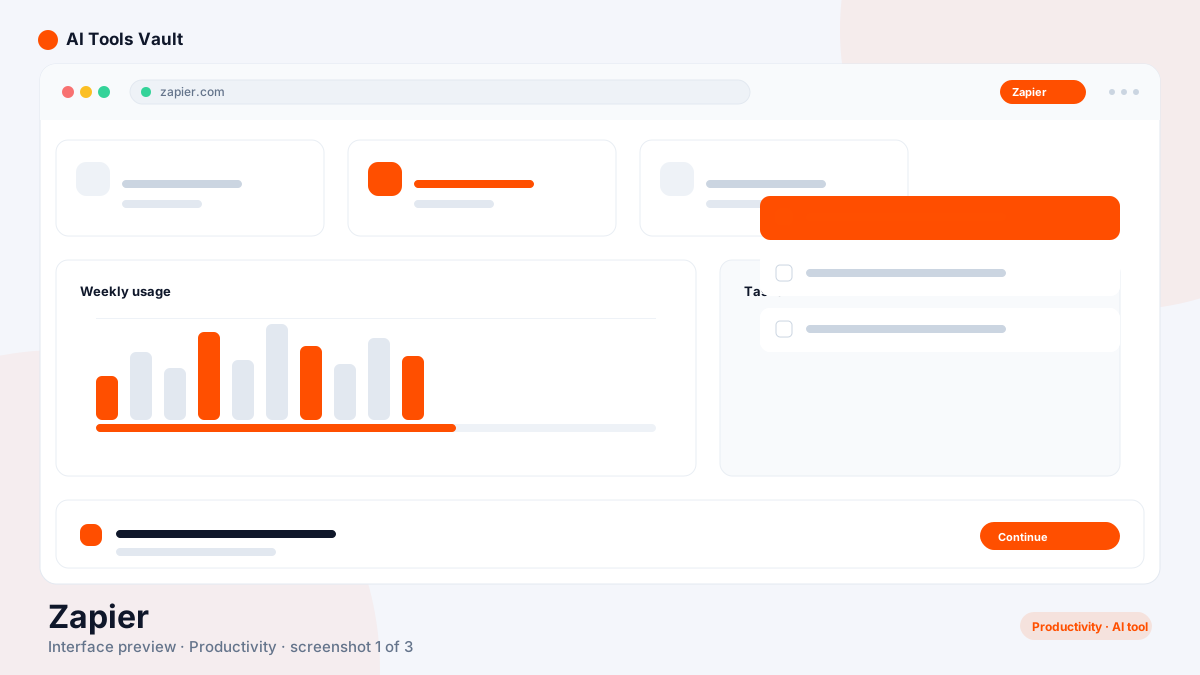
What Is Zapier and How Does It Work?
Zapier is a no-code automation platform that lets anyone connect their apps and automate repetitive tasks without writing code. You build Zaps — triggers and actions that move data between tools like Gmail, Slack, Google Sheets, CRM software, and thousands of others.
In 2025–2026 the platform expanded beyond classic automations with AI Agents that plan and execute multi-step work across your connected apps, plus an AI chatbot builder that handles support conversations using your own knowledge.
Key Features: Zaps, AI Agents & Chatbots
Its strength is breadth and reliability — if an app has an API, it almost certainly connects to it.
- 9,000+ app integrations
- Multi-step Zaps and branching logic
- AI agents that execute multi-step work
- AI chatbot builder for support
- Free plan to start
Zapier vs Make
Make offers a visual scenario builder with cheaper credit-based pricing for complex workflows. This one is easier to start with, has far more integrations, and now ships AI agents and chatbots. For simple automations and AI features, it wins; for high-volume, complex logic on a budget, Make is often more economical.
Pricing: Tasks, Plans & AI Add-Ons
Free 100 tasks/mo; Professional $19.99/mo (750 tasks, annual); Team $69/mo (2,000 tasks, annual); Enterprise custom; AI Agents from $20/mo add-on
Free
Automate two single-step Zaps.
- 100 tasks/mo
- Single-step Zaps
- Two active Zaps
- 9,000+ apps
Professional
Billed annually ($29.99 month-to-month).
- 750 tasks/mo
- Multi-step Zaps
- Unlimited Zaps
- Filtering & formatting
Best For
Recommended use cases and scenarios where Zapier shines.
Pros and Cons
It is the default for app-to-app automation, but tasks burn per step and complex automations get expensive fast.
Pros
- 9,000+ app integrations
- Multi-step Zaps and branching logic
- AI agents and chatbots built in
- Free plan to start
- No coding required
Cons
- Tasks burn per step and get pricey
- Free plan limits to single-step Zaps
- AI add-ons cost extra
- Complex logic needs higher tiers
Frequently Asked Questions
Common questions about Zapier, answered.
Is Zapier free?
Yes, the free plan includes 100 tasks per month with two single-step Zaps. Paid plans start at $19.99 per month billed annually.
How many apps does it connect to?
It connects 9,000+ apps, including Gmail, Slack, Google Sheets, and major CRM platforms.
What are AI Agents?
AI Agents are assistants that plan and execute multi-step work across your connected apps, available as an add-on from $20 per month.
How do tasks work?
A task is burned each time a Zap runs a step. A multi-step Zap uses one task per step, so complex automations consume tasks faster than simple ones.
Is it better than Make?
It is easier and more extensive with AI built in. Make is cheaper for high-volume, complex logic. Choose based on automation depth and budget.
Reviews & Ratings
Loading reviews...
Similar Tools
More Productivity tools you might like

Make
Visual no-code automation and integration platform with a drag-and-drop scenario builder, routers, and a generous free tier.

Asana
Project management platform with built-in AI workflows, smart chat, and 30 prebuilt AI teammates for marketing, ops, and IT.

Guides & Articles about Zapier
Read our detailed reviews and comparisons covering Zapier
 Guides & How-To
I Tested AI Budget Tools. Here's What Actually Helps
I used several AI budget tools on ordinary budgeting jobs. Here is what saved time, what got filed in the wrong category, how much of the "AI" is really automation, and how to check a tool before you connect a bank.
 Jawad Fiaz
 Guides & How-To
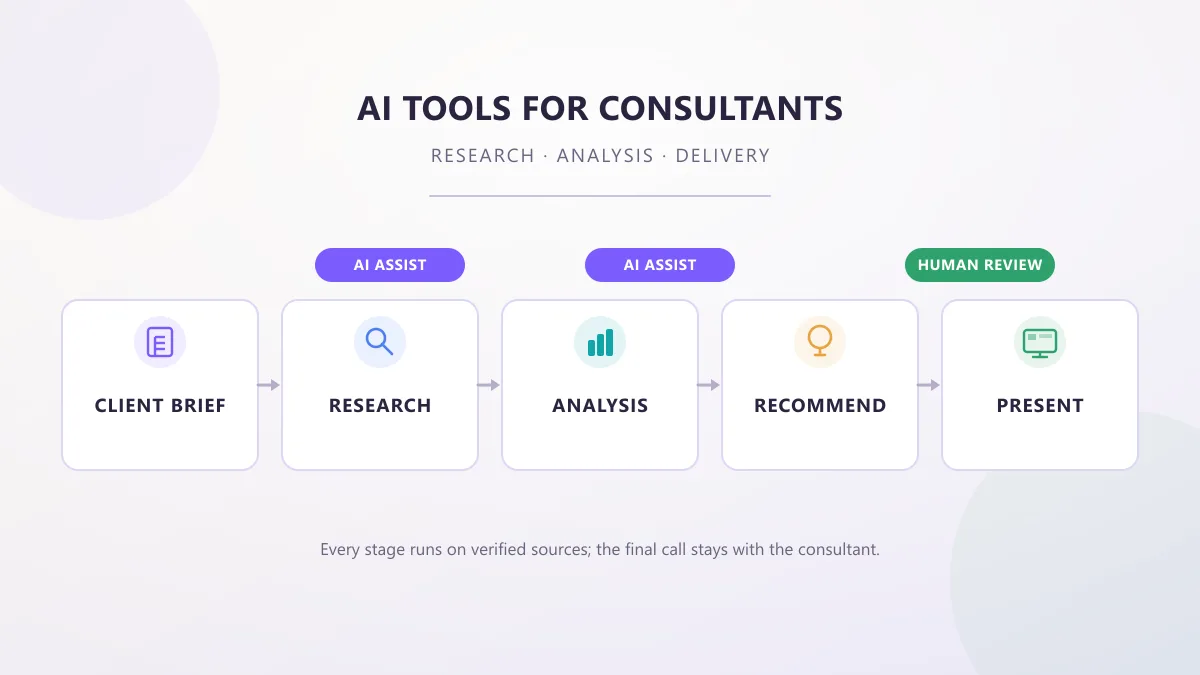
AI Tools for Consultants: Research, Analysis & Delivery
AI tools for consultants in 2026, organized by the work a consultant actually does — research, analysis, proposals, meetings, and decks — with practical prompts, workflows, and client-data checks.
AI Tools Vault Team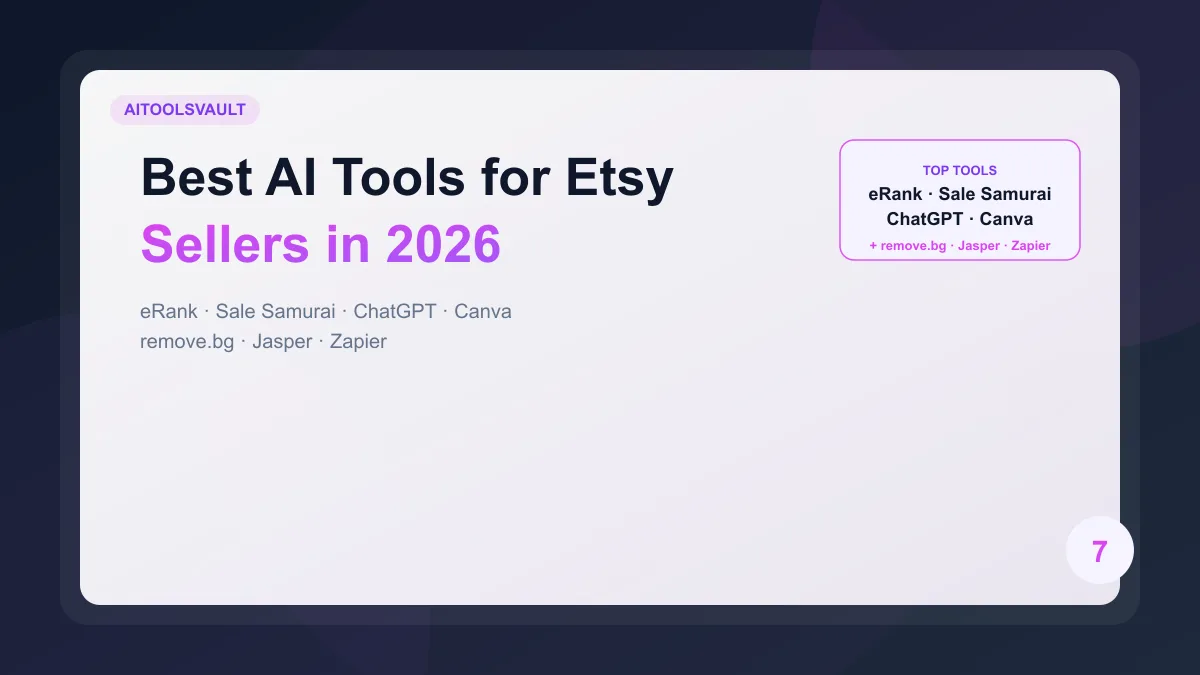 Guides & How-To
Best AI Tools for Etsy Sellers in 2026: 7 Tools to Save Time & Increase Sales
The best AI tools for Etsy sellers in 2026 cover keyword research, product descriptions, photos, and shop automation. Here is how seven verified tools fit together, what each one costs, and where they fall short.
AI Tools Vault Team