
Cursor AI Review
CodingFreemiumThe AI code editor built on VS Code with deep codebase awareness, agent mode, and multi-model support.
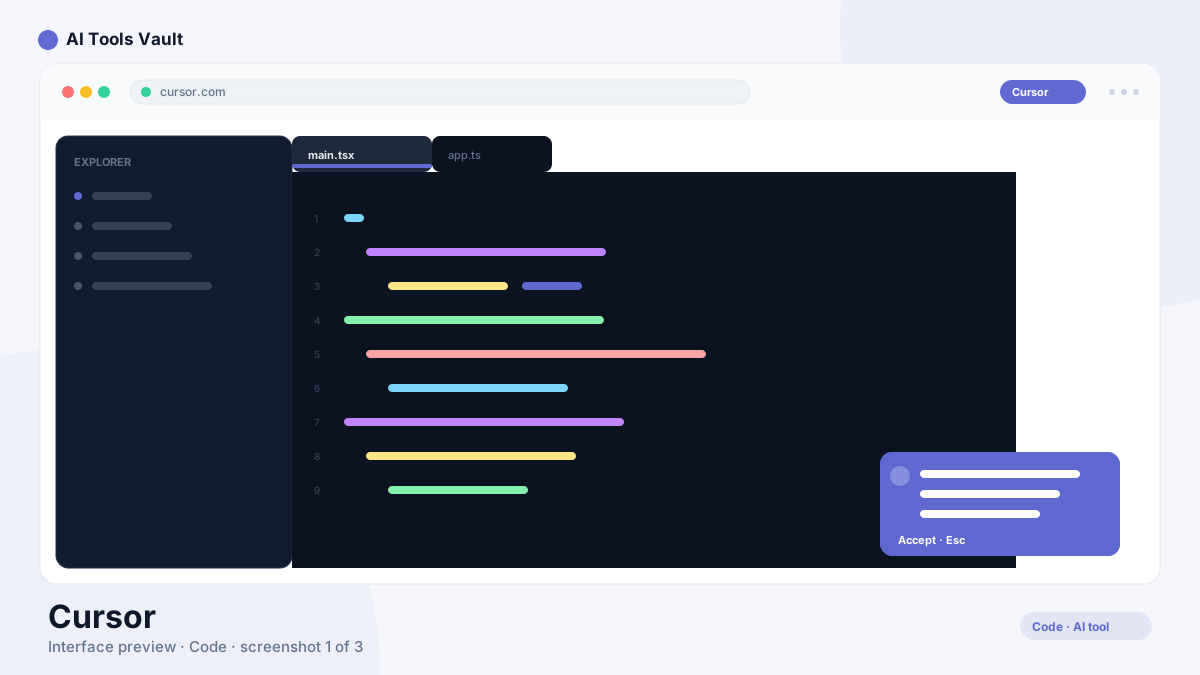
What Is Cursor AI and How Does the AI Code Editor Work?
It's an AI code editor — a fork of VS Code rebuilt around AI assistance. Instead of bolting on autocomplete like a plugin, it indexes your whole codebase so every suggestion, edit, and answer has project context, not just the file you happen to have open.
You use it exactly like VS Code: same shortcuts, extensions, and themes. The difference is the editor can read multiple files, plan multi-file changes, run commands, and even work through a task end-to-end in agent mode.
Cursor AI Features: Agent Mode, Composer & Codebase Q&A
The tool packs most of its value into a few high-leverage features.
- Agent mode that plans and executes multi-step coding tasks
- Codebase-wide Q&A with context from your entire project
- Tab autocomplete for next-line and multi-line suggestions
- Multi-model support including Claude and GPT-4
- Composer for building and editing across files
Cursor AI vs GitHub Copilot: Which AI Code Editor Is Better?
It and GitHub Copilot take opposite approaches. Copilot is an AI coding assistant that plugs into your existing editor and GitHub workflow, while the latter is a standalone AI code editor where AI is the core of the product.
If you want to keep your current IDE and need solid completions plus chat, Copilot is the natural fit. If you want an AI code editor with deep codebase awareness and agent mode, this tool is the stronger choice — that's why so many developers switched.
Pricing: Free, Pro & Business
Free Hobby tier; Pro $20/mo; Business $40/user/mo
Hobby
Free to start with basic AI assistance.
- 2000 completions/mo
- Basic codebase Q&A
- VS Code compatibility
- Community support
Pro
For developers who code with AI every day.
- Unlimited completions
- Agent mode
- All premium models
- 500 fast requests/mo
Business
For teams with centralized management.
- All Pro features
- Centralized admin
- Privacy controls
- SSO & SAML
Best For
Recommended use cases and scenarios where Cursor shines.
Strengths and Weaknesses
The editor is the best-in-class AI code editor for developers who want codebase-aware AI, with resource use and trust trade-offs worth knowing.
Pros
- Full codebase awareness
- Agent mode for autonomous coding
- VS Code compatible
- Multi-model support
Cons
- Resource intensive
- Can make unintended changes
- Pro required for heavy usage
Frequently Asked Questions
Common questions about Cursor, answered.
Is there a free plan?
Yes. It has a free Hobby plan with 2,000 monthly completions and basic codebase Q&A. The Pro plan is $20/month and adds unlimited completions, agent mode, and all premium models.
How is Cursor AI different from VS Code?
It is built on the same foundation as VS Code, so it feels identical and supports the same extensions. The difference is that the editor understands your whole codebase and adds agent mode, codebase Q&A, and AI-driven multi-file editing on top.
Which models does it support?
The tool supports multiple models, including Claude and GPT-4, and lets you switch between them per task. You can also bring your own API key to use models at your own cost.
Is it better than GitHub Copilot?
For codebase-aware editing, multi-file changes, and agent mode, the editor is generally more powerful. GitHub Copilot is the better choice if you want AI inside your existing editor and GitHub workflow without switching tools.
What are the best alternatives?
GitHub Copilot is the top alternative as an AI coding assistant inside your current IDE. Codeium (now Windsurf) and Replit AI are other strong options, with Codeium offering a free tier for unlimited tab completions.
Reviews & Ratings
Loading reviews...
Similar Tools
More Coding tools you might like

Claude Code
Anthropic's agentic coding tool that lives in your terminal — plan, build, test, and ship software by describing tasks in plain English.

GitHub Copilot
AI coding assistant that suggests code completions and entire functions in VS Code, JetBrains, and Neovim.

Guides & Articles about Cursor
Read our detailed reviews and comparisons covering Cursor
 AI News
GPT-6 Astra: The Shift From AI Answers to AI Work
GPT-6 Astra changes what it means to delegate computer work, not just query a model. Here is what it actually does, what it costs per task, the security record nobody is quoting fully, and where supervision still belongs.
 AI Tools Vault Team
 Tool Reviews
OpenCode Review: The Open-Source AI Coding Agent
OpenCode is an open-source AI coding agent that connects to 75+ model providers and runs in your terminal, desktop, or IDE. This review covers features, pricing, and security.
AI Tools Vault Team Comparisons
7 AI Agent Frameworks Compared for 2026
Seven AI agent frameworks compared for 2026 — LangGraph, CrewAI, LlamaIndex, OpenAI Agents SDK, Google ADK, Microsoft Agent Framework, and PydanticAI — with current status, real trade-offs, and how to choose.
AI Tools Vault Team