
Motion AI Review
ProductivityFreemiumAn AI calendar and project management app that auto-schedules your day, plans projects, and manages tasks so you get more done.
What Is Motion AI and How Does It Work?
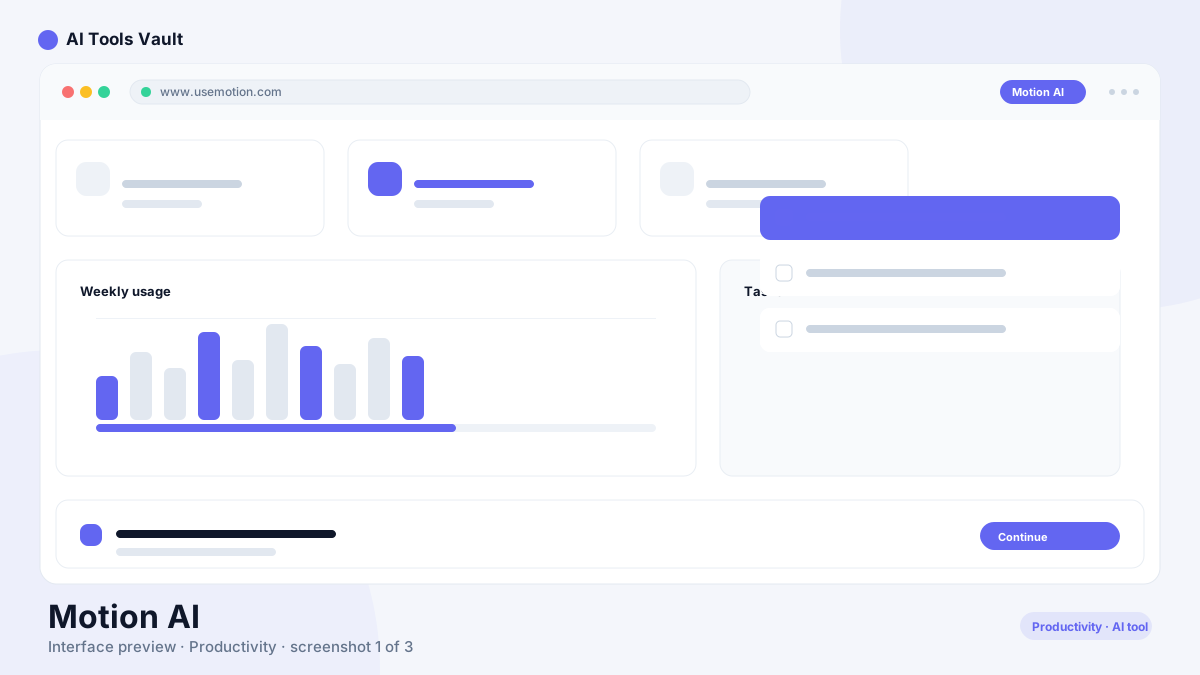
It is an AI-powered calendar, project planner, and task manager in a single app. You add tasks and deadlines, and the AI builds a schedule that fits everything into your available time.
When a meeting moves or a task takes longer than expected, it re-plans the rest of the day automatically instead of letting your plan fall apart.
Auto-Scheduling Calendar
The core feature is a calendar that schedules itself. It understands your priorities, protects focus time, and books tasks into real open slots. Meetings and deadlines are respected first, then work is arranged around them.
- Tasks booked into available time
- Priority-based re-planning
- Focus time protection
- Deadline awareness
Projects, Tasks & Planning
Beyond the calendar, it handles projects and tasks with recurring schedules, dependencies, and subtasks. Teams can share plans, and the AI keeps everyone's schedule aligned in one place.
Motion AI Pricing: Pro, Business & AI Employee
Pro AI $19/seat/mo; Business AI $29/seat/mo; AI Employee $49/mo (annual only)
Pro AI
For individuals who want an AI-run calendar.
- Auto-scheduling calendar
- Project and task planning
- 7,500 AI credits per month
- Web and mobile apps
Business AI
For teams that schedule together.
- Everything in Pro AI
- Team calendar sync
- 15,000 AI credits per month
- Admin controls
AI Employee
An AI that works on top of your calendar.
- Autonomous task handling
- Meeting prep assistance
- Advanced AI credits
- Annual billing only
Best For
Recommended use cases and scenarios where Motion AI shines.
Motion AI: Pros and Cons
It is one of the best auto-scheduling apps of 2026, but the AI lives on paid plans and calendar sync can be finicky with some providers.
Pros
- Calendar schedules itself around your priorities
- Project and task planning in one tool
- Re-plans automatically when plans change
- Strong mobile and browser apps
Cons
- AI features require a paid plan
- Sync quirks with some calendar providers
- Pricing can be higher than basic planners
Frequently Asked Questions
Common questions about Motion AI, answered.
Is Motion free?
It is a freemium app. The AI scheduling features require a paid plan, starting at Pro AI for $19/seat/month or Business AI for $29/seat/month.
What does it do?
It combines an AI calendar, project planner, and task manager. It auto-schedules your day, protects focus time, and re-plans automatically when priorities change.
How is it different from Reclaim AI?
Motion bundles projects and tasks with its calendar, while Reclaim AI focuses on habits and smart scheduling on top of Google Calendar. Both are strong alternatives in 2026.
Which plan should I choose?
Choose Pro AI for individual use. Pick Business AI for teams that need shared schedules, or AI Employee if you want an assistant that works on top of your calendar.
Does it work on mobile?
Yes, it has web and mobile apps that keep your auto-built schedule in sync wherever you are.
Reviews & Ratings
Loading reviews...
Similar Tools
More Productivity tools you might like

Zapier
No-code automation platform that connects 9,000+ apps with Zaps, plus AI agents and chatbots that work across your tools.

Make
Visual no-code automation and integration platform with a drag-and-drop scenario builder, routers, and a generous free tier.
