
Opus Clip Review
VideoFreemiumTurns long videos into viral short clips automatically — finding the best moments, adding captions and framing each clip for Shorts, Reels and TikTok.
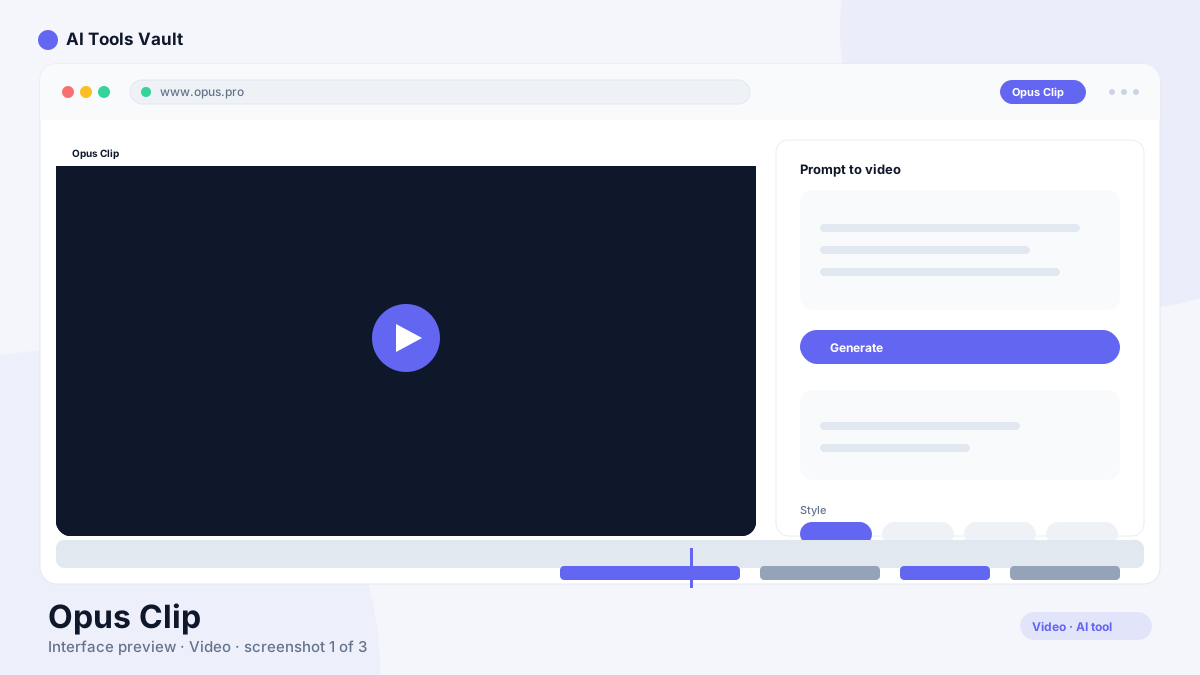
What Is Opus Clip and How Does It Work?
It is an AI short-clip generator. You upload a long video, and it analyzes the content to identify the most engaging moments — strong hooks, insights, reactions, questions — then cuts them into standalone clips with captions burned in.
Each clip is framed for a specific platform, so a 45-minute podcast can become a week of Shorts and Reels with a few clicks instead of a day of editing.
Viral Clip Detection & Captions
The core value is the analysis: it scores moments in your video for engagement and picks the ones worth sharing.
- Automatic engagement scoring of every moment
- Platform-specific framing (Shorts, Reels, TikTok)
- Animated captions and keyword highlighting
- Hook generation and title suggestions
From Long Video to Content Calendar
Marketers and podcasters use it as a pipeline: record once, generate a batch of clips, review the best ones, and schedule them. The batch workflow is what makes it a time-saver compared to manual editing tools.
How It Compares to Descript
Descript is a full editing suite where you cut video by editing text. This tool is automated repurposing — it makes the cuts for you and formats them for short-form platforms. Teams that edit by hand prefer Descript; teams that need volume prefer this one.
Opus Clip Pricing: Free, Creator & Pro
Free trial (watermarked); Creator $25/mo; Pro $99/mo
Free
Try it with watermarked exports.
- Limited clip generation
- Watermarked exports
- Standard captions
- Community support
Creator
For creators publishing weekly.
- More monthly clip minutes
- No watermark
- Advanced caption styles
- Custom hook options
Pro
For teams and agencies at scale.
- High monthly clip minutes
- Team collaboration
- Branded templates
- Priority processing
Best For
Recommended use cases and scenarios where Opus Clip shines.
Opus Clip: Pros and Cons
It is the fastest path from long-form recordings to a short-form content pipeline — at the cost of watermark-free output requiring a paid plan and output quality tied to your source audio.
Pros
- Auto-finds the most engaging moments
- Captions and formatting for every platform
- Huge time saver for weekly content pipelines
- Batch processing for long recordings
Cons
- Free exports carry a watermark
- Clip quality depends on source audio
- Heavy use pushes you to Pro fast
Frequently Asked Questions
Common questions about Opus Clip, answered.
Is Opus Clip free to use?
It has a free trial with limited, watermarked exports. Creator costs $25/month for watermark-free clips, and Pro is $99/month for teams and agencies.
How does it choose which moments to clip?
It analyzes the video with AI and scores each moment for engagement potential — strong hooks, insights and reactions — then trims and captions the best segments.
Can it handle podcasts and webinars?
Yes. Long recordings like podcasts, webinars and interviews are exactly what it is built for — it turns them into batches of short clips.
Does it add captions?
Yes. It generates animated captions with keyword highlighting and platform-specific formatting for TikTok, Shorts and Reels.
What are the best alternatives?
Descript for hands-on editing, Pictory for script-based video creation, and Clipchamp for free in-browser editing are the main alternatives.
Reviews & Ratings
Loading reviews...
Similar Tools
More Video tools you might like

Loom AI
Async screen recording with built-in AI that writes titles, summaries, chapters, and action items from every recording.

CapCut
CapCut is ByteDance's free AI-powered video editor for short-form content, with auto captions, background removal, and a huge template library for TikTok and Reels.

Guides & Articles about Opus Clip
Read our detailed reviews and comparisons covering Opus Clip
 Comparisons
Compare Top AI Avatar Tools for Podcast Video Snippets (2026)
A practical comparison of the top AI avatar tools for podcast video snippets — HeyGen, Synthesia, D-ID, Colossyan, Captions, Descript, OpusClip and quso.ai, with 2026 pricing and workflows.
 AI Tools Vault Team
 Guides & How-To
Best AI Tools for Podcasters in 2026
The best AI tools for podcasters in 2026 — compare AI tools for recording, editing, transcription, and voice cleanup to level up your podcast production.
AI Tools Vault Team