Higgsfield AI Review (2026): Is It Worth the Money?
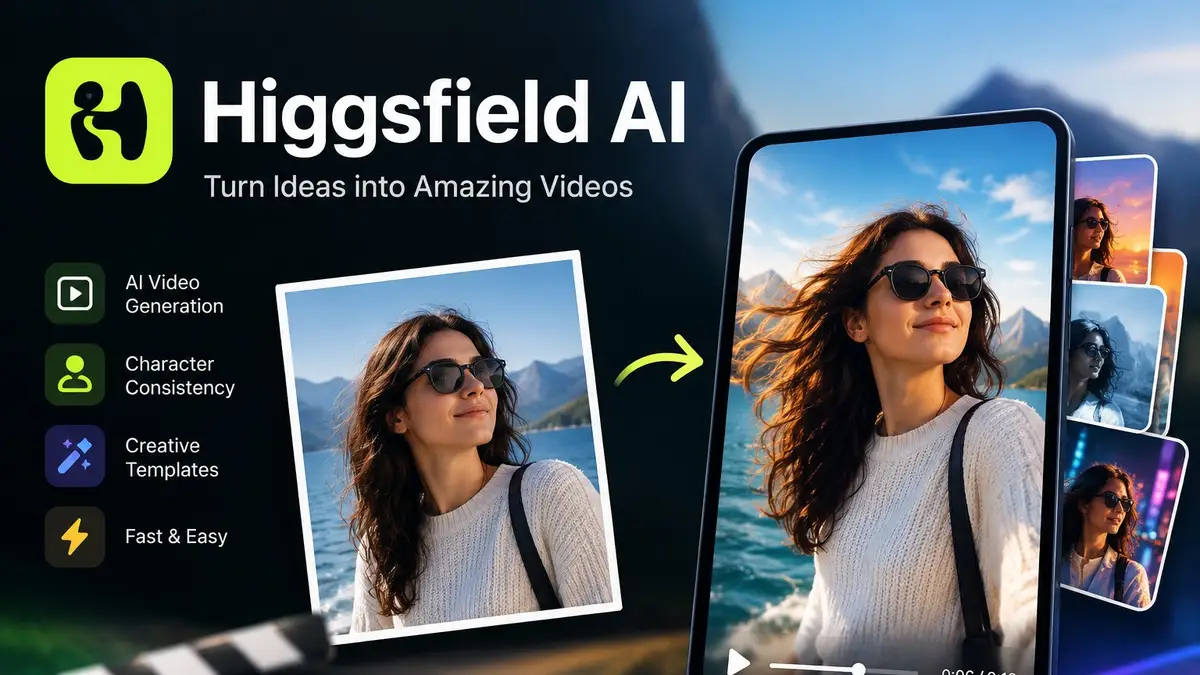
We break down Higgsfield AI's features, pricing, free access and best alternatives, so you can decide if the subscription is worth it for your videos.


We break down Higgsfield AI's features, pricing, free access and best alternatives, so you can decide if the subscription is worth it for your videos.
AI video tools now launch faster than most people can test them. Higgsfield AI is one of the names that keeps coming up on TikTok, Instagram and YouTube, mostly because its clips look like they were shot with a real camera rig: slow push-ins, whip pans, dolly moves and dramatic lighting. If you are still exploring the wider space, our AI video generators comparison covers the tools we have reviewed.
Higgsfield is a strong pick if you want cinematic, social-ready clips without learning a full editing suite. It is a weaker pick if you need long, tightly controlled scenes, or if you plan to generate a lot of footage on a small budget.
Good for:
Not ideal for:
Higgsfield is a web and mobile platform for generating AI video and images. Instead of relying on one single model, it works as a creative hub: it offers its own tools and effects, and it gives you access to several third-party video models in one place. That means you can try different engines without paying for separate accounts.
What sets it apart from a plain text-to-video site is the camera-first approach. You pick motion presets such as orbit, crash zoom or tracking shot, and the platform applies them to your prompt or image. For people who think in shots rather than in prompts, this feels far more natural.
Compared with other AI video tools, Higgsfield leans toward speed and style. Runway gives you deeper editing controls, while Higgsfield gives you quicker, punchier results with less tinkering.
You type a scene description, choose a model and a camera move, and generate a short clip. Keep the prompt simple: say who or what is in the shot, where it happens, how it is lit, and how the camera moves. Prompts that describe a subject, setting, lighting and one clear action work best.
Packing in several actions at once usually leads to messy motion, and the result will not always match your prompt word for word. If you need one exact shot, tweak the prompt and generate again — a couple of tries usually gets you there.
This is where Higgsfield tends to shine. Upload a still, such as a product photo, a portrait or a piece of concept art, and the tool animates it with your chosen camera move. Because the model starts from your actual image, the subject usually stays consistent frame to frame, which makes results more predictable than pure text-to-video.
The thing to watch is the motion. Gentle camera moves work well for products, but big movements can warp faces and hands.
Try this: upload a product photo or portrait, pick a camera move, and watch the result. Does the motion look natural? Does the subject still look like itself? Any weird distortions?
Cinema Studio is aimed at people who want more directorial control. You work with virtual camera and lens choices, framing and movement, so the output feels more like a planned shot than a random generation. It suits short film ideas, trailers and moody brand visuals.
More controls do not mean a perfect result on the first go, so expect to adjust the settings before the video matches what you pictured.
Try this: make a short cinematic scene, then compare it with your original idea. Did the camera move the way you wanted? Is the framing right? Does the overall look feel the same?
Keeping the same face and outfit across multiple clips is the hardest problem in AI video. Higgsfield offers tools for building a reusable character from reference images. It works best with clear, well-lit references and simple wardrobe. Expect some drift in complex scenes, especially with fast movement or big changes in angle.
For marketers, the useful part is turning a product image into a short promotional clip with motion, lighting and a clean background. This can replace a basic product shoot for social ads, though you should always check that logos, text and fine product details are not distorted. More ideas are in our guide to the best AI marketing tools.
This is the part many reviews skip. Higgsfield runs on a credit system, and different models and settings burn credits at different rates. Higher resolution, longer clips and premium third-party models cost more. Failed or unusable generations still use credits, so budget for retries.
A practical rule: plan on two to four attempts to get one clip you would actually publish. That makes your real cost per usable video noticeably higher than the headline credit price suggests.
Try this: run your own test and note the generation time and total credits spent, retries included. That tells you what one usable clip really costs.
Higgsfield uses monthly subscription tiers, each with a set number of credits, and generally offers a discount for annual billing. Higher tiers add more credits, faster queues and access to more features.
What you pay depends on how much you create and which models you use. Making the odd clip? A lower plan is probably enough. Making videos every week? A higher tier starts to pay off, mainly for the extra credits and wider model access.
Do not judge a plan by its credit count alone. Longer clips, higher resolutions and different models all burn credits at different rates, so check what your favourite model costs first.
Prices and features change, so check the official pricing page before you subscribe.
UK readers: Prices are shown in USD, so your final GBP amount may differ because of exchange rates and VAT. Check the total at checkout.
Generating one clip is cheap. Finishing a video is where the credits go. Sometimes the first try is perfect, and sometimes it takes three or four before the footage looks right.
Say you are making a 30-second ad from six 5-second clips. Every clip has to match the same style and flow into the next. If four of them need a second try, you have generated ten clips, not six. You pay for all ten.
To estimate your cost:
For example, if a clip costs 20 credits and credits cost $0.05 each, ten generations come to $10, not the $6 you would get from counting only the six clips in the final edit. A 30-second ad made of six short clips can use a large share of a lower-tier plan's monthly credits once retries are included.
The most reliable way to budget is to track credits on one real project. Do not assume every clip lands on the first attempt.
Higgsfield has typically offered some free access, usually a small number of starter credits or a limited free tier. Free outputs commonly come with restrictions such as a watermark, lower priority in the queue, limited features and no guaranteed commercial use.
Verify these on your own account before publishing: whether free clips carry a watermark, how many credits you get and whether they renew, which models and features are locked, and what the terms say about commercial use on free plans.
Treat the free tier as a trial, not as a way to run a content channel. If budget is tight, you can also browse free AI tools in our directory.
Pros
Cons
If you want one subscription that gives you several engines plus camera presets, Higgsfield is convenient. If you want deep control over a single model, Runway or Luma may serve you better.
For more options, browse the best AI video editors.
Higgsfield AI earns its place as a creative tool for short, stylish, camera-driven video. It is not the most controllable platform, and it is not the cheapest once you count retries, but it is quick, approachable and visually impressive.
It is worth it if you create short-form content regularly and value speed and style. Skip it if you need long, precise scenes or plan to generate heavily on a small budget. Start on the free option, test your own use case, then upgrade only if your results justify the cost. Our Higgsfield tool page keeps the current plan details in one place.
Is Higgsfield AI worth paying for?
For active short-form creators and marketers, usually yes. For occasional users, the free tier or a lower plan is enough to start.
Can I use Higgsfield videos commercially?
Often yes on paid plans, but terms vary by plan and by the underlying model used. Read the current terms of service before using clips in client work or paid ads.
Do Higgsfield credits expire?
Many credit systems reset monthly and do not roll over. Confirm this in the current terms and your account dashboard.
Does Higgsfield add a watermark?
Free outputs commonly do. Check your own account to confirm what applies to your plan.
Is Higgsfield better than Runway?
It depends. Higgsfield is faster and more stylised. Runway offers more control and editing depth.
How long can the videos be?
Clips are generally short. For longer videos, combine several clips in an editor such as CapCut or Premiere Pro.
Get our best AI tool reviews and guides delivered to your inbox each week. No spam, unsubscribe anytime.

Written by
Contributor
Jawad Fiaz writes about AI video tools and creator workflows for AI Tools Vault.
More reading on guides & how-to
 Guides & How-To
The free AI background removal tools still worth using after remove.bg closes in December 2026 — Photoroom, Adobe Firefly, Canva, Clipdrop and rembg, with free-tier limits checked in October 2026.
 Jawad Fiaz
 Guides & How-To
Six free AI photo enhancers, six different deals. What each free tier really allows, what AI cannot recover, and how to check a result before trusting it.
Jawad Fiaz Guides & How-To
Zoom transcription turns meeting audio into text. Learn the difference between transcripts, captions, and AI summaries, how to enable them, and when to use third-party tools.
Jawad Fiaz