
Higgsfield Review
VideoFreemiumAn AI video generation platform known for cinematic camera movements — orbit shots, push-ins and crane moves — plus character consistency across clips.
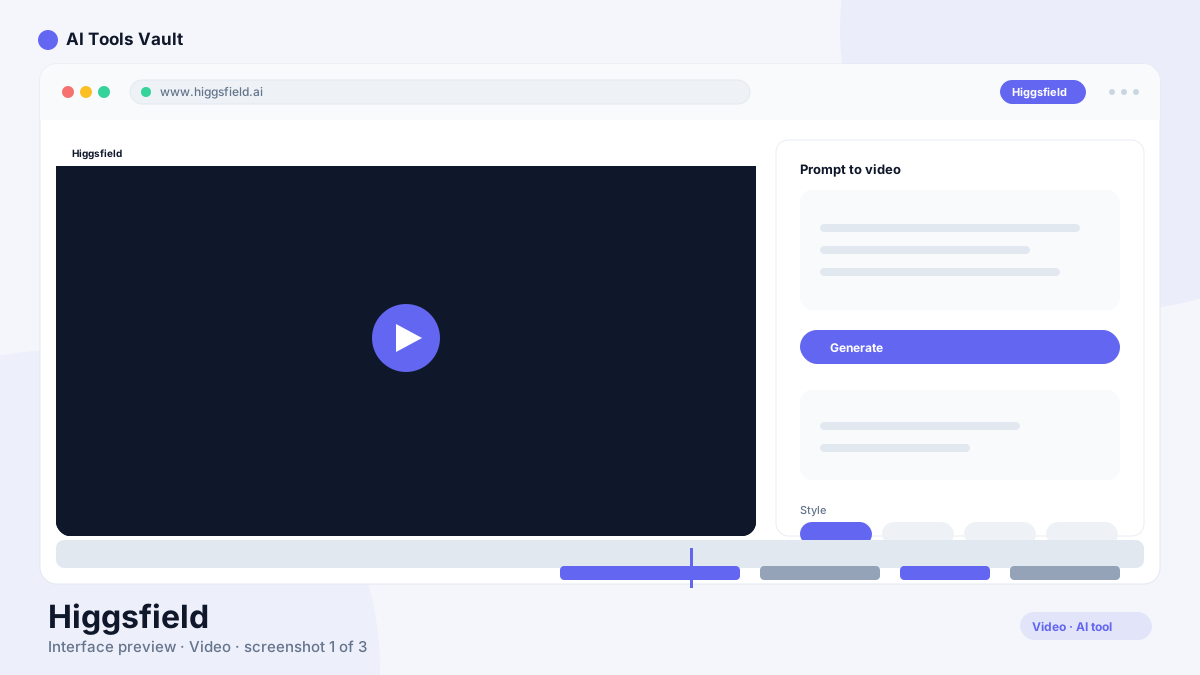
What Is Higgsfield and How Does AI Video Generation Work?
It is a text-to-video and image-to-video platform focused on cinematic output. You describe a scene and the camera movement — an orbit around a subject, a slow push-in, a crane rise — and it generates a clip that actually moves like a shot, not a static image with a slight pan.
It also offers editing tools for generated footage, character consistency so the same face or object carries across multiple clips, and 4K upscaling for finished exports.
Cinematic Camera Movements
Camera control is its signature. The model understands movement language — orbit, dolly, crane, whip-pan, handheld, aerial — and applies it to the subject you describe.
- Prompt-driven camera paths (orbit, push-in, crane)
- Subject tracking that keeps focus during movement
- Motion presets for common cinematic looks
- Custom shot direction per generation
Character Consistency
It lets you lock a character or subject so it stays consistent across different shots and scenes — a requirement for storytelling, ads, and series-style content. You reference the character and the platform carries the likeness between generations.
Higgsfield vs Runway, Pika & Sora
Runway is the broader video editing and effects suite, Pika excels at fun, stylized quick clips, and Sora sets the bar for realism and physics. This platform's edge is deliberate camera direction: it's the pick when the movement of the shot is the point of the work.
Higgsfield Pricing: Free, Pro & Studio
Free daily credits; Pro $24/mo; Studio $59/mo
Free
Try it with daily credits.
- Daily generation credits
- Standard models
- 720p export
- Community access
Pro
For creators generating regularly.
- More monthly credits
- 1080p export
- 4K upscaling
- Faster generation queue
Studio
For studios and heavy workflows.
- Highest credit pool
- Commercial license
- Priority rendering
- Advanced editing tools
Best For
Recommended use cases and scenarios where Higgsfield shines.
Pros and Cons
It is the most filmmaking-minded AI video generator on the market — if camera moves and consistency are your job, it earns its credits; for quick casual clips, simpler tools may be enough.
Pros
- Best-in-class camera movement control
- Strong character consistency across shots
- 4K upscaling and resolution options
- Active creator community with prompt styles
Cons
- Generations consume credits quickly
- Physics still imperfect on complex scenes
- Best quality requires paid plans
Frequently Asked Questions
Common questions about Higgsfield, answered.
Is Higgsfield free to use?
It has a free plan with daily generation credits. Pro costs $24/month and Studio $59/month for more credits, 4K upscaling, and commercial licensing.
What is it best at?
It is best at cinematic camera movement in AI video — orbit, push-in, crane and dolly shots generated from a prompt, plus character consistency across multiple clips.
Does it support character consistency?
Yes. You can lock a character or subject and keep it consistent across shots and scenes, which is essential for storytelling, ads and series content.
How does it compare to Runway?
Runway is a broader video editing and VFX suite; this tool focuses on cinematic camera-directed generation. Creators often use both — this for shots, Runway for polish.
What are the best alternatives?
Runway, Pika, Luma Dream Machine and Sora are the main alternatives, each with different strengths in realism, style and editing depth.
Reviews & Ratings
Loading reviews...
Similar Tools
More Video tools you might like

Loom AI
Async screen recording with built-in AI that writes titles, summaries, chapters, and action items from every recording.

CapCut
CapCut is ByteDance's free AI-powered video editor for short-form content, with auto captions, background removal, and a huge template library for TikTok and Reels.
