Best Free AI Tools 2026: 8 Picks That Are Actually Free
Eight free AI tools in 2026 that hold up in daily use - ChatGPT, Claude, Gemini, DeepSeek, Perplexity, Grammarly, Notion AI, and Canva AI, with real limits.

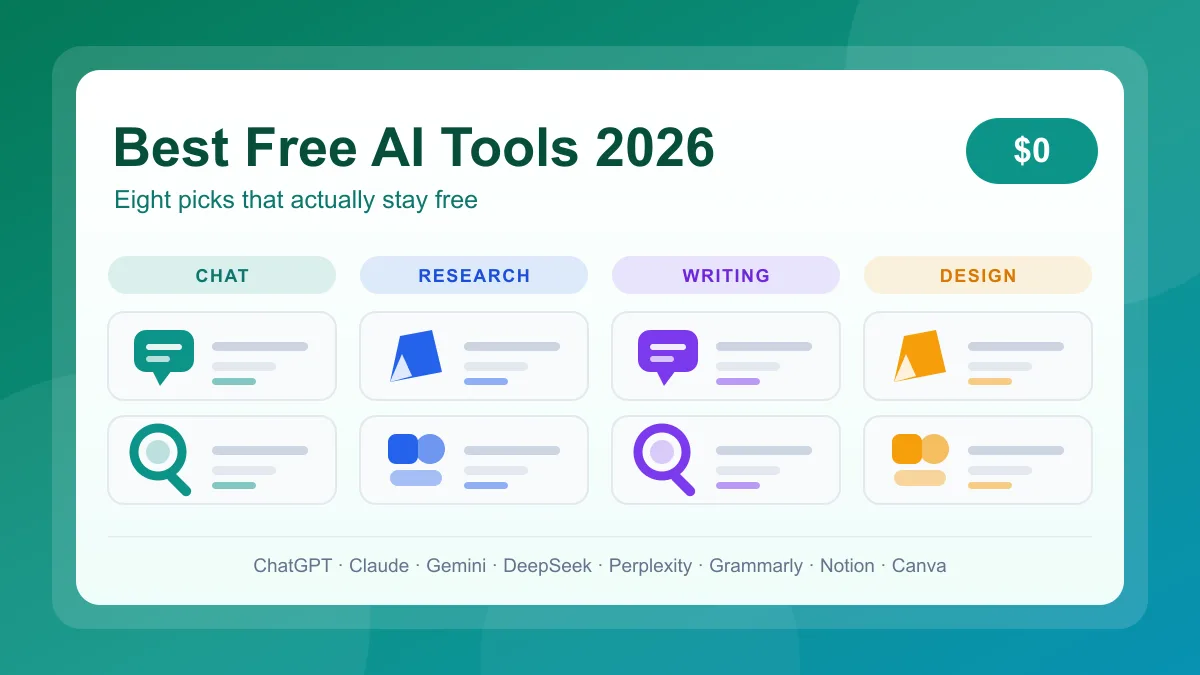
Eight free AI tools in 2026 that hold up in daily use - ChatGPT, Claude, Gemini, DeepSeek, Perplexity, Grammarly, Notion AI, and Canva AI, with real limits.
You do not need a subscription to use capable AI. The best free AI tools 2026 has to offer work on $0 plans, and every claim below comes from vendor documentation rather than a launch post.
None is a trial: here is what you keep, what is capped, and what nudges you toward an upgrade.
Free tiers come in three shapes, and mixing them up is how people get surprised by a bill.
Nothing stops on a timer, but everything is metered.
ChatGPT runs GPT-5.6 Luna for free, with unlimited text chat and separate limits on GPTs, images, and uploads; GPT-4o was retired in February 2026.
Free tier: unlimited text. Upgrade: stronger models.
Claude free adds Sonnet and Haiku, web search, files with code execution, Artifacts, memory, connectors, skills, voice, and five Projects.
Free tier: essays, summaries. Upgrade: Opus and higher limits.
Gemini free runs Flash-Lite, Flash, and Pro with Google Search built in, on five-hour limits with a weekly cap and 32k context instead of 1M.
Free tier: sourced answers. Upgrade: Deep Research.
DeepSeek charges nothing for its chatbot and reasoning models, the pick for math and debugging; its terms require an account.
Free tier: full chatbot. Upgrade: API access.
Perplexity AI reads the web and shows its sources, and the free plan allows a limited number of daily searches.
Free tier: cited answers. Upgrade: Pro searches.
Grammarly free covers grammar, spelling, punctuation, and a tone detector in your browser and documents, plus 100 AI prompts a month.
Free tier: grammar, tone. Upgrade: full rewrites.
Notion stays free for notes, docs, and databases, plus complimentary AI responses; when they run out, AI needs Business or Enterprise.
Free tier: unlimited pages. Upgrade: AI in workspace.
Canva AI bundles text-to-image, Magic Write, upscaling, and background tools, all drawing from one 20-use monthly allowance.
Free tier: templates, 20 AI uses. Upgrade: premium stock.
I tested all eight on their free plans while updating this guide, and three things changed how I use them.
Model names mattered less than the caps. ChatGPT now runs GPT-5.6 Luna, and OpenAI's help article confirms GPT-4o was retired in February 2026, so older GPT-4o mini advice no longer applies. What ends a session is the separate counters for uploads, images, voice, and analysis, so I keep text in chat and save heavy files for later.
Allowances changed my behaviour faster than quality did. Knowing Canva's pool was 20 uses, I stopped spending Magic Write on one-line captions, and Grammarly's 100 prompts work the same way. Notion's complimentary responses ran out mid-week.
DeepSeek I use selectively: its reasoning is genuinely free, but its privacy policy says inputs are stored in the People's Republic of China and used to train models, and that the service is not meant for sensitive personal data. Fine for public questions; for client material I pick a policy I have read.
The price of a free tier is usually data, not money. Before you paste anything in, check where inputs are stored, whether they train models, and what happens to outputs you publish. DeepSeek answers all three plainly; every vendor here publishes a policy worth five minutes.
Are these AI tools really free in 2026?
Four are. ChatGPT, Claude, Gemini, and DeepSeek run unlimited text chat, with caps on uploads, images, voice, and analysis. The rest meter a monthly allowance: Grammarly 100 prompts, Canva 20 AI uses, Notion complimentary responses. None expires like a trial.
Which is the best free AI tool overall?
It depends on the job: ChatGPT to start, Gemini for research, DeepSeek for step-by-step reasoning, Perplexity for cited sources. Match your most frequent task instead of paying.
Do these tools train on my data?
Policies differ, so read the one you use. DeepSeek's, updated 10 February 2026, stores personal data in China, uses inputs to train its models, and says it is not meant for sensitive data.
Can I use free AI tools for work and school?
Usually, but check your organisation's policy first. DeepSeek requires an account and says published output must be verified and labelled AI-generated; Grammarly and Canva restrict some commercial features to paid plans.
Build the stack for nothing: ChatGPT or Gemini for thinking, DeepSeek for hard problems, Perplexity AI for research, Grammarly for polish, Canva AI for design. Run it free for a month, then upgrade only when a specific cap slows you down.
Compare free tiers in the AI tools directory or the compare tool.
Get our best AI tool reviews and guides delivered to your inbox each week. No spam, unsubscribe anytime.

Written by
Jawad Fiaz writes about AI tools and how to evaluate them, drawing on hands-on use, official product documentation, published pricing, and independent research rather than vendor marketing.
More reading on guides & how-to
 Guides & How-To
Six free AI photo enhancers, six different deals. What each free tier really allows, what AI cannot recover, and how to check a result before trusting it.
 Jawad Fiaz
 Guides & How-To
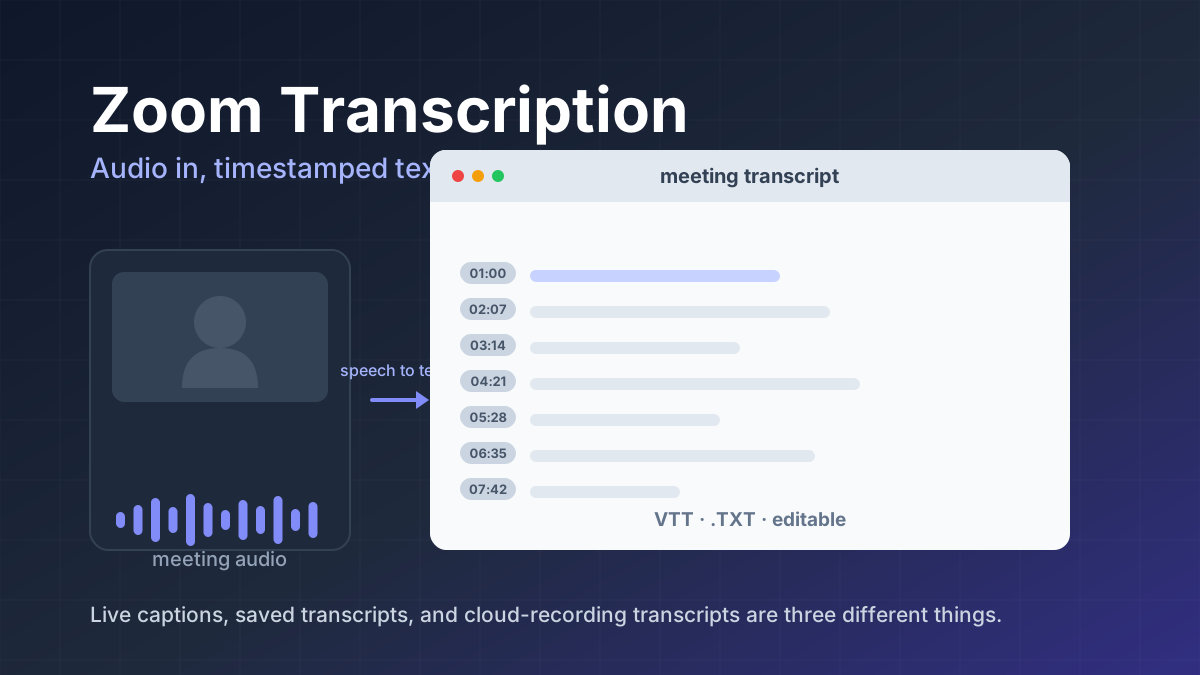
Zoom transcription turns meeting audio into text. Learn the difference between transcripts, captions, and AI summaries, how to enable them, and when to use third-party tools.
Jawad Fiaz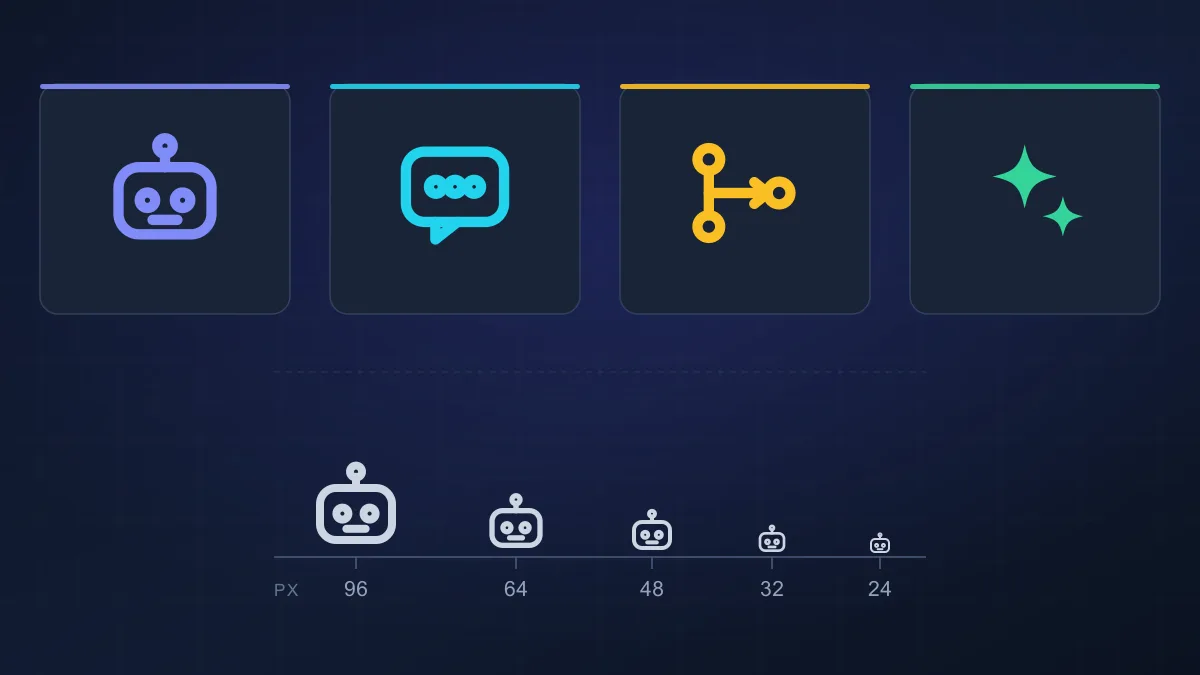 Guides & How-To
An AI agent icon can name an agent, mark an AI feature, show live status, or point at a tool. Here is what the common symbols mean, where to find one, and what to check before you ship it.
AI Tools Vault Team