
Grammarly Review
WritingFreemiumAI writing assistant for real-time grammar, spelling, tone, and style correction across the web.
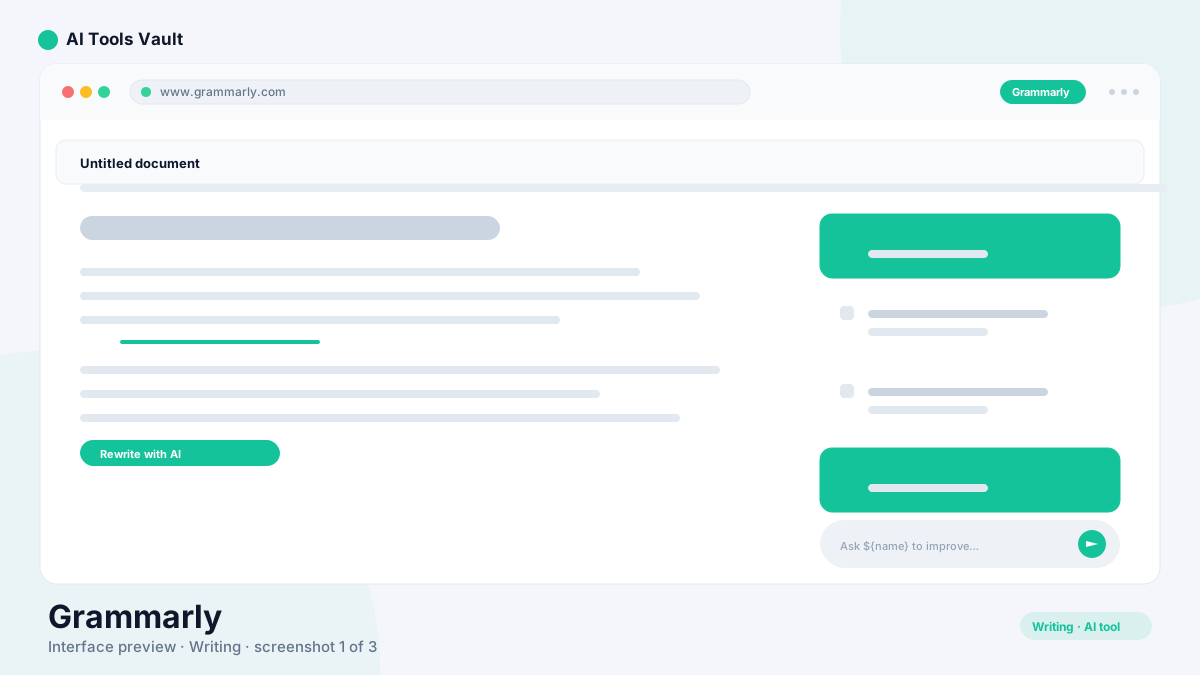
What Is Grammarly?
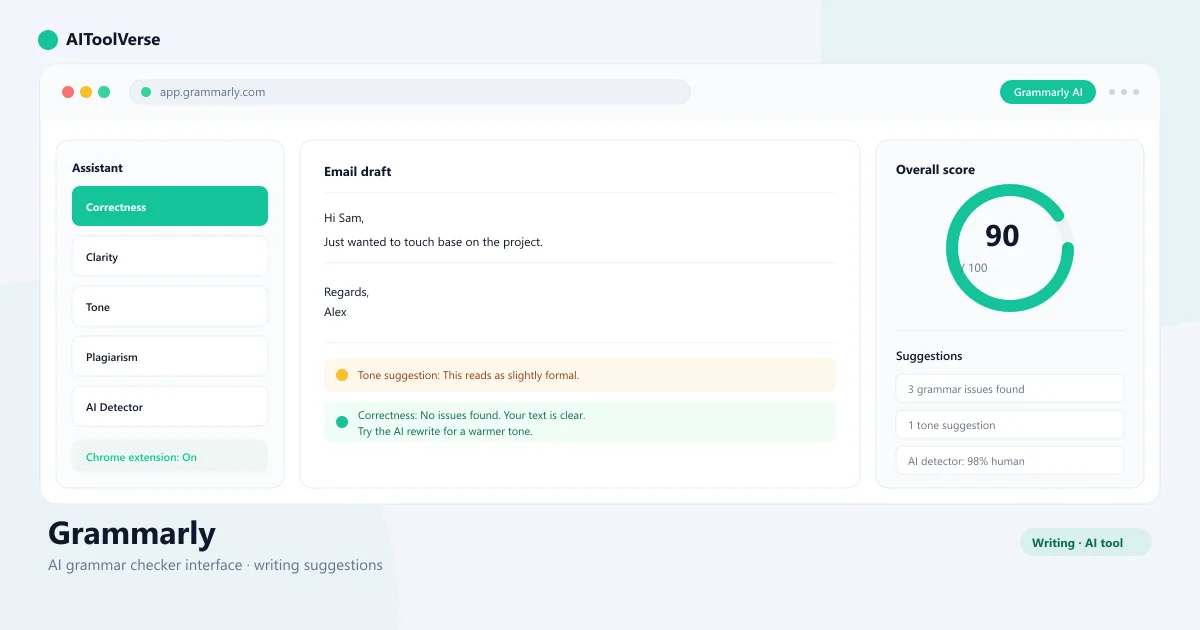
It is an AI writing assistant that corrects grammar, spelling, punctuation, tone, and clarity in real time as you type. It works everywhere you write: the browser extension covers Gmail, Google Docs, LinkedIn, and thousands of other sites, while dedicated apps handle Microsoft Word and macOS.
Beyond fixes, its generative AI rewrites sentences to be clearer, adjusts formality for the audience, detects AI-written content, and explains why a suggestion was made, so you become a better writer over time.
Grammar & Spell Checker
The core of the tool is its real-time grammar and spell checker. It flags typos, punctuation mistakes, subject-verb agreement issues, and awkward phrasing as you write, showing a green indicator when your text is clean and a red one when corrections are needed.
Suggestions come with short explanations, so you learn why a fix is recommended. For clearer copy, it also scores your writing for correctness, clarity, engagement, and delivery — and lets you set goals for audience, formality, and tone.
- Real-time grammar, spelling, and punctuation fixes
- Explanations for every suggestion
- Correctness, clarity, engagement, and delivery scores
- Writing goals for audience, formality, and tone
AI Detector
The AI detector analyzes writing to estimate whether it was written by a human or generated by AI, returning a confidence score. It's designed to help educators, editors, and recruiters verify the authenticity of submissions and job applications.
No AI detector is 100% accurate — the company notes that results are probabilistic and should be combined with human judgment rather than treated as proof.
- Human vs AI confidence score
- Useful for educators, editors, and recruiters
- Combined with human judgment for best results
AI Rewrite & Tone Detector
The tone detector reads your message and labels the emotion it conveys — friendly, formal, confident, and more — before you hit send. It catches messages that read as terse or overly aggressive, which is invaluable for email and team chat.
The AI rewrite tools go further: full-sentence rewrites make clunky text clearer, formality sliders adjust copy for the audience, and generative AI can expand on an idea or shorten it. You keep control by reviewing each suggestion before applying it.
- Tone labels before you send
- Full-sentence clarity rewrites
- Formality adjustments
- Generative AI expand and shorten
Plagiarism Checker
The plagiarism checker compares your text against billions of web pages and academic databases, flagging matching passages and linking to the sources it finds. It's a Premium feature aimed at students checking essays and writers verifying originality.
The detector covers published web content and academic sources, so it works well for common checks, though it doesn't search every proprietary academic database.
- Scans billions of web pages and academic sources
- Flags matching passages with source links
- Premium and Business feature
Pricing — Free vs Premium vs Business
Pricing is built around three tiers. The Free plan covers spelling, grammar, punctuation, and basic tone detection — enough for most everyday writing. Premium at $12/month (billed annually) adds full-sentence rewrites, clarity and formality adjustments, plagiarism detection, and generative AI.
Business at $15/user/month adds a shared brand-tone style guide, snippets, admin analytics, and SAML SSO for teams. Everything runs through the same browser extension, so upgrades unlock features without changing how you work.
Compare Plans & Pricing
Free plan; Premium $12/mo (annual); Business $15/user/mo (annual)
Free
Essential writing corrections as you type.
- Grammar & spelling
- Punctuation
- Tone detection
- Browser extension
Premium
Advanced writing assistance for individuals.
- Clarity rewrites
- Tone adjustments
- Plagiarism checker
- Generative AI
Business
Style guides and analytics for teams.
- All Premium features
- Brand tone & style guide
- Admin analytics
- SAML SSO
Grammarly Browser Extension
The browser extension is the fastest way to get the AI writing assistant everywhere you type. Install it once in Chrome, Edge, Firefox, or Safari, and it flags issues in Gmail, Google Docs, LinkedIn, Twitter/X, CMS editors, and thousands of other sites — no copy-pasting required.
The same account syncs across devices, and the desktop apps bring the same suggestions to Microsoft Word and macOS apps. For heavy writers, the extension alone justifies the free plan.
- Works in Gmail, Google Docs, LinkedIn, and more
- One-click suggestions without copy-pasting
- Syncs across devices and browsers
- Desktop apps for Word and macOS
Grammarly vs Other Writing Tools
It is primarily a correction and polish tool, while tools like Jasper and Copy.ai are generative copywriters that draft marketing text from a brief. QuillBot overlaps with it on paraphrasing but is more focused on rewording existing text.
For writers who already produce the words and want them clean, clear, and consistent everywhere, this tool is the best fit. For drafting long-form marketing copy from scratch, Jasper is stronger, and Copy.ai is faster for short social and ad copy.
Pros and Cons
It is easy to recommend for most writers, with a few caveats.
Pros
- Real-time grammar correction
- Tone & clarity suggestions
- Plagiarism detection
- Works everywhere via extension
Cons
- Advanced features need Premium
- Can miss context at times
- Generative AI gated to higher tiers
Best For
Recommended use cases and scenarios where Grammarly shines.
Frequently Asked Questions
Common questions about Grammarly, answered.
Is it free to use?
Yes. The free plan corrects spelling, grammar, punctuation, and basic tone issues. Premium features like full-sentence rewrites and plagiarism detection require the $12/month Premium plan.
How much does Grammarly Premium cost?
Premium costs $12/month when billed annually, with monthly billing priced higher. Business is $15/user/month and adds style guides, snippets, admin analytics, and SAML SSO.
Does Grammarly have an AI detector?
Yes. The AI detector analyzes text to estimate whether it was written by a human or generated by AI and returns a confidence score. Results are probabilistic, so they should be combined with human judgment.
How accurate is the Grammarly AI grammar checker?
It is highly accurate for common errors and tone issues, but it can occasionally miss context or over-suggest. It is a strong aid, not a replacement for careful proofreading.
Is Grammarly Premium worth it?
For students, non-native speakers, and anyone who writes regularly, yes. The plagiarism checker, formality adjustments, and full-sentence rewrites are the main reasons to upgrade.
Reviews & Ratings
Loading reviews...
Explore More AI Writing Tools
Browse the full AI Tools Vault directory to compare Grammarly with every AI writing and content tool, or line up your shortlist side by side.
Similar Tools
More Writing tools you might like

QuillBot
It is the AI paraphrasing and grammar tool that rewrites, checks, summarizes, and humanizes your writing in one suite.

Wordtune
An AI writing assistant that rewrites and rephrases text in place, checks grammar, adjusts tone, and summarizes documents and videos.

Guides & Articles about Grammarly
Read our detailed reviews and comparisons covering Grammarly
 Guides & How-To
AI Tools for Job Seekers: What Actually Helps in 2026
The AI tools for job seekers actually worth using in 2026 — practical steps for tailoring resumes, practicing interviews, and tracking applications.
 AI Tools Vault Team
 Guides & How-To
AI Tools for Small Business: How to Actually Choose
Most small businesses already use AI — but few chose it strategically. Here is a decision framework for picking AI tools for small business without overpaying.
AI Tools Vault Team Guides & How-To
7 Best AI Tools for Pakistani Freelancers in 2026 (Affordable & Easy to Use)
Pakistan mein freelancing karne wale in 7 best AI tools se apna kaam fast, professional aur affordable bana sakte hain — writing, design, aur client management ke liye.
AI Tools Vault Team