
Pixlr Review
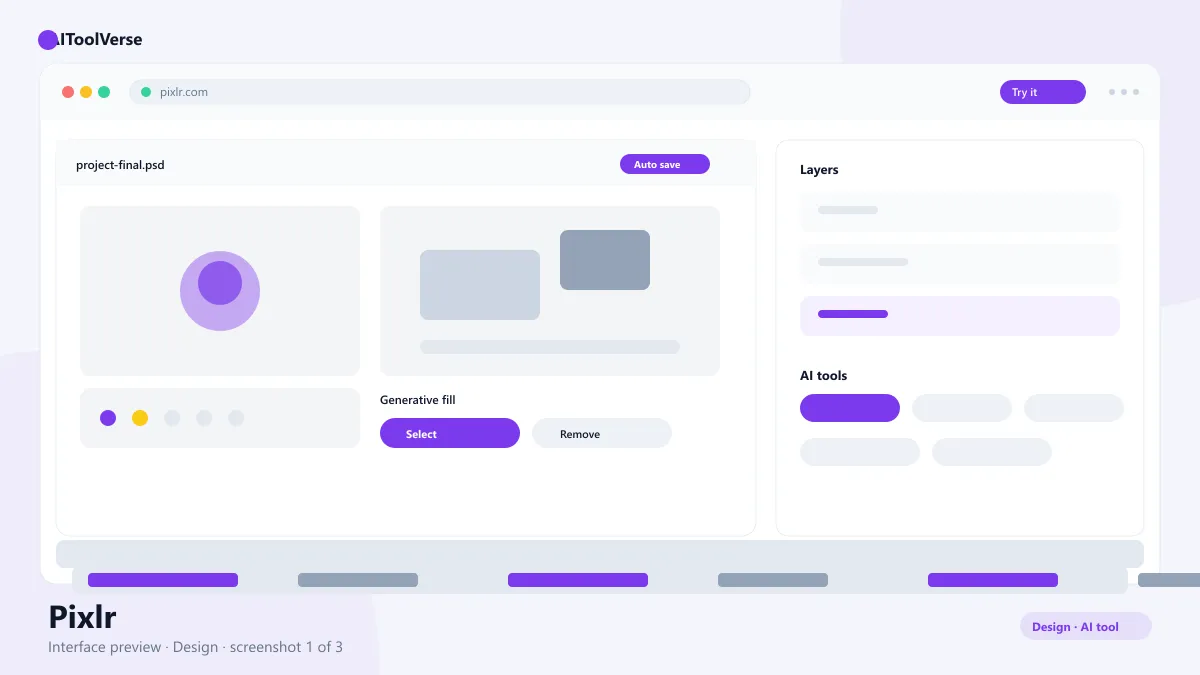
Design & 3DFreemiumPixlr is a browser-based photo editor with AI tools for background removal, generative fill, and one-click design.
What Is Pixlr?
How to Use Pixlr
- Open the website and choose an editor like the full studio or the quick editor
- Upload an image or start from a template
- Use background removal to isolate a subject
- Apply generative fill to extend or replace areas
- Add text, overlays, and effects for social-ready designs
- Export at your plan's resolution and share
Pixlr Login & Getting Started
Pixlr Pricing — Free vs Paid
Compare Plans & Pricing
Free with ads; Plus $7.99/mo; Premium $14.99/mo
Free
Basic editing with ads.
- Browser editor access
- Core editing tools
- Limited AI features
- Ads included
Plus
Best value for casual editors.
- No ads
- More AI features
- Higher export quality
- Advanced tools
Premium
For professionals and heavy users.
- Full AI toolkit
- Priority processing
- Larger image support
- Exclusive assets
Key Features
- Background removal with one click
- Generative fill for extending images
- Layer-based Photoshop-style editor
- Thousands of templates and assets
- Browser-based with cross-device sync
Pixlr vs Canva
Pros and Cons
Pros
- No download, works in browser
- AI tools built into the editor
- Free tier available
- Much cheaper than desktop suites
Cons
- Free tier includes ads
- Advanced AI limits on free plan
- Slower on very large images
Pixlr Alternatives

Photoroom
It is the AI photo editor for e-commerce, removing backgrounds and generating studio-quality product shots in seconds.

Canva AI
Magic Studio AI design suite for creating graphics, presentations, and social posts in minutes.

Adobe Firefly
Firefly is Adobe's generative AI platform for creating and editing images, video, audio, and vectors, with Adobe and partner AI models in one workspace.

Remove.bg
Removes image backgrounds in one click with AI — the fastest way to cut out people and products, free at preview resolution.

Freepik AI
The AI image and design toolkit inside Freepik — prompt-based image generation, editing, vector creation and upscaling with a huge stock library.

Figma AI
Figma AI generator turns text prompts into editable UI designs, wireframes, and prototypes inside Figma — plus AI search, smart editing, and design-to-code tools.

Best For
Recommended use cases and scenarios where Pixlr shines.
Frequently Asked Questions
Common questions about Pixlr, answered.
Is Pixlr free to use?
Yes. The editor has a free plan with core editing tools and ads. Plus costs $7.99/month and Premium costs $14.99/month for the full AI toolkit.
Do I need to install anything?
No. The editor runs entirely in your browser with nothing to install, and it works across Windows, macOS, Chromebooks, and tablets.
How does it compare to Canva?
It is a photo editor with layers and AI tools, while Canva is a design platform built around templates and layouts. Choose the editor for photos and Canva for assembling designs.
Does it have AI features?
Yes. The editor includes background removal, generative fill, object erasing, and AI-assisted design tools, with fuller access on paid plans.
Can I use the images commercially?
Yes. Images you create or edit with the tool can be used commercially, subject to the platform's terms of service.
Reviews & Ratings
Loading reviews...
Explore More Design & 3D Tools
Browse the full AI Tools Vault directory to compare Pixlr with every design & 3d tool, or line up your shortlist side by side.
Similar Tools
More Design & 3D tools you might like
Canva AI
Magic Studio AI design suite for creating graphics, presentations, and social posts in minutes.
Figma AI
Figma AI generator turns text prompts into editable UI designs, wireframes, and prototypes inside Figma — plus AI search, smart editing, and design-to-code tools.

Guides & Articles about Pixlr
Read our detailed reviews and comparisons covering Pixlr
 Guides & How-To
Free AI Photo Enhancers in 2026: What Actually Works
Six free AI photo enhancers, six different deals. What each free tier really allows, what AI cannot recover, and how to check a result before trusting it.
 Jawad Fiaz
 Guides & How-To
How to Turn Sketches Into Art with AI in 2026
Turn rough sketches into finished art with AI in 2026 — AutoDraw for instant cleanup, Scribble Diffusion for sketch-to-image, and ControlNet-style tools for full control over the result.
AI Tools Vault Team Guides & How-To
Best Free AI Image Generators in 2026 (Tested)
The best free AI image generators of 2026 tested — FLUX.1, ImageFX, Ideogram, Leonardo and DALL·E for free image generation, plus Pixlr for editing what you make.
AI Tools Vault Team