How to Turn Sketches Into Art with AI in 2026
Turn rough sketches into finished art with AI in 2026 — AutoDraw for instant cleanup, Scribble Diffusion for sketch-to-image, and ControlNet-style tools for full control over the result.

Turn rough sketches into finished art with AI in 2026 — AutoDraw for instant cleanup, Scribble Diffusion for sketch-to-image, and ControlNet-style tools for full control over the result.
If you can scribble a stick figure, you can now produce finished art. Sketch-to-image AI has quietly become one of the most practical uses of image generation in 2026: instead of typing a long prompt and hoping, you draw what you want, and the AI does the finishing work.
This guide walks through a real workflow with tools in the AI Tools Vault directory — AutoDraw for instant icon cleanup, Scribble Diffusion for sketch-to-image rendering, and Stable Diffusion with ControlNet for full control — then shows you when each one earns its place.
The biggest frustration with prompt-only generators is the gap between what you imagine and what you can describe. Sketching removes that gap: you directly specify composition, pose, and layout, then use text only to describe style, lighting, and details.
The result is dramatically better control. A prompt might give you a person standing vaguely in the middle of the frame; a sketch tells the model exactly where the figure is, how they're angled, and what the scene geometry looks like. The AI becomes a rendering engine for your idea instead of a guesser.
AutoDraw is Google's free tool from Creative Lab, built on the same neural network that powers QuickDraw. You sketch with a mouse, a finger, or a stylus, and AutoDraw suggests professional icon drawings that match your scribble. Click a suggestion and your rough line becomes a clean vector-style icon.
It's the fastest tool on this list and the most forgiving: no account, no credits, unlimited use. AutoDraw is best for diagrams, presentations, and quick visual notes, and it's a perfect first step into the sketch-to-art world because it makes you feel like a competent doodler in seconds.
Best for: instant icon cleanup, diagrams, presentations, and absolute beginners.
Scribble Diffusion is where a sketch becomes a real image. You draw on a canvas — or upload a photo to use as your base — add a text prompt describing the desired result, and the tool renders the sketch with the style you asked for.
What makes it special is how faithful it is to your drawing. The model reads your lines as a structure guide rather than ignoring them, so the finished image keeps your composition while adding color, texture, lighting, and detail. It's the fastest way to test sketch-to-image ideas without setting up local tools.
Best for: fast sketch-to-image testing, style experiments, and creators who want results without local setup.
When you want serious control, Stable Diffusion with a ControlNet model is the standard. ControlNet uses your sketch as a structural reference — an edge map — and the text prompt controls everything else. The result is that you can iterate on a single sketch through dozens of styles, color schemes, and lighting setups without ever redrawing the composition.
It's the most powerful option and also the most complex. You can use it through web platforms that bundle ControlNet or run Stable Diffusion locally for free, unlimited, and fully private generation. The learning curve is real, but so is the payoff: this is the workflow professional concept artists use.
Best for: professional work, style iteration on one composition, and full creative control.
Here's the workflow that combines all three tools effectively:
The whole pipeline costs $0 — AutoDraw is free, Scribble Diffusion has a free tier, and Stable Diffusion runs locally for free.
| Tool | Cost | Control level | Best for |
|---|---|---|---|
| AutoDraw | Free | Low | Clean icons and diagrams |
| Scribble Diffusion | Free tier, then $5–$80 | Medium | Fast sketch-to-image rendering |
| Stable Diffusion | Free (local) or web tiers | High | Full ControlNet workflows |
Is AutoDraw really free? Yes, completely. AutoDraw is a free Google experiment with no account, no watermark, and no usage limits. The icons it suggests are clean vector drawings you can use in your own work.
Which tool keeps my sketch's composition best? ControlNet-based workflows keep composition best because they treat your sketch as a structural guide. Scribble Diffusion also preserves composition well for a simpler tool. Plain prompt-only generators ignore sketches entirely, which is the point of this workflow.
Can I sketch with a mouse, or do I need a tablet? A mouse is fine for AutoDraw and Scribble Diffusion, though a stylus helps with finer control. The AI fills in the gaps either way. For ControlNet work, even rough webcam-captured poses work as references.
Sketch-to-image AI in 2026 is fast, cheap, and genuinely controllable: AutoDraw for instant clean visuals, Scribble Diffusion for fast sketch-to-image rendering, and Stable Diffusion with ControlNet when you need professional control. Start with the free tiers, pick the level of control you need, and keep drawing — the AI handles the rest.
Browse the full AI tools directory for more creative tools, or use the compare tool to pit these side by side on pricing and features.
Get our best AI tool reviews and guides delivered to your inbox each week. No spam, unsubscribe anytime.

Written by
Editorial Team
The AI Tools Vault editorial team researches, tests, and reviews the best AI tools across every category.
More reading on guides & how-to
 Guides & How-To
Six free AI photo enhancers, six different deals. What each free tier really allows, what AI cannot recover, and how to check a result before trusting it.
 Jawad Fiaz
 Guides & How-To
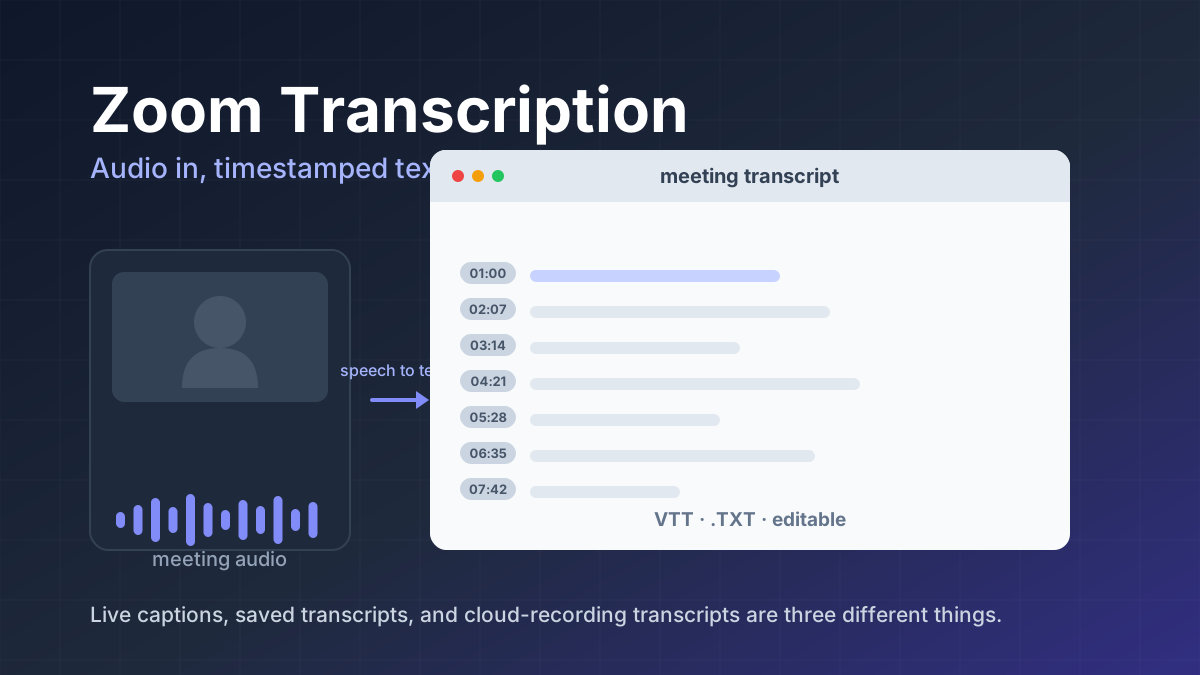
Zoom transcription turns meeting audio into text. Learn the difference between transcripts, captions, and AI summaries, how to enable them, and when to use third-party tools.
Jawad Fiaz Guides & How-To
An AI agent icon can name an agent, mark an AI feature, show live status, or point at a tool. Here is what the common symbols mean, where to find one, and what to check before you ship it.
AI Tools Vault Team