AI Presentation Generator: A Simpler Way to Create Better Slides
An AI presentation generator turns a topic or prompt into a full slide deck. See how these tools work, when to use them, and how to get better results.

An AI presentation generator turns a topic or prompt into a full slide deck. See how these tools work, when to use them, and how to get better results.
Creating a presentation sounds easy until you actually have to make one.
You need to decide what to say, how many slides to include, what order the information should follow, and how everything should look. Even a short presentation can take a surprising amount of time.
That is where an AI presentation generator can be useful. Instead of starting with a completely blank presentation, you give an AI tool a topic, idea, or set of instructions and use the result as a starting point.
The real value is not just saving a few clicks. It is getting past the hardest part for many people: figuring out where to begin.
An AI presentation generator is software that uses artificial intelligence to help create presentation content and slide structure.
Depending on the platform, it may help with things such as:
The exact features vary from one tool to another, so it is always worth checking what a specific platform actually supports.
Most AI presentation tools follow a simple workflow.
You start by entering a topic or describing the presentation you want. For example:
Create an eight-slide presentation explaining how a small business can use AI to improve productivity.
The tool may then suggest a structure and generate draft content for each slide. Gamma is known for exactly this: type a topic or paste an outline, and it builds a complete, designed deck in under a minute.
From there, you review the result, make changes, and adjust the presentation to fit your audience.
The process is usually much faster than building every slide manually from the beginning.
The main reason is time.
Writing a presentation from scratch involves several separate tasks. You have to think about the message, organize the information, write the content, and then format everything.
AI can help combine some of those steps. A generator produces an outline and draft slides in minutes, so most of your time goes into refining the message instead of formatting boxes.
It can also be useful when you already understand your topic but are struggling to turn your ideas into a clear presentation.
Instead of asking AI to do everything, many people use an AI presentation generator as a first-draft assistant.
An AI-powered presentation tool can be useful for many different situations.
You can use AI to help prepare project updates, proposals, strategy decks, sales presentations, or internal reports.
Students can use these tools to organize research into a logical slide structure and create a first draft that they can edit.
Marketing teams can use AI to develop presentations for campaigns, product ideas, customer proposals, and planning sessions.
Teachers, trainers, and managers can turn topics or lesson outlines into a more structured presentation.
Presentations do not always have to be formal. You can also use AI to organize ideas for events, travel plans, side projects, or personal goals.
It can create a useful starting point, but the final quality still depends on how you use it.
An AI-generated presentation may contain the right structure but still need better examples, clearer wording, or a more suitable design.
That is why editing matters.
A good workflow is:
Prompt → First draft → Review → Edit → Final presentation
The human part is still important, especially when the presentation is going to be used for an important meeting, class, pitch, or client.
A vague prompt usually leads to a vague presentation.
For example:
Make a presentation about artificial intelligence.
That gives the tool very little context.
A more useful prompt might be:
Create a 10-slide presentation for small business owners explaining how AI can help with customer support, content creation, and everyday productivity. Keep the language simple and include practical examples.
The second prompt gives the tool more direction.
You can improve results by including:
Traditional presentation software gives you a lot of control.
You can choose the layout, write every sentence yourself, adjust every element, and design the presentation exactly the way you want.
AI tools focus more on getting you started quickly.
Instead of:
Blank slide → research → outline → writing → design
you may get:
Topic → AI draft → editing → design
That does not mean traditional software is no longer useful. In fact, the two approaches often work together: Plus AI, for instance, generates decks directly inside Google Slides and PowerPoint, so the AI draft and the familiar editor are the same environment.
Standalone generators such as Gamma and Beautiful.ai go further by handling layout and design automatically, then exporting to the format you need.
You can use AI for the first draft and a traditional editor to finish the job — whichever combination fits how you already work.
Never assume that AI-generated slides are automatically correct.
Read through the presentation carefully.
Check:
This is especially important when the presentation covers business, technical, academic, financial, or other sensitive subjects.
If your deck relies on diagrams or data visuals, tools like Napkin AI can turn rough explanations into clean, editable graphics — but someone still needs to confirm the numbers behind them.
One of the biggest mistakes is putting too much text on every slide.
A presentation is not a document.
Slides usually work better when they support what the speaker is saying rather than trying to contain every detail.
Another mistake is accepting the first version without making changes.
The generated presentation is often just a starting point. A few minutes of editing can make a big difference.
These tools can be useful for almost anyone who regularly creates slides. A student preparing a class project and a founder building an investor deck both benefit from the same thing: an AI presentation generator removes the blank-page problem so they can start from a real draft.
They are especially helpful for:
You do not have to be an experienced designer to use one.
Before using an AI presentation platform regularly, look at a few practical things.
Ease of use: Can you create a presentation without spending hours learning the software?
Editing: Can you easily change text, layouts, and visuals?
Design quality: Do the generated slides look clean enough for your audience?
Export options: Can you use the finished presentation where you need it?
Customization: Can you make the presentation feel like your own instead of using a generic style?
Pricing: Does the plan make sense for how often you will use the tool?
These details matter more than simply choosing the tool with the most features.
An AI presentation generator is best used as a productivity tool.
It can help you move from an idea to a structured presentation much faster, especially when you are starting with a blank page.
But the best results still come from combining AI with human judgment. Review the content, improve the wording, check the facts, and make sure the final slides actually suit your audience.
Used that way, AI can take care of the repetitive work while you focus on the message you really want to deliver.
For a wider shortlist, AI Tools Vault keeps the full catalogue of AI software in one place.
Get our best AI tool reviews and guides delivered to your inbox each week. No spam, unsubscribe anytime.

Written by
Editor-in-Chief
Alex covers AI tools and product research, with a decade of experience writing about software for growing teams.
More reading on guides & how-to
 Guides & How-To
Six free AI photo enhancers, six different deals. What each free tier really allows, what AI cannot recover, and how to check a result before trusting it.
 Jawad Fiaz
 Guides & How-To
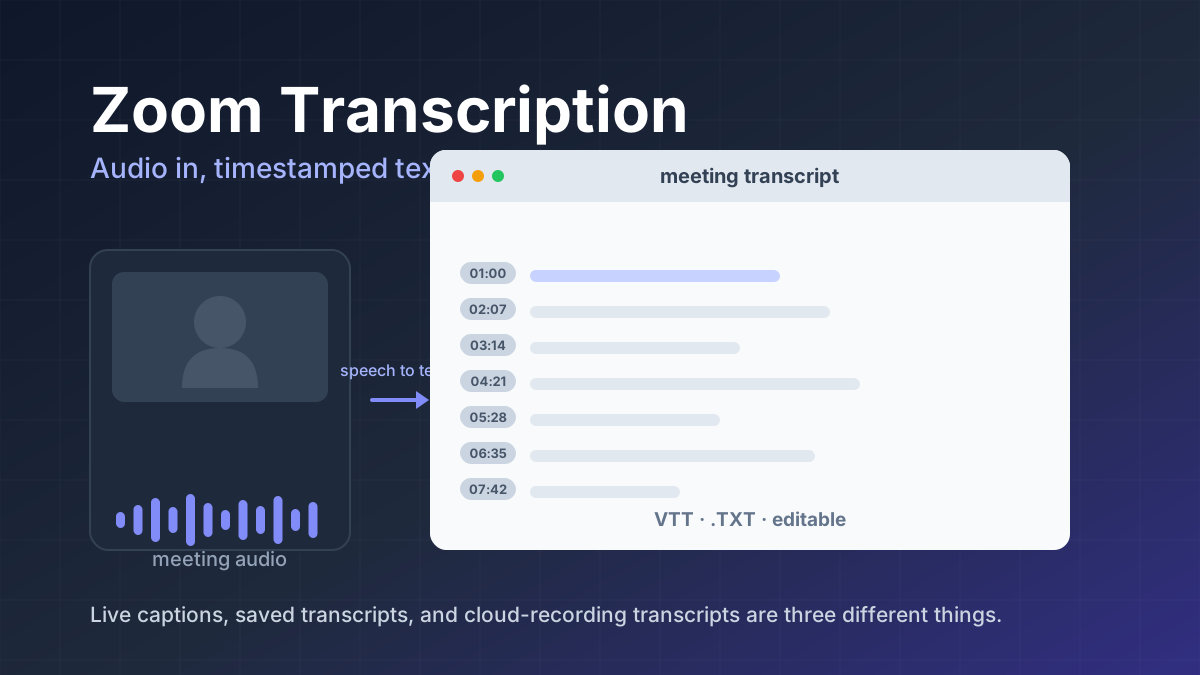
Zoom transcription turns meeting audio into text. Learn the difference between transcripts, captions, and AI summaries, how to enable them, and when to use third-party tools.
Jawad Fiaz Guides & How-To
An AI agent icon can name an agent, mark an AI feature, show live status, or point at a tool. Here is what the common symbols mean, where to find one, and what to check before you ship it.
AI Tools Vault Team