AI Agents for Business in 2026: Use Cases, Benefits & Risks
AI agents for business handle multi-step work like lead qualification, support triage, and reporting. Here is what they do, where they fit, and how to adopt them safely.

AI agents for business handle multi-step work like lead qualification, support triage, and reporting. Here is what they do, where they fit, and how to adopt them safely.
AI agents for business get oversold as digital employees that run themselves. In practice, an agent is a software workflow that uses a language model to plan steps, call the tools you give it, and take action — but only inside the boundaries you set. Get the boundaries right and agents quietly absorb dull, repetitive work. Get them wrong and you hand a live system the keys to your customer data.
This guide explains what AI agents for business actually do in 2026, where teams deploy them, how much setup really takes, and how to keep risk low. The workflows below are illustrative examples for planning, not customer success stories.
Google Cloud's agent explainer describes an AI agent as software that uses AI to pursue a goal and complete tasks on behalf of a user, combining reasoning, planning, memory, and a degree of autonomy. That definition is useful because it is exactly as conditional as it sounds: the agent reasons within the task you give it, and its autonomy is whatever you configured.
Three parts decide whether an agent works. The model does the reasoning. Tools let it act — read a spreadsheet, draft an email, update a record. Permissions decide when acting is allowed and when a human has to approve. Remove the tools and you have a chatbot. Remove the permission controls and you have an agent that can reach into systems it was never supposed to touch. This blunt framing filters out most of the hype around AI agents for business.
Most companies do not build this from scratch. Developers choose among AI agent frameworks such as the OpenAI Agents SDK, Google ADK, LangGraph, and the Microsoft Agent Framework. Teams without engineers lean on managed platforms like Salesforce Agentforce, which ships pre-built agents for service, sales, and marketing.
The strongest candidates for AI agents for business share three traits: the work repeats a pattern, spans more than one step, and does not hinge on a single irreversible decision. Departments differ less in whether agents help than in how much review the work demands.
Sales is where AI agents for business usually show the most visible early wins, because the pipeline is structured and data-rich. Sales-focused agents qualify inbound leads, research prospects before outreach, draft personalized first messages, and log call notes in the CRM.
A typical workflow: a sales manager asks an agent to research a batch of inbound leads. The agent gathers company size, industry, and recent signals from public sources, then drafts a short qualification summary for each. A rep reviews the summaries before the agent writes anything into the CRM. Salesforce Agentforce documents sales agents for lead qualification and meeting booking, while assistants like Claude and ChatGPT cover the lighter research-and-draft version.
Human involvement stays high: a rep approves every summary, and only an approved summary touches the CRM. The main limitation is that public-source data can be stale, and the agent does not always know when its source is wrong. Keep research read-only by default and put write access behind approval. For a tool-level roundup, see our guide to AI tools for sales teams.
Support agents triage incoming requests, answer routine questions from a knowledge base, draft replies, and escalate cases that clearly need a person.
A typical workflow: an agent classifies each incoming ticket by topic and urgency. Common issues get a proposed answer based on company documentation; anything touching refunds, accounts, or frustrated customers goes to a human with the full conversation attached.
Anthropic's engineering team names customer support one of the strongest early fits for AI agents for business, in part because outcomes are easy to measure. Salesforce's own documentation describes agents that handle tasks within defined guardrails and escalate to a human when a request is outside their scope. Humans should approve anything involving money or accounts, and every action the agent takes should be logged. Tone and nuance still miss on charged conversations, so expect to keep people on the frontline.
Marketing teams use agents for competitor research, campaign performance summaries, content briefs, and planning material.
A typical workflow: a marketing lead asks an agent to compare this week's campaign performance across an analytics tool and a spreadsheet. The agent pulls the numbers, flags week-over-week changes, and drafts a summary. The lead rechecks the figures before they go to a stakeholder, because agents can misread or extrapolate the data they fetch. During a pilot, give the agent read access to analytics rather than write access to ad accounts.
Operations is where AI agents for business save the least glamorous hours: scanning supplier emails, extracting pricing details, compiling status reports, and processing invoices.
A typical workflow: an accounts team connects an agent to a shared inbox where vendors send invoices. The agent extracts amounts and due dates, compares them against purchase orders in a spreadsheet, and lists discrepancies. A person reviews the list before any payment is approved. When an external service changes its API or format, an agent can degrade silently, so monitoring is part of the job, not an afterthought. Keep read and write separate: extraction is read-only, and write steps always sit behind approval.
Small teams have an odd advantage: one clean workflow matters more than a catalog of tools. Practical starting points for AI agents for small business include lead qualification, appointment handling, support triage, FAQ responses, invoice and document processing, CRM updates, internal knowledge lookup, and follow-up preparation. The rule also keeps costs honest — a small company can pilot AI agents for business cheaply before committing to anything bigger.
Zapier connects the apps a small team already owns, Fireflies turns meeting recordings into notes and action items, and the roundup of the best free AI agents for business automation covers no-cost options. For a calmer view of buying software, the AI tools for small business guide separates useful purchases from shiny ones.
Equally important is what not to automate early: irreversible financial actions, account deletion, contract approval, and high-impact HR decisions. Nothing makes these illegal to automate, but the cost of one wrong action outweighs the minutes saved. Treat this as practical guidance rather than legal advice.
Each example below follows the same spine: an input, an agent step, a human checkpoint, and an approved action. Use them as planning templates, and remember that no customer names, revenues, or results are implied. Taken together, the five scenarios show the realistic range of AI agents for business.
Sales. A new lead fills a web form. The agent matches the company against website data and past contact history, drafts a qualification summary, and asks the rep to approve it. Approved, it writes a note to the CRM and schedules the follow-up. Rejected, the draft is discarded.
Customer support. A customer emails about an overdue invoice. The agent checks the account record, drafts a reply with the correct balance and due date, and sends it only after a teammate approves, because money is involved.
Operations. Every week, an agent pulls figures from three systems into a report template. A manager reviews the numbers, corrects anything odd, and the report goes out in the manager's name. The agent never sends directly.
Research. An agent collects competitor pricing and drafts a comparison table for next quarter's planning. An analyst verifies each figure against the original pages before the table is shared anywhere.
Small business. A consultant's agent transcribes a client call, extracts action items, and prepares a follow-up email. The consultant edits it and sends it.
Traditional automation is rule-based: when an invoice arrives, file it; when a form submits, send a confirmation. It is predictable, cheap, and blind to anything it was not programmed for. A supplier email in an unusual format can stop it cold.
Agents work differently. As Anthropic describes it, a workflow is a predefined path of model steps, while an agent is a system in which the model decides its own steps and tool use as it goes. That flexibility is the whole reason businesses adopt agents — but it has a price. A rule always behaves the same way; an agent can surprise you. The practical question is whether AI agents for business justify that complexity, and the answer is usually yes only where inputs vary.
The honest takeaway is that most 2026 deployments combine both. Rules still route the mail, an agent handles the messy interpretation in the middle, and a human reviews the output. Plan for all three layers rather than only the exciting one.
Agents can research and summarize, extract structured data from messy inputs, draft messages and documents, triage and prioritize, and drive bounded actions inside the tools you connect. The 2026 tooling — OpenAI Agents SDK, Google ADK, Salesforce Agentforce, and others — makes these patterns straightforward to set up, and the Model Context Protocol gives agents a common way to reach more apps; our MCP explainer covers that standard.
Agents cannot reliably make high-stakes irreversible decisions, read nuance in charged conversations, or guarantee accuracy. Google Cloud's own material concedes that deep empathy and ethically heavy decisions stay firmly human. And agents only know what their sources and tools provide — they fail in the same direction their data fails.
Keep agents on bounded tasks with clear success signals — that is where AI agents for business earn their keep. Set expectations around the limits above and agents feel like helpers; miss them and every mistake starts to look like a betrayal of trust.
There is no official certification for this path, but teams that adopt AI agents for business successfully tend to move through the same eight stages in order. Each one is cheap — until you skip it.
1. Name the problem. Pick one repetitive task that follows a pattern and carries low risk. Not a department — one task that eats a few hours a week.
2. Map the workflow. Write down the exact steps as they happen today, including which tools are involved and who approves what. If you cannot write the steps down, the automation does not exist yet.
3. Choose the tool. Match the platform to the workflow: a meeting-notes agent for transcription, a connector like Zapier for app-to-app steps, a developer framework for custom logic, or Claude Code for agents that work with code.
4. Grant the minimum permissions. Give the agent only what the specific task needs, ideally through a separate service account rather than a personal login. Keep read and write separate whenever possible.
5. Require human approval. Keep a person in the loop for anything that affects customers, money, contracts, or accounts. Start with approval on every action, not just the visible ones.
6. Test. Run a controlled batch of realistic examples and compare the output to what a careful person would produce. Fix the failures before you grant more access.
7. Monitor. Log every action, note failures and unexpected behavior, and watch usage cost. An agent you cannot trace is an agent you cannot trust.
8. Scale. Expand to a second workflow only after the first has run reliably for weeks — and expand permissions the same cautious way.
Beginner setup: one agent, one workflow, read-only access, a human approving each action, and very few integrations. This is the right place for any team that has not done this before.
Advanced setup: multiple agents coordinating, persistent memory and workflow state, CRM and data integrations, automated write actions inside guardrails, checkpointing, and observability. Cost and security requirements grow in step with autonomy. A full advanced build is the complete expression of AI agents for business — and the complete bill for it, too.
The pattern is simple: the more an agent can do by itself, the more setup, testing, and oversight the deployment needs. No setup is universally right, and no vendor can tell you otherwise with a straight face.
Most of the risk in AI agents for business comes from how a deployment is wired, not from the technology itself. The problems that show up in practice: excessive permissions, prompt injection through untrusted inputs, acting on unverified tool output, wrong actions on live systems, leaked credentials, sensitive data exposure, persistent memory that keeps the wrong things, weak approval controls, too much autonomy, missing logs, and automation of business logic that was already broken.
Risk scales with four variables: permissions, integrations, data access, and autonomy. An agent that reads a spreadsheet has a completely different risk profile from one with write access to billing.
The practices that matter are least privilege, scoped short-lived credentials, secret management, human approval before sensitive actions, input and output validation, tool allowlists, read/write separation, sandboxing for tests, logging and monitoring, rate limits, periodic permission reviews, periodic memory review, and audit trails. Vendor security features should be quoted only when documented — Salesforce, for example, describes agents that stay within guardrails and escalate out-of-scope requests to a human. For a longer walk through failure modes, our AI agent security guide goes deeper.
There is no single price for AI agents for business, and any article quoting one flat number is guessing. Real costs come from several places: model or API usage, platform fees, integrations, hosting, storage, observability, maintenance, human review time, and upfront implementation work. Most teams underestimate the review time a serious AI agents for business deployment needs.
Pricing models vary. Salesforce prices Agentforce through usage-based options such as flex credits, resolutions, or per-user licenses, as its pricing page describes. Open-source frameworks like the ones in our framework comparison cost engineering time plus model API calls. The cheapest-looking option often becomes the most expensive once human review time is counted.
Complexity follows the same curve as autonomy. A read-only single-step agent can go live in under a day for a non-technical owner. A multi-agent system with CRM writes, memory, and monitoring is a small software project with a maintenance budget. Budget for the boring parts — monitoring, reviews, and rollback plans — because that is where reliability actually comes from.
AI agents for business are software programs that work toward a goal across multiple steps: they read an input, plan what to do, call the tools you allow, and produce an action or a recommendation. Unlike a chatbot that answers once, an agent follows a workflow — and unlike a script, it can adapt when the input is messy. They are only as capable and as safe as the permissions you give them.
Businesses deploy AI agents for business across sales, support, marketing, and operations: lead qualification and CRM upkeep, ticket triage and draft replies, campaign performance summaries, invoice and report processing, and follow-up preparation. Nearly every deployment keeps a human approval step before anything irreversible happens.
Small businesses get the most value from starting with one low-risk task: qualifying inbound leads, handling appointment scheduling, triaging support messages, answering common FAQs, extracting details from invoices and documents, or preparing follow-up emails. Tools that connect the apps you already use keep the setup small. Avoid automating irreversible financial actions, account deletion, contract approval, or high-impact HR decisions until you have monitored the workflow for weeks.
Traditional automation follows fixed rules: when X happens, do Y. An AI agent interprets the input, decides which steps and tools fit, and adapts within the constraints you set. Most workflows end up mixing the two — rules handle predictable routing, and AI agents for business take over when the input needs interpretation. Rules are perfectly predictable but break on unusual inputs; agents handle variability but can surprise you, which is why human approval and monitoring stay in the loop.
AI agents for business are not safe or unsafe on their own — safety follows from how each one is wired: which permissions it holds, which tools and data it can reach, how much autonomy it has, and whether its actions are logged. Least-privilege access, human approval for sensitive actions, sandboxed testing, and monitoring substantially reduce risk. No vendor security claim should be taken on trust — check current documentation.
Start with the smallest useful loop: pick one repetitive low-risk task, write out its exact steps, choose a tool that supports them, restrict permissions to the minimum, require human approval, test on realistic examples, monitor every run, and scale only after the workflow has been reliable for weeks.
Get our best AI tool reviews and guides delivered to your inbox each week. No spam, unsubscribe anytime.

Written by
Editorial Team
The AI Tools Vault editorial team researches, tests, and reviews the best AI tools across every category.
More reading on guides & how-to
 Guides & How-To
Six free AI photo enhancers, six different deals. What each free tier really allows, what AI cannot recover, and how to check a result before trusting it.
 Jawad Fiaz
 Guides & How-To
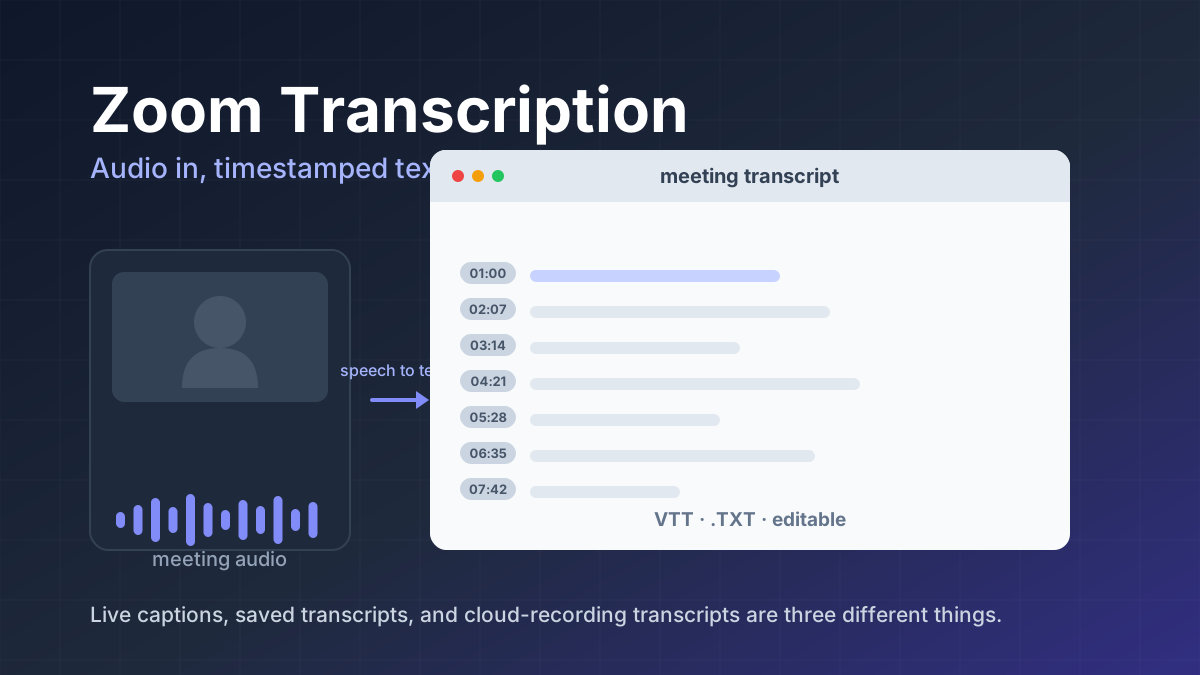
Zoom transcription turns meeting audio into text. Learn the difference between transcripts, captions, and AI summaries, how to enable them, and when to use third-party tools.
Jawad Fiaz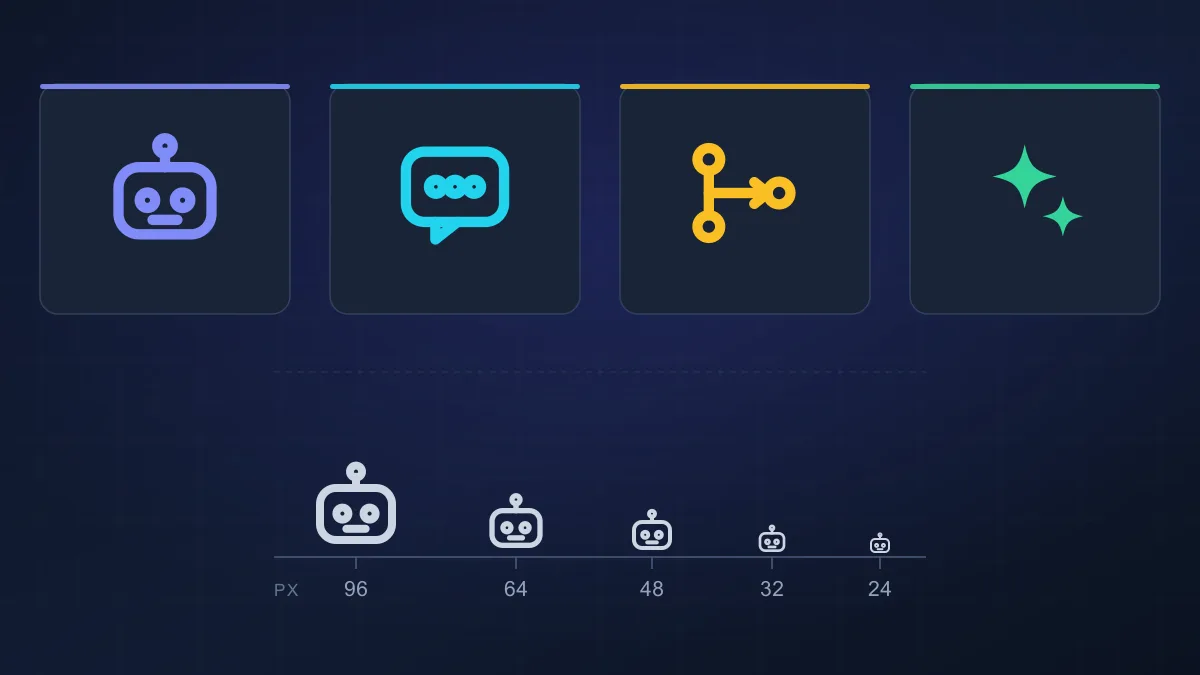 Guides & How-To
An AI agent icon can name an agent, mark an AI feature, show live status, or point at a tool. Here is what the common symbols mean, where to find one, and what to check before you ship it.
AI Tools Vault Team