
Google AI Studio Review: Build With Gemini Without a Server
CodingFreemiumGoogle AI Studio is a free browser IDE for building with Gemini models — prompt, test, tune, and ship code without writing a server.
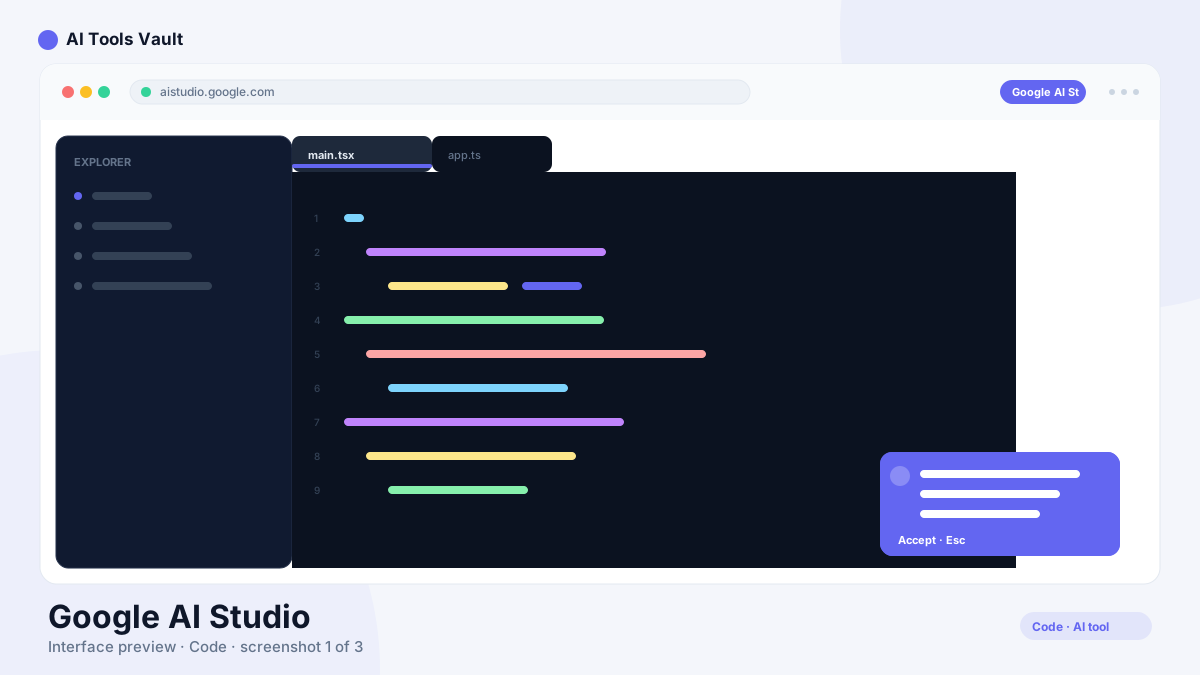
What Is Google AI Studio and How Does It Work?
Key Features
- Visual playground for all Gemini models
- Compare model outputs side by side
- Tune models with your own datasets
- Generate API-ready code in seconds
- Live API keys, quotas, and dashboards
- Built-in rate-limit and tier information
Google AI Studio vs Cursor
Google AI Studio Pricing: Free, Tiers & Rate Limits
Compare Plans & Pricing
Free IDE & free API tier; usage billed via spend-based tiers from $0 (Tier 1 $250/mo cap)
Free tier
No billing needed to start building.
- Free IDE & API access
- All Gemini models in playground
- Free-tier usage limits
- Prototype without a credit card
Tier 1
For apps serving small audiences.
- Add a billing account
- $250 monthly spend cap
- $10/10-min spend limit
- Higher rate limits
Tier 3
For production apps at scale.
- $20k–$100k+ monthly cap
- $200/10-min spend limit
- Priority quota
- Requires $1,000 paid + 30 days
Pros and Cons
Pros
- Free to use in the browser — no setup
- Every Gemini model behind one interface
- Generate API-ready code instantly
- Tune models with your own data
- Free tier for real apps with no upfront cost
Cons
- Usage costs scale with app popularity
- Tier upgrades require spending history
- Free tier has per-minute rate limits
- Cloud deployment still needs GCP for production
Best For
Recommended use cases and scenarios where Google AI Studio shines.
Frequently Asked Questions
Common questions about Google AI Studio, answered.
Is Google AI Studio free?
Yes. The IDE is free and so is a free tier for the Gemini API. You can prototype without a credit card. Paid usage only starts when you add billing and exceeds the free tier.
How much does the Gemini API cost?
It is usage-based. Spend-based tiers raise your monthly cap: Tier 1 up to $250, Tier 2 up to $2,000, and Tier 3 $20,000-$100,000+. Pricing is metered per model and per token.
Can I get an API key from Google AI Studio?
Yes. The API-key console is built into AI Studio. You generate keys there, track quota and spend, and copy ready-made code for Python, JavaScript, or curl into your app.
Can I use Nano Banana in AI Studio?
Yes. AI Studio exposes every Gemini model, including the Nano Banana image family (Gemini 3.1 Flash Image, Lite, and Pro) — often before they reach other tools.
What is the difference between Google AI Studio and Gemini?
Gemini is Google's consumer assistant. AI Studio is a developer workspace for building applications with the Gemini API — same models, different purpose. You test in AI Studio, then ship Gemini-powered features to users.
Reviews & Ratings
Loading reviews...
Explore More Coding Tools
Browse the full AI Tools Vault directory to compare Google AI Studio with every coding tool, or line up your shortlist side by side.
Similar Tools
More Coding tools you might like

Claude Code
Anthropic's agentic coding tool that lives in your terminal — plan, build, test, and ship software by describing tasks in plain English.

GitHub Copilot
AI coding assistant that suggests code completions and entire functions in VS Code, JetBrains, and Neovim.
