Skip to content
Amazon Q Developer Coding AI tool logo

Amazon Q Developer Review

CodingFreemium
Best for: AI coding assistant on AWS

Amazon Q Developer is AWS's AI coding assistant for code completion, agents, and security scans across your IDE.
4.4(2.3k)
Founded 2023
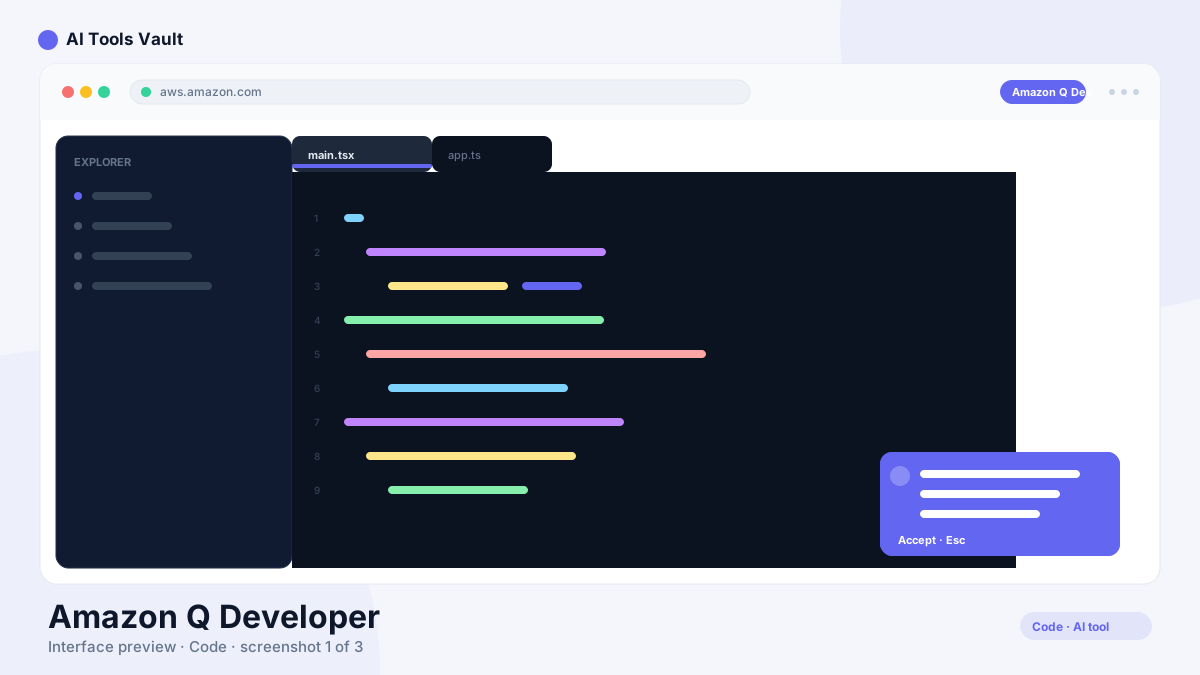
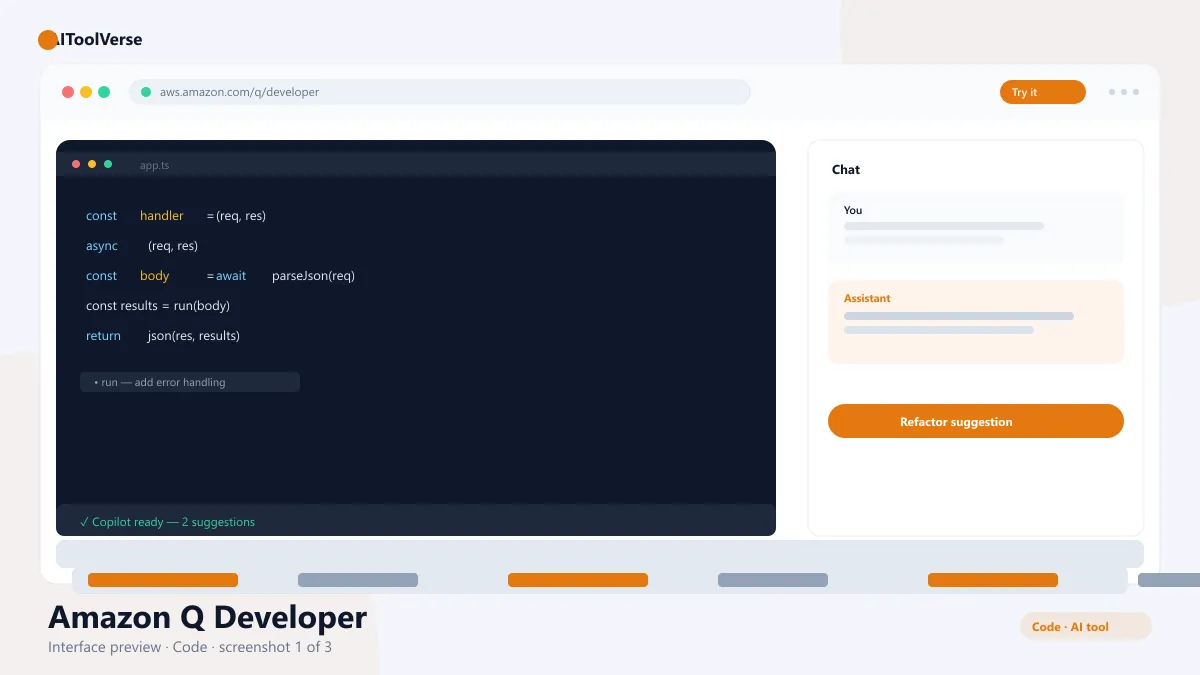
Amazon Q Developer AI coding assistant interface in IDE

What Is Amazon Q Developer?

It is the AI coding assistant from AWS. The tool provides inline code completion, chat, and agentic workflows that can transform multi-file codebases, all with specialized knowledge of AWS services like Lambda, DynamoDB, and EC2.
Its defining strength is AWS fluency. When you are working on infrastructure code, connecting to services, or debugging deployments, it understands the platform's idioms in a way that general-purpose assistants do not. It also bundles security scanning so issues are flagged while you write.
Under the hood, the assistant connects to your AWS account, repositories, and services, which lets it propose changes that fit your actual infrastructure. That grounding reduces hallucinated commands and makes suggestions more likely to run on the first try — a meaningful productivity gain for teams shipping on AWS every day.

How to Use Amazon Q Developer

The assistant installs like any IDE extension and activates in minutes. The standard workflow looks like this.
You can work entirely from the editor: complete code as you type, ask follow-up questions in chat, and let agents modify several files at once. Most developers start on the free tier and only move to Pro when they need higher limits.
  • Install the extension in VS Code, JetBrains, or the CLI
  • Sign in with your Amazon account or AWS credentials
  • Start typing to get inline code completions
  • Use chat to ask questions about your codebase
  • Launch a transformation agent for multi-file changes
  • Review security scan results before you commit

Amazon Q Developer Login & Getting Started

There are two sign-in paths: a personal Amazon account for the free tier, or AWS Builder ID / IAM for work accounts. Either way, setup is a browser-based login followed by IDE activation.
The free tier is substantial — you can use code completion and agentic coding without a credit card. That makes it easy to evaluate the assistant against GitHub Copilot or other tools before paying.

Amazon Q Developer Pricing — Free vs Paid

Pricing is simple: a generous free tier for individuals, Pro at $19/user/month for working developers, and Enterprise at $39/user/month for organizations. There are no per-token charges on subscriptions, which keeps costs predictable.
If you are an AWS customer, the assistant is also included in some support plans, which makes it effectively free for teams that already pay for AWS support tiers. That pricing advantage is worth checking before you buy a separate coding seat.

Compare Plans & Pricing

Free tier available; Pro $19/user/mo; Enterprise $39/user/mo

Free

$0

Individuals on the free tier.

  • Code completion
  • Agentic coding in IDE
  • Security scans
  • Command-line usage
Start Free
Most Popular

Pro

$19/user/mo

Best value for working developers.

  • Higher usage limits
  • Transform agents
  • Advanced security scanning
  • AWS service expertise
Get Pro

Enterprise

$39/user/mo

For organizations and teams.

  • Admin controls
  • Centralized policy
  • SSO and IAM
  • Enterprise support
Go Enterprise

Key Features

The feature set is built around AWS developers, but useful in any codebase. It pairs everyday completions with heavier agentic and security workflows.
  • Inline code completion in the IDE and CLI
  • Agentic workflows for multi-file changes
  • AWS service-aware chat and fixes
  • Integrated security scanning
  • Jupyter notebook and data engineering support

Amazon Q Developer vs GitHub Copilot

The AWS assistant and GitHub Copilot both deliver strong code assistance, but they target different ecosystems. Copilot is deeply integrated with GitHub and broad across languages, while the AWS offering is tailored to its platform with agentic transformations and security scanning built in.
For teams that live on GitHub, Copilot is the default choice. For AWS-centric work — infrastructure as code, Lambda functions, deployment pipelines — the platform-aware assistant gives it a clear edge.

Pros and Cons

A quick summary of where the assistant excels and where it has limitations.
The verdict: for AWS-native teams this is the coding assistant with the least friction and the deepest platform knowledge. The free tier removes the cost barrier entirely, and the agentic transformations plus security scanning cover the workflows that matter most on production systems. Teams outside the AWS ecosystem will find less value, but those inside it should treat this as the default starting point before evaluating any alternative.

Pros

  • Deep AWS service awareness
  • Free tier for individuals
  • Code transformation agents
  • Integrated security scanning

Cons

  • AWS-centric knowledge
  • Enterprise features cost more
  • Less community content than rivals

Amazon Q Developer Alternatives

The tool is one of several capable coding assistants in the AIToolVerse directory. Depending on whether you need GitHub integration, privacy, or a full IDE, these alternatives are worth comparing side by side.
GitHub Copilot AI tool logo

GitHub Copilot

CodingPaid
Best for: In-IDE code completion

AI coding assistant that suggests code completions and entire functions in VS Code, JetBrains, and Neovim.

4.6(22.1k)
Visit Website
Cursor AI tool logo

Cursor

CodingFreemium
Best for: AI-powered coding

The AI code editor built on VS Code with deep codebase awareness, agent mode, and multi-model support.

4.9(7.8k)
Visit Website
Codeium AI tool logo

Codeium

CodingFreemium
Best for: Free AI code completion

The free AI coding assistant that started it all — now the Windsurf AI code editor, with unlimited completions on the free tier.

4.6(10.1k)
Visit Website
Tabnine AI tool logo

Tabnine

CodingFreemium
Best for: AI code completion with privacy

Tabnine is a private AI code completion assistant that runs in your IDE, on your terms, with enterprise-grade security.

4.3(1.5k)
Visit Website
Windsurf AI tool logo

Windsurf

Web & App BuildersFreemium
Best for: Agentic coding in a full IDE

Codeium's agentic AI IDE with Cascade — an agent that plans, edits, and runs across your whole codebase while you review the changes.

4.6(7.4k)
Visit Website
Claude Code AI tool logo

Claude Code

CodingFreemium
Best for: Agentic coding in the terminal

Anthropic's agentic coding tool that lives in your terminal — plan, build, test, and ship software by describing tasks in plain English.

4.7(3.2k)
Visit Website
Replit AI AI tool logo

Replit AI

CodingFreemium
Best for: AI-assisted full-stack development in the browser

AI-powered development platform with Ghostwriter that writes, debugs, and deploys full-stack apps right in the browser.

4.6(6.8k)
Visit Website

Best For

Recommended use cases and scenarios where Amazon Q Developer shines.

Frequently Asked Questions

Common questions about Amazon Q Developer, answered.

Is Amazon Q Developer free?

Yes. The free tier includes code completion, agentic coding, and security scanning for individuals. Pro costs $19/user/month and Enterprise costs $39/user/month.

What IDEs are supported?

The assistant works in VS Code, JetBrains IDEs, Visual Studio, and the command line, along with Jupyter notebooks for data work.

Is it good for AWS development?

Yes. It is purpose-built with deep knowledge of AWS services, making it especially strong for infrastructure code, serverless functions, and deployment pipelines.

How does Amazon Q Developer compare to GitHub Copilot?

Both provide strong code assistance. The AWS tool is platform-aware with agentic transformations and security scans, while Copilot is deeply tied to GitHub and broad across languages.

Does it include security scanning?

Yes. The assistant scans your code as you write and flags security issues, including secrets, vulnerable dependencies, and AWS configuration problems.

Reviews & Ratings

4.4

Based on 2,300 reviews

5
66%
4
19%
3
9%
2
4%
1
2%

Share your experience

Your rating

Loading reviews...

S

Sofia Rossi

I've tried most tools in this space and nothing comes close. Highly recommended.

D

Daniel Kim

The best investment I've made this year. Saves me hours every single week.

P

Priya Sharma

Fast, intuitive, and the results speak for themselves. Easily worth the subscription.

Explore More Coding Tools

Browse the full AI Tools Vault directory to compare Amazon Q Developer with every coding tool, or line up your shortlist side by side.

Similar Tools

More Coding tools you might like

Claude Code AI tool logo

Claude Code

CodingFreemium
Best for: Agentic coding in the terminal

Anthropic's agentic coding tool that lives in your terminal — plan, build, test, and ship software by describing tasks in plain English.

4.7(3.2k)
Visit Website
GitHub Copilot AI tool logo

GitHub Copilot

CodingPaid
Best for: In-IDE code completion

AI coding assistant that suggests code completions and entire functions in VS Code, JetBrains, and Neovim.

4.6(22.1k)
Visit Website
Cursor AI tool logo

Cursor

CodingFreemium
Best for: AI-powered coding

The AI code editor built on VS Code with deep codebase awareness, agent mode, and multi-model support.

4.9(7.8k)
Visit Website

Guides & Articles about Amazon Q Developer

Read our detailed reviews and comparisons covering Amazon Q Developer