Amazon Q Developer vs GitHub Copilot vs Tabnine (2026)
Amazon Q Developer vs GitHub Copilot vs Tabnine compared for 2026 — agentic coding, AWS integration, privacy and pricing, tested for real developer workflows.

Amazon Q Developer vs GitHub Copilot vs Tabnine compared for 2026 — agentic coding, AWS integration, privacy and pricing, tested for real developer workflows.
Amazon Q Developer, GitHub Copilot and Tabnine take three different bets on what a coding assistant should be. Copilot bet on ubiquity — autocomplete everywhere you write code. Amazon Q Developer bet on the platform — understand AWS deeply and you become indispensable to every AWS team. Tabnine bet on privacy — run the models on-premises and win the contracts Copilot and Q can't touch.
By 2026 all three bets paid off, and all three are genuinely good. The result is that picking between them is less about quality and more about your stack, your security posture, and who pays the bill. This guide compares them across those exact dimensions.
All three complete code, explain code, and can generate whole functions. The differences that decide which one you should standardize on:
Amazon Q Developer is AWS's coding assistant, and it's the strongest platform-native option in this comparison. It goes beyond autocomplete: it can transform codebases with multi-file changes, generate and review code with security scanning, and — the differentiator — understand AWS infrastructure. It will plan a deployment, debug a CloudFormation template, or explain why a Lambda function is throttling, all from the IDE.
The pricing is the other headline: free for individual use, with access to the Q model, code suggestions, and the agentic features. A Pro tier unlocks higher limits and heavier agent use for around $19–$20 per month. For AWS-native teams, there is no cheaper or more relevant option on the market.
Best for: anyone deploying to AWS, from solo developers to enterprise platform teams.
GitHub Copilot is the assistant that made AI code completion mainstream, and it's still the broadest. It supports VS Code, Visual Studio, JetBrains, Neovim and Xcode; it reads issues, runs in pull requests, and now includes an agent mode that can research a codebase and propose edits across multiple files.
Copilot's edge is distribution. If your team already lives in GitHub — and most teams do — Copilot is the zero-friction choice: same account, same review flow, and features like turning an issue into a draft pull request that no rival matches as cleanly. Pricing is a flat monthly per user (with a free tier for students and open-source maintainers).
Best for: GitHub-centric teams that want the standard, broadly supported assistant.
Tabnine takes the opposite approach from the other two: instead of routing your code through a vendor cloud, it can run entirely on your infrastructure. Local and self-hosted models mean your source code never leaves your walls — the decisive requirement for regulated industries, government work, and teams building proprietary software.
Tabnine's completion adapts to your private codebase, and its agentic mode can plan and execute multi-step coding tasks. The business model is enterprise-friendly too: flat per-seat pricing, no usage-based surprise bills, and options for fully private deployments. The trade-off is that it's not as omnipresent as Copilot, and its marketing angle is corporate rather than consumer.
Best for: enterprises with strict data-privacy requirements and teams that want predictable flat pricing.
Here's the side-by-side:
| Feature | Amazon Q Developer | GitHub Copilot | Tabnine |
|---|---|---|---|
| Model hosting | AWS cloud | GitHub cloud | Cloud or on-premises |
| Free tier | Yes (individuals) | Students/open-source | Limited |
| AWS integration | Deep, native | None | None |
| GitHub integration | Via IDE | Native, deep | Via IDE |
| Agentic multi-file edits | Yes | Yes | Yes |
| Security scanning | Included | Add-on | Add-on |
| Pricing | Free–$20/mo | ~$10–$39/mo | Per-seat, flat |
| Best for | AWS-native teams | GitHub-native teams | Privacy-first enterprises |
Note: Pricing changes often and varies by region and plan. Always verify current pricing before committing.
Can I use Amazon Q Developer outside AWS? Yes. Amazon Q Developer works in VS Code, JetBrains and the terminal for everyday coding tasks even if your app doesn't run on AWS. The deepest value — infrastructure planning, deployment debugging, service integration — comes when you're building on AWS, but the assistant is useful everywhere.
Does GitHub Copilot have a free tier? Yes. GitHub Copilot is free for verified students and maintainers of popular open-source projects. For everyone else it's a flat monthly subscription per user. Amazon Q Developer's free tier for individuals is the most generous of the three.
Is Tabnine better than Copilot for privacy? Yes, for on-premises use. Tabnine is the only assistant of the three that can run its models entirely on your infrastructure, so source code never has to leave your environment. Copilot and Amazon Q both process code in vendor clouds, though both offer enterprise data protections.
Which coding assistant is best for AWS developers? Amazon Q Developer. It's free for individual use, and it's the only assistant that deeply understands AWS infrastructure — planning deployments, debugging CloudFormation, and explaining service issues from inside the IDE. GitHub Copilot can't compete on that specific ground.
Should I use more than one coding assistant? Many teams do. Amazon Q Developer or Copilot for day-to-day generation, plus Tabnine for projects with strict privacy requirements — or vice versa. Because all three support the major IDEs, running a primary and a privacy-tier assistant is practical, and both can coexist in the same editor.
Pick Amazon Q Developer if you build on AWS — it's free for individuals and understands your infrastructure better than any rival. Pick GitHub Copilot if your team lives in GitHub and you want the broadest, most standard assistant available. Pick Tabnine if data privacy or flat per-seat pricing is a hard requirement, because it's the only one that can run fully on-premises.
The good news is there's no wrong pick at the quality level — the difference is fit. Browse the full AI tools directory for more coding assistants like Cursor, Claude Code and Codeium, or use the compare tool to stack any of them side by side.
Get our best AI tool reviews and guides delivered to your inbox each week. No spam, unsubscribe anytime.

Written by
Editorial Team
The AI Tools Vault editorial team researches, tests, and reviews the best AI tools across every category.
More reading on comparisons
 Comparisons
A practical comparison of the top AI avatar tools for podcast video snippets — HeyGen, Synthesia, D-ID, Colossyan, Captions, Descript, OpusClip and quso.ai, with 2026 pricing and workflows.
 AI Tools Vault Team
 Comparisons
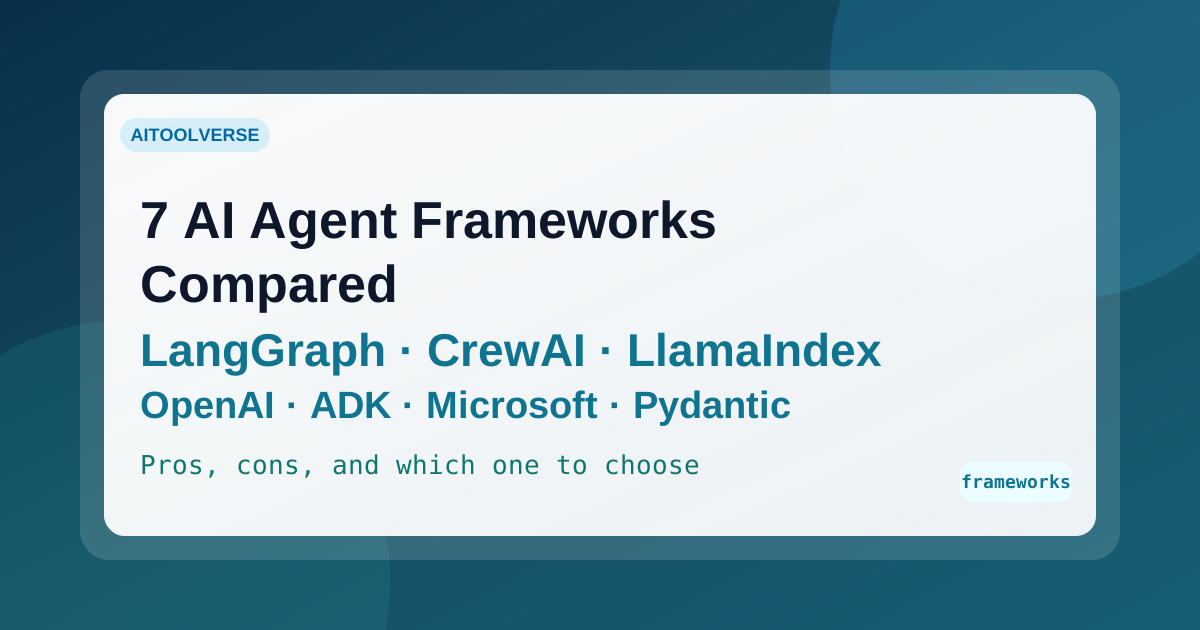
Seven AI agent frameworks compared for 2026 — LangGraph, CrewAI, LlamaIndex, OpenAI Agents SDK, Google ADK, Microsoft Agent Framework, and PydanticAI — with current status, real trade-offs, and how to choose.
AI Tools Vault Team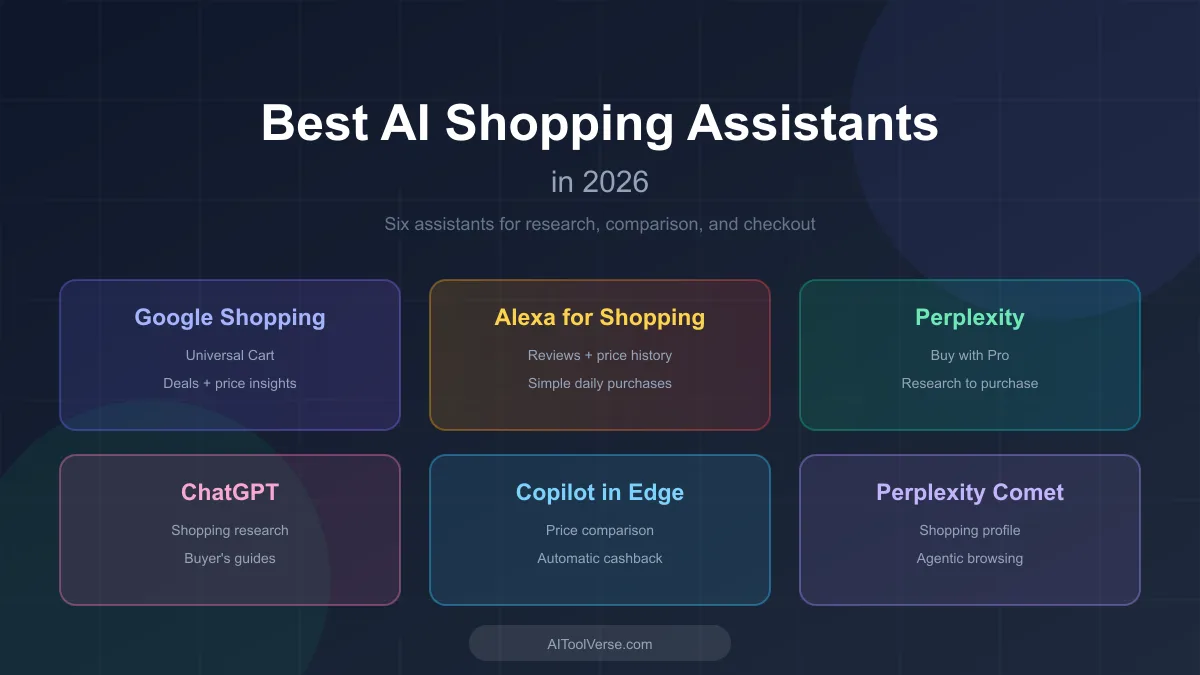 Comparisons
AI shopping assistants are reshaping how shoppers research products, compare prices, and check out. Here are the ones worth knowing in 2026.
AI Tools Vault Team