Skip to content
Tabnine Coding AI tool logo

Tabnine Review

CodingFreemium
Best for: AI code completion with privacy

Tabnine is a private AI code completion assistant that runs in your IDE, on your terms, with enterprise-grade security.
4.3(1.5k)
Founded 2013
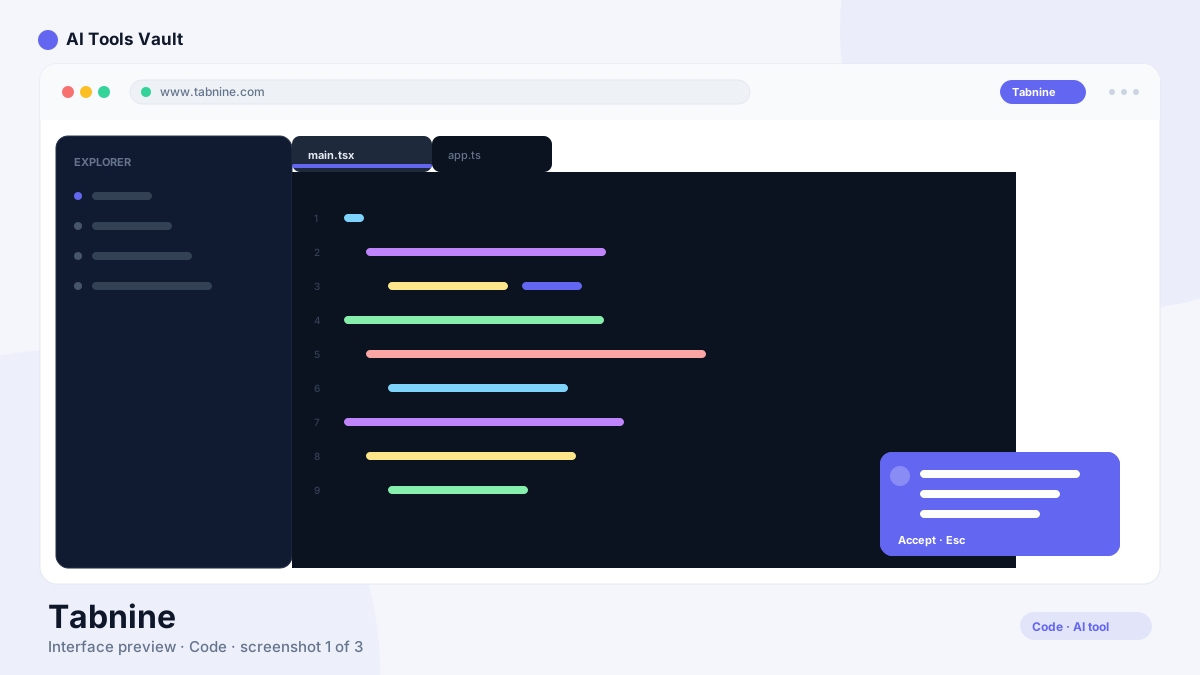
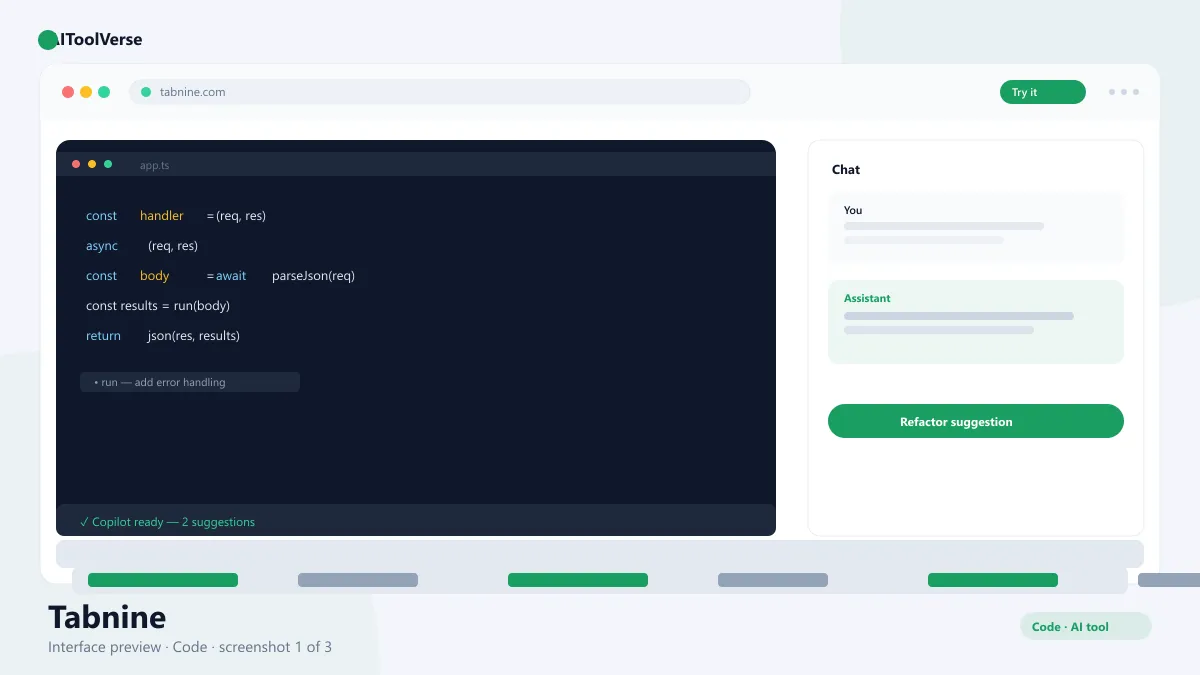
Tabnine AI code completion interface in IDE

What Is Tabnine?

It is an AI code completion assistant with a privacy-first philosophy. The tool offers inline completions, codebase-aware chat, and enterprise controls that let organizations run the entire system on-premises or fully offline.
Where most assistants stream your code to a cloud service, this one can keep everything local. That is the key difference — and the reason regulated industries like finance and healthcare have adopted it at scale.
The product has been around since 2013, which is ancient in AI-assistant terms. That longevity shows in the depth of its IDE integrations and the maturity of its enterprise features, both of which take years to get right.

How to Use Tabnine

Setup is a standard IDE extension install, and the free tier gets you started without a payment method.
The assistant respects how your team already works: you can start with a cloud model for speed, then move to a local or private model when compliance requires it, without changing editors.
  • Install the extension for your IDE
  • Create an account or sign in with single sign-on
  • Choose your model: local, private, or cloud
  • Start typing to receive inline completions
  • Use chat to ask questions about your codebase
  • Let team admins configure policies and data controls

Tabnine Login & Getting Started

Signing in is quick, and the free tier activates immediately inside your editor. For organizations, admins can manage seats and policies from a central dashboard.
Because it supports local and self-hosted models, enterprise teams can start using it without sending any source code to the cloud — a strong selling point when you review privacy requirements. On-prem deployments typically slot into existing VPN and access-control infrastructure, so security teams get consistency with how the rest of the organization already handles sensitive systems.

Tabnine Pricing — Free vs Paid

Pricing is straightforward. The free tier covers basic completion for individuals, Pro is $12/user/month with codebase awareness and custom models, and Enterprise is custom-priced for self-hosted, offline, and admin-controlled deployments.
There are no per-token surprises. You pay a flat seat price, and usage limits are clear from the plan comparison, which makes budgeting for a whole engineering team simple.

Compare Plans & Pricing

Free tier; Pro $12/user/mo; Enterprise with custom pricing

Free

$0

Individual developers, basic completion.

  • Basic code completion
  • Local models
  • Standard IDE support
  • Community support
Start Free
Most Popular

Pro

$12/user/mo

Best value for professionals.

  • Advanced completion
  • Codebase awareness
  • Custom models
  • Higher limits
Get Pro

Enterprise

Custom

For teams with strict security needs.

  • Self-hosted or offline
  • Admin and policy controls
  • SSO integration
  • Dedicated support
Contact Sales

Key Features

The feature set is focused on quality, privacy, and team control rather than the flashiest generation.
  • Inline AI code completion
  • Codebase-aware chat and answers
  • Self-hosted and offline deployment
  • Custom and local models
  • Team policy and SSO controls

Tabnine vs GitHub Copilot

The tool and GitHub Copilot both improve coding speed, but they are built for different priorities. Copilot is a chat-first assistant deeply tied to GitHub, great for open-source-heavy teams. Tabnine is a completion-first tool that prioritizes privacy, with local and self-hosted models for regulated environments.
If data governance is the deciding factor, the privacy-first approach wins. If you want maximum GitHub integration and community features, Copilot is the natural choice. For mixed teams, running both side by side is actually practical since neither forces you to leave your editor.

Pros and Cons

A quick summary of where the assistant excels and where it falls short.
The verdict: if data governance is a hard requirement, this is the only serious option in this comparison. Local and self-hosted models let you keep every line of code inside your walls, and flat seat pricing keeps budgeting simple. It is not the flashiest assistant, but for regulated industries reliability and privacy outweigh creativity. Non-enterprise users on the free tier will find basic completion useful, with a clear upgrade path when they need codebase awareness.

Pros

  • Code never leaves your environment
  • Works offline and self-hosted
  • Broad IDE support
  • Team policy controls

Cons

  • Completion can feel more conservative
  • Enterprise features cost more
  • Less creative generation than chat-first tools

Tabnine Alternatives

The tool is one of several strong coding assistants in the AIToolVerse directory. Depending on whether you need GitHub integration, an AI IDE, or free completions, these alternatives are worth comparing side by side.
GitHub Copilot AI tool logo

GitHub Copilot

CodingPaid
Best for: In-IDE code completion

AI coding assistant that suggests code completions and entire functions in VS Code, JetBrains, and Neovim.

4.6(22.1k)
Visit Website
Codeium AI tool logo

Codeium

CodingFreemium
Best for: Free AI code completion

The free AI coding assistant that started it all — now the Windsurf AI code editor, with unlimited completions on the free tier.

4.6(10.1k)
Visit Website
Cursor AI tool logo

Cursor

CodingFreemium
Best for: AI-powered coding

The AI code editor built on VS Code with deep codebase awareness, agent mode, and multi-model support.

4.9(7.8k)
Visit Website
Amazon Q Developer AI tool logo

Amazon Q Developer

CodingFreemium
Best for: AI coding assistant on AWS

Amazon Q Developer is AWS's AI coding assistant for code completion, agents, and security scans across your IDE.

4.4(2.3k)
Visit Website
Windsurf AI tool logo

Windsurf

Web & App BuildersFreemium
Best for: Agentic coding in a full IDE

Codeium's agentic AI IDE with Cascade — an agent that plans, edits, and runs across your whole codebase while you review the changes.

4.6(7.4k)
Visit Website
Replit AI AI tool logo

Replit AI

CodingFreemium
Best for: AI-assisted full-stack development in the browser

AI-powered development platform with Ghostwriter that writes, debugs, and deploys full-stack apps right in the browser.

4.6(6.8k)
Visit Website

Best For

Recommended use cases and scenarios where Tabnine shines.

Frequently Asked Questions

Common questions about Tabnine, answered.

Is Tabnine free to use?

Yes. The free tier includes basic code completion for individual developers. Pro costs $12/user/month, and Enterprise pricing is custom for teams.

Is it private and secure?

Yes. The platform can run self-hosted or fully offline, and enterprise deployments can keep all source code inside your own infrastructure with admin policies and SSO.

Which IDEs are supported?

It supports major editors including VS Code, JetBrains IDEs, Visual Studio, Vim, Neovim, and more.

How does it compare to GitHub Copilot?

It prioritizes privacy with local and self-hosted models, while Copilot is chat-first and deeply integrated with GitHub. The right choice depends on your data governance needs.

Can it work offline?

Yes. Local models allow the assistant to provide completions without an internet connection, which is a key feature for secure and disconnected environments.

Reviews & Ratings

4.3

Based on 1,500 reviews

5
60%
4
22%
3
10%
2
5%
1
3%

Share your experience

Your rating

Loading reviews...

P

Priya Sharma

Fast, intuitive, and the results speak for themselves. Easily worth the subscription.

J

James Okafor

Great value for the price. The learning curve is small and the payoff is big.

H

Hannah Lee

Reliable and polished. I only wish the advanced features were on lower tiers.

Explore More Coding Tools

Browse the full AI Tools Vault directory to compare Tabnine with every coding tool, or line up your shortlist side by side.

Similar Tools

More Coding tools you might like

Claude Code AI tool logo

Claude Code

CodingFreemium
Best for: Agentic coding in the terminal

Anthropic's agentic coding tool that lives in your terminal — plan, build, test, and ship software by describing tasks in plain English.

4.7(3.2k)
Visit Website
GitHub Copilot AI tool logo

GitHub Copilot

CodingPaid
Best for: In-IDE code completion

AI coding assistant that suggests code completions and entire functions in VS Code, JetBrains, and Neovim.

4.6(22.1k)
Visit Website
Amazon Q Developer AI tool logo

Amazon Q Developer

CodingFreemium
Best for: AI coding assistant on AWS

Amazon Q Developer is AWS's AI coding assistant for code completion, agents, and security scans across your IDE.

4.4(2.3k)
Visit Website

Guides & Articles about Tabnine

Read our detailed reviews and comparisons covering Tabnine