Skip to content
Reclaim AI Productivity AI tool logo

Reclaim AI Review

ProductivityFreemium
Best for: AI calendar scheduling & time blocking

Reclaim AI is a smart scheduling assistant that auto-blocks tasks, defends focus time, and plans your calendar for you.
4.5(2k)
Founded 2019
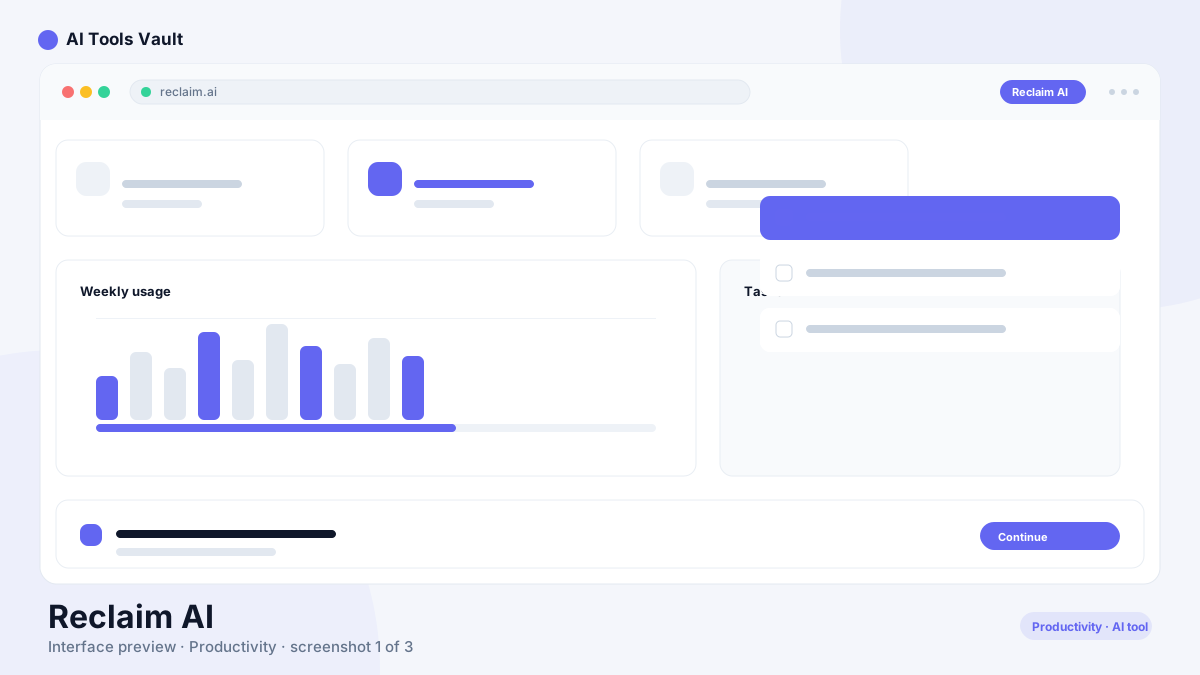
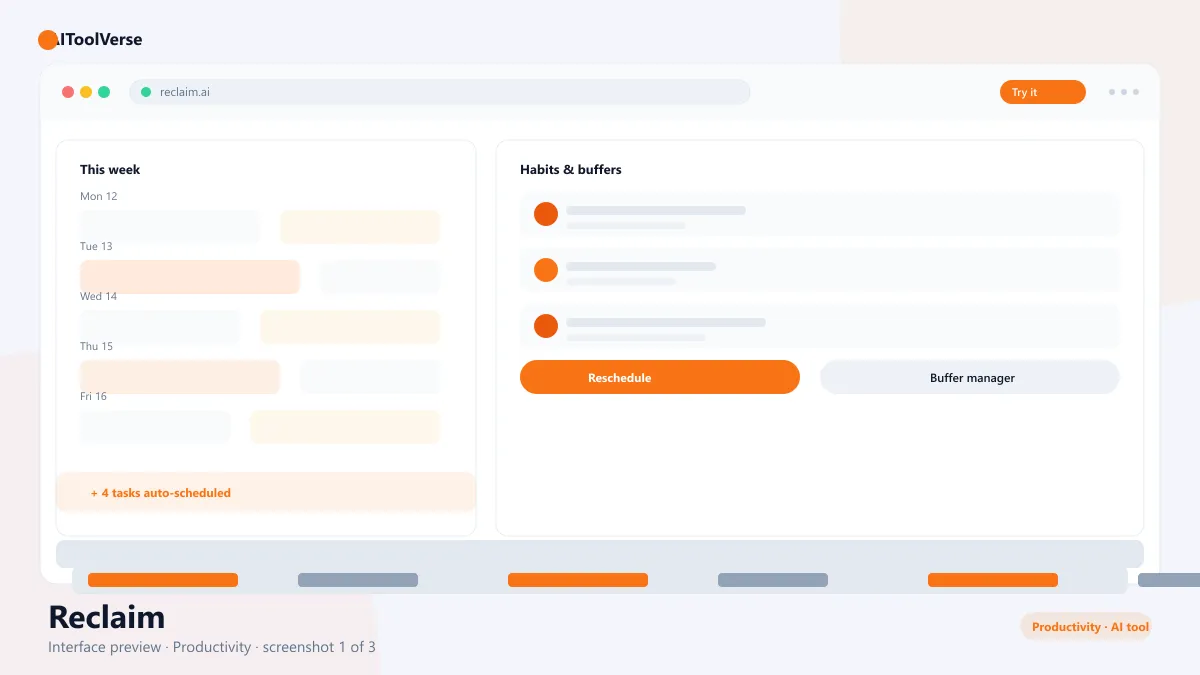
Reclaim AI smart scheduling assistant interface in Google Calendar

What Is Reclaim AI?

It is an automatic scheduling assistant that lives inside your Google Calendar. Instead of manually carving out time for deep work, you tell the tool what tasks and habits matter, and it blocks them onto your calendar — then keeps adjusting the plan as meetings get added, moved, or canceled.
Its signature feature is focus time defense: meetings are never allowed to collide with your protected work blocks unless you approve them. The result is a calendar that actively protects your priorities rather than passively reflecting them.
The assistant learns as it goes. When a meeting runs long or a task takes less time than expected, the schedule reshuffles itself so your remaining day still fits — no manual re-planning required.

How to Use Reclaim AI

Setup is fast and the value compounds as the scheduler learns your schedule.
You decide the priorities and the platform does the moving. Most people start with two or three tasks and one focus window, then gradually add habits and buffers.
  • Connect your Google Calendar during onboarding
  • Add the tasks and habits you want auto-scheduled
  • Set focus time windows to protect deep work
  • Review the generated schedule and adjust priorities
  • Let it re-plan automatically when meetings change
  • Invite teammates for shared scheduling on team plans

Reclaim AI Login & Getting Started

Sign in with your Google account and grant calendar access — the assistant is a Google Calendar product, so the whole experience is built around it. A guided setup walks you through tasks, habits, and focus time in the first session.
The free plan is enough to test automatic time blocking and meeting buffers. Upgrading unlocks smart 1:1 scheduling, booking links, and the full task automation set.

Reclaim AI Pricing — Free vs Paid

Pricing scales by plan, not by usage. The free plan covers basic time blocking, Starter is $8/user/month for individual power users, Business is $12/user/month for teams, and Enterprise at $18/user/month adds security and admin controls. Annual billing discounts apply.
The generous free tier is a genuinely useful way to test whether automated scheduling fits your workflow before you commit, and most teams find the paid tiers pay for themselves in recovered deep-work hours.

Compare Plans & Pricing

Free plan; Starter $8/user/mo; Business $12/user/mo; Enterprise $18/user/mo

Free

$0

Basic smart scheduling for individuals.

  • Automatic time blocking
  • Basic habits and tasks
  • Meeting buffers
  • Single calendar link
Start Free
Most Popular

Starter

$8/user/mo

Best value for individual productivity.

  • Unlimited tasks
  • Smart 1:1s
  • Booking links
  • Focus time defense
Get Starter

Business

$12/user/mo

For teams and shared calendars.

  • Team scheduling
  • Shared tasks
  • Analytics
  • Admin controls
Get Business

Key Features

The feature set is built around adaptive, automatic scheduling rather than manual calendar management.
  • Automatic task and habit time blocking
  • Focus time that defends against meetings
  • Smart 1:1 scheduling and buffers
  • Booking links for external meetings
  • Automatic re-planning when calendars change

Reclaim AI vs Motion

The tool and Motion are the leading AI calendar apps, and they compete directly. Motion bundles scheduling with project management, tasks, and its own dashboard. This assistant is lighter and faster, integrating natively with Google Calendar and focusing on time blocking and focus protection.
If you want a full AI project manager, Motion is the heavier tool. If you want your existing Google Calendar to schedule itself, the lightweight approach is the more natural fit.

Pros and Cons

A quick summary of where the assistant excels and where it has limitations.
The verdict: if you live in Google Calendar, this is the easiest way to get a calendar that schedules itself. The free plan is a genuine trial, and the paid tiers pay for themselves quickly in protected deep-work hours. The Google-only limitation is the main reason to look elsewhere, so teams on Outlook will need to weigh that trade-off. For individuals and Google-native teams, automated time blocking is a clear win.

Pros

  • Automatically time-blocks tasks
  • Defends focus time from meetings
  • Re-plans around calendar changes
  • Free plan available

Cons

  • Google Calendar only
  • Learning curve for habits setup
  • Paid tiers for full power

Reclaim AI Alternatives

The tool is one of several productivity and automation apps in the AIToolVerse directory. Depending on whether you need notes, workflows, or meeting summaries, these alternatives are worth comparing side by side.
Notion AI AI tool logo

Notion AI

ProductivityFreemium
Best for: Notes, summaries & workspace writing

AI-powered workspace assistant integrated into Notion for writing, summarizing, and organizing.

4.4(11.3k)
Visit Website
Make AI tool logo

Make

ProductivityFreemium
Best for: Visual no-code workflow automation

Visual no-code automation and integration platform with a drag-and-drop scenario builder, routers, and a generous free tier.

Zapier AI tool logo

Zapier

ProductivityFreemium
Best for: Connecting apps with no-code automation

No-code automation platform that connects 9,000+ apps with Zaps, plus AI agents and chatbots that work across your tools.

Fireflies.ai AI tool logo

Fireflies.ai

Voice & AudioFreemium
Best for: AI meeting notes & transcription

AI notetaker that records, transcribes, and analyzes meetings, then surfaces summaries, action items, and searchable insights.

4.5(5.4k)
Visit Website
Otter.ai AI tool logo

Otter.ai

Voice & AudioFreemium
Best for: Meeting transcription & summaries

AI meeting assistant that transcribes, summarizes, and makes your conversations searchable in real time.

4.6(8.5k)
Visit Website
Cluely AI tool logo

Cluely

Voice & AudioFreemium
Best for: Real-time meeting & interview assistance

A real-time AI assistant for meetings and interviews that summarizes live conversations and pulls instant answers from your documents while you talk.

4.4(1.2k)
Visit Website
ClickUp AI AI tool logo

ClickUp AI

ProductivityFreemium
Best for: AI-powered project management & work docs

The AI layer of ClickUp that automates tasks, drafts docs, summarizes projects, and answers work questions from inside your project hub.

4.5(2.3k)
Visit Website
Motion AI AI tool logo

Motion AI

ProductivityFreemium
Best for: AI auto-scheduling & project planning

An AI calendar and project management app that auto-schedules your day, plans projects, and manages tasks so you get more done.

4.4(1.9k)
Visit Website
Taskade AI tool logo

Taskade

ProductivityFreemium
Best for: AI agents inside project management

AI-powered productivity workspace with real-time project management, AI agents, and automations across 7 project views.

Jigso AI tool logo

Jigso

ProductivityFreemium
Best for: Proactive monitoring across work apps

Proactive AI operating system that monitors your entire app stack — Slack, Salesforce, Jira, and more — to surface risks, action items, and answers.

Best For

Recommended use cases and scenarios where Reclaim AI shines.

Frequently Asked Questions

Common questions about Reclaim AI, answered.

Is Reclaim AI free to use?

Yes. The free plan includes automatic time blocking, basic habits and tasks, and meeting buffers. Paid plans start at $8/user/month.

Does it work with Outlook?

No. The assistant is built around Google Calendar and requires a Google account to schedule your day. It is the primary limitation to consider before choosing it.

How does it protect focus time?

It blocks focus time on your calendar and automatically deflects or buffers meetings so they cannot collide with protected deep-work windows unless you approve them.

What is the difference between Reclaim AI and Motion?

This tool focuses on automatic time blocking inside Google Calendar, while Motion bundles scheduling with project management and a full task dashboard.

Can it be used by teams?

Yes. Business and Enterprise plans add shared calendars, team task scheduling, admin controls, and analytics for group productivity.

Reviews & Ratings

4.5

Based on 2,000 reviews

5
71%
4
16%
3
7%
2
4%
1
2%

Share your experience

Your rating

Loading reviews...

J

James Okafor

Great value for the price. The learning curve is small and the payoff is big.

H

Hannah Lee

Reliable and polished. I only wish the advanced features were on lower tiers.

M

Marcus Webb

Very capable tool. A couple of rough edges, but the team ships updates quickly.

Explore More Productivity Tools

Browse the full AI Tools Vault directory to compare Reclaim AI with every productivity tool, or line up your shortlist side by side.

Similar Tools

More Productivity tools you might like

Zapier AI tool logo

Zapier

ProductivityFreemium
Best for: Connecting apps with no-code automation

No-code automation platform that connects 9,000+ apps with Zaps, plus AI agents and chatbots that work across your tools.

Make AI tool logo

Make

ProductivityFreemium
Best for: Visual no-code workflow automation

Visual no-code automation and integration platform with a drag-and-drop scenario builder, routers, and a generous free tier.

ClickUp AI AI tool logo

ClickUp AI

ProductivityFreemium
Best for: AI-powered project management & work docs

The AI layer of ClickUp that automates tasks, drafts docs, summarizes projects, and answers work questions from inside your project hub.

4.5(2.3k)
Visit Website