Akool AI Review — Face Swap and Video Platform
VideoFreemiumA browser-based AI video suite for face swap, talking and streaming avatars, and lip-synced video translation in one credit pool.
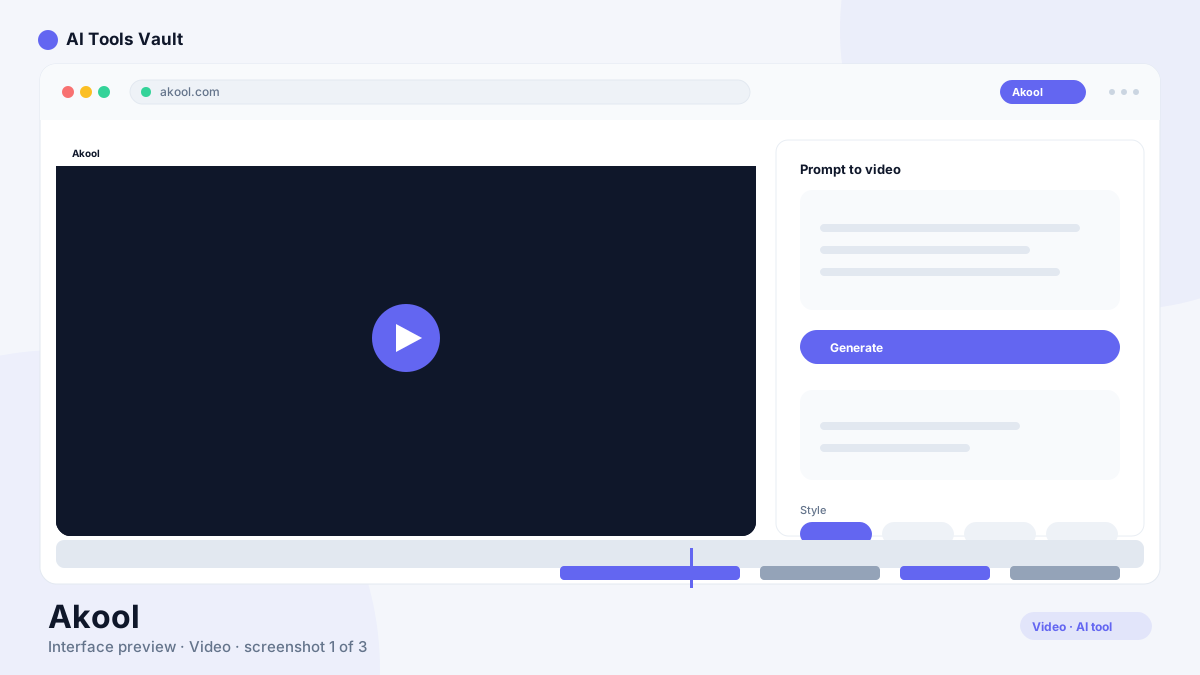
What Is Akool AI?
AI Face Swap
- Face swap for images and video with expression preservation
- Live Face Swap during streams, calls, and broadcasts
- Character, hair, and clothing swap variants
- Up to 6 FaceSwap models on the Pro plan
- Multi-face detection in a single asset
- Face swap AI tuned for identity preservation across angles and lighting
AI Video and Image Tools
- Video translation in 155+ languages with lip-sync
- Image to Video and Text to Video generation
- Video to Video restyling
- Image generator and background change
- Subtitles, captions, and a translation proofread editor
AI Avatars and Related Features
- Talking Photo animation with lip-sync
- Avatar Video and Streaming Avatars
- Text to Speech and Voice Clone
- Live Camera real-time effects
- API access on Pro Max and Business plans
Akool AI Pricing
Compare Plans & Pricing
Official pricing is usage-based. Starter is free (up to 1080P, personal license); Pro, Pro Max, and Business run on pay-as-you-go credit packs with up to 4K, 8K (plus API), and business licensing; Enterprise is custom. Paid tiers list a $0/seat/month base, so total cost depends on the credits you consume.
Starter
Free plan for individuals getting started with the suite.
- Up to 1080P output quality
- Up to 15-minute video length
- 2 concurrent videos
- Personal license
- Access to the full toolset
Pro
Pay-as-you-go plan for active creators.
- Up to 4K output quality
- Up to 30-minute video length
- 6 FaceSwap models
- Pay-as-you-go credit packs
- Personal license
Pro Max
For teams that need API access and maximum output.
- Up to 8K output quality
- Up to 45-minute video length
- API access
- Workspace collaboration
- Higher concurrency
Business
For agencies producing at scale with a business license.
- Business license
- Agency-focused allowances
- Priority processing
- Dedicated support
Who Should Use Akool AI?
- E-commerce product visualization on diverse models
- Agencies producing localized ad variants
- Live streams and events with real-time avatars
- Training and explainer video teams
Akool AI Security and Privacy
- SOC 2 compliant, independently audited
- Commercial use of generated videos permitted
- Acceptable-use guidelines apply to inputs
- Direct reviews for likeness and voice consent
Akool AI Limitations
- Credit consumption is not always obvious per feature
- Pay-as-you-go cost can climb at high volume
- Browser-first experience without a mobile app
- Effects-focused, not built for long-form storytelling
Akool AI Alternatives
Pros and Cons
Pros
- Category-leading face swap realism on video
- Live Camera real-time face swap for streams and calls
- SOC 2 compliant with commercial-use terms
- Several tools under one credit pool
Cons
- Credit consumption varies by tool and resolution
- Usage-based costs add up at high volume
- No dedicated mobile app — browser only
- Less suited to cinematic narrative video
Best For
Recommended use cases and scenarios where Akool shines.
Frequently Asked Questions
Common questions about Akool, answered.
What does Akool AI do?
It is a browser-based AI video suite that combines face swap, talking and streaming avatars, and lip-synced translation. The platform is SOC 2 compliant, licenses media for commercial use, reports 10 million-plus users, and new users can start free on the Starter plan.
Is Akool AI free?
Yes, the Starter plan is free and includes up to 1080P output, 15-minute videos, 2 concurrent videos, and a personal license. Paid tiers use pay-as-you-go credit packs.
How much does Akool AI cost in 2026?
Official pricing is usage-based. Paid tiers list a $0 per seat monthly base, and you buy credit packs and concurrency as needed. Enterprise pricing is custom, so total cost depends on the credits you consume. There is no flat monthly total to quote because the invoice depends on resolution, video length, and the number of jobs you run.
Is Akool AI good for face swap video?
Yes. AI face swap video is the flagship capability, with expression preservation and Live Face Swap for live use during streams and calls. It remains one of the strongest face swap AI options for creators.
Is Akool AI safe to use with personal images?
The platform is SOC 2 compliant, but safety also depends on consent. Confirm you have the right to use each face and voice you upload and that your inputs follow the acceptable-use guidelines. The platform also publishes content guidelines that outline what is and is not allowed for generated media.
What are the best Akool AI alternatives?
HeyGen and Synthesia lead for avatar presenter videos, Synthesys for scripted voice and avatar content, and Captions for mobile video editing. This suite stands out mainly for face swap and real-time effects.
Does Akool AI work for live streaming?
Yes. Live Face Swap and Streaming Avatars apply effects in real time during streams, video calls, and broadcasts, which is a differentiating capability of the suite.
How many languages does Akool AI translate into?
Video translation covers 155-plus languages with lip-sync, plus captions and a proofread editor. Output quality and length scale with your plan.
What resolution does Akool AI export at?
The free Starter plan exports up to 1080P. Pro reaches 4K, Pro Max reaches 8K, and Business is configured for agency-scale output with a business license.
Reviews & Ratings
Loading reviews...
Explore More Video Tools
Browse the full AI Tools Vault directory to compare Akool with every video tool, or line up your shortlist side by side.
Similar Tools
More Video tools you might like

Loom AI
Async screen recording with built-in AI that writes titles, summaries, chapters, and action items from every recording.

CapCut
CapCut is ByteDance's free AI-powered video editor for short-form content, with auto captions, background removal, and a huge template library for TikTok and Reels.

Guides & Articles about Akool
Read our detailed reviews and comparisons covering Akool