ImageFX Review
Image GenerationFreeImageFX is Google's free AI image generator, powered by Imagen 4, with text-to-image, editing, and Gemini integration.
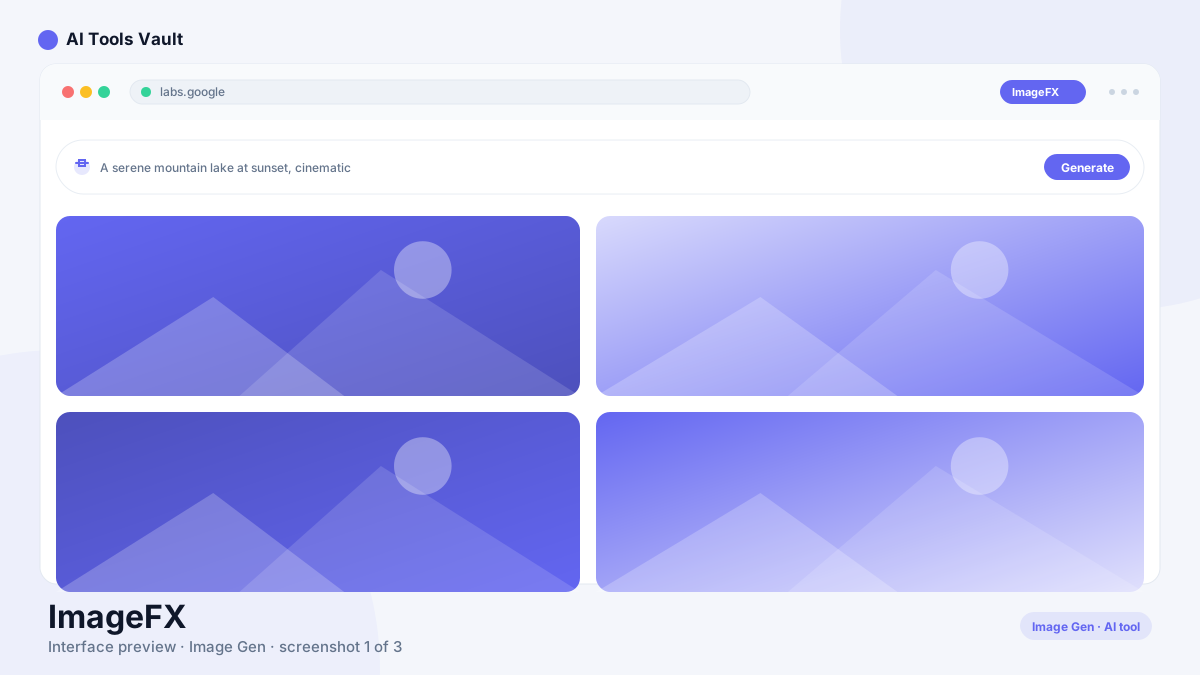
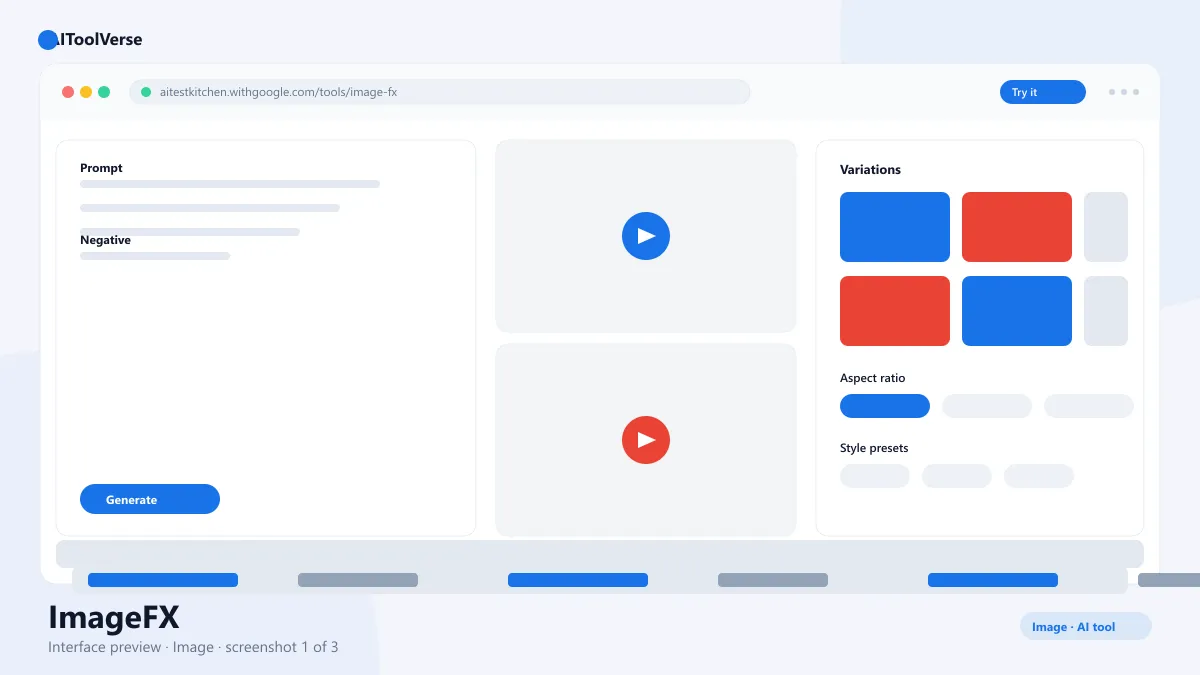
What Is ImageFX?
How to Use ImageFX
- Open labs.google/fx and sign in with a Google account
- Type a detailed prompt describing subject, style, and lighting
- Choose an aspect ratio and generate
- Use the seed to reproduce or adjust the result
- Edit with the built-in tools for variations
- Download your image in full resolution
ImageFX Login & Getting Started
ImageFX Pricing — Free vs Paid
Compare Plans & Pricing
Completely free through Google Labs and the Gemini app
Free
Unlimited experimentation within fair-use limits.
- Text-to-image generation
- Editing and variations
- Seed controls
- Gemini integration
Key Features
- Text-to-image generation with Imagen 4
- Clean rendering of text inside images
- Seed controls for reproducible results
- Built-in editing and variations
- Free access with no watermark
ImageFX vs Midjourney
Pros and Cons
Pros
- Completely free to use
- High-quality Imagen 4 output
- Good text rendering in images
- Integrates with Gemini
Cons
- No desktop app
- Limited style control vs paid tools
- Google account required
ImageFX Alternatives

DALL·E
OpenAI's image generator that turns text prompts into detailed, original images inside ChatGPT.

Ideogram
AI image generator famous for rendering accurate, readable text inside images — ideal for logos, posters, and designs with typography.

Adobe Firefly
Firefly is Adobe's generative AI platform for creating and editing images, video, audio, and vectors, with Adobe and partner AI models in one workspace.

Flux AI
Flux AI is Black Forest Labs' image generation platform with open weights, photorealism, and fast API access.

Gemini
Google's Gemini AI assistant is built into Gmail, Docs, Search, and Android, with real-time answers, a 1M-token context, and Deep Research features.

Canva AI
Magic Studio AI design suite for creating graphics, presentations, and social posts in minutes.

Best For
Recommended use cases and scenarios where ImageFX shines.
Frequently Asked Questions
Common questions about ImageFX, answered.
Is ImageFX free to use?
Yes. The tool is completely free through Google Labs with no watermark, no credits, and no subscription. Paid access is only needed for the API via Google Cloud.
What model powers it?
It is powered by Imagen 4, Google's image generation model, which is known for detailed output and clean text rendering.
How does it differ from Midjourney?
This tool is free and browser-based with strong photorealism, while Midjourney is a paid subscription offering a distinctive aesthetic and advanced style control.
Do I need a Google account?
Yes. The generator requires a Google login, which also enables features like Gemini integration and saving your generation history.
Can I use the images commercially?
Yes, images generated with the tool can be used commercially, subject to Google's terms of service.
Reviews & Ratings
Loading reviews...
Explore More Image Generation Tools
Browse the full AI Tools Vault directory to compare ImageFX with every image generation tool, or line up your shortlist side by side.
Similar Tools
More Image Generation tools you might like

Midjourney
Midjourney AI is the industry-leading text-to-image generator behind the V8.2 model, known for stunning artistic and photorealistic outputs.

Craiyon
Craiyon is a free AI image generator — formerly DALL·E mini — that turns text prompts into 9 image variations in seconds, with no account required.
Guides & Articles about ImageFX
Read our detailed reviews and comparisons covering ImageFX