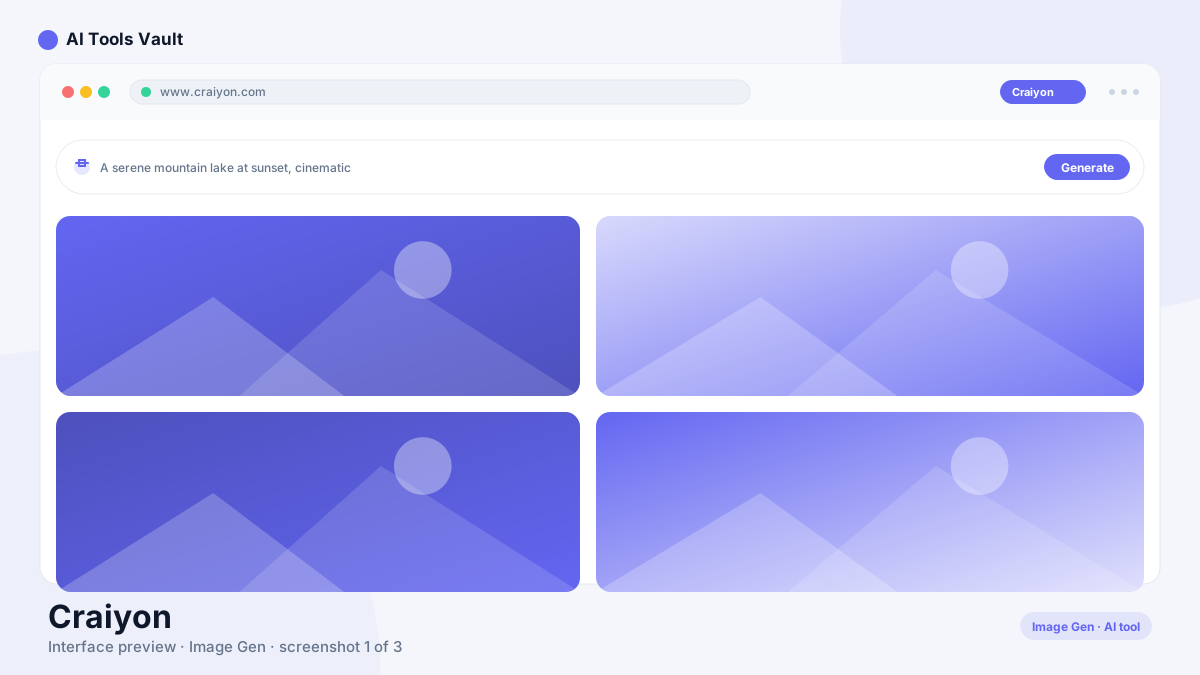
Craiyon is a free browser-based AI image generator. You type a description, click draw, and within seconds you get a grid of 9 images based on your prompt. It began in 2022 as an open experiment called DALL·E mini, created by AI researcher Boris Dayma to recreate the idea behind OpenAI's DALL·E with an open model anyone could run.
The project went viral and later rebranded to Craiyon when it became a standalone product. That original name still matters: millions of people search for "DALL-E mini" and arrive at this tool, which is why the old name is still the most recognizable way to describe it. The product is unaffiliated with OpenAI and now runs on its own diffusion models with drawing, editing, and retouching tools on top of generation.
How to Use Craiyon AI
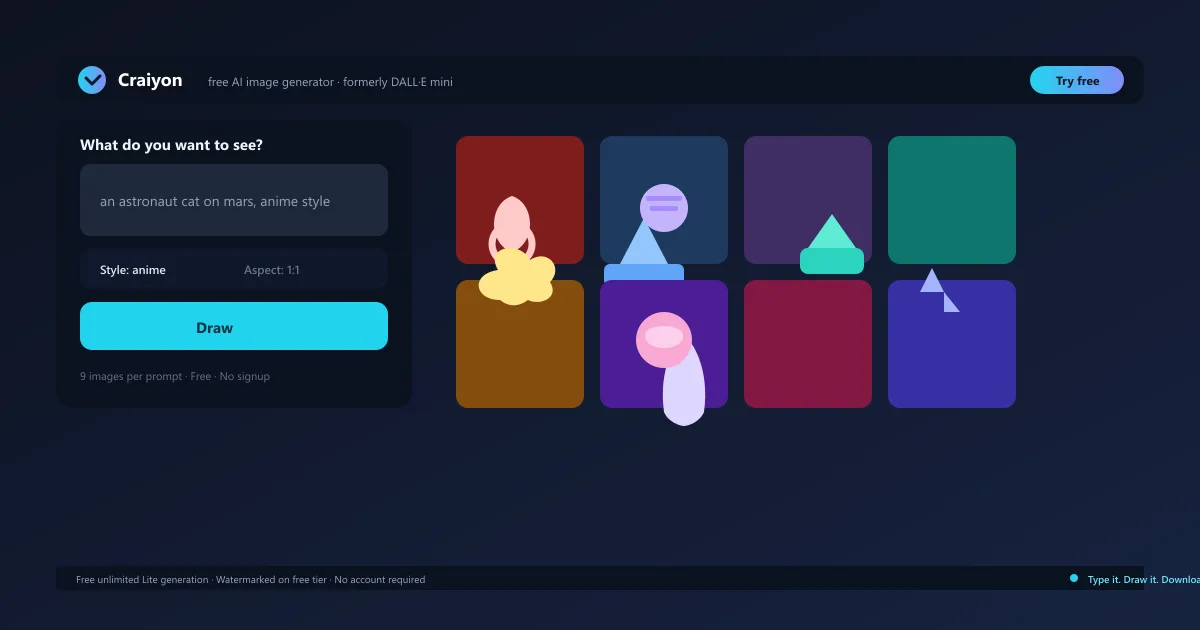
The core workflow is a single prompt box. Type what you want to see, pick a style if you like, and click draw — the tool generates nine variations in a grid, giving you options instead of a single roll of the dice. You can edit a prompt and redraw as many times as you want, since basic generation is unlimited on the free tier.
No account is needed to start generating, which makes the tool one of the fastest ways to test an idea. Choose from styles like artistic, photo, anime, illustration, and vector, and set a square, landscape, or portrait aspect ratio before you draw. When a result works, download it directly or move it into an editor.
Type a prompt and click draw for 9 variations
Pick a style and aspect ratio before generating
Edit and redraw prompts as many times as you want
Download results directly from the grid
Craiyon AI Prompt Tips
Clear, detailed prompts get dramatically better results. Describe the subject, the action, the setting, and the mood in plain words — "a red fox sitting in a snowy forest at sunrise, photorealistic" beats "fox" every time. Adding a style keyword such as anime, watercolor, or vector steers the output toward a specific look.
Mentioning a composition also helps: specify "close-up portrait," "wide shot," or "simple flat icon on a white background" when you have a particular result in mind. Because you get nine variations per draw, it is worth redrawing with slightly different wording rather than settling for the first grid — the free tier makes experimentation free.
Describe subject, action, setting, and mood
Add a style keyword like anime or vector
Mention composition and aspect ratio
Redraw with tweaked wording for better options
Craiyon Commercial Use License
Commercial use is allowed with any account type under the terms of use. Free users may use generated images commercially as long as they credit the platform; subscribers can use images without attribution and without watermarks. This is a common question because print-on-demand sellers and small businesses want to know whether they can legally use the images in products.
The answer for most casual commercial projects is yes, with the attribution condition on the free tier. If you plan to sell designs at scale or need clean, professional output, the paid tiers remove the attribution requirement and the watermark, which is usually worth the $10 monthly entry point.
Craiyon for Logos, Anime Art & Wallpapers
Anime prompts are one of the most popular uses — characters, scenes, and portraits in anime style come out consistently well, and the style presets make it easy to stay on-theme. The same goes for wallpapers: a descriptive prompt with a landscape or portrait aspect ratio produces phone and desktop backgrounds in seconds.
For clothing and print-on-demand designs, the tool is a fast way to prototype graphics and patterns before paying for anything. It can also generate simple logos, though results are best treated as concepts — a basic icon with text and a clean background can work as a starting point that a vector editor or a dedicated logo maker finishes into a professional mark.
Craiyon Pricing — Is Craiyon Completely Free?
Craiyon is free to use for unlimited basic generation, but the free tier has real limits: output is watermarked and public, and free users sit in a shared queue that can mean waiting during busy periods. Editing tools and the most capable models sit behind paid plans, so "completely free" means free generation, not free everything.
Supporter is $10/month or $120/year and removes watermarks and attribution, adds HD downloads, priority queues, and 100 monthly edit credits. Professional at $20/month adds private images and 220 credits; Ultra at $70/month offers 900 credits. Yearly billing is about 17% cheaper per month, and credits refresh monthly without rolling over.
Compare Plans & Pricing
Free $0 (unlimited Lite generation, watermarked); Supporter $10/mo ($120/yr); Professional $20/mo ($240/yr); Ultra $70/mo ($840/yr)
Most Popular
Free
$0
Unlimited basic generation with watermarked, public images.
Midjourney is a paid, invitation-style generator famous for polished, artistic output that is widely used in commercial design. Craiyon is positioned as its free alternative: unlimited generation, no account, and no cost, in exchange for lower fidelity and a public, watermarked free tier.
If you need gallery-grade images for client work, Midjourney is the stronger tool and worth its subscription. If you want to experiment, brainstorm visuals, or generate on a budget, Craiyon covers the same core job — text to image — for nothing, and the 9-image grid gives you plenty of options per prompt.
Craiyon vs Bing Image Creator
Bing Image Creator uses DALL·E-based models and is free, but it requires a Microsoft account and applies a daily boost system — once your fast generations run out, output slows noticeably. Craiyon needs no account at all and offers unlimited generation on the free tier, though with watermarks and a queue.
For occasional free use with higher quality per image, Bing is the better pick. For unlimited, no-login, no-quota generation, Craiyon is the better fit — it is the more dependable choice for testing many ideas in one sitting.
Pros and Cons
Craiyon is the easiest path to free AI image generation on the web — unlimited, no signup, and nine variations per prompt. Its output quality trails premium models, and the free tier's watermarks, public gallery, and queue are real trade-offs, but for quick ideas, anime art, wallpaper concepts, and commercial experiments it remains genuinely useful.
Pros
Free unlimited basic generation
No signup or account required
9 variations per generation
Commercial use with attribution on the free tier
Cons
Output quality trails premium paid generators
Free images are watermarked and public
Wait times on the free queue
Editing features require paid credits
Best For
Recommended use cases and scenarios where Craiyon shines.
Yes. The free tier offers unlimited basic image generation with no account required. Free images are watermarked and publicly visible; paid plans remove watermarks and add HD downloads, private images, and edit credits.
Was Craiyon called DALL-E Mini?
Yes. The tool launched in 2022 as the open experiment DALL·E mini and later rebranded to Craiyon when it became a standalone product. It is unaffiliated with OpenAI and runs on its own diffusion models.
Can I use Craiyon images commercially?
Yes, under the terms of use. Free users must credit the platform when using images commercially, while subscribers can use images without attribution and without watermarks.
Does Craiyon generate anime art?
Yes. The anime style preset produces characters, scenes, and portraits reliably, and anime-style prompts are among the most popular uses of the tool, alongside wallpapers and print-on-demand designs.
How does Craiyon compare to Midjourney?
Craiyon is free with unlimited generation and no account, while Midjourney is a paid tool with more polished, professional output. For budget-friendly experimentation and quick ideas, Craiyon is the accessible alternative; for gallery-grade results, Midjourney wins on quality.
Reviews & Ratings
Loading reviews...
Explore More Image Generation Tools
Browse the full AI Tools Vault directory to compare Craiyon with every image generation tool, or line up your shortlist side by side.
NightCafe Studio is an AI art generator that bundles Stable Diffusion, DALL-E class engines, and 90+ models in one place — with free daily credits, challenges, and one of the largest AI art communities.