ChatPlayground AI is an AI comparison platform: one subscription that opens ChatGPT, Claude, Gemini, Grok, DeepSeek, Meta Llama, Perplexity and roughly two dozen more models inside a single workspace. The vendor markets it to 56,000+ professionals, and the pitch is simple - every model has different strengths, so serious work deserves more than one opinion.
Where a single chatbot gives you one answer to trust or doubt, this service shows you several at once. That changes how you work in subtle ways: disagreement between models becomes a warning light, consensus becomes quiet confidence, and picking the best phrasing becomes a choice instead of a gamble - which is the whole point of ChatPlayground AI.
How ChatPlayground AI Works
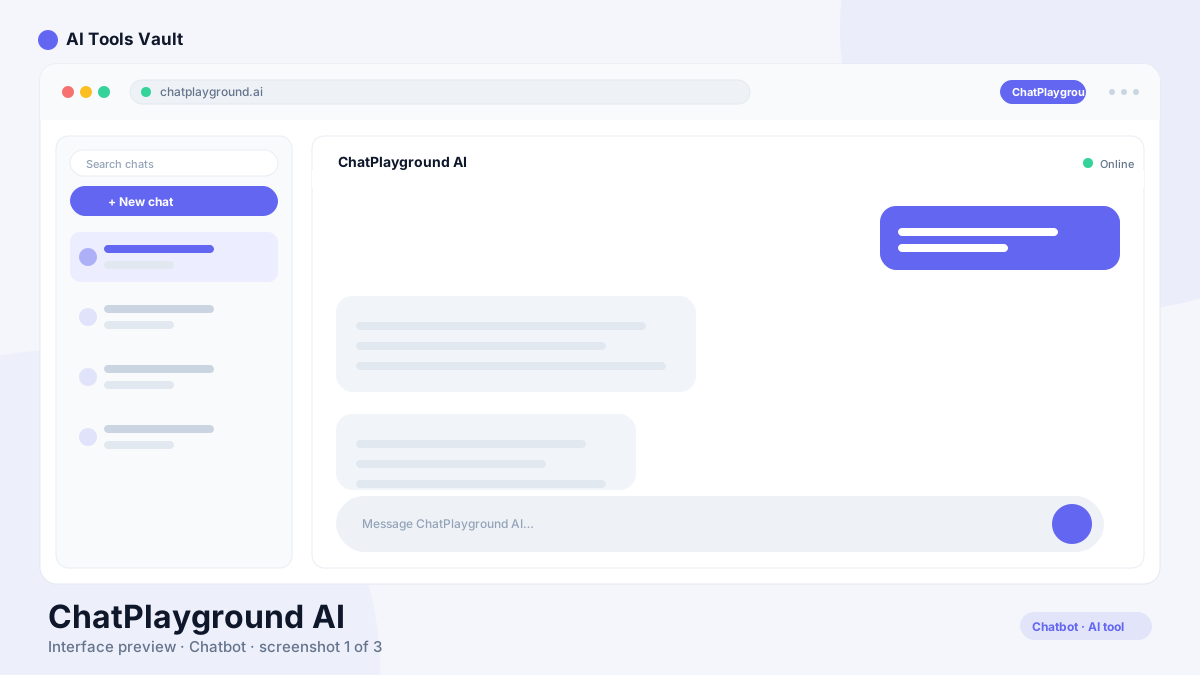
Type one prompt, select your models, and the request fires to all of them in parallel. Responses arrive in separate columns, so comparing tone, structure, and confidence takes seconds rather than four copy-paste round trips. A prompt library covers common jobs like landing-page copy, resumes, and case studies; history stays searchable so any model can pick up an earlier thread.
There is nothing to configure technically - no API keys, no separate accounts with each provider. The platform bundles access to all supported models itself.
Comparing ChatGPT, Claude, Gemini and Grok
Each flagship brings a different flavor, which is exactly why running them together pays off. The company's own positioning matches what most users find: ChatGPT leans structured and dependable for planning and code; Claude shines at long-form writing, editing, and tone; Gemini suits research angles and multimodal tasks; Grok gives quick, blunt second opinions.
None of these rankings hold across every task - models update constantly and benchmarks age fast. The practical value here is spotting disagreements. If three models agree on a figure and one dissents, you have found the exact claim worth verifying before it reaches your report.
Compare Mode vs AI Collaboration
Two distinct workflows anchor ChatPlayground AI. Compare mode sends one prompt to multiple models and leaves their answers separate - ideal when you want independent judgments and can spot contradictions yourself.
AI collaboration works the other way: models review, challenge, and build on each other until the strong parts merge into a single refined response. Think of it as a panel rewriting a draft instead of a row of contestants answering separately. Use compare when judgment matters; use collaboration when the goal is one polished output and you would rather let the models argue first.
Documents and Image Analysis
Uploads turn the workspace into a document analyst. Import PDFs or images - contracts, financial reports, lecture slides - then ask questions about them or request summaries with any supported model. Because each engine reads the same file differently, running one agreement past two models inside ChatPlayground AI is a cheap second review. Image generation is bundled too, with a monthly allowance that depends on your plan.
Login and Access
Accounts live at web.chatplayground.ai/login, which doubles as the app once you are signed in - bookmark it and skip the marketing homepage. Sign in with your ChatPlayground AI credentials and the same workspace follows you across desktop and phone, since native mobile apps are listed among the features on higher plans. No desktop install is required; everything runs in the browser.
Privacy Posture
One claim stands out for a tool of this type: the company states that your content and conversations are never stored on its servers or used for training, with GDPR and CCPA compliance advertised. Prompts still pass through the underlying model providers under their own policies, so treat genuinely sensitive material the same way you would in any cloud chatbot - but the no-storage stance removes one common worry about aggregators.
ChatPlayground AI Pricing: Pro vs Unlimited
Two paid tiers, per the official checkout page. Pro runs $15/month on yearly billing and includes 5,000 basic plus 1,500 advanced queries monthly, 300 document uploads, 300 image generations, and 4-model comparisons. Unlimited costs $25/month on the same basis, lifting quotas to unlimited queries and uploads, 1,000 images, and the full 6-model view.
Both prices reflect discounted annual payment - the site advertises 25% and 35% off respectively - and a monthly toggle exists at checkout if you prefer flexibility over savings. There is no lifetime deal at present, despite what older reviews around the web may say. Against even one premium chatbot subscription, either tier undercuts a single $20 plan while adding a dozen competitors to it.
Compare Plans & Pricing
Pro $15/mo (5K basic + 1.5K advanced queries, 4-model compare); Unlimited $25/mo (unlimited queries, 6-model compare). Rates shown on yearly billing; a monthly toggle exists at checkout.
Pro
$15/mo
Solid multi-model testing at the entry price, billed yearly.
30+ AI models included
5,000 basic model queries per month
1,500 advanced model queries per month
300 document uploads and 300 image generations monthly
The workflow fits people whose output depends on quality judgment: writers comparing rewrites, researchers cross-checking claims, developers weighing code suggestions, and teams standardizing prompts. If you already pay for two or more AI subscriptions, consolidating them into ChatPlayground alone justifies the bill.
Light users get less from it. One good general assistant covers casual questions fine, and paying for breadth you rarely sample is waste, not insurance.
Benefits and Limitations
Speed is the underrated benefit - parallel prompting turns comparison into a default habit instead of a chore, and the collaboration flow produces drafts no single model managed alone. Add searchable history, a solid prompt library, and document chat, and ChatPlayground earns its keep quickly for heavy users.
Limits frame the other side. Pro's query caps can exhaust mid-month for advanced-model devotees; six-column comparisons require the top plan; and juggling many model voices adds a coordination cost beginners may not expect. None of these are hidden - they are simply worth knowing before you commit.
Alternatives
Poe is the closest rival to ChatPlayground AI, bundling many of the same models with its own quirks. Monica wraps similar multi-model access in a browser-assistant shell. Going direct has merits too: ChatGPT, Claude, or Gemini each offer deeper ecosystems than any aggregator, and Perplexity Labs leads when research beats chat. Aggregators win on breadth and comparison; specialists win on depth. Most power users end up with one of each.
Poe
ChatbotsFreemium
Best for: Multi-model AI chat in one subscription
All-in-one AI chat platform that gives you ChatGPT, Claude, Gemini, and thousands of custom bots in a single subscription.
OpenAI's flagship conversational AI for writing, coding, analysis, and creative tasks. ChatGPT answers questions, writes content, and analyzes files in one place.
Monica AI is an all-in-one AI assistant for Chrome that combines GPT-5.5, Claude 4.7, and Gemini 3.1 in a sidebar for chat, search, writing, translation, and image generation.
Common questions about ChatPlayground AI, answered.
What is ChatPlayground AI?
An AI comparison platform that puts ChatGPT, Claude, Gemini, Grok, DeepSeek, Llama, Perplexity and 25+ other models in one subscription. You can fan one prompt out to several models, merge their strengths via collaboration mode, and chat with uploaded documents.
How does it work?
Pick your models, write one prompt, and the platform sends it to all selected models in parallel. Responses appear in separate columns for quick comparison, or feed into collaboration mode where models refine each other into a single stronger answer. No API keys or provider accounts needed.
Which AI models does ChatPlayground support?
Around 30 models: the latest ChatGPT, Claude, Gemini, Grok, DeepSeek, Meta Llama, and Perplexity versions plus roughly two dozen others. The lineup updates as new models launch, and all plans include the full catalog.
Can I compare ChatGPT and Claude side by side?
Yes - along with Gemini and Grok. ChatPlayground's Pro plan compares up to 4 models at once; Unlimited raises that to 6. Either way the prompt goes out once and answers land side by side.
What is the difference between Compare mode and AI Collaboration?
Compare keeps answers separate so you judge them yourself - good for spotting disagreements. Collaboration has models review and challenge one another, then combines the strongest parts into one refined final response.
Can I upload PDFs or images?
Yes. Upload PDFs and images - reports, agreements, slides - and ask questions about them or generate summaries with any supported model. Document upload volumes depend on your plan: 300 monthly on Pro, unlimited on Unlimited.
How do I log in?
Go to web.chatplayground.ai/login and sign in with your account credentials. That address is also the app itself, so it works as your day-to-day bookmark on desktop and phone alike.
How much does ChatPlayground cost?
ChatPlayground AI offers Pro at $15/month and Unlimited at $25/month on discounted yearly billing; monthly billing costs more. The main differences are query limits (5,000+1,500 vs unlimited) and comparison width (4 vs 6 models). Current rates are always shown at official checkout.
Does my data stay private?
The company states that conversations and content are never stored on its servers or used for training, and advertises GDPR and CCPA compliance. Prompts still pass through the underlying model providers under their respective policies.
Reviews & Ratings
Loading reviews...
Explore More Chatbots Tools
Browse the full AI Tools Vault directory to compare ChatPlayground AI with every chatbots tool, or line up your shortlist side by side.
OpenAI's flagship conversational AI for writing, coding, analysis, and creative tasks. ChatGPT answers questions, writes content, and analyzes files in one place.