Monica AI Review 2026 — Free vs Pro, Features & Alternatives
ChatbotsFreemium
Best for: All-in-one AI assistant in the browser
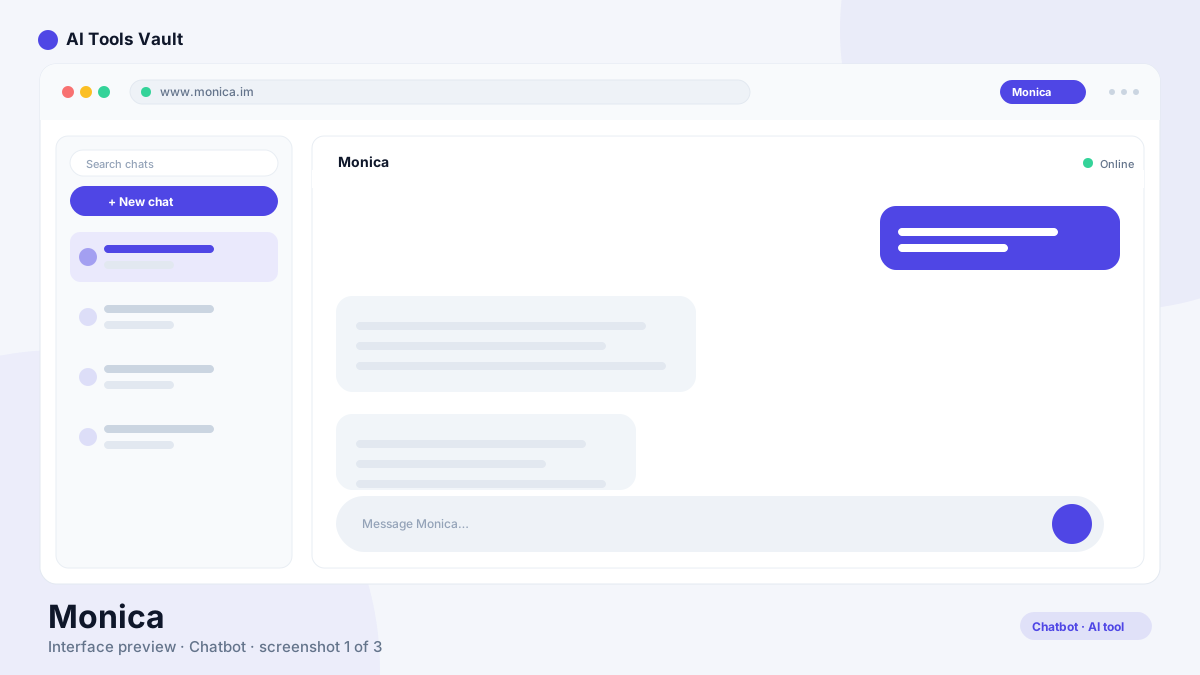
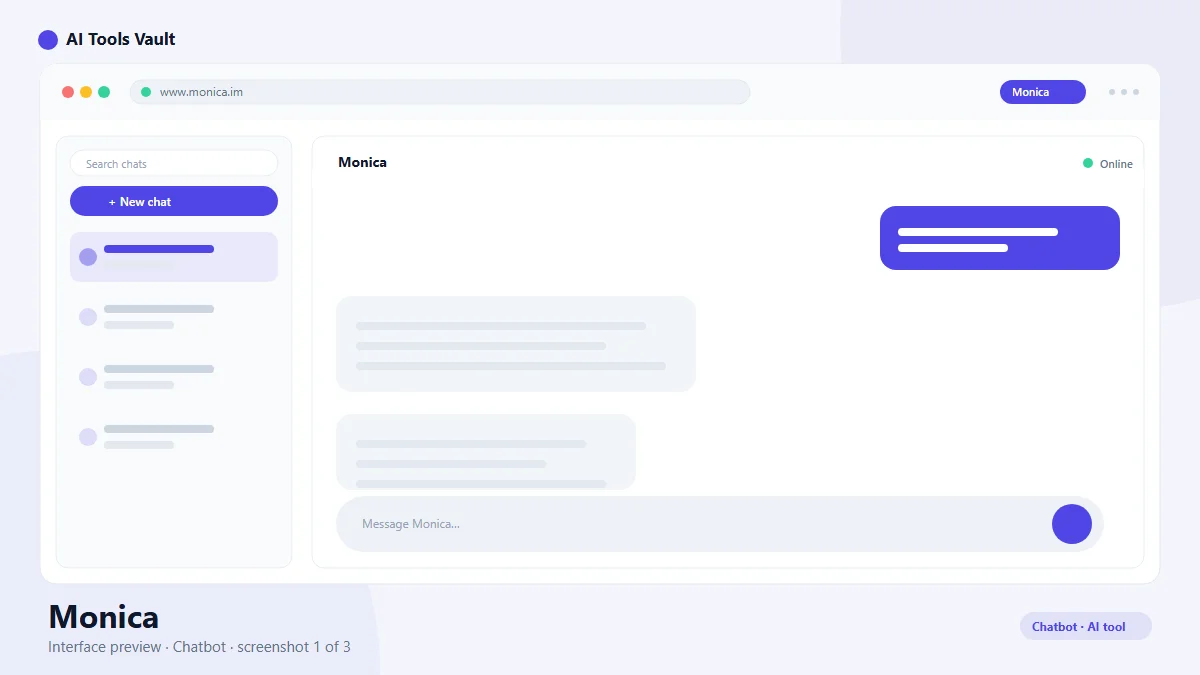
Monica AI is an all-in-one AI assistant for Chrome that combines GPT-5.5, Claude 4.7, and Gemini 3.1 in a sidebar for chat, search, writing, translation, and image generation.
Monica AI is an all-in-one AI assistant that runs inside a Chrome extension sidebar, combining chat, web search, summarization, writing, translation, and image generation into a single tool. Instead of forcing you to pick one model, it routes prompts across GPT-5.5, Claude 4.7 Opus, and Gemini 3.1 Pro so you can switch models mid-conversation when a task needs a different strength.
It is built by Butterfly Effect, the company behind Manus AI, and grew out of a 2023 Product Hunt launch into one of the most widely used AI browser extensions. The value is not a single killer feature — it is the coverage. The same assistant that summarizes a research paper can draft a cold email, translate a message, or generate a product image without leaving the tab you are working in.
How to Use Monica AI
Getting started takes a couple of minutes. Install the extension from the Chrome Web Store, pin it to your toolbar, and sign in with a free account. From there the assistant is available on every page: open the sidebar with a shortcut, select text to summarize or translate in place, or ask the chat to research a question with live web search.
The sidebar is the home base, but Monica also works in context. You can highlight any text on a page and trigger actions like summarize, explain, or rewrite. When you open a PDF in Chrome, the assistant offers to read and summarize it. The web app and mobile versions keep your chats in sync, and paid plans add deeper features like deep research and browser automation.
Install from the Chrome Web Store and pin the extension
Open the sidebar with a keyboard shortcut on any page
Select text for instant summaries, translation, and rewrites
Ask the assistant to read PDFs, emails, and long articles
Monica AI Pricing — Free vs Pro
The platform uses a credit-based freemium model. The free plan grants a limited number of credits each day — enough for casual chat, a few summaries, and light web search, but it runs out quickly under heavy use. Upgrading multiplies your allowance and unlocks the best models.
Pro costs $9.90 per month, or about $7.90 per month billed annually, and includes roughly 20x more credits, access to GPT-5.5 and Claude 4.7, image generation, and page, PDF, and email summaries. Max at $24.90 per month adds deep research and browser automation, while Ultra at $99.90 targets extreme power users. Credits reset monthly, so the practical choice depends on whether you want a daily driver or an occasional assistant.
Free: limited daily credits for chat, search, and core tools
Pro $9.90/mo: ~20x credits, GPT-5.5 and Claude 4.7, image generation
Max $24.90/mo: deep research and browser automation
Ultra $99.90/mo: maximum credits for power users
Key Features of Monica AI
Its feature set covers the most common AI tasks from one entry point. The chat engine lets you talk to multiple models in a single conversation — GPT-5.5 for fast reasoning, Claude 4.7 Opus for nuanced analysis, Gemini 3.1 Pro for multimodal tasks — switching when you need a different strength. Web search pulls live results with citations, and the assistant summarizes articles, YouTube transcripts, and PDFs on demand.
The writing tools are practical for day-to-day work: compose and rewrite emails, adjust tone, fix grammar, and translate into more than 50 languages. Image generation is built in, so you do not need a separate tool for quick visuals. Paid tiers add deep research that plans multi-step queries and browser automation that completes actions for you.
Multi-model chat with GPT-5.5, Claude 4.7, and Gemini 3.1
Live web search with citations
One-click summaries of pages, PDFs, and emails
Writing, translation, grammar, and image generation
Monica vs ChatGPT
ChatGPT is the best-known standalone assistant, with a polished chat interface, memory, custom GPTs, and the strongest brand recognition in AI. It is a destination: you open chatgpt.com to work. The opposite is true here — it brings the assistant to wherever you already are, inside the browser, on top of Gmail, Google Docs, LinkedIn, or a research PDF.
It wins on convenience and coverage for people who do most of their work in the browser, especially tasks like summarizing articles and drafting replies in context. ChatGPT wins on depth of its ecosystem, advanced features like voice and vision, and a cleaner long-form experience. Many people end up with both: ChatGPT for deep work, this tool for frictionless in-page help.
Monica AI Alternatives
If this tool does not fit your workflow, the closest alternatives depend on what you need most. Perplexity AI is a stronger pick for pure research and live answers with citations. Microsoft Copilot is free and deeply integrated into Windows and Edge. Poe gives you a single subscription that spans many models, and Meta AI covers everyday chat with a generous free tier.
Claude and Gemini are excellent standalone assistants in their own right, especially if you prefer one vendor's model quality. The common thread: it is the broadest all-in-one sidebar option, while these alternatives each specialize in one slice of what it does.
ChatGPT
ChatbotsFreemium
Best for: General conversations & writing
OpenAI's flagship conversational AI for writing, coding, analysis, and creative tasks. ChatGPT answers questions, writes content, and analyzes files in one place.
For people who live in the browser — students, researchers, marketers, support agents — it is one of the most useful single purchases in the category. The free tier is enough to test whether the workflow clicks, and Pro at about $8 per month annually is cheaper than ChatGPT Plus while bundling more everyday utility.
The honest caveats are credit limits and the sidebar experience. Heavy daily use will push you up a plan, and long-form writing is more comfortable in a dedicated app. But as a multi-model, multi-task assistant that meets you on every page, it punches well above its price.
Pros and Cons
It is the strongest all-in-one browser assistant available in 2026: GPT-5.5, Claude 4.7, and Gemini 3.1 in one sidebar, in-context page and PDF summaries, writing and translation tools, image generation, and a genuinely usable free tier. The trade-offs are the credit system that makes heavy use expensive, and a sidebar that is built for quick tasks rather than deep creative work. For browser-centric workflows it earns its subscription quickly; for standalone deep work, a dedicated assistant is still the better fit.
Pros
Multiple top models (GPT-5.5, Claude 4.7, Gemini 3.1) in one sidebar
Works on every website, not just a chat window
Reads and summarizes pages, PDFs, and emails in place
Built-in image generation, translation, and writing tools
Generous free tier with daily credits
Cons
Credits run out quickly on heavy chat use
Best models and deep research need a paid plan
Sidebar can feel cramped for long-form writing
Privacy trade-offs when reading email and page content
Best For
Recommended use cases and scenarios where Monica AI shines.
Yes, it has a free plan with a limited number of daily credits for chat, web search, summaries, and core tools. Paid plans starting at $9.90 per month (about $7.90 billed annually) multiply your credits and unlock top models.
How much does Monica AI cost?
Pro is $9.90 per month or about $7.90 per month billed annually. Max is $24.90 per month and adds deep research and browser automation, while Ultra costs $99.90 per month for maximum credits and access to all premium models including GPT-5.5 and Claude 4.7 Opus.
Is Monica AI better than ChatGPT?
It depends on the workflow. Monica wins for in-browser convenience, summarizing pages and PDFs in place, and bundling many tasks into one sidebar. ChatGPT is stronger for deep standalone work, custom GPTs, and its broader ecosystem.
Does Monica support GPT-5.5 and Claude?
Yes. It routes prompts across multiple models including GPT-5.5, Claude 4.7 Opus, and Gemini 3.1 Pro, and you can switch models mid-conversation. Access to the best models is included from the Pro plan.
What can Monica AI do?
It can chat with GPT-5.5, Claude 4.7, and Gemini 3.1, search the web with citations, summarize pages and PDFs, translate text, rewrite and improve writing, fix grammar, generate images, and (on Max) run deep research and browser automation.
Reviews & Ratings
Loading reviews...
Explore More Chatbots Tools
Browse the full AI Tools Vault directory to compare Monica AI with every chatbots tool, or line up your shortlist side by side.
OpenAI's flagship conversational AI for writing, coding, analysis, and creative tasks. ChatGPT answers questions, writes content, and analyzes files in one place.