Best AI App Builders for Startups in 2026
The best AI app builders for startups in 2026 — MarsX, Bolt.new, Lovable, Base44, Rosebud and Mixo compared for building apps and games from prompts.


The best AI app builders for startups in 2026 — MarsX, Bolt.new, Lovable, Base44, Rosebud and Mixo compared for building apps and games from prompts.
For a startup, the biggest bottleneck used to be engineering. In 2026, the best AI app builders remove that bottleneck almost entirely. Tools like MarsX, Bolt.new, Lovable, Base44, Rosebud and Mixo turn a paragraph of plain English into a working app — with a database, login, and a live URL — in hours instead of weeks. This guide compares the top AI app builders in the AI Tools Vault directory for startups, and helps you pick the right one for your product.
Whether you're validating an idea, building an internal tool, or shipping your first public product, there's an AI app builder that fits. The tools below take different approaches — some generate everything from a prompt, some assemble reusable blocks, and some specialize in games — so there's a genuine fit for every stage of a startup.
An AI app builder takes a written description of a product and returns running software: interface, database, authentication, deployment, all generated. For a founding team without an engineer, that compresses months of setup into a working afternoon.
The distinction that matters for startups is scope. Website builders produce pages; app builders produce logic — records, roles, workflows, user sessions. That is why a Framer AI site can look impressive but cannot store your users' data, while everything recommended below can.
Each tool below earned its place through hands-on testing at different stages of the startup journey — validation, prototyping, shipping, and scale.
MarsX is built around reusable building blocks called micro-apps. Instead of coding every feature from scratch, you combine proven micro-apps — chat, payments, dashboards — and let MarsX's AI wire the data, API and UI together. The result is a full-stack product with backend and database assembled in hours.
Its defining advantage is scale. Because you reuse tested blocks, larger products come together faster and more reliably than starting from a blank prompt every time. It works for coders and non-coders alike, with a DevKit, VS Code plugin and API for developers. Free plan available; Pro is $19/month. The tradeoff: a steeper learning curve than Bolt.new. Read the full MarsX review.
Best for: startups building larger products with reusable features.
When a startup needs proof by Friday, Bolt.new is the shortest path. Built by StackBlitz, it runs every project directly in the browser: you type a description, the code executes live, and the working app appears on screen. Errors surface and get fixed within the same conversation.
For MVP work this speed compounds. The tool keeps full project context, so adding a feature in week three feels the same as adding one in hour one — describe it, watch it apply, test it with real users. Teams that outgrow it typically graduate with a clearer spec than they started with. Pro is $20/month with daily credits on free. Read the full Bolt.new review.
Best for: rapid prototyping and watching your app run while you chat.
Lovable behaves like a product team you brief in English. Give it the concept — say, "member directory with search and profiles" — and it returns a deployed application with real data storage, user accounts, and backend logic on a production URL, one click from the chat.
What wins startups over is that output is shippable, not demonstrative. Early users can sign up, store records, and come back later; the MVP survives contact with customers. Iteration continues post-launch in plain English, though intricate business rules take patience to express. Pro is $25/month. Read the full Lovable review.
Best for: founders validating ideas and shipping MVPs without code.
On a pre-revenue budget, Base44 is the entry point that makes sense: the lowest paid tier on this list at $12/month, with a free plan underneath. Describe an app, receive a working one, and keep adjusting it in plain English — there is essentially no learning curve to budget for.
Startup teams lean on it for the unglamorous internals: admin panels, request forms, dashboards, and team utilities. When a product later demands heavy custom logic, MarsX or Bolt.new take over. Read the full Base44 review.
Best for: the simplest, lowest-cost way to start building.
Rosebud is different: it's an AI game development platform. Describe a game — a platformer, a racing title, a visual novel — and Rosebud generates the 3D scene, characters and logic, then lets you refine everything with prompts or a no-code editor.
It's one of the few AI builders that ships games to browsers, mobile and consoles, which makes it the obvious pick for game startups. Free plan available; Pro is $19/month. Read the full Rosebud review.
Best for: founders building games, not apps.
Mixo is the launch tool every startup needs before building anything. It generates a landing page in 30 seconds and adds a waitlist, subscriber email capture and payment links — everything you need to validate demand the same day.
It's perfect for testing an idea before committing to a full app build. Free plan available; Pro is $15/month. Read the full Mixo review.
Best for: validating demand and collecting pre-orders before you build.
Map the tool to your stage instead of your feature wishlist:
Whichever you pick, spend an hour in the free tier first and confirm three things for your use case: plain-English edits actually apply, the output remains editable after generation, and you can export or own what the tool produces.
Pricing is per month for the entry paid plan on annual billing. "Free tier" means you can build without paying.
| Builder | Free tier | Entry paid plan | Best for |
|---|---|---|---|
| MarsX | Basic builds | $19/mo | Micro-app assembly |
| Bolt.new | Daily credits | $20/mo | Full-stack prototyping |
| Lovable | 1 deployable app | $25/mo | Shipping products |
| Base44 | 1 project | $12/mo | Simplest start / internal tools |
| Rosebud | Playable games | $19/mo | Building games |
| Mixo | Subdomain page | $15/mo | Launching and validating |
Pricing changes fast in this category, so treat these numbers as starting points rather than quotes. The real takeaway: every tool here is genuinely usable before you pay anything — start free, ship your smallest real feature, and upgrade only once the tool has earned it. Current plans live on each tool's page in our directory.
What is the best AI app builder for startups? Bolt.new for rapid prototyping, Lovable for shipping a finished product without code, and MarsX for building larger apps with reusable micro-apps. For games, Rosebud.
Can I build an app with AI without coding? Yes. Describe the product in everyday language and the builder assembles a functioning application — interface, logic, and hosting included — which you then refine through further conversation.
Is MarsX better than Bolt.new? For assembling larger products from reusable blocks, yes. For one-off full-stack prototyping, Bolt.new is faster. Test the free tiers of both.
Can AI build games? Yes. Rosebud turns text prompts into playable 3D games with no-code editing and publishing to web, mobile and consoles.
Which AI app builder costs the least? Base44 at $12/month is the cheapest paid tier, followed by Mixo at $15/month, MarsX and Rosebud at $19/month, Bolt.new at $20/month and Lovable at $25/month.
The bottom line: which AI app builder should you pick?
Match the spend to the stage. Validation costs nothing with Mixo. A working prototype costs nothing with Bolt.new. A real MVP with user accounts runs on Lovable at $25/month — or Base44 at $12/month if the budget is tight. Larger, modular products belong on MarsX, and games belong on Rosebud.
None of these decisions should cost more than a lunch to test. Every tool here has a free tier; start there, and when you need a wider field, the AI Tools Vault directory has the full category and the compare tool settles shortlists. In 2026, "I can't build apps" isn't an excuse for a founder anymore.
Get our best AI tool reviews and guides delivered to your inbox each week. No spam, unsubscribe anytime.

Written by
Editorial Team
The AI Tools Vault editorial team researches, tests, and reviews the best AI tools across every category.
More reading on guides & how-to
 Guides & How-To
Six free AI photo enhancers, six different deals. What each free tier really allows, what AI cannot recover, and how to check a result before trusting it.
 Jawad Fiaz
 Guides & How-To
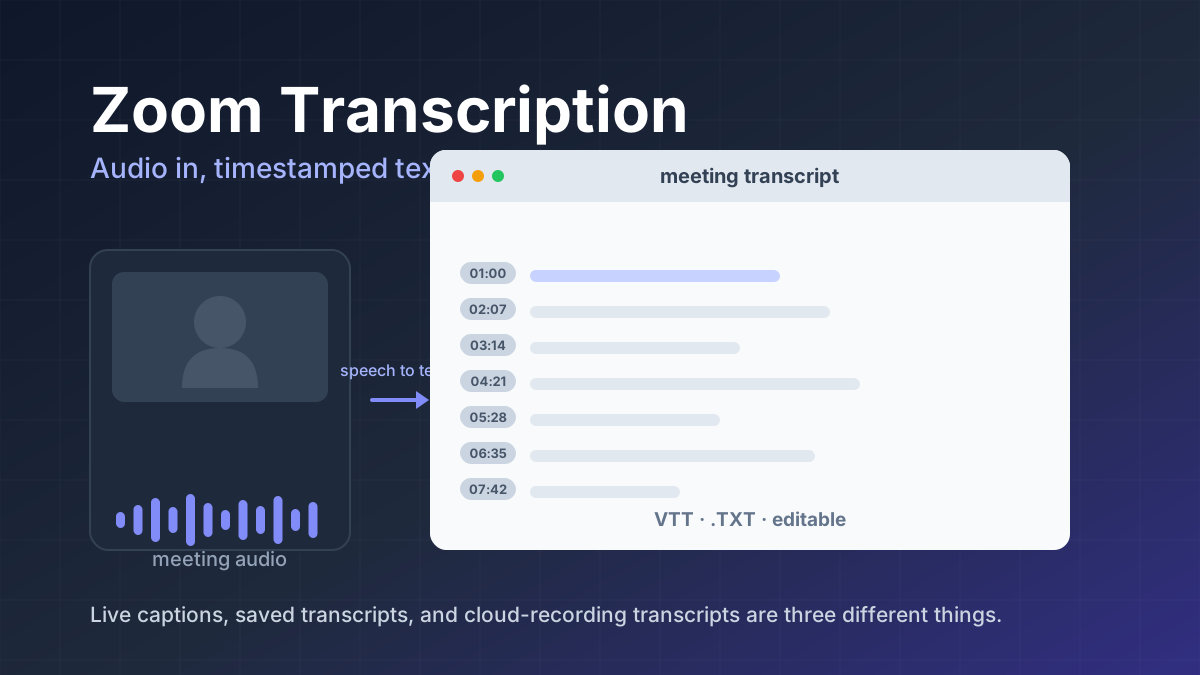
Zoom transcription turns meeting audio into text. Learn the difference between transcripts, captions, and AI summaries, how to enable them, and when to use third-party tools.
Jawad Fiaz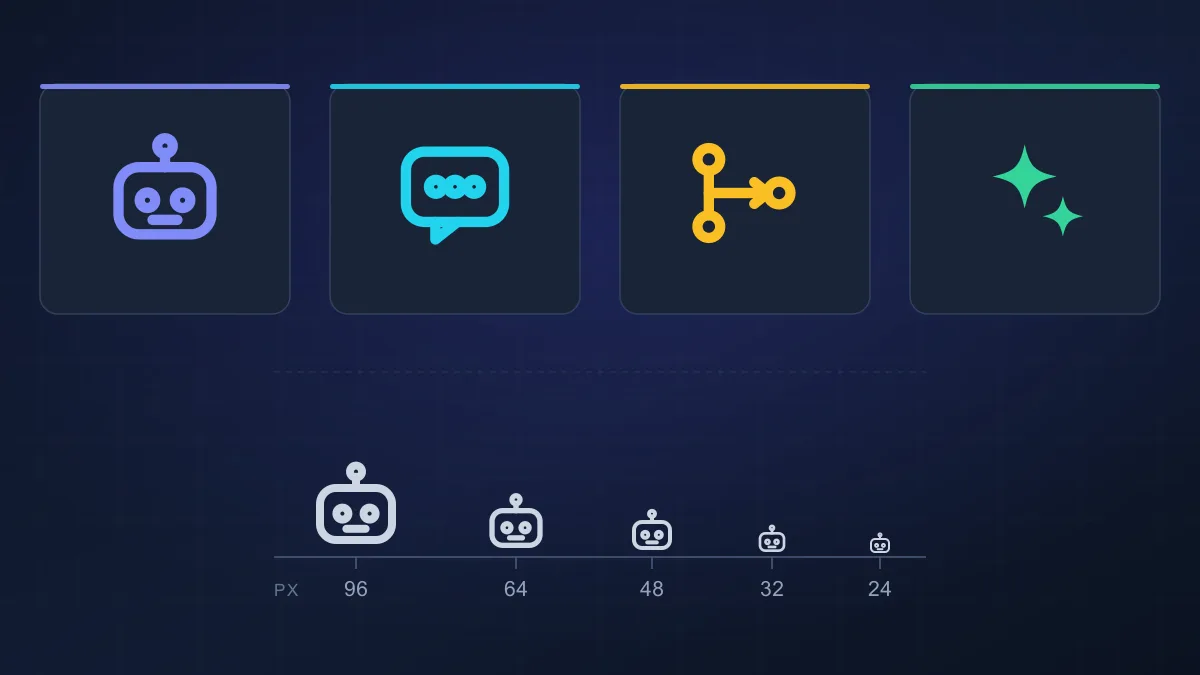 Guides & How-To
An AI agent icon can name an agent, mark an AI feature, show live status, or point at a tool. Here is what the common symbols mean, where to find one, and what to check before you ship it.
AI Tools Vault Team