Skip to content
Casper AI Research & Education AI tool logo

Casper AI Review — Summarize Anything, Instantly

Research & EducationFreemium
Best for: Quick AI summaries of pages and PDFs

A Chrome extension that summarizes web pages and PDFs, answers questions about them, and turns insights into shareable content — built for busy professionals.
4.2(1.4k)
Founded 2023
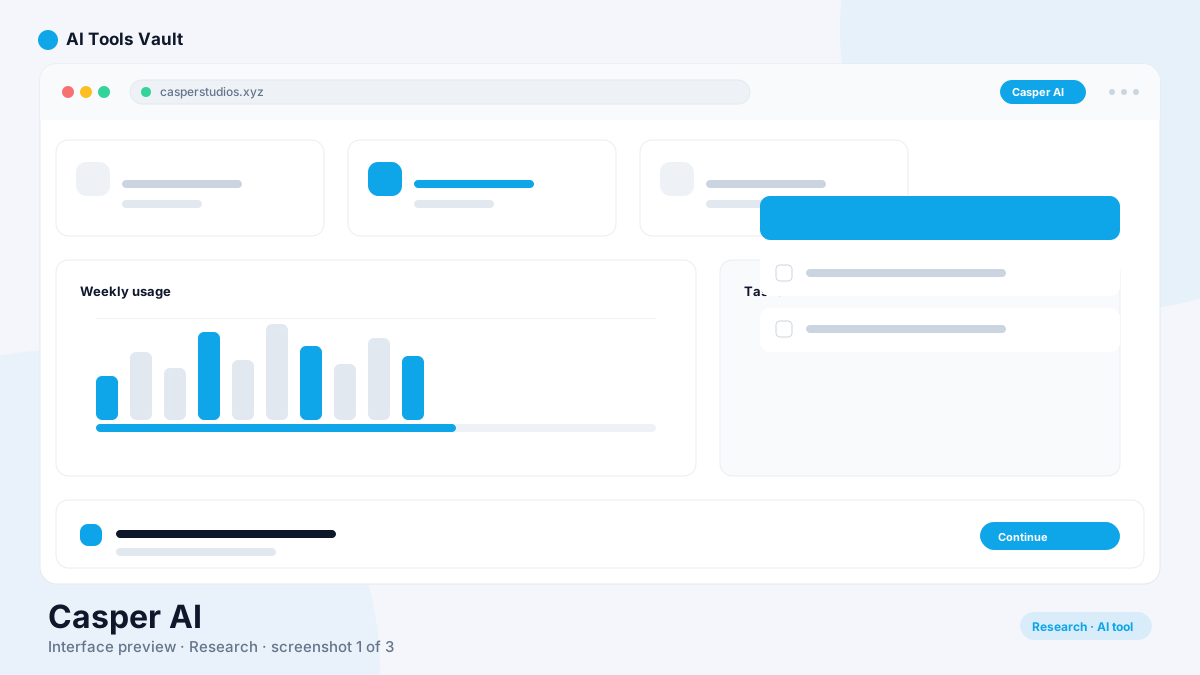
Chrome extension sidebar summarizing a web article into key points

What Is Casper AI?

It is a Chrome extension that summarizes web pages, articles, and PDFs using AI, then lets you ask follow-up questions and turn the insights into shareable content. Built by Casper Studios and aimed at professionals — analysts, strategists, policymakers, and business developers — who read a huge volume of material every day.
The product is deliberately simple. You open a page or PDF in Chrome, click the extension, and get a structured summary without leaving the tab. No copying text, no visiting a separate website, no waiting for a different app. It is summarization with the least possible friction, using GPT-4 and GPT-3.5 models to deliver fast, accurate results.

Casper AI Features

The core feature is one-click summarization of any text-based web page or PDF inside Chrome. The extension also answers context-aware follow-up questions, so you can interrogate a document rather than just skim it.
On top of that, it helps you act on what you read: turn key points into a polished email or social post, and share insights with stakeholders directly. It supports documents up to 100MB and uses AES-256 encryption for data security.
  • One-click summaries of pages and PDFs
  • Context-aware Q&A about the content
  • Generate emails and social posts from insights
  • 100MB document support for large files
  • AES-256 data encryption
  • Works in Chrome, Edge, and Brave

How Casper AI Works

The extension uses GPT-4 and GPT-3.5 models to process live web pages and uploaded files. When you click the Casper icon, it extracts the page content, analyzes it with AI, and generates a structured summary in the sidebar.
From there you can ask follow-up questions about specific points, and use the content tools to draft emails or social posts from the key insights. The AI grounds its answers in the actual page content, so responses stay relevant to what you are reading.
  • Extracts page content when you click the extension
  • GPT-4/GPT-3.5 analyzes and summarizes the text
  • Structured summary appears in the sidebar
  • Ask follow-up questions about specific points
  • Generate emails and social posts from insights

How to Use Casper AI

Using it takes seconds. Install the extension from the Chrome Web Store, then open any web page or PDF in your browser. Click the Casper icon and the AI generates a structured summary of the content in the sidebar.
From the summary you can ask follow-up questions to dig into specific points, and use the content tools to draft an email or social post from the key insights. There is no account required to start, no API keys, and no setup — install, click, and read faster.
  • Install from the Chrome Web Store
  • Open any page or PDF and click the Casper icon
  • Get a structured summary in the sidebar
  • Ask questions and turn insights into posts or emails

Casper AI Pricing and Plans

The extension uses a freemium model. The free tier gives you 5 credits per day for basic summarization — enough to test the workflow, but limited for daily professional research.
Premium plans unlock higher usage and advanced features. Basic Premium starts at $7 per month for individual users. Pro at $9.99 per month (or $8.25 per month billed annually) provides unlimited processing, GPT-4 powered analysis, 100MB document support, and priority support. Enterprise pricing is custom for teams.

Compare Plans & Pricing

Free with 5 credits/day; Premium from $7/mo; Pro $9.99/mo (or $8.25/mo annual)

Free

$0

5 free credits per day for basic summarization.

  • 5 summary credits per day
  • One-click page and PDF summaries
  • Content Q&A
  • Basic insight sharing
Install Free

Basic Premium

$7/mo

Entry-level access for individual users.

  • More summary credits per month
  • Advanced summarization features
  • Priority processing
  • Content creation tools
Go Basic
Most Popular

Pro

$9.99/mo

Unlimited processing with priority support.

  • Unlimited summary credits
  • GPT-4 powered analysis
  • 100MB document support
  • Priority support
  • Full content creation suite
Go Pro

Enterprise

Custom

Team-wide deployment with custom security.

  • Custom pricing for teams
  • SSO and security controls
  • Dedicated support
  • Volume discounts
Contact Sales

Casper AI vs [NotebookLM](/tools/notebooklm)

NotebookLM from Google is a research workspace: you upload multiple sources — PDFs, notes, videos, URLs — and it grounds answers, summaries, and even generated audio overviews entirely in your sources. It is powerful for deep, multi-source research projects.
This extension is a lighter, faster option for the everyday reading flow. It summarizes the page you are already on with one click and helps you share the insight. NotebookLM is the better fit for building a grounded research project across many documents; it wins for instant, in-the-moment comprehension of a single article or report.

Casper AI vs [Perplexity](/tools/perplexity-ai)

Perplexity is an AI answer engine that searches the web, synthesizes multiple sources, and returns cited answers to questions. It is excellent for open-ended research and keeping up with what is current online.
This extension does not search — it summarizes and explains the specific content you have open in front of you. That is a meaningful difference. For browsing the web to answer questions, Perplexity is the stronger tool; for processing the articles, PDFs, and reports you already have, this extension is faster and more focused.

Who Should Use Casper AI?

It is built for professionals whose day is a firehose of reading: analysts monitoring industry news, strategists digesting reports, policymakers parsing legislation, and business developers tracking markets and competitors.
It is also useful for students and researchers who need to get the gist of papers quickly. If your bottleneck is reading volume rather than finding sources, this extension fits naturally. If you need deep, cited research across many sources, a tool like NotebookLM or Perplexity is a better complement.

Pros and Cons of Casper AI

It is the fastest route from 'page open' to 'I understand this' — one click, no setup, right where you read. Its focused simplicity is the selling point, but also the limit: it lives only in Chromium browsers, the free tier is tight at 5 credits per day, and it summarizes rather than doing deep multi-source research.
For reading-heavy professionals it is a genuinely useful daily tool, best paired with a research assistant like NotebookLM or Perplexity for bigger projects. Explore more AI software and tools at AI Tools Vault.

Pros

  • One-click summaries of any web page or PDF in Chrome
  • Answer follow-up questions about the content
  • Turns insights into emails and social posts
  • Zero setup — install and use immediately
  • No tab-switching or copy-pasting

Cons

  • Free tier limited to 5 credits per day
  • Chrome-only, no mobile or non-Chromium browsers
  • Best for summarization, not deep multi-source research
  • Advanced features require a paid plan

Best For

Recommended use cases and scenarios where Casper AI shines.

Frequently Asked Questions

Common questions about Casper AI, answered.

What is Casper AI?

A Chrome extension that uses AI to summarize web pages, articles, and PDFs. It answers follow-up questions about the content and turns insights into shareable emails and social posts.

How does Casper AI work?

Install the Chrome extension, open any web page or PDF, and click the Casper icon. The AI generates a structured summary in the sidebar, answers follow-up questions, and can turn insights into emails or social posts.

Is Casper AI free?

Yes. The free tier gives you 5 summary credits per day. Premium plans start at $7 per month for higher usage, and Pro at $9.99 per month for unlimited processing with GPT-4.

Does Casper AI work with PDFs?

Yes. It summarizes PDFs opened in Chrome, including research papers, reports, and whitepapers. It supports documents up to 100MB.

Is Casper AI the same as NotebookLM?

No. [NotebookLM](/tools/notebooklm) is a multi-source research workspace that grounds answers in your uploaded documents. This tool is a fast one-click summarizer for the page you are reading. They complement each other.

Which browsers does Casper AI support?

It works in Chrome, Edge, and Brave — any Chromium-based browser. It does not currently offer native apps or support for non-Chromium browsers.

Who should use Casper AI?

Analysts, strategists, policymakers, business developers, students, and researchers who read large volumes of material and need quick summaries without leaving their browser.

Reviews & Ratings

4.2

Based on 1,400 reviews

5
55%
4
25%
3
11%
2
6%
1
3%

Share your experience

Your rating

Loading reviews...

E

Elena Petrova

Solid, but the free tier is quite limited. The paid plans are where it shines.

A

Alex Chen

Game changer for my daily workflow. The quality of output consistently surprises me.

S

Sofia Rossi

I've tried most tools in this space and nothing comes close. Highly recommended.

Explore More Research & Education Tools

Browse the full AI Tools Vault directory to compare Casper AI with every research & education tool, or line up your shortlist side by side.

Similar Tools

More Research & Education tools you might like

Socratic by Google AI tool logo

Socratic by Google

Research & EducationFree
Best for: Quick homework help on mobile

Google's AI homework helper app that uses your camera to read problems and explains answers across math, science, history, and more — 100% free.

Caktus AI AI tool logo

Caktus AI

Research & EducationFreemium
Best for: AI-powered academic tools for student essays, math, and study

All-in-one AI study platform for students with 25+ tools including essay writer, math solver, and citation finder.

4.3(4.1k)
Visit Website
Quizgecko AI tool logo

Quizgecko

Research & EducationFreemium
Best for: AI quiz, flashcard & study note generator

AI platform that transforms text, PDFs, and websites into interactive quizzes, flashcards, study notes, and podcasts.

4.9(5.4k)
Visit Website