Caktus AI Review: Academic Writing, Math & Research Tools
Research & EducationFreemium
Best for: Students who want essays, math help, and study materials from one subscription
AI study platform for students with 25+ purpose-built tools - essay writer with citations, step-by-step math solver, humanizer, and research assistant.
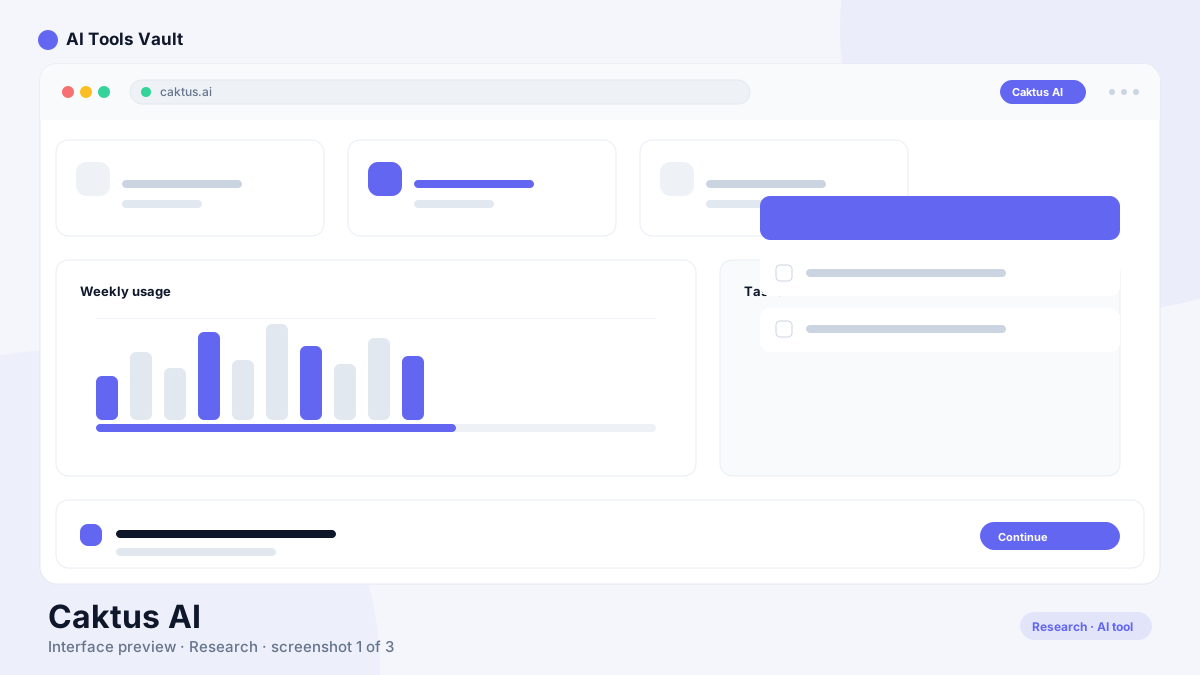
Caktus AI is an academic platform built specifically for schoolwork, run by CAKTUS AI, Inc., a Delaware company. Instead of one blank chat box, it splits coursework into 25+ focused tools - each opening a short form where you set parameters like essay type, citation style, or math topic. The official site claims more than 3 million students have signed up.
The workflow follows three steps: pick a tool, give it your prompt or files, then edit what comes back. Because every tool is shaped around a specific job, there is far less prompt engineering than a general chatbot demands. That structure is the platform's whole personality - narrower than ChatGPT, but faster for routine assignments.
Key Features at a Glance
One subscription covers writing, STEM, research, and revision workflows.
Essay writer with sourced citations in APA, MLA, Chicago, and Harvard styles
Step-by-step math solver spanning algebra, calculus, and statistics
Physics, chemistry, and biology assistants for subject-specific problems
Text humanizer with Standard, High School, College, and Scholarly tones
Built-in detector for checking text before you submit it
Citation finder searching scholarly databases
Flashcard maker with spaced repetition and AI quizzing
Document uploads accepted as PDFs, Word files, or plain text
Extras such as a discussion-board responder, presentation maker, translator, and notetaker
Caktus AI Essay Writer and Citations
You choose the assignment type, target length, grade level, and referencing format, and the writer returns a structured draft with sources attached. The citation pull comes from scholarly databases rather than thin-air references, which puts it ahead of generic chatbots that invent plausible-looking DOIs.
Two cautions belong here. First, verify every reference manually - open the source and confirm it exists and supports the sentence citing it, because mismatched citations remain possible with any automated tool. Second, drafts are starting points: competent on routine prompts, less convincing on nuanced or highly specialized topics where frontier chatbots still argue better.
Caktus AI Math Solver and STEM Assistants
The math solver handles algebra through calculus and statistics, laying out each intermediate step so you can trace how the answer was reached - genuinely better for learning than a bare result. Alongside it sit dedicated assistants for physics, chemistry, and biology; the vendor highlights jobs like balancing reactions, working kinematics problems, and analyzing genetics.
Treat any computed answer the way you would a classmate's homework help: rework at least the final lines yourself before relying on them. Step-by-step output makes errors easy to spot, which is exactly why reviewing matters.
Humanizer and AI Detector: What They Actually Do
The humanizer rewrites flagged-sounding passages into smoother prose using four tone presets - Standard, High School, College, and Scholarly. A built-in detector lets you scan text before submission so nothing goes out sounding machine-generated to you first.
Set expectations honestly: no rewriting feature guarantees a pass against every scanner, and independent testing across this category regularly shows residual flags. The company's own terms prohibit plagiarism and academic dishonesty - use these tools to polish phrasing you already understand, not to disguise work you never engaged with.
Research Assistant and Study Tools
Beyond drafting, the research side finds credible sources and formats citations correctly, with automatic in-text referencing when you rewrite paragraphs. For revision, uploaded lecture notes or PDFs convert into flashcard decks drilled through spaced repetition - one of the stronger genuine-learning features here. A summarizer and notetaker round out the study kit for exam prep.
Caktus AI Login and Account Access
Signing in is straightforward: open caktus.ai and use the Log in button at the top of the homepage, entering the email and password tied to your account. New users create credentials through the Sign up flow on the same page. The company also publishes terms covering a mobile application, so accounts work across devices - and make you responsible for everything done under your login.
How to Cancel a Subscription
Plans renew automatically - weekly, monthly, or annually - until you cancel, and cancellation takes effect going forward rather than refunding money already charged. The published refund policy is blunt: purchases are treated as non-tangible goods, so no refunds are issued afterward. Questions go to support@caktus.ai.
One trap deserves its own warning. The free trial carries a 550-word generation allowance, and per the Terms of Service, crossing that cap upgrades your account to a full paid subscription automatically. If you are only experimenting, stay under the limit and cancel before the trial window closes - otherwise expect a charge you cannot claw back.
Is Caktus AI Safe for Students?
On data handling, the signals look conventional and mostly reassuring: payments route through PCI-standard processors over encrypted connections, minors under 13 receive extra privacy protections, and the company states that learning data is not resold or repurposed for unrelated training.
Safety for schoolwork is a separate question from data security. Submitting generated essays as your own violates most institutional policies - and Caktus's own terms. The defensible uses are outlining, sourcing, checking solutions, and building study materials, followed by your own writing and verification. Financially, the main risks are the no-refund rule and the trial's automatic upgrade, both covered above.
Pricing and Free Access
Three paid tiers anchor the lineup, per the official pricing page: Weekly at $9.99, Monthly at $30, and Annual at $180 - the last working out to an effective $15 monthly, the cheapest route for year-round students. Every tier unlocks the same toolset; only billing cadence differs.
Access before paying comes in two flavors. Marketing advertises a 1-day free trial on all plans, while the legal terms describe a 550-generated-word allowance whose duration varies by promotion - and which auto-upgrades past the cap. You can also poke around a few tools entirely free without a card. Promotions shift, so treat the live pricing page as the source of truth.
Compare Plans & Pricing
Free trial offered (550 generated words per the Terms of Service); Weekly $9.99/wk; Monthly $30/mo; Annual $180/yr. No refunds after purchase.
Free Trial
$0
Try the platform before paying. The Terms of Service describe 550 generated words at no cost; exceeding the limit upgrades the account automatically.
Heavy course loads across multiple subjects are the sweet spot: drafting essays, unblocking math problems, converting notes into flashcards, and formatting citations all live behind one login. Students who would otherwise juggle three or four single-purpose apps get real consolidation value.
Light users should think twice. If you occasionally need a question answered or one paragraph polished, a general assistant does the job without another recurring bill - and a forgotten weekly subscription gets expensive fast.
Strengths and Weaknesses
Breadth remains the headline strength: essay drafting, cited research, worked math, science help, and spaced-repetition study decks in one place, priced below most single-tool subscriptions combined. The step-based math explanations and flashcard generator do the most genuine teaching.
The weaknesses cluster around commercial terms rather than capability. There are no refunds once a payment lands, the trial flips to paid automatically past 550 words, citations demand eyeball verification, and humanized text still trips some detectors. None of these are disqualifying - but all of them reward reading this page's pricing section before handing over a card number.
Caktus AI Alternatives Worth Comparing
ChatGPT stays the flexible generalist - no built-in citation finder, but unmatched range for brainstorming and explanation at low cost. QuillBot covers paraphrasing and citation formatting cheaply if writing polish is your only need. Khanmigo offers a tutor-style companion built around guided learning rather than output generation.
For source-heavy work, Consensus searches papers directly and shows evidence summaries, while Mindgrasp AI turns lectures into notes and quizzes much like the flashcard flow here. Match the tool to whichever job dominates your week.
ChatGPT
ChatbotsFreemium
Best for: General conversations & writing
OpenAI's flagship conversational AI for writing, coding, analysis, and creative tasks. ChatGPT answers questions, writes content, and analyzes files in one place.
Best for: Converting lectures and course materials into complete study sets
Turns lectures, videos, PDFs, and slides into structured notes, summaries, flashcards, and quizzes — plus a 24/7 AI tutor for questions about your material.
An academic platform built for students, offering 25+ specialized tools - essay writer with citations, step-by-step math solver, science assistants, humanizer, flashcard maker, and research assistant - behind one subscription. Its parent company is CAKTUS AI, Inc., based in Delaware.
Is Caktus AI free to use?
Partially. You can explore several tools at no cost, and trials are offered - the Terms of Service describe a 550 generated-word allowance. Full access to all tools, longer outputs, and premium features like document uploads requires a paid subscription.
How much does Caktus AI cost?
Per the official pricing page: Weekly $9.99, Monthly $30, and Annual $180 (an effective $15/month). All tiers include the same tools; promotions change, so confirm current rates on the live page before subscribing.
Does Caktus AI solve math problems step by step?
Yes. The math solver covers algebra, calculus, and statistics, showing each intermediate step so you can follow the reasoning. Science assistants handle physics, chemistry, and biology tasks. Review the final steps yourself before depending on any answer.
Does Caktus AI have an AI detector?
Yes - alongside the humanizer, there is a built-in detector for scanning text before submission. Neither feature guarantees results against every external scanner, and the company's own terms prohibit passing generated work off as original.
How do I cancel my Caktus AI subscription?
Cancel through your account's billing settings, or contact support@caktus.ai, before your next renewal date. Cancellation stops future charges only - the refund policy rules out recovering payments already made. Watch the trial too: exceeding its 550-word allowance upgrades the account automatically.
Is Caktus AI safe for students?
Data practices look standard and reasonably careful - PCI-compliant payment processing, extra protections for users under 13, and a stated commitment not to resell learning data. Academic safety depends on how you use it: treat outputs as drafts and study aids, verify citations, and follow your institution's integrity rules.
Are the citations reliable?
They come from scholarly database searches, which beats invented references, but automated sourcing can still mismatch. Open each source and confirm it exists and actually supports the claim before submitting anything graded.
What are the best Caktus AI alternatives?
ChatGPT for general flexibility, QuillBot for affordable paraphrasing and citation formatting, Khanmigo for tutor-guided learning, Consensus for evidence-first literature searches, and Mindgrasp AI for turning lectures into notes and quizzes. Each covers part of the same ground from a different angle.
Reviews & Ratings
Loading reviews...
Explore More Research & Education Tools
Browse the full AI Tools Vault directory to compare Caktus AI with every research & education tool, or line up your shortlist side by side.