Best AI Coding Tools in 2026: Cursor vs Windsurf
The best AI coding tools of 2026 compared — Cursor, Windsurf, Bolt.new and Lovable for agentic editing, full-stack builds and prompt-to-app development.

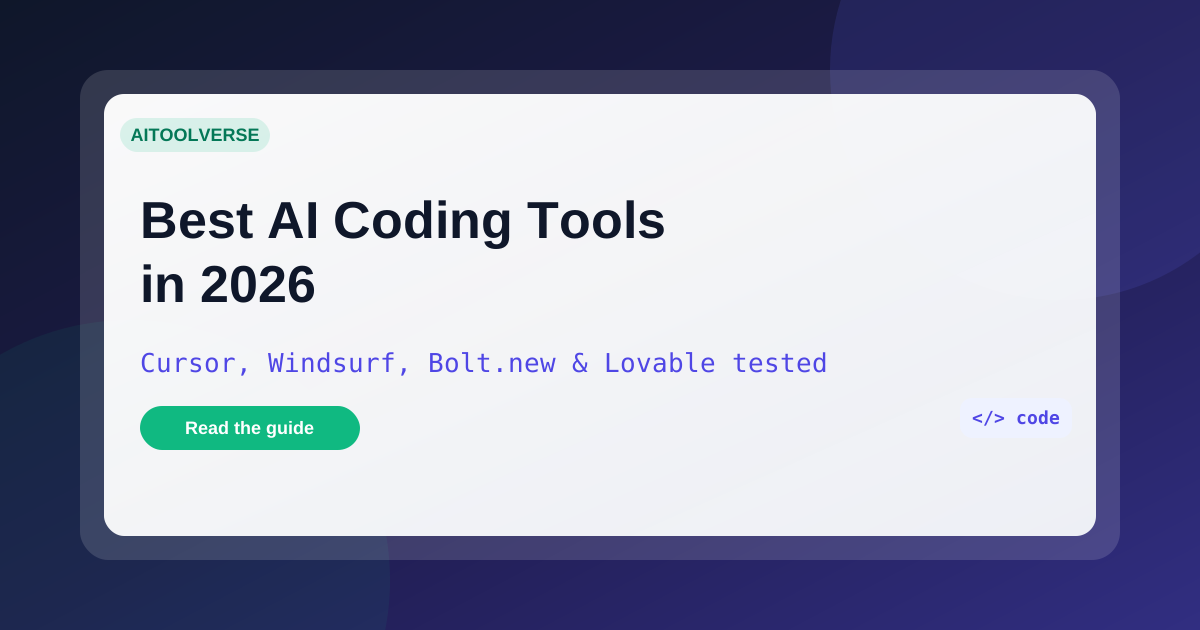
The best AI coding tools of 2026 compared — Cursor, Windsurf, Bolt.new and Lovable for agentic editing, full-stack builds and prompt-to-app development.
The best AI coding tools in 2026 are no longer just autocomplete — they're agents that plan, build and ship. Cursor and Windsurf have turned the editor into an agentic workspace, while Bolt.new and Lovable let you go from a prompt to a working app in minutes. The question isn't about raw features — it's which one matches your workflow: your editor, your stack, and whether you write the code yourself or just describe it.
This guide compares the four tools in the AI Tools Vault directory against those criteria, breaks down pricing and free tiers, and tells you which one to pick.
AI coding tools are software that uses large language models to generate, edit, and fix code. The category spans two distinct camps: agentic IDEs that live in your editor and prompt-to-app builders that turn plain English into working applications.
Three years ago "AI coding" meant tab completion. By 2026 the market has split into two clear camps:
There's also the terminal-agent wave represented by Claude Code and Devin AI, plus the enterprise default, GitHub Copilot. The best AI coding tool for you depends entirely on how you work.
Adoption went from experiments to defaults because the payoff is measurable. AI coding tools cut boilerplate, catch errors early, and let small teams ship what used to take a squad.
The tools below differ mostly on where they sit: inside your editor or in the browser.
Here's how the four leading AI coding tools in the directory compare on agent capability, free tiers, and pricing.
Cursor rebuilt the editor around the AI. It's a VS Code fork, so your extensions, themes and keybindings carry over — but everything is optimized for working with an agent. Cursor's agent mode takes a natural-language task, explores your entire codebase, makes coordinated edits across files, runs your tests, and iterates until things pass.
Cursor is also model-agnostic: you can switch between Claude, GPT and others inside the editor, so you're never locked to one model's strengths. Independent agent benchmarks consistently rank its agent at the top of the class. The tradeoffs are real: it's resource-hungry, its agent can make sweeping changes you need to review carefully, and heavy Pro usage is throttled.
Pricing: free Hobby tier with 2,000 completions, Pro at $20/month, Business at $40/user/month. Read the full Cursor review.
Best for: developers who want the strongest autonomous agent and the freedom to switch models.
Windsurf is Codeium's agentic IDE — the closest thing to a genuine Cursor rival. Its Cascade agent plans a task, reads your whole codebase, edits multiple files, runs commands, and keeps context between sessions. And it inherits Codeium's heritage: the autocomplete is among the fastest and most accurate in the category, and it stays unlimited on the free plan.
Where Windsurf really wins is price and access. Pro is $15/month versus Cursor's $20, and the free tier is genuinely usable for daily development. The catch is a younger ecosystem — fewer extensions and community resources than Cursor — and agent credits that power users will eventually exhaust.
Pricing: free plan with unlimited autocomplete and limited Cascade, Pro at $15/month (500 Cascade credits), Max at $60/month (2,000+ credits). Read the full Windsurf review.
Best for: developers who want an agentic IDE with a great free tier and predictable pricing.
Bolt.new is StackBlitz's AI builder that runs your app in the browser. You type what you want — a task tracker, a dashboard, an AI chat app — and Bolt writes the code, runs it in a live web container, and shows you the working app instantly. When something breaks, it sees the error and fixes it. No local setup, no waiting for builds.
Bolt.new doesn't just generate frontend code. It scaffolds full-stack apps with backend logic and databases, and the iteration loop is conversational: describe a change, watch it apply live, repeat. That makes it the fastest way most people have ever gone from an idea to a working application.
Pricing: free tier with daily credits, Pro at $20/month (1,000+ credits, 5 active projects), Team at $50/user/month. Read the full Bolt.new review.
Best for: rapid full-stack prototyping and anyone who wants to see their app running live while they chat.
Lovable is the most product-focused AI builder. It turns a plain-English prompt into a production-ready web app with a database, authentication and backend logic — then deploys it to a live URL with one click. You don't get a wireframe; you get something you can actually launch.
That makes Lovable the default answer for founders validating an idea, marketers building internal tools, and anyone who wants an MVP without learning to code. Complex business logic still takes patient iteration, and serious apps push you to paid plans.
Pricing: free plan with one app, Pro at $25/month (unlimited apps, custom domains, no branding), Business at $50/month. Read the full Lovable review.
Best for: non-coders launching real products and teams that need working MVPs in days.
The four tools above share the AI-coding spotlight with a new category: autonomous agents. Claude Code is Anthropic's terminal agent — it plans, edits, runs tests and ships changes across your whole repo, bundled with a Claude subscription at $20/month. Devin AI goes further: it's an independent software engineer that works GitHub issues end to end and opens pull requests, with Lite at $20/month and Team at $500/month.
If you're comfortable in a terminal, Claude Code is the most pragmatic daily agent. If you want to offload whole issues and review the pull requests, Devin is worth a trial on its free tier.
The fastest way to pick is to separate the IDEs from the builders. Cursor vs Windsurf is an editor decision: Cursor has the stronger agent and model choice, Windsurf the better free tier and cheaper Pro plan — try both free tiers and keep the one whose workflow feels better. Bolt.new vs Lovable is a product decision: Bolt.new runs and debugs the full stack live in the browser for rapid iteration, while Lovable ships a finished product with database, auth and one-click deploy. There's no single best AI coding tool overall — there's the right one for your workflow.
Match the category to the job, not the hype. If you write code every day, start with the IDE whose agent feels right; if you want a product, start with the builder. The right pick is the one that removes the most friction from your actual workflow.
| Tool | Type | Free tier | Entry paid plan | Link |
|---|---|---|---|---|
| Cursor | Agentic IDE | 2,000 completions/mo | $20/mo Pro | Review |
| Windsurf | Agentic IDE | Unlimited autocomplete | $15/mo Pro | Review |
| Bolt.new | App builder | Daily credits | $20/mo Pro | Review |
| Lovable | App builder | 1 app | $25/mo Pro | Review |
Pricing is per month for the entry paid plan. Cursor and Windsurf are IDEs where you write code; Bolt.new and Lovable are builders where you describe the app. Both approaches produce real, editable output — but the skills and workflow required are very different. Every tool here has a genuinely usable free option, so the category is unusually easy to test: start free, and pay only once a tool is clearly saving you time.
What is the best AI coding tool in 2026? For most developers, Cursor is the best overall thanks to its agent mode and model choice. Windsurf is the best value, Bolt.new the fastest for full-stack prototypes, and Lovable the best for non-coders launching products.
Is Windsurf better than Cursor? Both are excellent agentic IDEs. Cursor has the broader feature set and stronger agent benchmarks; Windsurf has better autocomplete value and a cheaper Pro plan. Try both free tiers and keep the one whose workflow feels better.
Is Bolt.new better than Lovable? For rapid iteration, yes — Bolt.new runs and debugs the full stack live in the browser. For shipping a finished product as a non-coder, Lovable wins with database, auth and one-click deploy.
Can AI coding tools replace developers? No. They multiply productivity and let non-coders build real apps, but complex systems still need human review, architecture and judgment.
Which AI coding tool is best for beginners? Lovable and Bolt.new build working apps from plain-English prompts with no setup. Windsurf is the best way to start learning inside a real IDE.
The bottom line: There's no single winner — and there doesn't need to be. Most teams end up running an agentic IDE for daily work and a builder for fast experiments, which is exactly the stack you can assemble in the AI Tools Vault directory. Once you've shortlisted two tools, use the compare tool to line them up side by side on pricing, ratings and pros and cons before you commit.
Get our best AI tool reviews and guides delivered to your inbox each week. No spam, unsubscribe anytime.

Written by
Editorial Team
The AI Tools Vault editorial team researches, tests, and reviews the best AI tools across every category.
More reading on comparisons
 Comparisons
A practical comparison of the top AI avatar tools for podcast video snippets — HeyGen, Synthesia, D-ID, Colossyan, Captions, Descript, OpusClip and quso.ai, with 2026 pricing and workflows.
 AI Tools Vault Team
 Comparisons
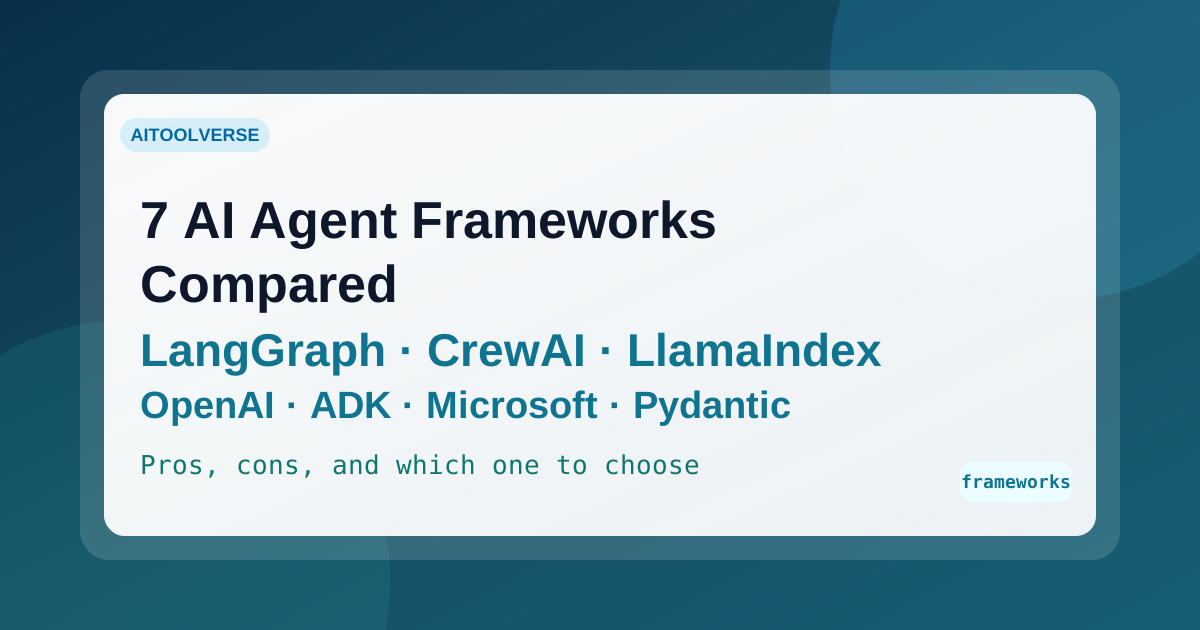
Seven AI agent frameworks compared for 2026 — LangGraph, CrewAI, LlamaIndex, OpenAI Agents SDK, Google ADK, Microsoft Agent Framework, and PydanticAI — with current status, real trade-offs, and how to choose.
AI Tools Vault Team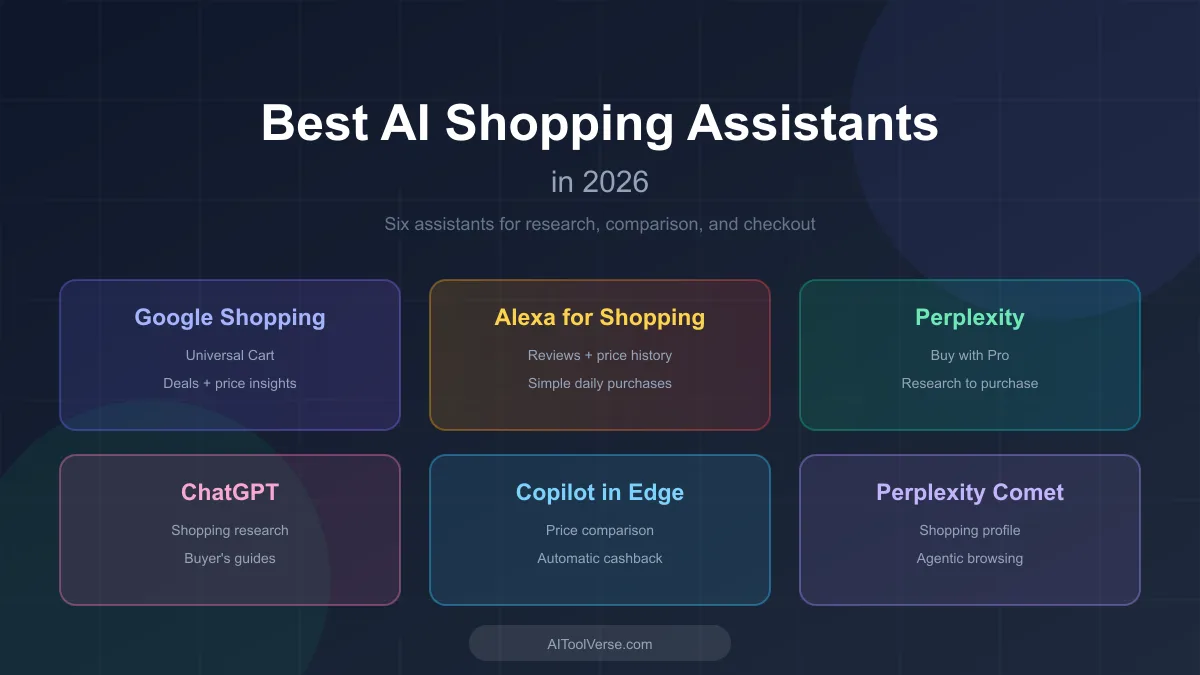 Comparisons
AI shopping assistants are reshaping how shoppers research products, compare prices, and check out. Here are the ones worth knowing in 2026.
AI Tools Vault Team