
Speechify Review: The AI Text-to-Speech Reader
Voice & AudioFreemiumThe #1 AI text-to-speech reader app, turning articles, PDFs, and books into natural audio with 1,000+ voices.
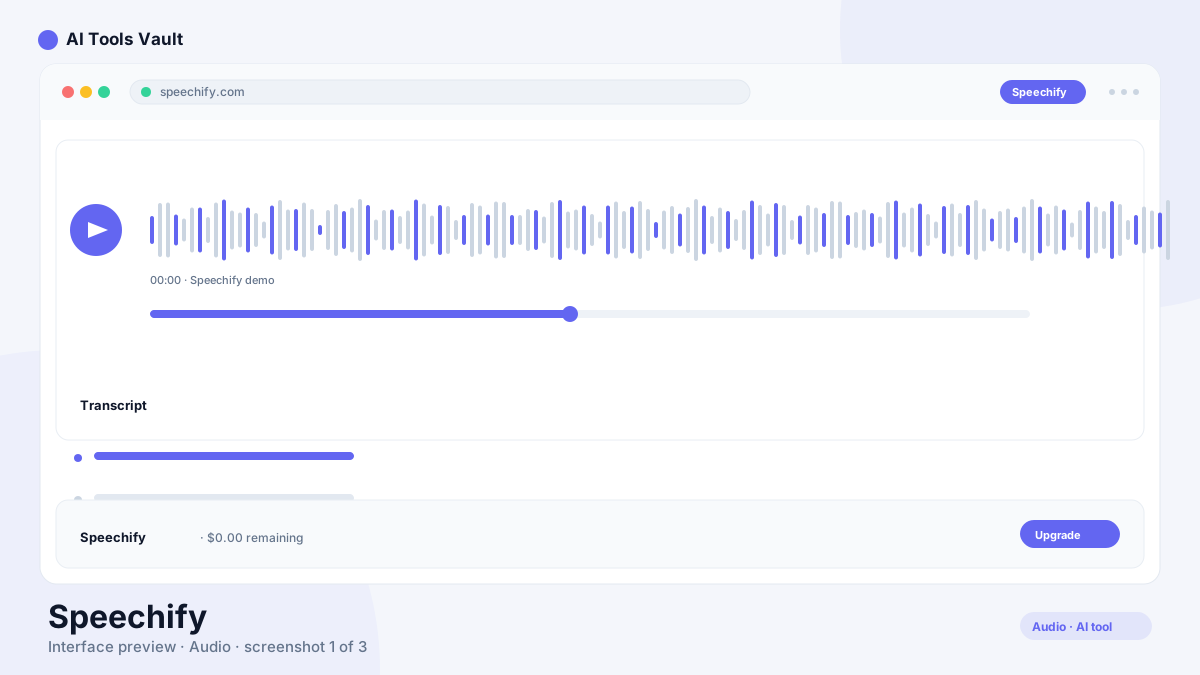
What Is Speechify and Who Is It For?
It's an AI text-to-speech reader that converts any text — web articles, PDFs, emails, Google Docs, or photographed book pages — into natural-sounding audio. You can listen at up to 5x speed, follow along with word highlighting, and sync your library across devices.
It's used by students cramming for exams, professionals digesting reports on the commute, and people with dyslexia, ADHD, or vision impairments. The mobile app is the top-rated text-to-speech app on the App Store.
Speechify Features: Reading, OCR & Voice Typing
It has grown from a simple reader into a full voice AI assistant.
- Text-to-speech with 1,000+ voices in 60+ languages
- OCR scanning — photograph a book page and hear it read
- Playback up to 5x speed with word highlighting
- Voice typing to dictate at 5x the typing speed
- AI summaries, podcasts, and a voice assistant
Speechify vs ElevenLabs: Reader vs Creator
The app is a consumption product: you upload documents and listen. ElevenLabs is a creation platform: you generate audio files for voiceovers, dubbing, and products. The two barely overlap — its Studio product is a separate tool for creator work, but ElevenLabs remains the quality leader for produced audio.
Pick the reader app for personal listening and study, ElevenLabs for creating voice content.
Speechify Pricing: Free, Premium & Studio
Free plan; Premium $29/mo ($139/yr ≈ $11.58/mo); Studio from $19/mo; Teams custom
Free
Basic text-to-speech for casual listening.
- 10 basic voices
- Listen up to 1.5x speed
- PDF & article reading
- Web, mobile & extension
Premium
The flagship reader. Billed $139/year.
- 1,000+ natural voices
- 60+ languages
- Listen up to 5x speed
- OCR scan & listen
- Offline downloads
- AI summaries & podcasts
Studio
For creators making voiceovers.
- AI voiceover generation
- Dubbing & avatars
- Voice cloning
- Commercial usage rights
Best For
Recommended use cases and scenarios where Speechify shines.
Speechify: Strengths and Weaknesses
The app is the best text-to-speech reader for personal use, with some caveats around pricing and limits.
Pros
- 1,000+ natural voices in 60+ languages
- Listen up to 5x speed with OCR scanning
- Works across iOS, Android, Chrome, and desktop
- Built for accessibility — dyslexia, ADHD, vision
Cons
- Free tier has only 10 basic voices
- Premium monthly price is steep ($29)
- 150k-word monthly cap on premium voices
- Voiceover tools require separate Studio plan
Frequently Asked Questions
Common questions about Speechify, answered.
Is Speechify free?
Yes, with limits. The free plan includes 10 basic voices, playback up to 1.5x, and core text-to-speech for PDFs and articles. Premium unlocks 1,000+ natural voices, 60+ languages, 5x speed, and OCR scanning.
How much does it cost in 2026?
Premium is $29/month month-to-month, or $139/year (about $11.58/month) billed annually. Studio starts at $19/month for creators making voiceovers.
Does it work on iPhone and Android?
Yes. The app is available on iOS, Android, Chrome, Safari, Edge, and desktop apps, with your reading library and progress synced across all of them.
Can it read scanned documents and books?
Yes. Its OCR lets you photograph a printed page or book and have it read aloud. Premium provides the most accurate text extraction.
Is it good for dyslexia?
Yes — it was founded by Cliff Weitzman, who built the app around his own dyslexia. It's widely used by people with dyslexia, ADHD, and vision impairments for text-to-speech, with word highlighting and adjustable speed.
Reviews & Ratings
Loading reviews...
Similar Tools
More Voice & Audio tools you might like

Krisp
Noise-canceling app that silences background audio on every call and adds AI meeting notes, transcripts, and summaries.

Otter.ai
AI meeting assistant that transcribes, summarizes, and makes your conversations searchable in real time.
