
Murf AI Review: Studio-Quality AI Voiceovers
Voice & AudioFreemiumAI voice generator with 120+ natural-sounding voices for voiceovers, narration, dubbing, and multilingual content.
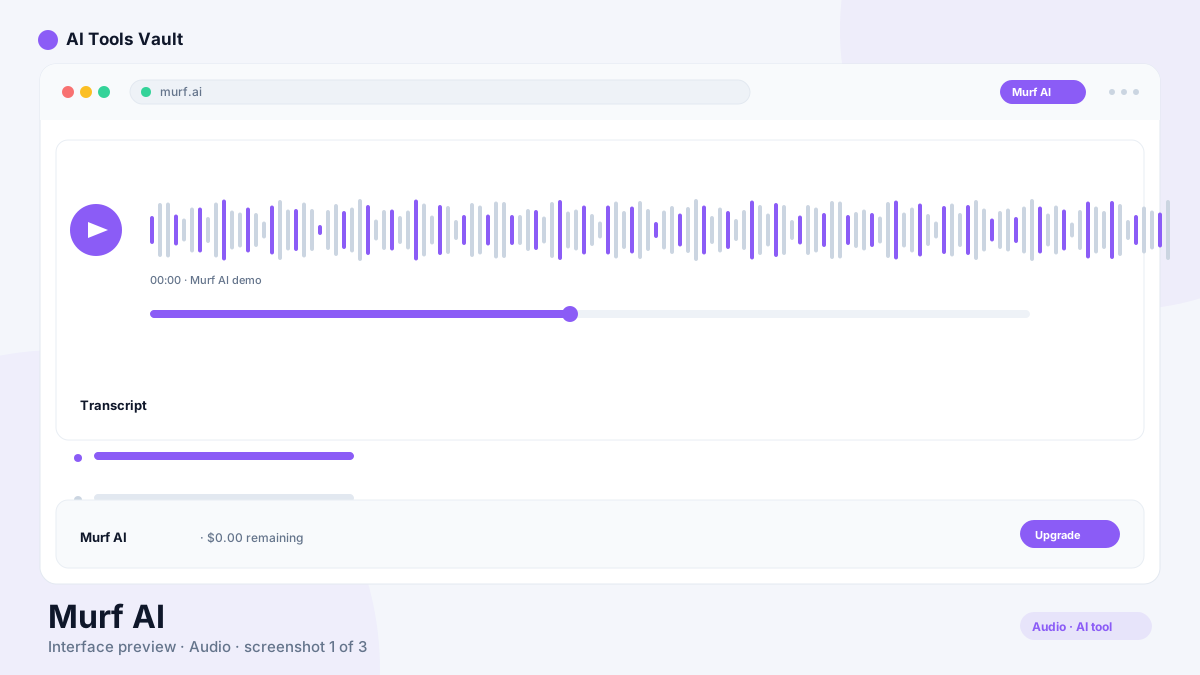
What Is Murf AI and How Does It Work?
It is a text-to-speech and voiceover studio with more than 120 natural-sounding AI voices across 20+ languages, built for creators, marketers, and L&D teams. You paste or type a script, pick a voice, adjust pitch, speed, and emphasis, and it renders lifelike speech.
The built-in studio editor lets you sync voiceovers to slides and video, fine-tune timing, and add background music, so you can finish a polished project without leaving the tool.
Key Features: Voices, Studio Editor & Voice Cloning
The value here is a complete voiceover pipeline: generation, editing, and project assembly in one place.
- 120+ realistic voices in 20+ languages
- Studio editor with video and slide sync
- Pitch, speed, and emphasis controls
- Voice cloning on higher tiers
- Commercial license on paid plans
Murf AI vs ElevenLabs
ElevenLabs is the benchmark for raw audio quality and cloning, favored by developers and power users. Murf is the friendlier all-in-one studio: a visual editor, template library, and voiceover workflow aimed at marketers and course creators rather than API-first users.
Pricing: Plans & Voiceover Hours
Free (10 min, no downloads); Creator $29/mo or $19/mo annual; Business $99/mo or $66/mo annual; Enterprise custom
Free
Try voices with 10 minutes of generation.
- 10 min generation
- 120+ voices preview
- No downloads
- Non-commercial use
Creator
Billed annually ($29 month-to-month).
- 24 hrs/yr generation
- 120+ voices & 20+ languages
- Commercial license
- Full studio editor
Business
Billed annually ($99 month-to-month).
- 96 hrs/yr generation
- Business license
- Brand voice cloning
- Priority support
Best For
Recommended use cases and scenarios where Murf AI shines.
Pros and Cons
Murf is one of the most complete AI voiceover studios, though the free plan is a listen-only trial and higher tiers get expensive.
Pros
- 120+ realistic voices in 20+ languages
- Simple studio editor with video
- Commercial license on paid plans
- Great for e-learning and ads
Cons
- Free plan has no downloads
- Generation can be slow at peak times
- Higher tiers are expensive
Frequently Asked Questions
Common questions about Murf AI, answered.
Is Murf AI free?
Yes, there is a free plan with 10 minutes of generation per month, but you cannot download the output. Paid plans start at $19 per month billed annually.
Can I use the voices commercially?
Yes, paid plans include commercial usage rights, and higher tiers add brand voice cloning and larger annual generation allowances.
How many voices does it have?
It offers more than 120 natural-sounding voices across 20+ languages, covering a wide range of accents and styles.
Is it good for e-learning?
Yes, its slide and video sync makes it a favorite for L&D teams producing training narration and course voiceovers.
Murf or ElevenLabs?
ElevenLabs wins on raw voice quality and cloning for developers. Murf wins on the all-in-one studio experience for marketers and creators.
Reviews & Ratings
Loading reviews...
Similar Tools
More Voice & Audio tools you might like

Krisp
Noise-canceling app that silences background audio on every call and adds AI meeting notes, transcripts, and summaries.

Otter.ai
AI meeting assistant that transcribes, summarizes, and makes your conversations searchable in real time.
