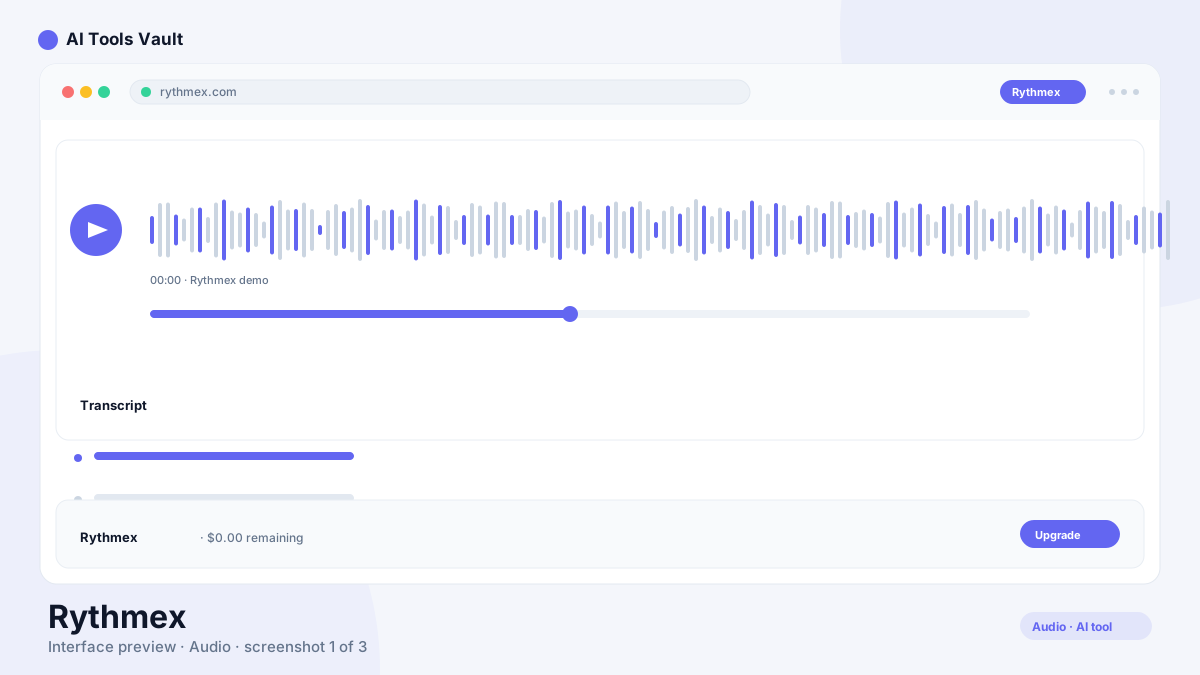
This browser-based transcription platform converts uploaded audio and video files into editable text. It targets the practical middle ground between free phone apps and enterprise speech services: journalists transcribing interviews, podcasters producing show notes, lawyers documenting consultations, and educators turning lectures into study material.
Two numbers define its scope: support for over 60 languages and compatibility with more than 20 audio and video formats, from MP3 and WAV to OGG, AMR, WMA, and common video containers. Upload a file through the web interface, let the engine process it, then refine the result in the built-in editor before sharing or exporting.
How It Works: Upload, Transcribe, Refine
The workflow stays deliberately simple. You upload a recording through the web interface — no installation required — and the platform automatically detects the format and processes the speech. Transcripts typically come back within minutes depending on file length.
From there the output lands in the editor, where you review, correct, and format the text. The AI Text Assistant adds a second layer: ask it to summarize the content, extract key points, or reformat sections for different uses without leaving the transcript. Finished files can be shared directly with clients or collaborators from the platform.
Key Features That Matter
The feature set covers the full path from raw recording to deliverable document:
Audio and video upload across 20+ formats including MP3, WAV, OGG, AMR, and WMA
Transcription in 60+ languages
AI Text Assistant for summarizing, querying, and reformatting transcripts
Advanced in-built editor for reviewing and correcting output
Direct file sharing with collaborators and clients
Team accounts on Premium for small groups up to 3 seats
Account analytics for tracking transcription usage
Accuracy and Language Coverage
On clear, well-recorded single-speaker audio, modern automatic speech recognition performs reliably, and this platform follows that pattern. Expect to spend editing time on recordings with heavy background noise, overlapping speakers, strong regional accents, or specialized terminology — no file-based service escapes that reality entirely.
Language breadth is the genuine differentiator. Many competitors concentrate on English and a handful of major languages, while this platform advertises 60-plus, making it worth shortlisting for multilingual interview projects, regional-language podcasts, and international research work. Test one representative file in your target language during the free trial before committing hours to the platform.
Rythmex Pricing: Trial Through Enterprise
Pricing runs on three tiers plus a pay-as-you-go escape hatch. Everyone starts with a short free trial carrying a few free minutes. Beyond that, occasional users buy additional hours at $15 per hour without any subscription. The Premium plan at $25 per month includes 2 free hours monthly with unlimited transcriptions and duration, drops the extra-hour rate to $5/hr, unlocks the AI Text Assistant, advanced editing, file sharing, analytics, and support for teams up to 3 accounts.
Enterprise pricing is quoted individually around advanced user management, centralized billing, and 10+ additional accounts. The official site also offers yearly Premium billing at 25% off the monthly rate; third-party listings have cited figures near $3,000/year for large deployments. Pricing can change, so confirm current terms on the official pricing page. Browse comparable transcription tools via AI Tools Vault.
Journalists convert recorded interviews into quotable text on deadline. Podcasters generate episode transcripts for accessibility and SEO. Lawyers document client consultations and deposition recordings. Educators produce accessible lecture notes, and students transcribe recorded classes into study material.
The unifying profile is someone with finished recordings who needs dependable text fast — not live meeting participants. If your workflow centers on real-time meeting capture instead, tools built for that scenario fit better, which is exactly where the next comparison matters.
How It Compares to Otter, Descript, and Fireflies
Otter AI specializes in live meeting transcription with real-time collaboration, while this tool focuses on file-based post-recording work — different jobs despite surface similarity. Descript merges transcription with full audio and video editing where deleting a word deletes the corresponding media; powerful, but heavier than a dedicated converter. Fireflies AI automates meeting notes across calendar-connected calls rather than processing arbitrary uploaded files.
Adobe Podcast complements rather than competes, cleaning audio before transcription when source quality suffers. The honest selection rule: live meetings point to Otter or Fireflies, edit-heavy production points to Descript, straightforward upload-and-transcribe volume points here.
Otter.ai
Voice & AudioFreemium
Best for: Meeting transcription & summaries
AI meeting assistant that transcribes, summarizes, and makes your conversations searchable in real time.
Best for: One-click AI enhancement of podcast and voice recordings from any microphone
Adobe Podcast is Adobe's AI tool for enhancing podcast and voice recording quality, using machine learning to remove noise, normalize levels, and produce studio-quality audio from any microphone.
Strengths cluster around flexibility: format breadth removes conversion chores, language coverage serves multilingual workflows, and the dual pricing model lets light users pay hourly while regular users save with Premium's $5/hr rate. The AI Text Assistant earns its place by turning raw transcripts into summaries and structured drafts inside the same tab.
Limitations deserve equal weight. The trial's few free minutes barely cover a serious evaluation, pushing you toward either an hourly purchase or Premium commitment early. The $15/hr casual rate stings against subscription competitors for anyone with steady volume. And published accuracy percentages vary across sources, so validate quality on your own audio rather than trusting marketing claims.
Final Verdict
This service fits file-based, multilingual transcription with irregular-to-moderate volume better than almost anything at its price points. The smart path costs nothing: run your hardest recording — noisiest, most accented, longest — through the trial, judge the editing effort yourself, then pick hourly hours or Premium based on which math wins for your actual volume.
Best For
Recommended use cases and scenarios where Rythmex shines.
An online transcription platform that converts uploaded audio and video files into editable text, supporting 60+ languages and more than 20 formats, with an AI Text Assistant for summarizing and refining results.
Is Rythmex free?
There is a 7-day free trial with 5 free minutes. After that, you either buy hours at $15 each without a subscription or subscribe to Premium at $25/month, which includes 2 free hours monthly.
How much does Rythmex cost?
Pay-as-you-go hours cost $15/hour. Premium costs $25/month with 2 hours included and extra hours at $5/hr. Enterprise pricing is custom — third-party listings have cited roughly $3,000/year for large deployments.
Which formats does Rythmex support?
More than 20 audio and video formats, including common types such as MP3, WAV, OGG, AMR, and WMA along with standard video containers.
Does Rythmex work with languages other than English?
Yes. The platform advertises support for over 60 languages, which is its main advantage for multilingual interviews, regional content, and international research.
Does Rythmex do real-time transcription?
It is built for uploading and converting finished recordings rather than live capture. For real-time meeting transcripts, dedicated live tools such as Otter are a better match.
How accurate is Rythmex?
Clear single-speaker audio transcribes reliably, while noise, overlapping speakers, and heavy accents always require editing passes. Published accuracy claims vary, so test the service on your own representative recordings first.
Rythmex vs Otter.ai — which should I pick?
Pick Otter for live meeting transcription with collaboration, and this platform for batch-processing recorded files across many languages and formats. Teams often use both side by side.
Reviews & Ratings
Loading reviews...
Explore More Voice & Audio Tools
Browse the full AI Tools Vault directory to compare Rythmex with every voice & audio tool, or line up your shortlist side by side.