PDFGPT Review: Features, Pricing & Alternatives
ProductivityFreemiumChat with any PDF — ask questions, get page-cited answers, generate structured study notes, and run deep research across whole document folders.
What Is PDFGPT?
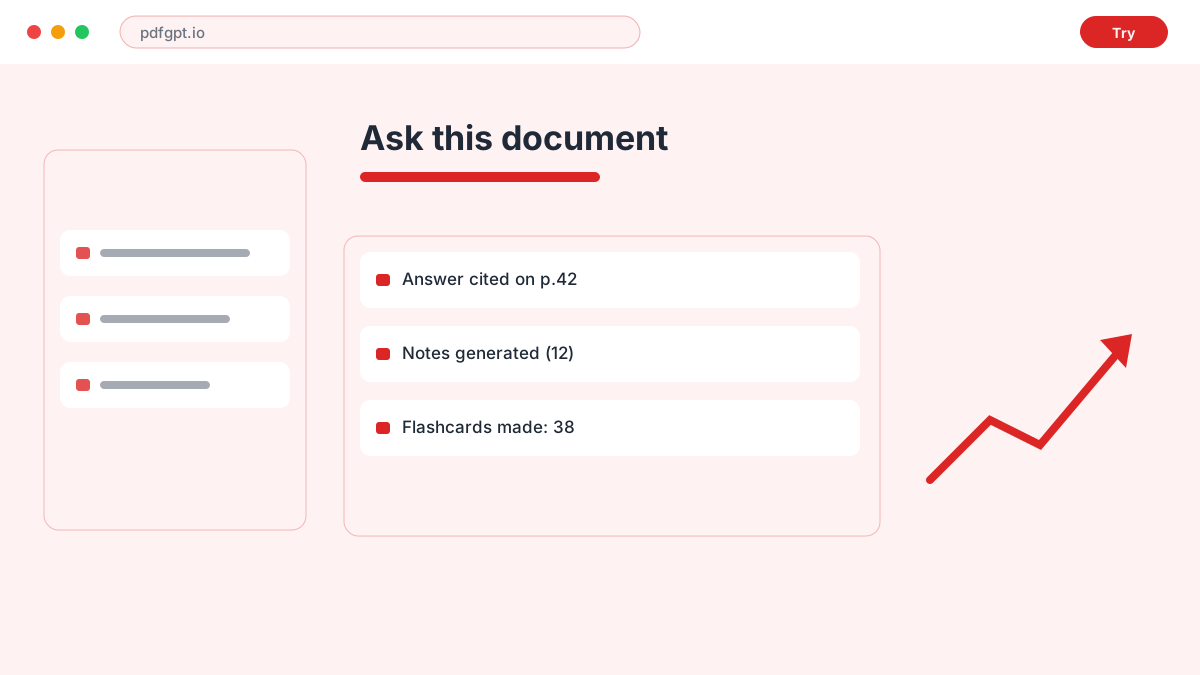
The platform is an AI workspace for interrogating documents. Drop in a PDF — research papers, legal contracts, textbooks, manuals, scanned handouts — and ask questions in natural language; responses arrive grounded in the text with page references you can click to verify instantly. The pitch is precision over paraphrase: no hallucinated claims, every statement traceable.
Launched in 2023, the platform has broadened from simple PDF chat into a study-and-research system: structured note generation that mirrors a document's own hierarchy, one-click flashcards, a persistent searchable library, OCR for photographed pages, multilingual output across ten languages, and Deep Research mode that reads a whole folder of sources as one corpus.
Pricing & Plans
Free (25 notes/mo, 500-page PDFs); Student/Basic from $4.99/mo; higher tiers add Deep Research capacity
Free
Full core experience without signup or card.
- 25 notes / month
- PDFs up to 500 pages
- 5 deep research reports
- Page-cited chat answers
Student
Affordable upgrade for heavier study workflows.
- Higher monthly limits
- Longer document retention
- Flashcard deck generation
- Notion export
Pro
Deep Research at scale for professionals.
- Expanded Deep Research runs
- Custom deletion schedules
- Priority processing
- Team-ready sharing
Best For
Recommended use cases and scenarios where PDFGPT shines.
Pros
- Page-level citations on every answer kill hallucination doubts
- 500-page uploads handled even on the free tier
- Notes keep source structure: headings, key terms, definitions
- Deep Research mode unifies entire course folders
Cons
- Free and Basic plans auto-delete files after seven days
- Best features concentrate in the paid tiers
- PDF-centric — other formats feel secondary
Frequently Asked Questions
Common questions about PDFGPT, answered.
Is PDFGPT free?
Yes. The free plan offers 25 notes per month, 500-page PDF support, 5 deep research reports, and chat with page-cited answers — no credit card or signup needed to try it.
How much does PDFGPT cost?
Paid plans start at $4.99/month for students, adding higher limits, longer file retention, and Notion export. Higher tiers expand Deep Research capacity, billed monthly or yearly.
Does it hallucinate answers?
Every response carries a clickable page reference tied to your uploaded document, so verification takes one click — a design explicitly aimed at eliminating unverifiable claims.
Can it handle scanned documents?
Yes. Scanned handouts, photographed pages, and image-based PDFs are processed automatically through OCR before analysis, preserving structure in the generated notes.
How long are my files kept?
Free and Basic accounts auto-delete files after seven days. Paid users control their own deletion schedule, and all files sit in encrypted cloud storage never used for model training.
Reviews & Ratings
Loading reviews...
Similar Tools
More Productivity tools you might like

Zapier
No-code automation platform that connects 9,000+ apps with Zaps, plus AI agents and chatbots that work across your tools.

Make
Visual no-code automation and integration platform with a drag-and-drop scenario builder, routers, and a generous free tier.
