Julius AI Review: Features, Pricing & Alternatives
ProductivityFreemiumMeet your AI data analyst: upload spreadsheets or connect databases, then ask questions in plain English to get charts, models, and insights without code.
What Is Julius AI?
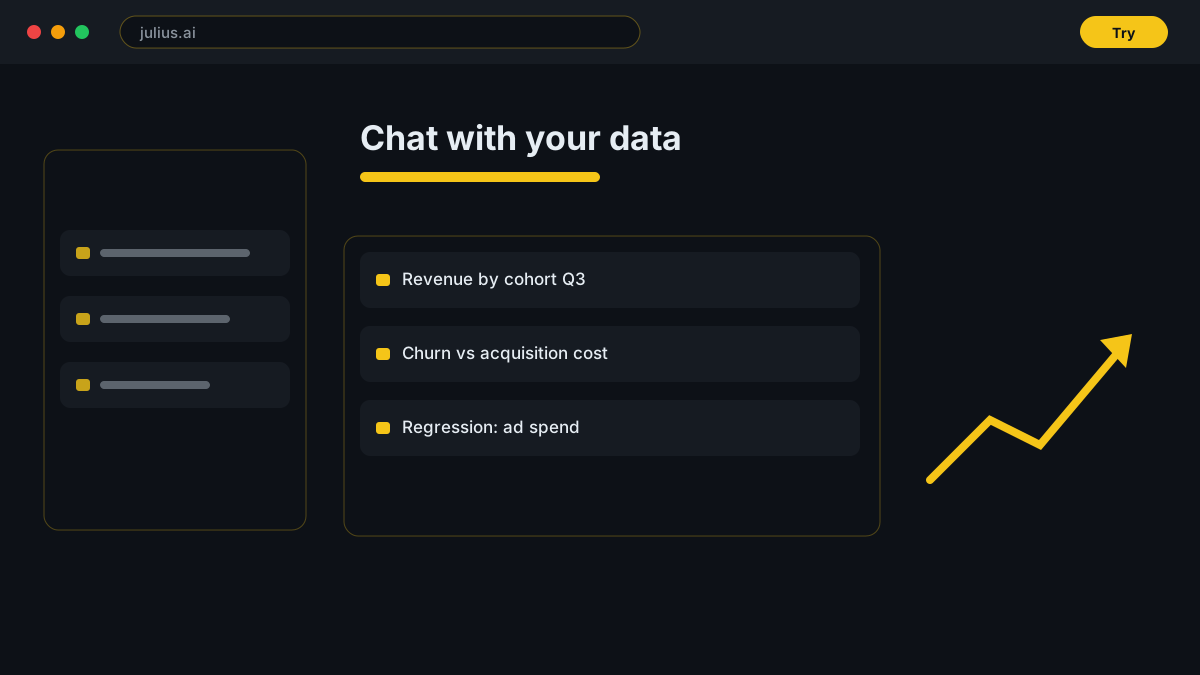
This conversational data analysis platform behaves like a junior analyst on demand. You describe what you want — month-over-month growth, churn segments, a scatter plot of revenue against acquisition cost — and it writes the necessary Python, R, or SQL, executes it in a secure cloud container, and returns charts, tables, and explanations in seconds.
The project started in 2022 as ChatCSV, a simple spreadsheet question-answerer, and matured into a full workspace used by business analysts, marketers, researchers, and students. Specialized editions for labs and universities add workflows for scientific data, while SOC 2 Type II certification covers professional deployments.
Pricing & Plans
Free (15 messages); Plus $35/mo (250 messages); Pro $45/mo (unlimited + database connectors); Max $200/mo; Business $375/mo
Free
Test the chat-with-data workflow, no credit card required.
- 15 messages / month
- File uploads: CSV, Excel, Google Sheets, PDF
- Basic visualizations
- Notebooks included
Plus
Regular individual analysis with advanced reasoning.
- 250 messages / month
- 16 GB RAM containers
- Saved prompts and advanced reasoning
- 7-day file storage
Pro
Unlimited messages plus live database connectivity.
- Unlimited messages
- 32 GB RAM containers
- PostgreSQL, Snowflake, BigQuery, Stripe connectors
- Longer context window and Notebooks
Business
Team collaboration, integrations, and admin controls.
- Everything in Pro
- Team workspaces up to 10 seats
- Slack agent and API access
- Centralized billing, SOC 2 Type II
Best For
Recommended use cases and scenarios where Julius AI shines.
Pros
- Plain-English queries replace formulas, SQL, and pandas boilerplate
- Shows and lets you edit the generated Python, R, or SQL code
- Live database connectors on Pro unlock current warehouse data
- Exportable charts and tables drop straight into reports
Cons
- Entry message caps run out fast during real work sessions
- Pro-to-Business jump is steep with no intermediate team tier
- Visualization styling trails dedicated BI tools like Tableau
Frequently Asked Questions
Common questions about Julius AI, answered.
Is Julius AI free?
Yes, there is a permanent free plan with 15 messages per month, file uploads, and Notebooks. Paid plans start at $35 per month for higher limits.
How much does Julius AI cost?
Plus costs $35/mo (250 messages), Pro is $45/mo with unlimited messages and database connectors, Max is $200/mo, and Business is $375/mo for teams. Annual billing saves about 15%.
Can it connect to my database?
Live connections to PostgreSQL, Snowflake, BigQuery, Supabase, Google Ads, and Stripe require the Pro plan or above. Free and Plus tiers work with uploaded files only.
Does Julius AI show the code it writes?
Yes. Every analysis exposes the generated Python, R, or SQL so you can review, edit, and rerun it — useful for verification and for learning.
Is my data safe?
Files are processed in isolated containers and the platform is SOC 2 Type II certified with GDPR support; Enterprise adds private VPC deployment, SSO, and audit logs.
Reviews & Ratings
Loading reviews...
Similar Tools
More Productivity tools you might like

Zapier
No-code automation platform that connects 9,000+ apps with Zaps, plus AI agents and chatbots that work across your tools.

Make
Visual no-code automation and integration platform with a drag-and-drop scenario builder, routers, and a generous free tier.

Guides & Articles about Julius AI
Read our detailed reviews and comparisons covering Julius AI